
Manage Laravel user accounts with configurable access, views, roles, email, avatars, and account settings.





Table of Contents
- Framework Support
- Requirements
- Installation
- Quick Start
- Features
- Configuration
- Changing Frameworks
- Artisan Commands
- Routes
- Optional Integrations
- Project Layout
- Testing
- Documentation
- Screenshots
- License
Framework Support
This release supports Blade with Bootstrap 4 and Bootstrap 5. Bootstrap 4 remains the default for existing applications. Switching CSS preserves routes, authentication, models, configuration, and published custom views.
| CSS framework | Blade | Availability |
|---|---|---|
| Bootstrap 4, legacy | Default | Included |
| Bootstrap 5.3 | Optional | Included |
Only Blade and the two Bootstrap choices are offered by the release installer. Deferred CSS frameworks and application runtimes are tracked separately in the roadmap, with release dates and order still to be determined.
The package’s documented compatibility suite covers Laravel 8 through 13, with framework and PHP versions paired in the CI matrix. Older Laravel applications should use a package version compatible with their framework and PHP runtime. See framework setup and commands.
Requirements
- PHP 8.1 or newer.
- Laravel 8 or newer, with compatibility validated against the versions in the CI matrix.
- An existing application user model, users table, and authentication guard.
- Composer.
The package does not create or alter the host users table, add an authentication system, or grant administrator access. Optional features may require their own published migrations, queue worker, or cache configuration. Those features are disabled by default.
Installation
Install the package and run its setup command:
composer require jeremykenedy/laravel-users
php artisan laravelusers:install
The installer keeps Blade and Bootstrap 4 as the defaults, detects existing package configuration through the current settings, and preserves existing configuration and published views. It offers settings for Bootstrap CSS, theme, view publishing, avatars, notifications, and optional integrations. Use --no-interaction for scripted setup. Review the installation and update guide before enabling optional migrations or package changes.
The original publish command remains available:
php artisan vendor:publish --tag=laravelusers
The package also provides php artisan laravelusers:publish, with laravel-users:publish as an alias. It publishes configuration, translations, views, and versioned assets in public/vendor/laravelusers/ while preserving existing host files. Install and update also publish these assets. The bundled templates do not depend on Laravel Collective HTML. If you have custom published views, check them for their own form-builder calls before removing a host application’s dependency.
Quick Start
The default setup preserves Blade and Bootstrap 4:
php artisan laravelusers:install --frontend=blade --css=bootstrap4 --no-interaction
To use Bootstrap 5:
php artisan laravelusers:install --frontend=blade --css=bootstrap5 --no-interaction
Sign in with an account authorized by the host application’s middleware, then open /users. Existing installations can use laravelusers:update with the same flags. For application-owned navigation, link to the package route:
<a href="{{ route('users') }}">Manage users</a>
See standalone navigation components for the Blade controls that can be embedded in a host layout, and the roadmap for future frontend work.
Features
- Create, view, edit, search, sort, filter, and delete users with paginated table or card layouts.
- Preserve Bootstrap 4 and Blade by default, with Bootstrap 5 available through an explicit choice.
- Keep soft-deleted users in a separate list, with authorized restore and permanent-delete actions.
- Restrict management routes and individual actions with host middleware, gates, roles, permissions, and supported role levels.
- Integrate optionally with Laravel Roles, Spatie Laravel Permission, and compatible custom role models.
- Track latest login time, IP address, device, operating system, browser, and recent online status when enabled.
- Select global or per-user avatar sources, including initials, local generators, Gravatar, DiceBear, and host-provided images.
- Send customizable welcome, password reset, account recovery, goodbye, and custom emails, individually or in bulk.
- Set global welcome-email defaults and enable or disable welcome actions from the administrator settings page.
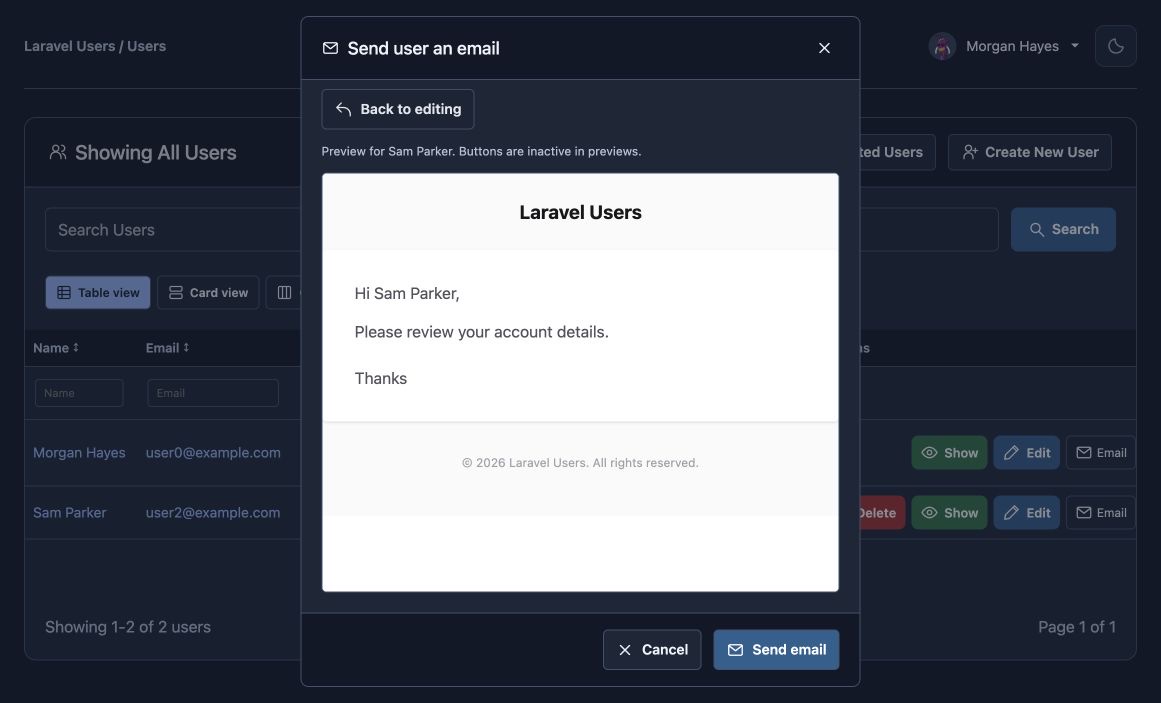
- Preview email content before sending and retain edits when returning to the composer.
- Configure password strength rules and confirmation feedback for account creation and editing.
- Customize independent light/dark card colors, gradient highlight colors and strength, with inherited per-user overrides.
- Choose inline alerts, installed Laravel Toast notifications, or both, with configurable Toast behavior.
- Preview unsaved notification choices in the browser before saving settings.
- Use consistent page icons, headers, tabs, and content width across the Bootstrap interfaces.
- Install, configure, and remove supported optional packages through authorized settings controls with worker verification and visible progress.
- Add a signed-in account page with profile, avatar, appearance, email, password, and account-removal controls.
- Use the theme toggle and user menu as standalone Blade components.
- Impersonate another account with role-based authorization, expiring sessions, verified state, and an exit control when explicitly enabled.
- Keep new account settings, cleanup, activity, and package-management features disabled unless explicitly enabled.
See configuration and the individual feature guides for defaults, requirements, and upgrade notes.
Configuration
The package configuration is src/config/laravelusers.php. Existing installations retain Bootstrap 4 and existing option defaults. Every configuration option supports its documented LARAVEL_USERS_* environment variable fallback. The detailed configuration reference is maintained in docs/configuration.md.
| Setting | Default | Purpose |
|---|---|---|
frontend |
bootstrap4 |
Preserve the original bundled views and styles. |
runtime |
blade |
Preserve server-rendered screens unless explicitly changed. |
settings.enabled |
false |
Keep the global settings page opt-in. |
emails.enabled |
false |
Keep package email actions off until configured. |
welcome.enabled |
false |
Require an administrator or environment opt-in for welcome actions. |
activity.login, activity.online |
false |
Leave login history and online presence disabled. |
account.enabled, cleanup.enabled |
false |
Keep end-user account controls and automatic cleanup disabled. |
The settings page is separately enabled with a migration and a host-defined authorization gate. Optional activity, account settings, per-user avatars, per-user appearance, deleted-account links, cleanup, Toast notifications, and managed package changes each have separate requirements. Do not enable them before reviewing settings and access rules, activity, and integrations.
Changing Frameworks
Bootstrap 4 remains the default. Use laravelusers:update for interactive setup or explicit flags. It preserves the main config file and existing custom view overrides:
php artisan config:clear
php artisan laravelusers:update
php artisan laravelusers:update --frontend=blade --css=bootstrap5 --theme=system --no-interaction
php artisan config:cache
For a direct change without prompts, use laravelusers:switch:
php artisan laravelusers:switch --css=bootstrap4
php artisan laravelusers:switch --framework=bootstrap4 --theme=light
| Option | Values | Purpose |
|---|---|---|
--framework / --css |
bootstrap4, bootstrap5 |
Select the CSS framework. |
--frontend |
blade |
Keep the Blade screen runtime for this release. |
--theme |
light, dark, system |
Set the initial package theme. |
--views |
package, publish |
Use bundled views or publish missing view files. |
--force |
flag | Back up and replace published package views; only valid with --views=publish. |
The commands publish compiled package CSS and runtime assets automatically. Run npm run build after switching if your host application imports or modifies its own assets; the bundled screens do not require a host Node build. Existing host overrides take precedence. Read upgrading and rollback before replacing published views.
Artisan Commands
| Command | Purpose | Options |
|---|---|---|
laravelusers:install |
Configure the package and select optional integrations. | Setup options and integration flags |
laravelusers:update |
Refresh view choices and optional integration setup while preserving config. | Same setup flags as install |
laravelusers:switch |
Apply explicit runtime, CSS, theme, view, avatar, role, or notification choices. | Same setup flags as install; pass choices explicitly |
laravelusers:publish |
Publish configuration, views, translations and versioned public assets; laravel-users:publish is an alias. |
No package-specific flags |
laravelusers:setup-accounts |
Publish optional account, avatar, and appearance migrations. | --migrate |
laravelusers:setup-package |
Configure an installed Toast or roles package. | package argument, --framework, --migrate |
laravelusers:prune-deleted |
Permanently remove soft-deleted users when scheduled cleanup is enabled. | No package-specific flags |
laravelusers:prune-account-links |
Remove expired account-link records. | No package-specific flags |
Install, update, and switch share flags for runtimes, CSS, views, themes, role package selection, avatars, Toast, and optional setup tasks. Both laravelusers:* and laravel-users:* spellings are available for those commands. These three commands publish versioned assets and register the impersonation-state guard in an existing host web routes file. The full option list, publishing safeguards, queue setup, and safe removal steps are in Artisan commands.
Install Options
| Option | Values | Purpose |
|---|---|---|
--framework / --css |
bootstrap4, bootstrap5 |
Select the CSS framework. |
--frontend |
blade |
Select the screen runtime supported by this release. |
--theme |
light, dark, system |
Set the initial theme. |
--views |
package, publish |
Use bundled views or publish missing templates. |
--force |
flag | Back up and replace published views when --views=publish is selected. |
--no-interaction |
flag | Use current settings or explicit choices without prompts. |
Optional package installation and migration flags are documented in the complete command reference.
Routes
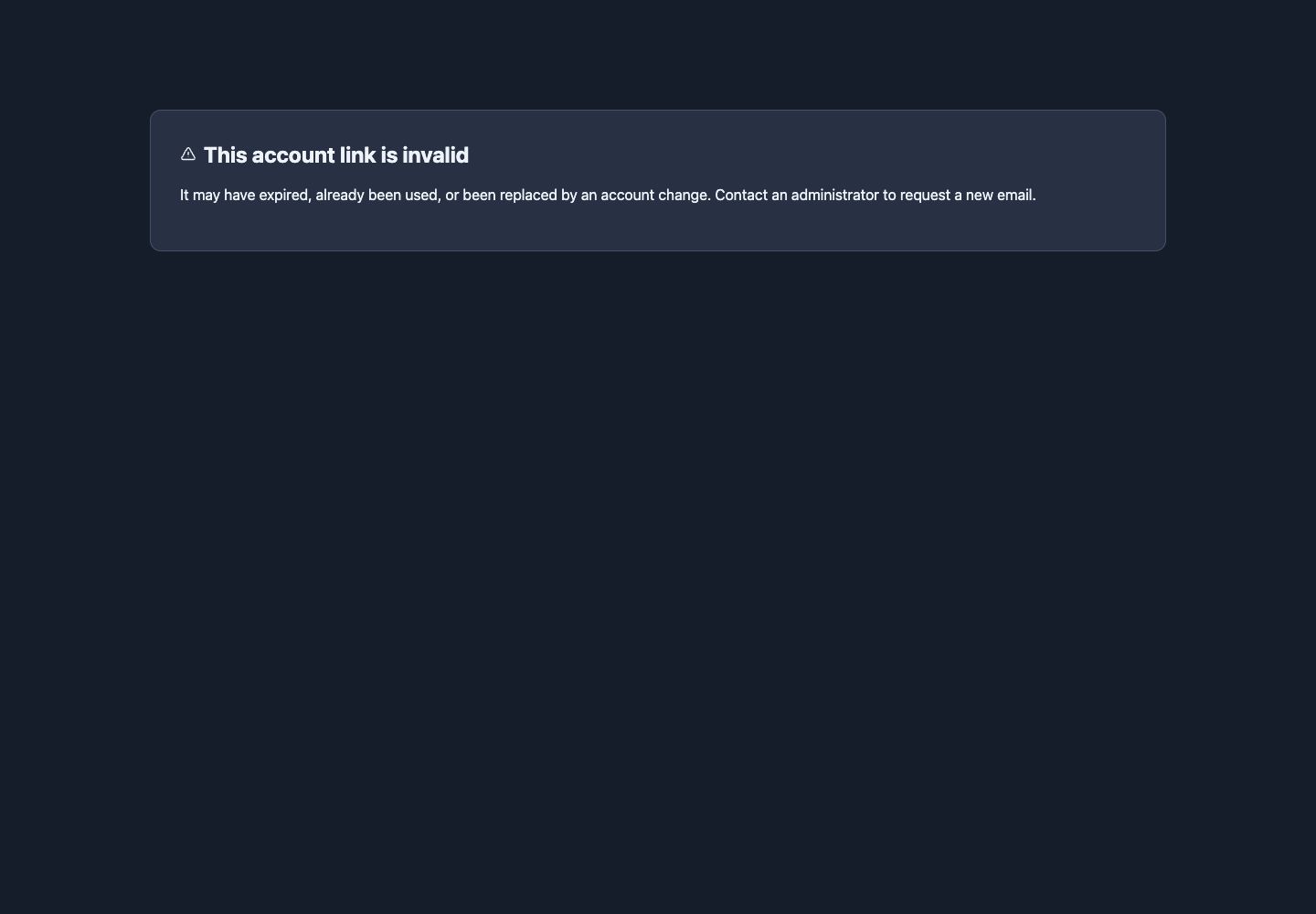
The package provides /users for the directory, /users/deleted for soft-deleted accounts, /users/settings for optional global settings, and /users/account for the signed-in account page. Account recovery links use /users/account-link/{token} when enabled. The complete route names, methods, middleware, and feature requirements are in docs/routes.md.
Management routes use authentication and the configured package middleware. Authentication by itself does not grant administrator authorization. Configure a role middleware, a gate, or explicit access rules before exposing user management to ordinary signed-in accounts. The package prevents deleting the current authenticated user through its management actions.
Optional Integrations
The package has no required Laravel Collective HTML or roles package dependency. Supported optional integrations include Laravel Roles, Spatie Laravel Permission, Laravel Toast, local DiceBear libraries, and host-provided avatar, UI, dark-mode, IP-capture, and seed services.
The install and update commands can show setup instructions and configure supported optional packages. The settings page can manage package installation or removal only when the queue, worker, cache, and authorization requirements are met. A second roles package cannot be installed alongside an already detected roles integration. Read integrations, roles, and package settings before making dependency changes.
Packages That Work Together
Laravel Users fits into a collection of focused Laravel packages. Choose the parts your application needs; all of the integrations below are optional.
| Package | What it brings to your application | How Laravel Users uses it |
|---|---|---|
| Laravel Toast | Configurable toast notifications with positioning, animations, progress, stacking, and dismissal controls. | Renders user-management notices through Toast or alongside inline alerts. The settings UI configures its behavior and previews unsaved options; explicit installation completes Toast setup automatically. |
| Laravel Roles | Roles, permissions, levels, and middleware for application access control. | The preferred integration for new role setups, with role assignment, optional direct permissions, and role/permission/level access rules. Existing role systems remain supported. |
| Laravel UI Kit | Shared UI components for application-owned interfaces. | Setup guidance for hosts that use its components in custom or published views; selecting it does not replace the bundled screens. |
| Laravel Darkmode Toggle | A theme control for your host application’s interface. | An alternative to the built-in theme button when your layout already manages light and dark themes. Synchronize the package theme with your host control. |
| Laravel IP Capture | IP capture for host user models. | Setup guidance for application-owned IP tracking. Laravel Users’ optional login activity has separate storage and does not add IP columns to your users table. |
| Laravel Seedster | Application seeding tools. | Setup guidance for host-managed seeders. Laravel Users does not run seeds or create administrator accounts. |
Spatie Laravel Permission is an alternative role integration. Official dicebear/core and dicebear/styles libraries provide optional local avatars. Required runtime dependencies are PHP-Parser, for preserving host routes during setup, and UA Parser, for optional device and browser details.
Related Package
Laravel Notifications adds an in-app notification center with bell and badge controls, read/unread tracking, mark-all-read, deletion, and a REST API. It complements Toast’s immediate feedback when your application needs a place to keep and revisit notifications. It is a separate host integration; Laravel Users does not currently install it or send notices to its notification center automatically.
Project Layout
src/
  Actions/                 Account, email, and user operations
  App/Http/                Controllers, middleware, and requests
  App/Console/Commands/    Install, update, switch and publish commands
  Console/                 Compatible command classes and maintenance commands
  Support/                 Package integrations and configuration
  database/                Opt-in package migrations
  resources/assets/        Compiled CSS, runtime scripts and license notices
  resources/views/         Blade screens, components, and email templates
  routes/                  Package routes
docs/                      Setup, feature, and upgrade guides
art/                       Theme banners and browser screenshots
tests/                     Feature, integration, and browser tests
phpunit.xml                Tests across the supported Laravel versions
phpunit.coverage.xml       PHP coverage configuration for PHPUnit 12
Testing
Run the package checks locally:
composer validate --strict
composer check
npm ci
npm run build
npm run test:runtime
npm run test:browser
CI covers PHP and Laravel compatibility, optional roles and presentation integrations, code style, dependency audit, coverage collection, and browser tests. Browser jobs exercise Bootstrap 4 and 5 in Chromium, Firefox and WebKit. See testing and CI for the commands, matrix, and fixture details. Browser fixtures use isolated temporary databases and sample users.
PHP coverage uses phpunit.coverage.xml with PHPUnit 12 and Xdebug. It includes package logic, routes, configuration and migrations. Blade templates and generated assets are checked by the browser suite. The requested 100% coverage target has not yet been reached.
Documentation
All guides are available in the docs/ folder:
- Activity tracking and online status
- Avatar sources and local generators
- Artisan commands, install, update, and package setup
- Configuration and environment variables
- Email templates, previews, expiration, and account recovery
- Optional integrations
- User impersonation and session security
- Standalone navigation components
- Roles, permissions, and middleware
- Routes and authorization
- Global settings and access rules
- Testing and CI
- Upgrade and rollback guide
- Changelog and historical versions
- Roadmap and future frontend choices
- Canonical release notes
Screenshots
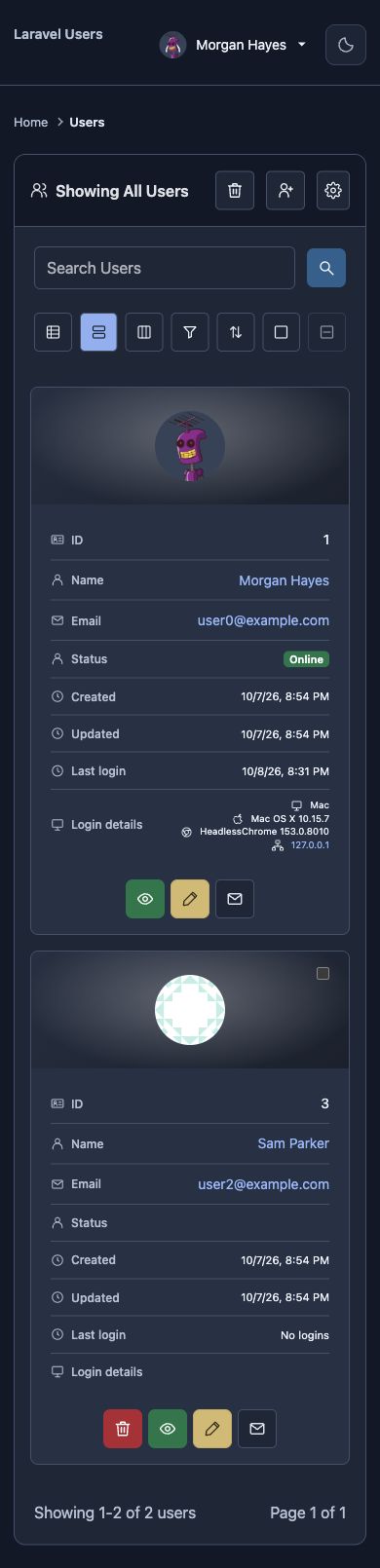
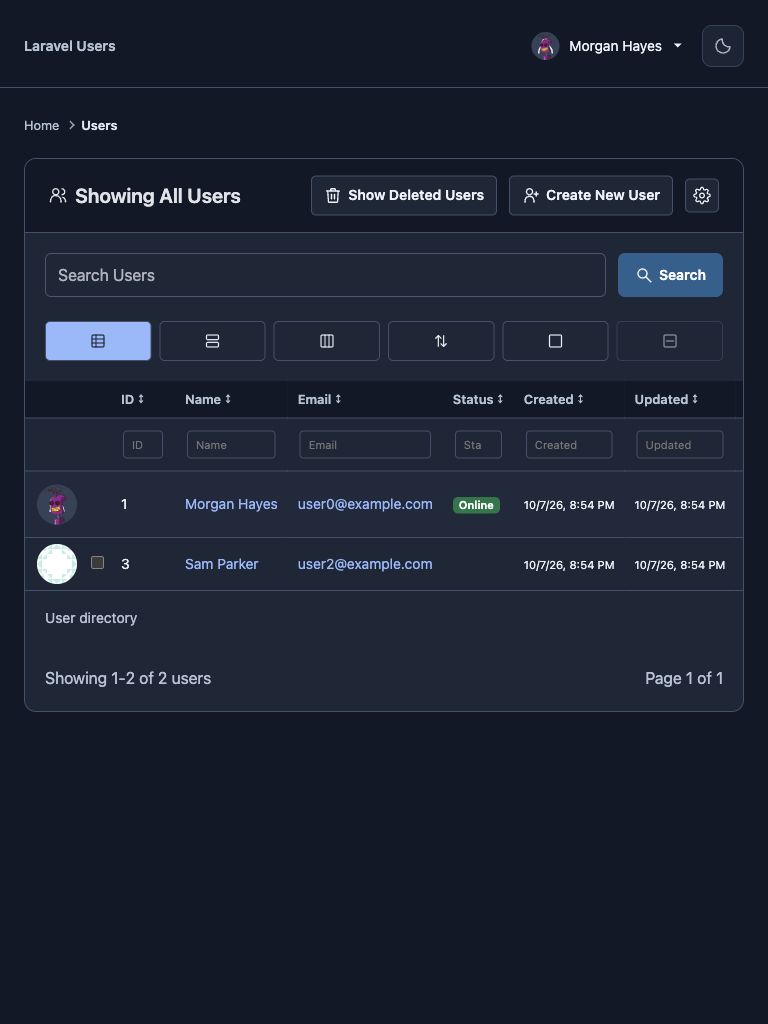
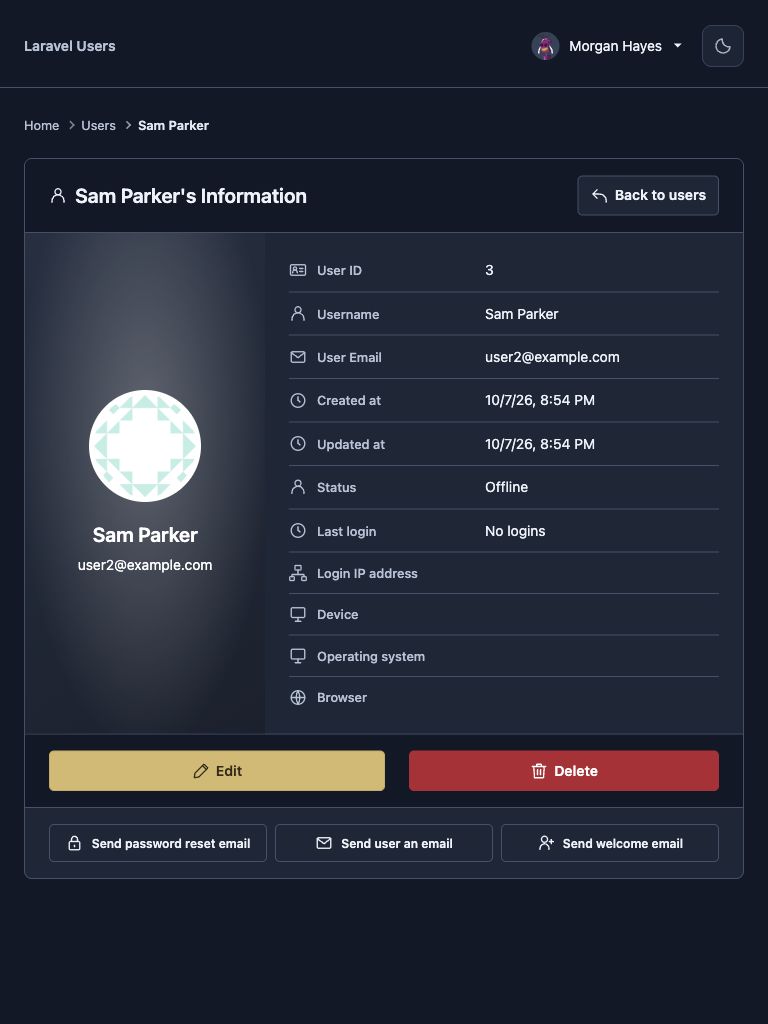
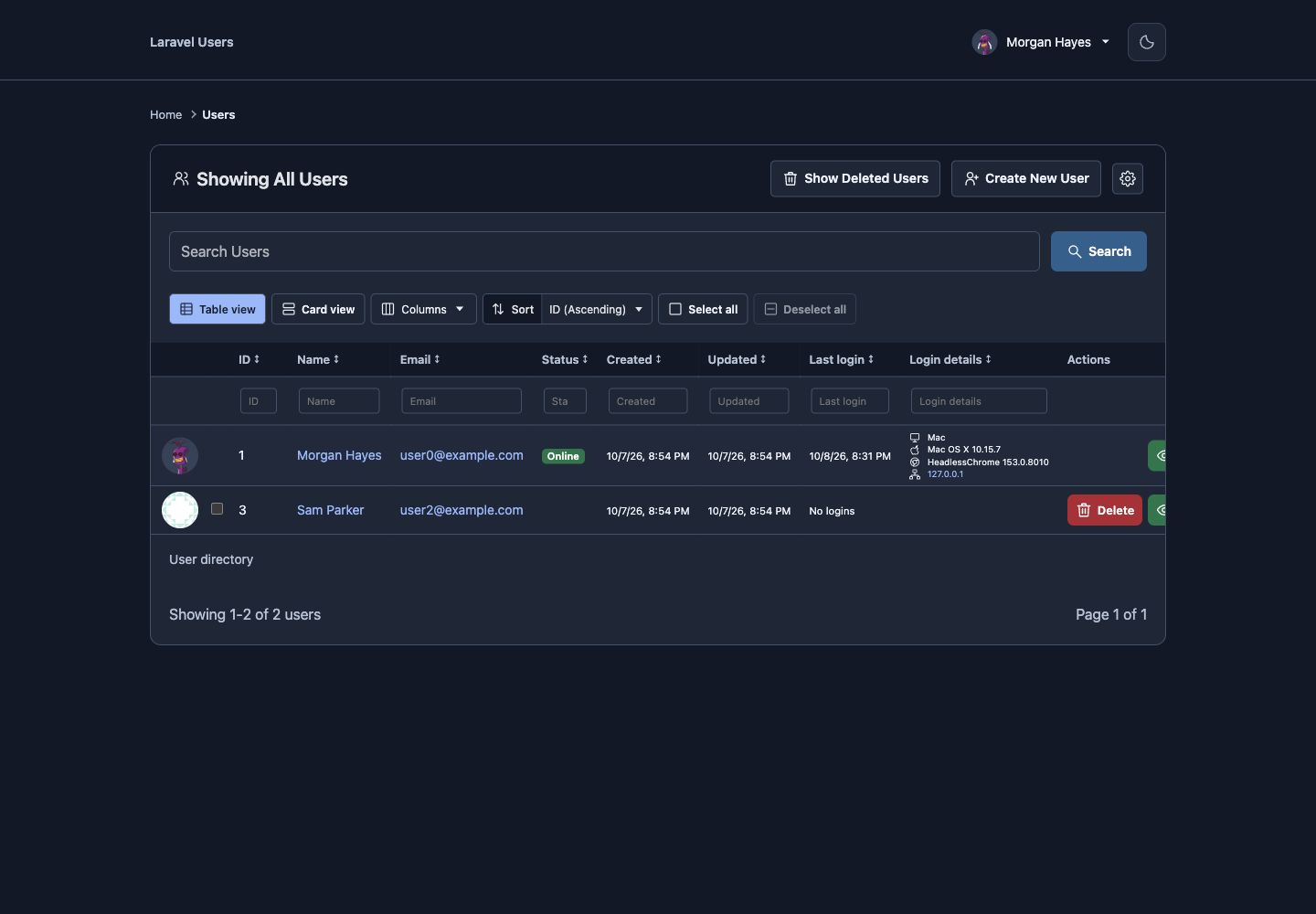
These screenshots use sample accounts from the isolated preview application. The pages below are captured from the current Bootstrap 5 interface.
Mobile
| User directory |
|---|
 |
Tablet
| User directory | User profile |
|---|---|
 |
 |
Desktop
| Active users | Deleted users | Create user |
|---|---|---|
 |
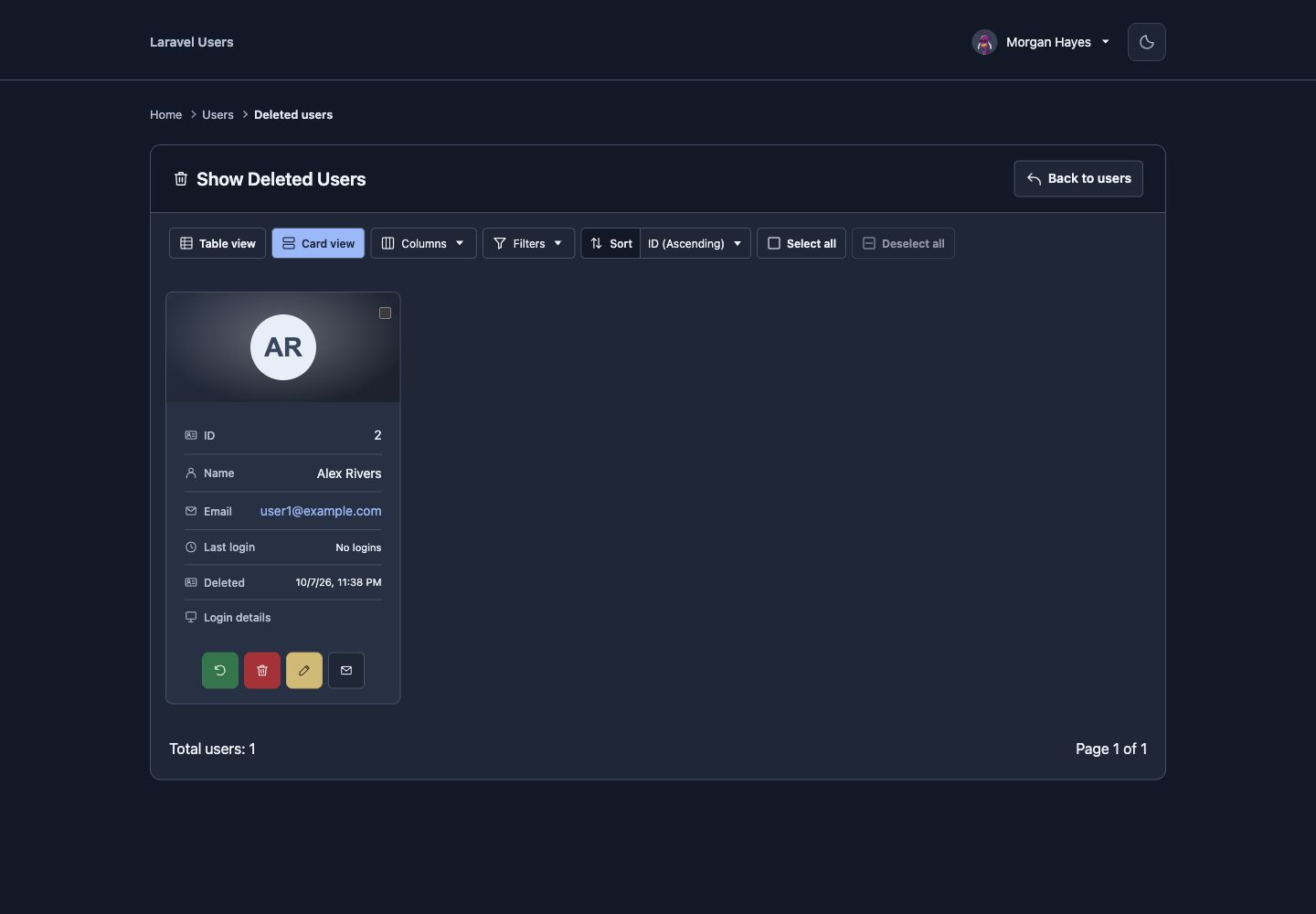 |
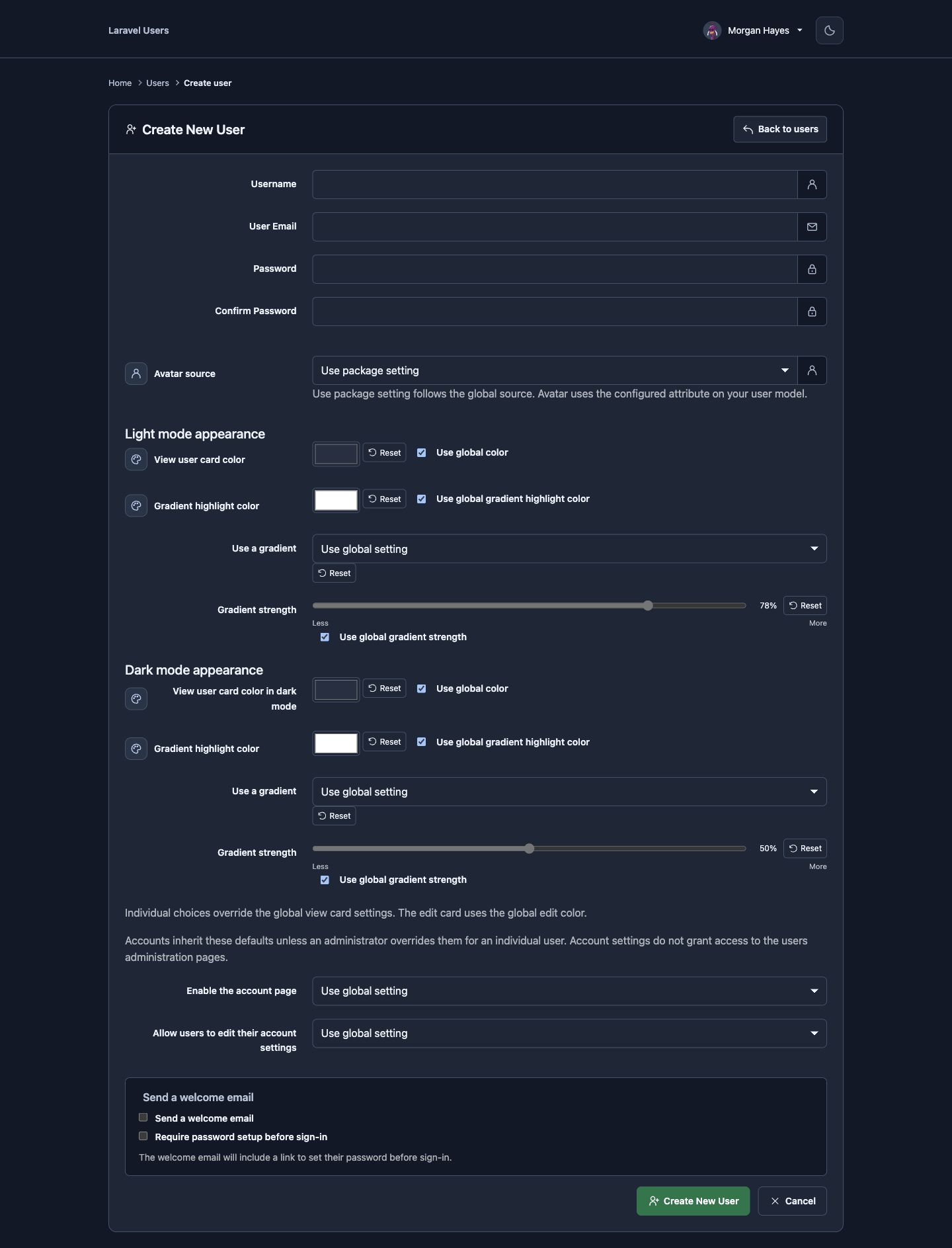 |
| Edit user | Edit deleted user | User profile |
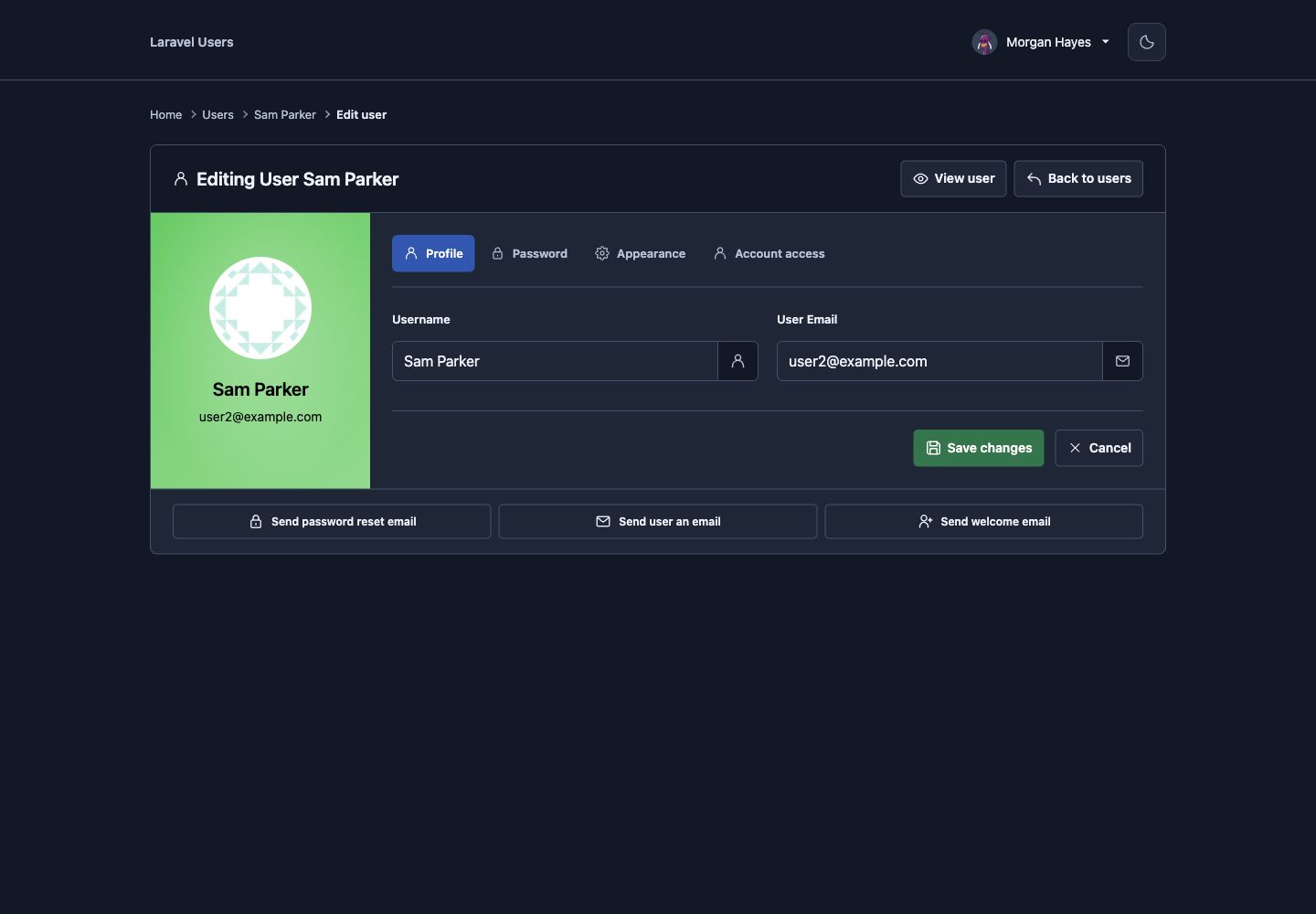 |
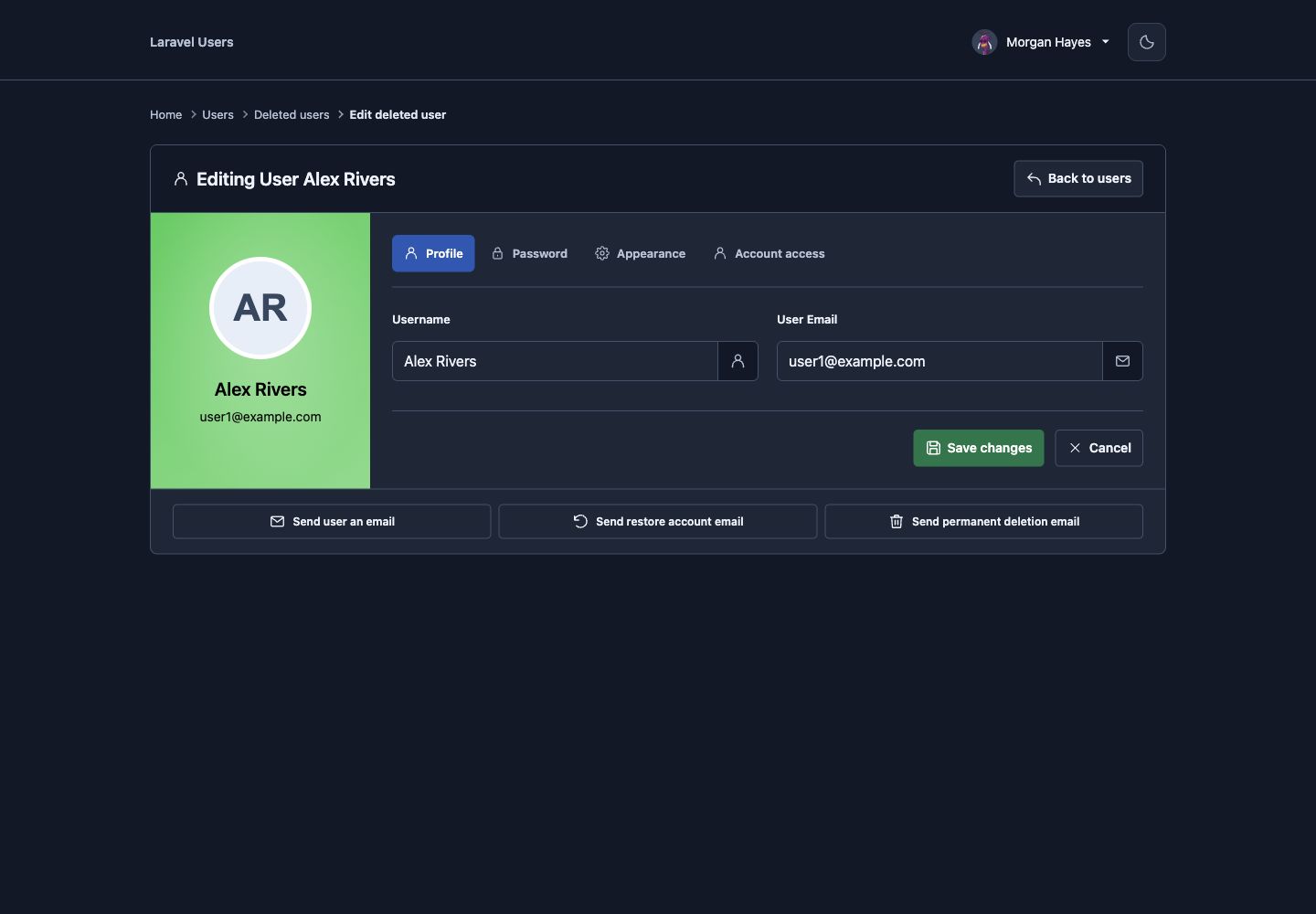 |
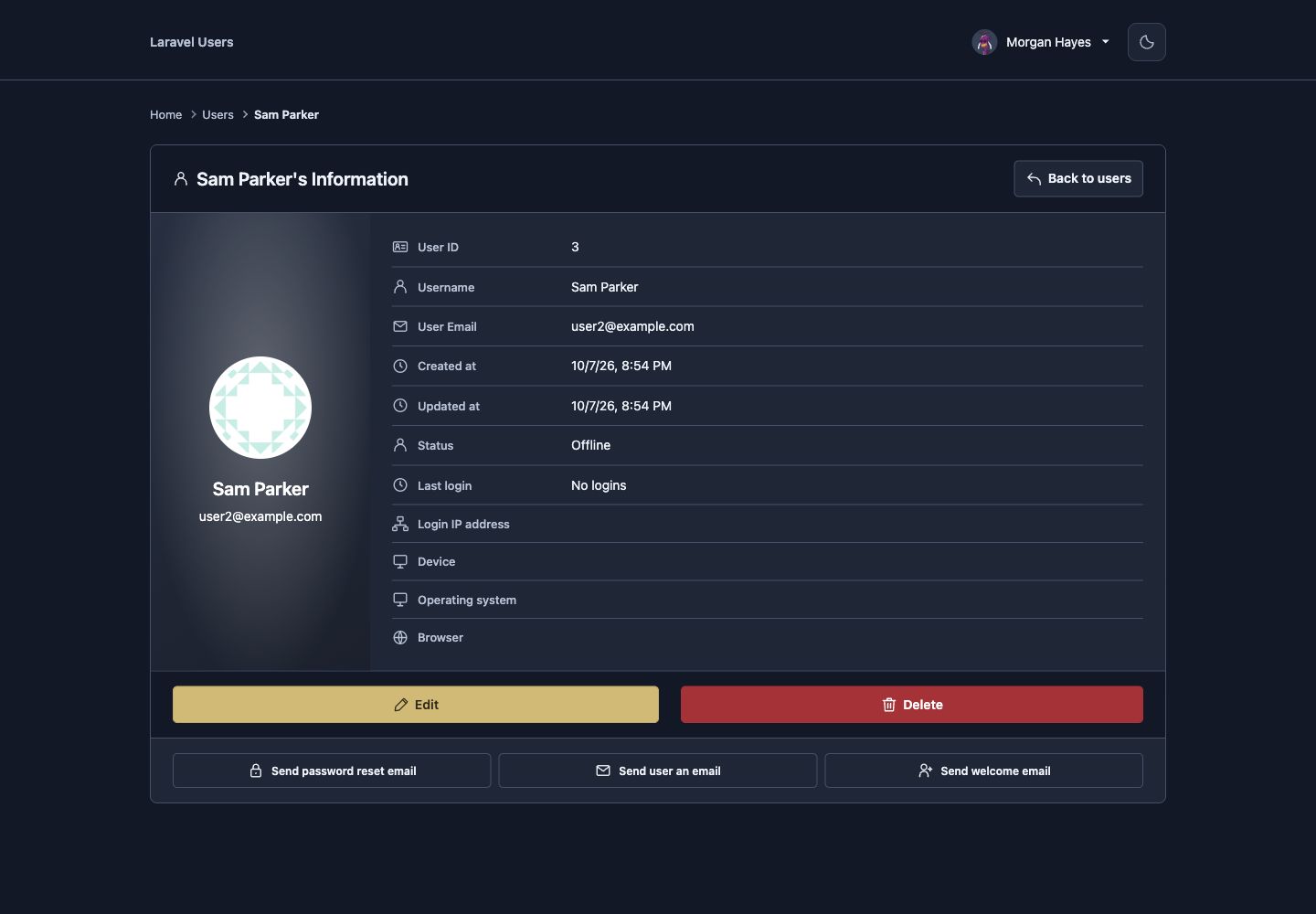 |
| Global settings | Email settings | Account settings |
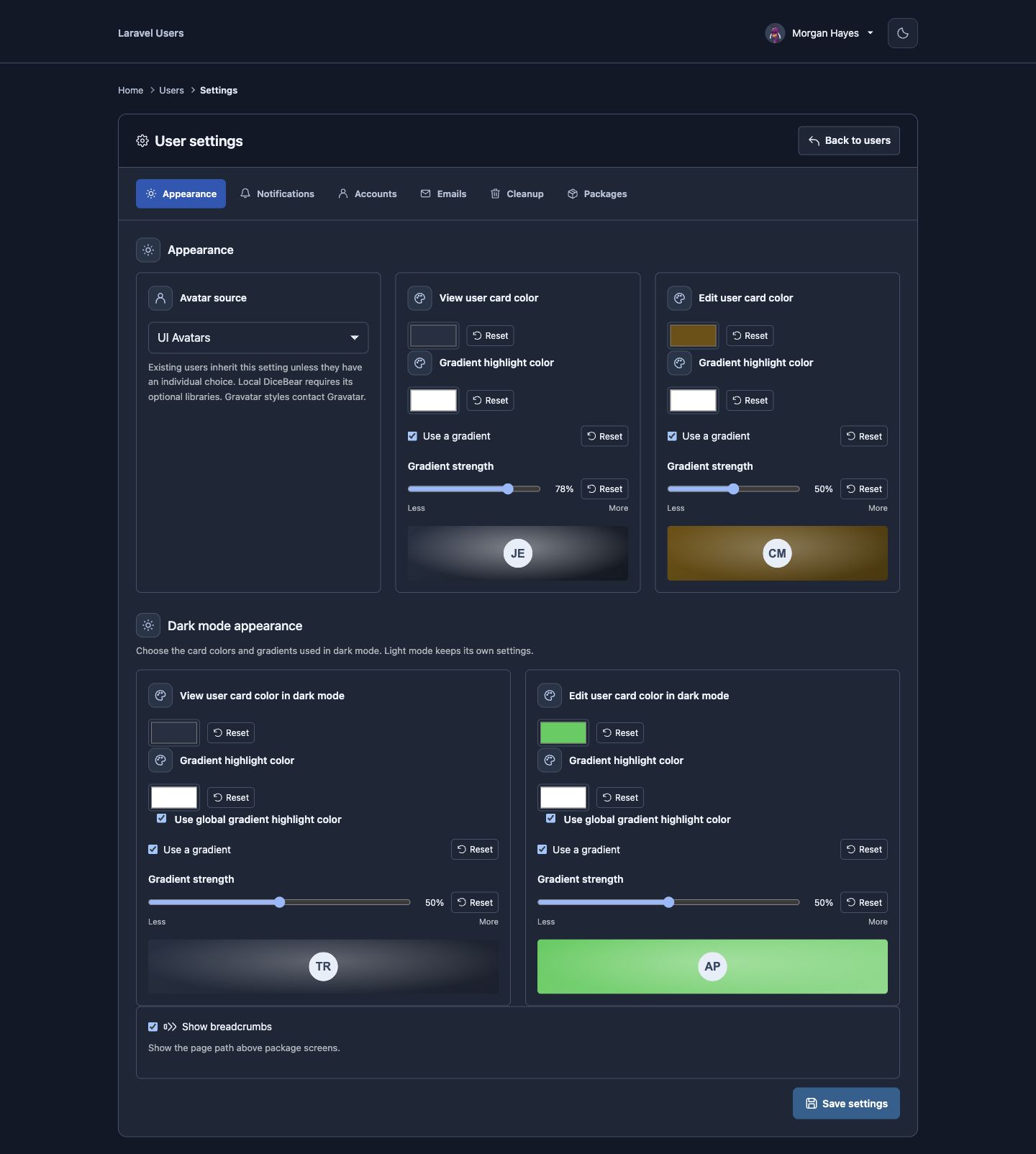 |
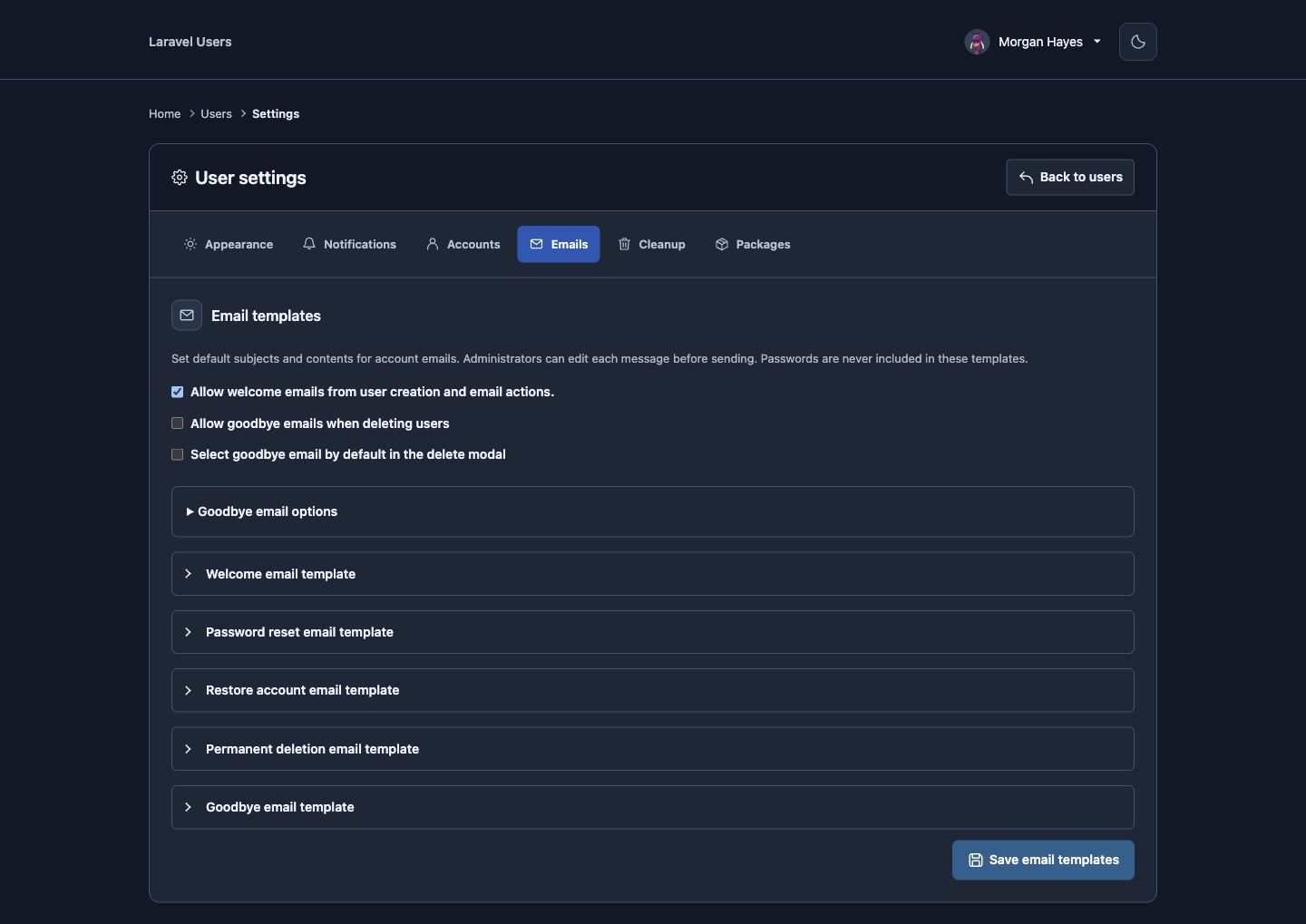 |
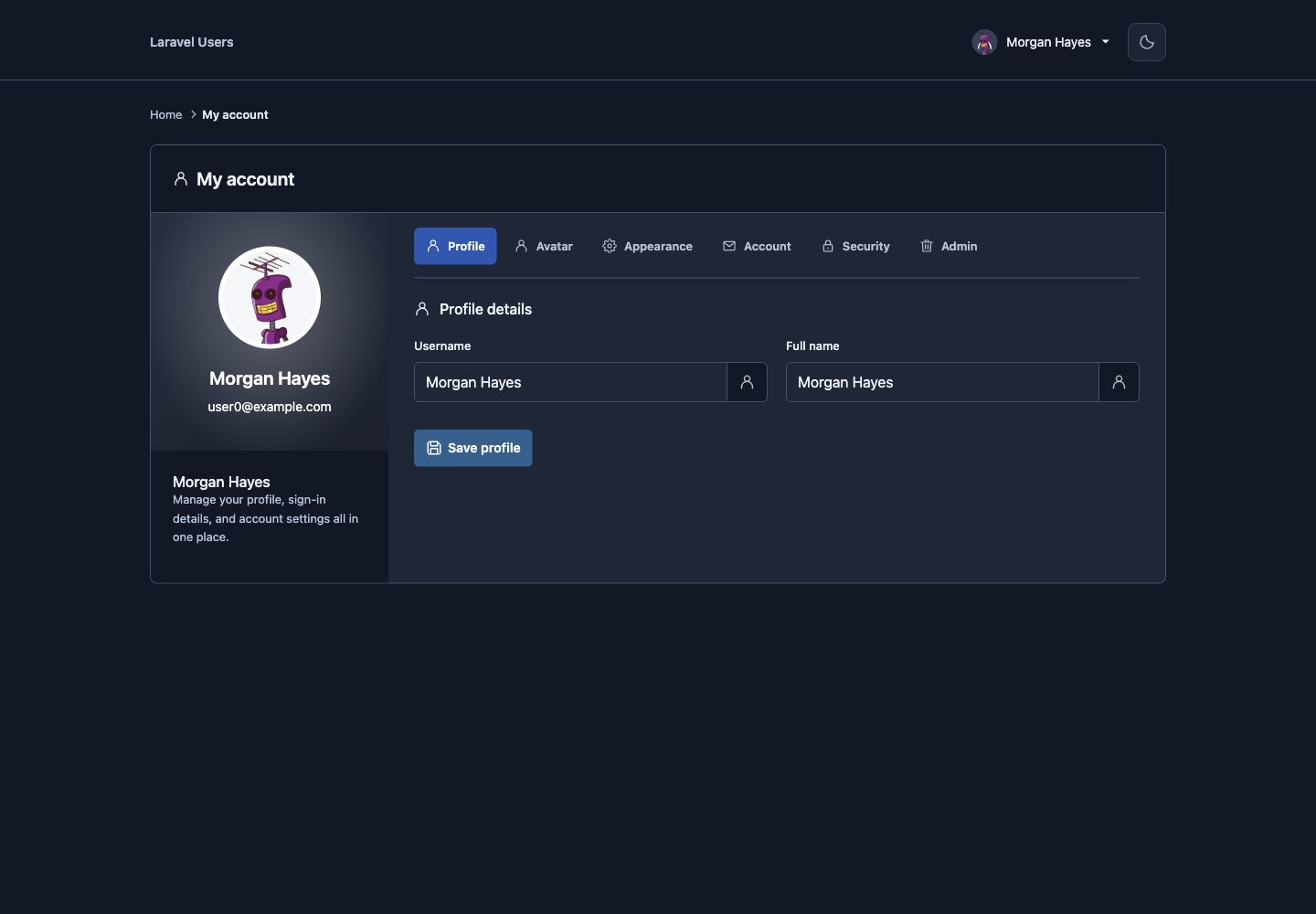 |
| Notification settings | Account access settings | Cleanup settings |
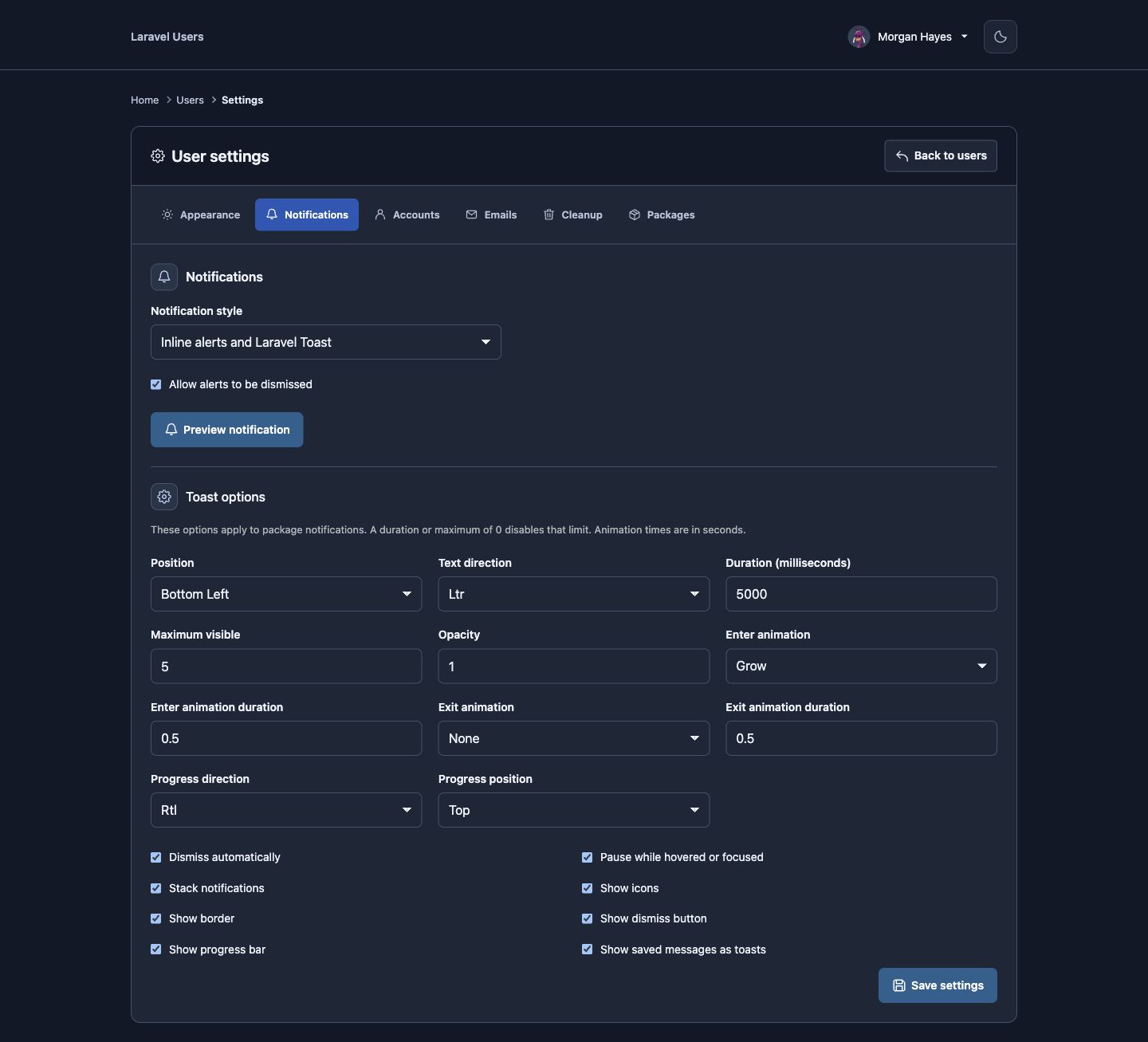 |
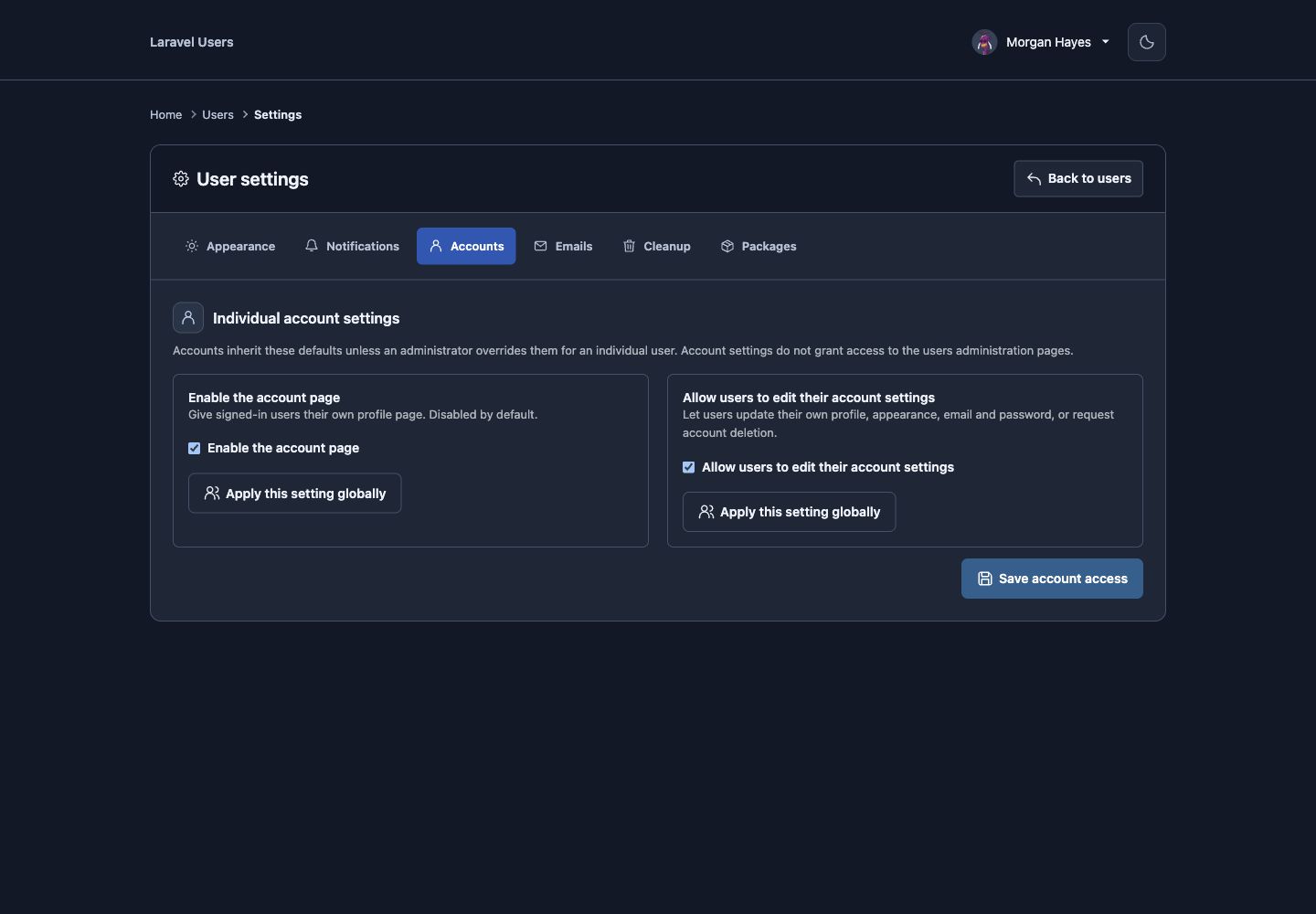 |
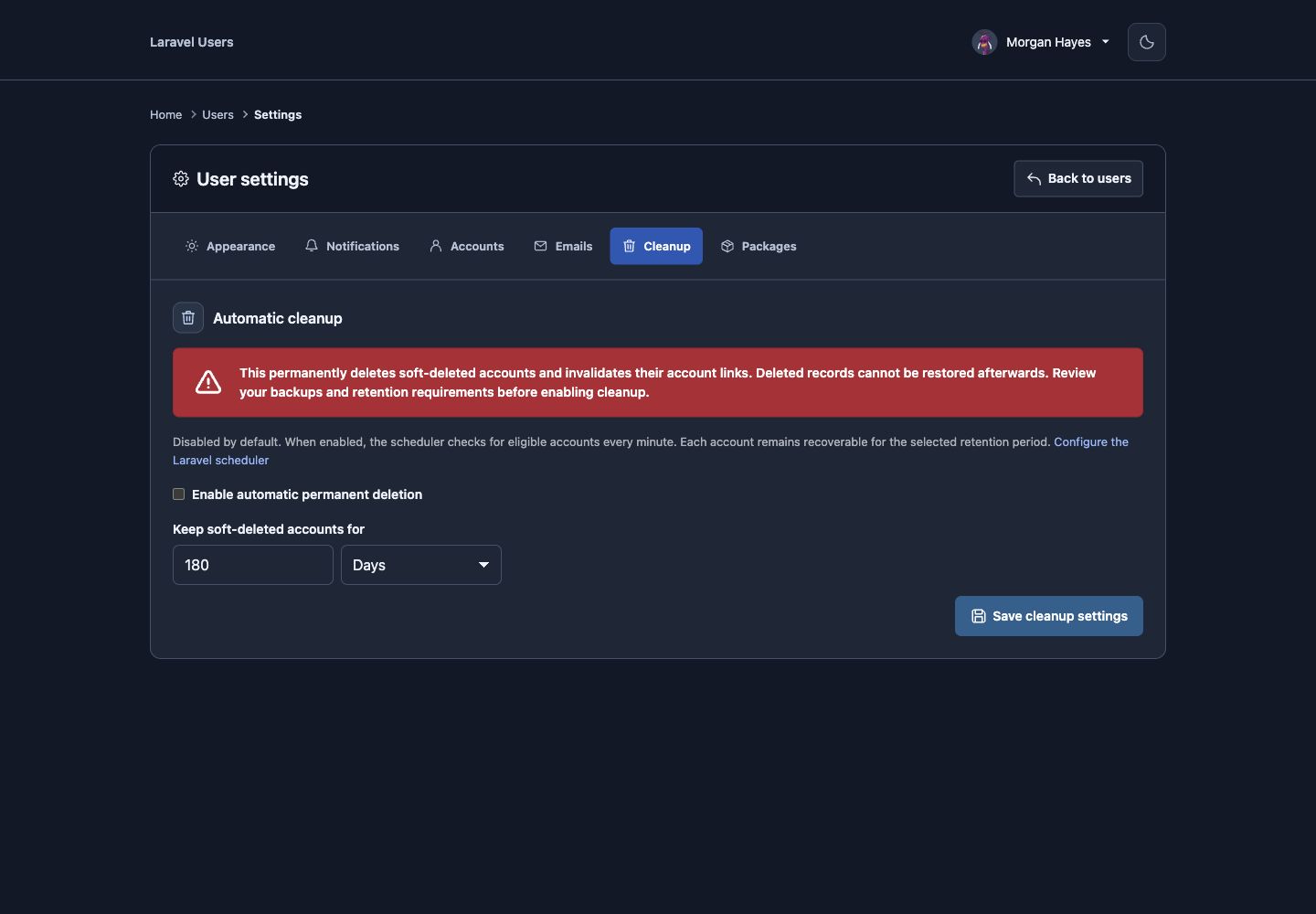 |
| Optional package settings | ||
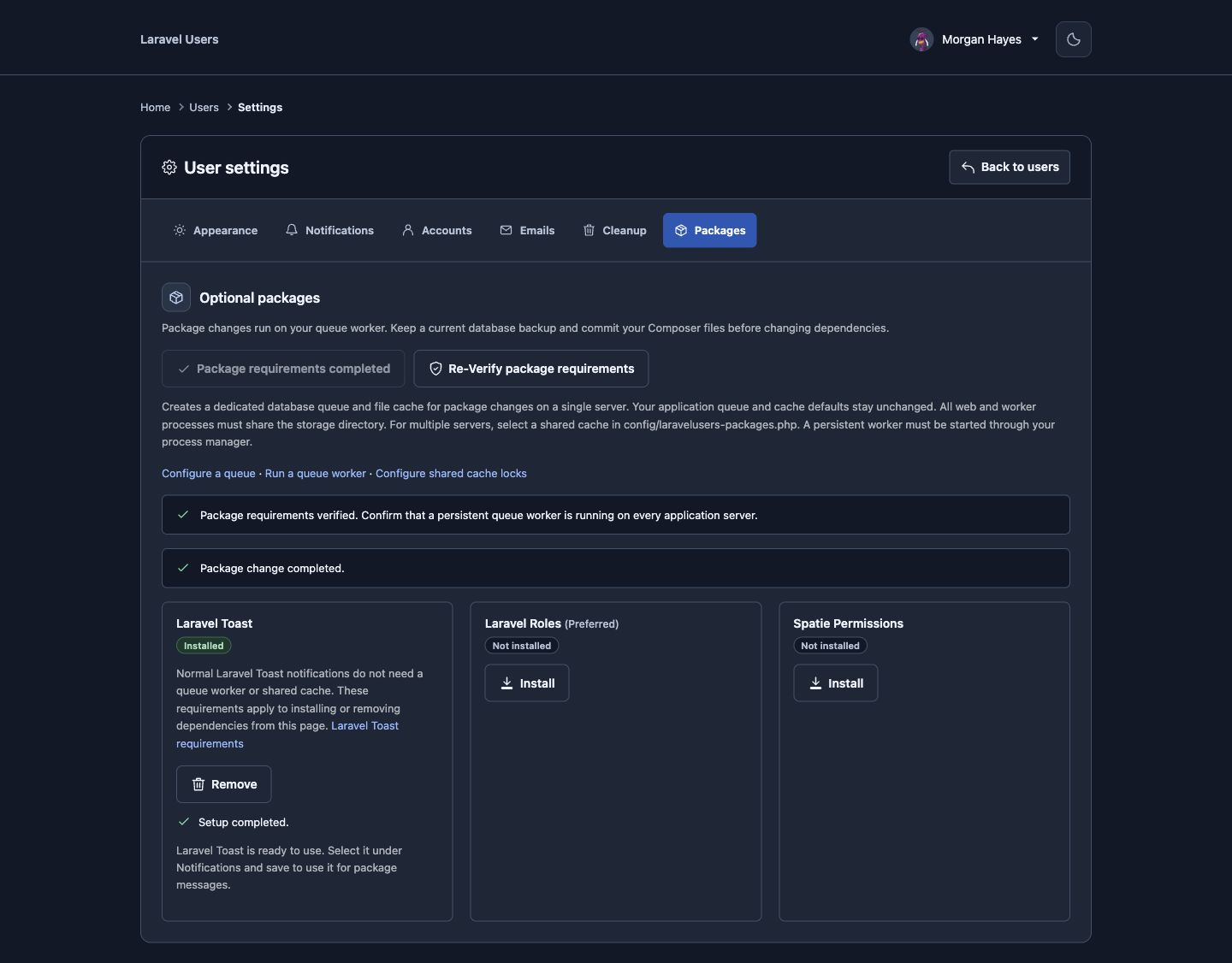 |
||
| Email preview | Account link confirmation | |
 |
 |
|
License
This package is open-sourced software licensed under the MIT license.