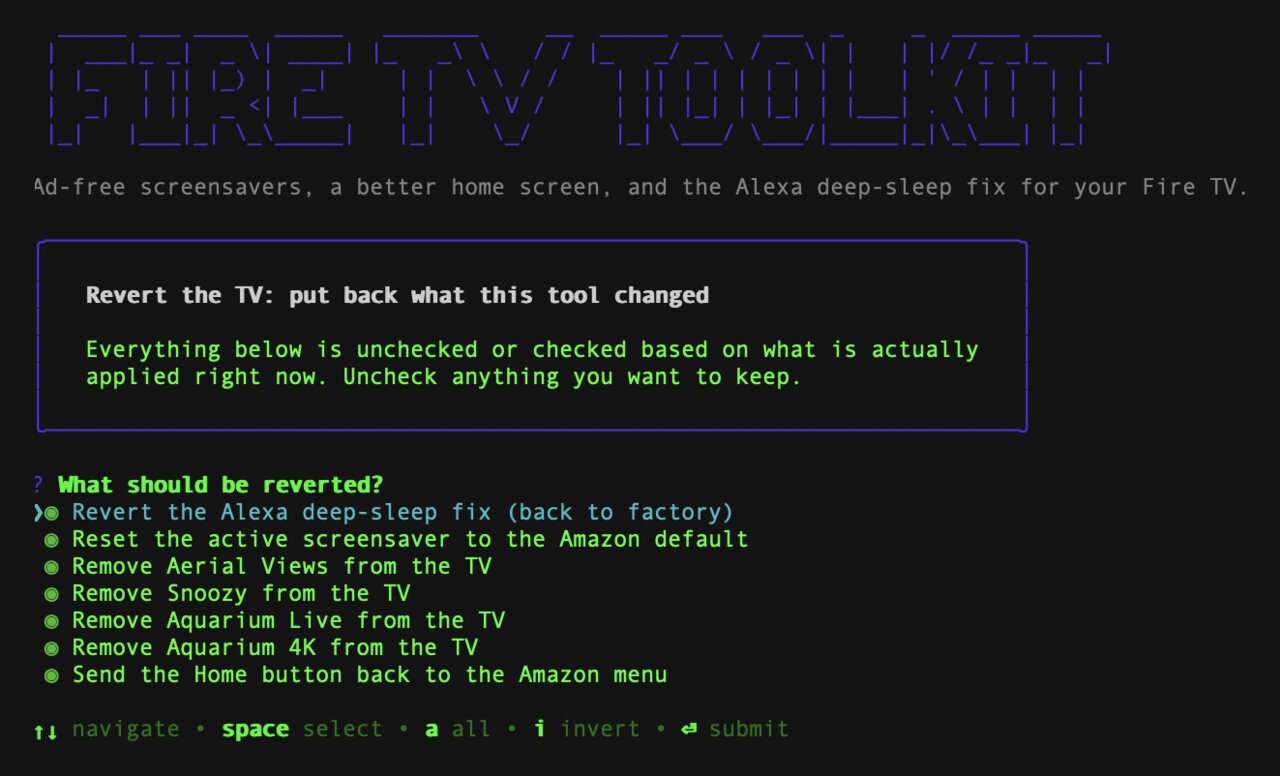
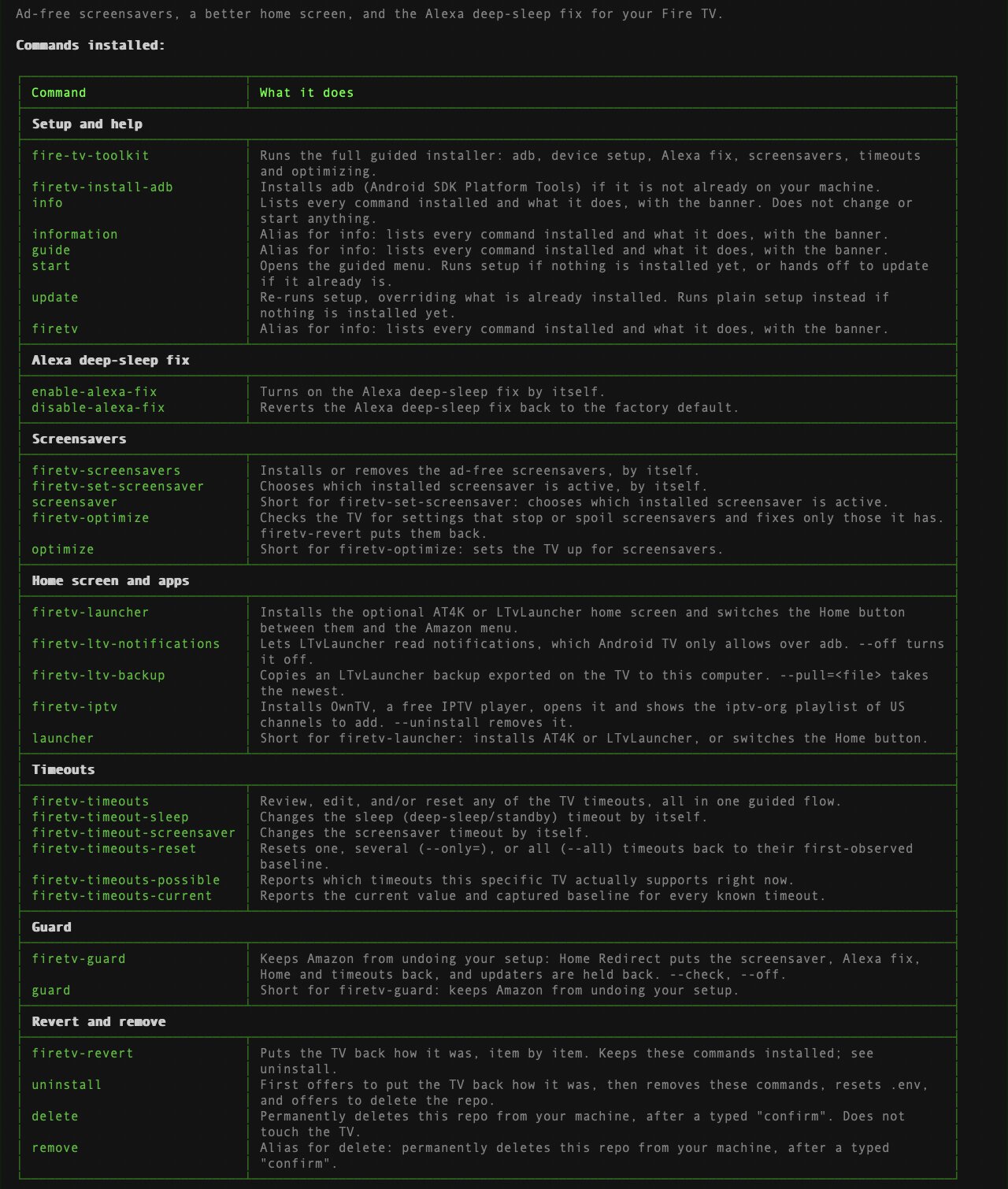
Screenshots
Desktop app
Current 4.8.2 captures come from the actual packaged macOS arm64 app on Electron 44.9.3. They cover the selected-TV source UI setup and recovery flow, named profiles and the existing desktop routes. Temporary sample profiles, an empty cached catalog and fake ADB were used; no physical TV was contacted and no APK was installed. The source UI preflight preserves the selected alternative Home launcher and keeps production installation pending. Capture provenance records the packaged runtime, source and image hashes.
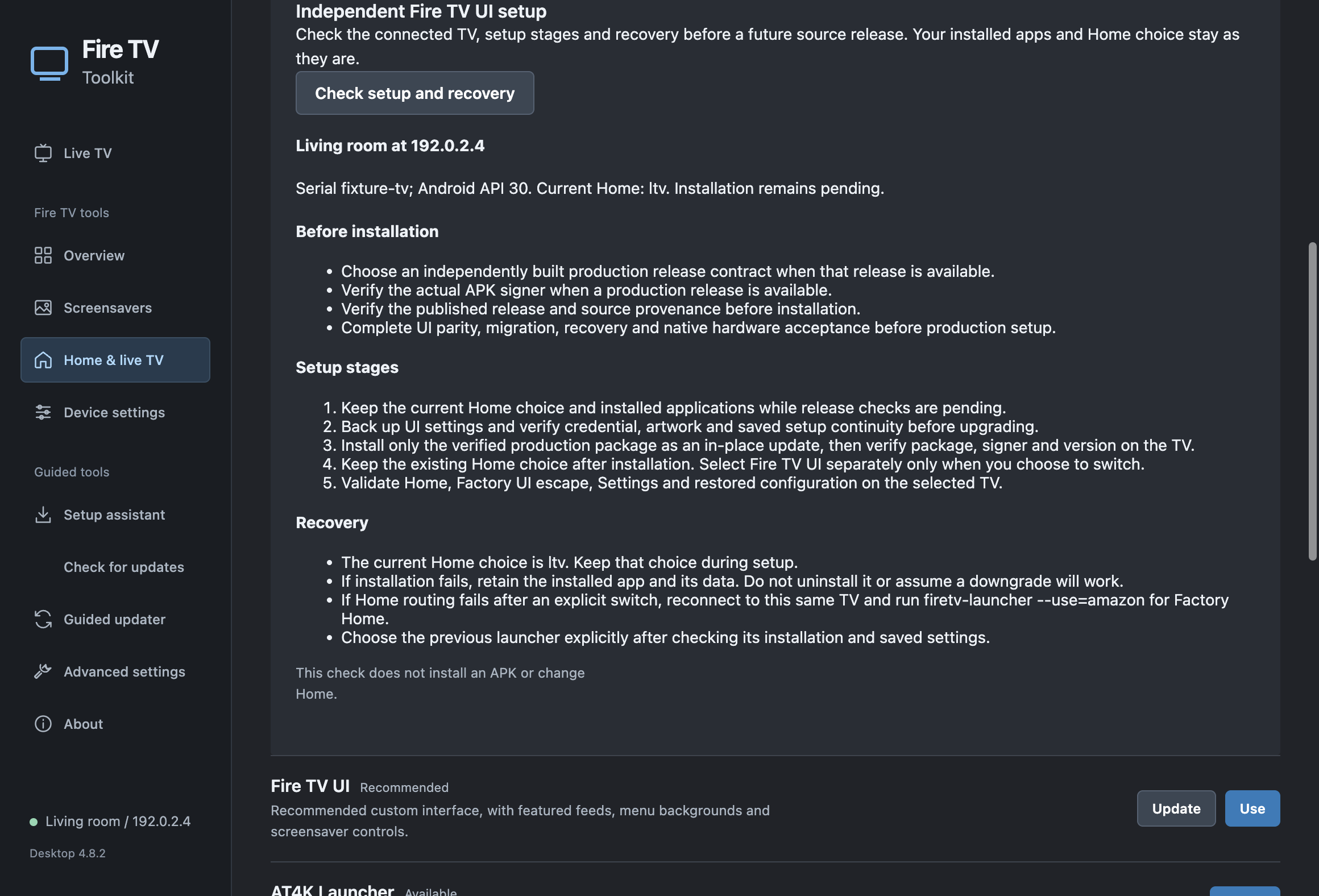 Independent UI setup | 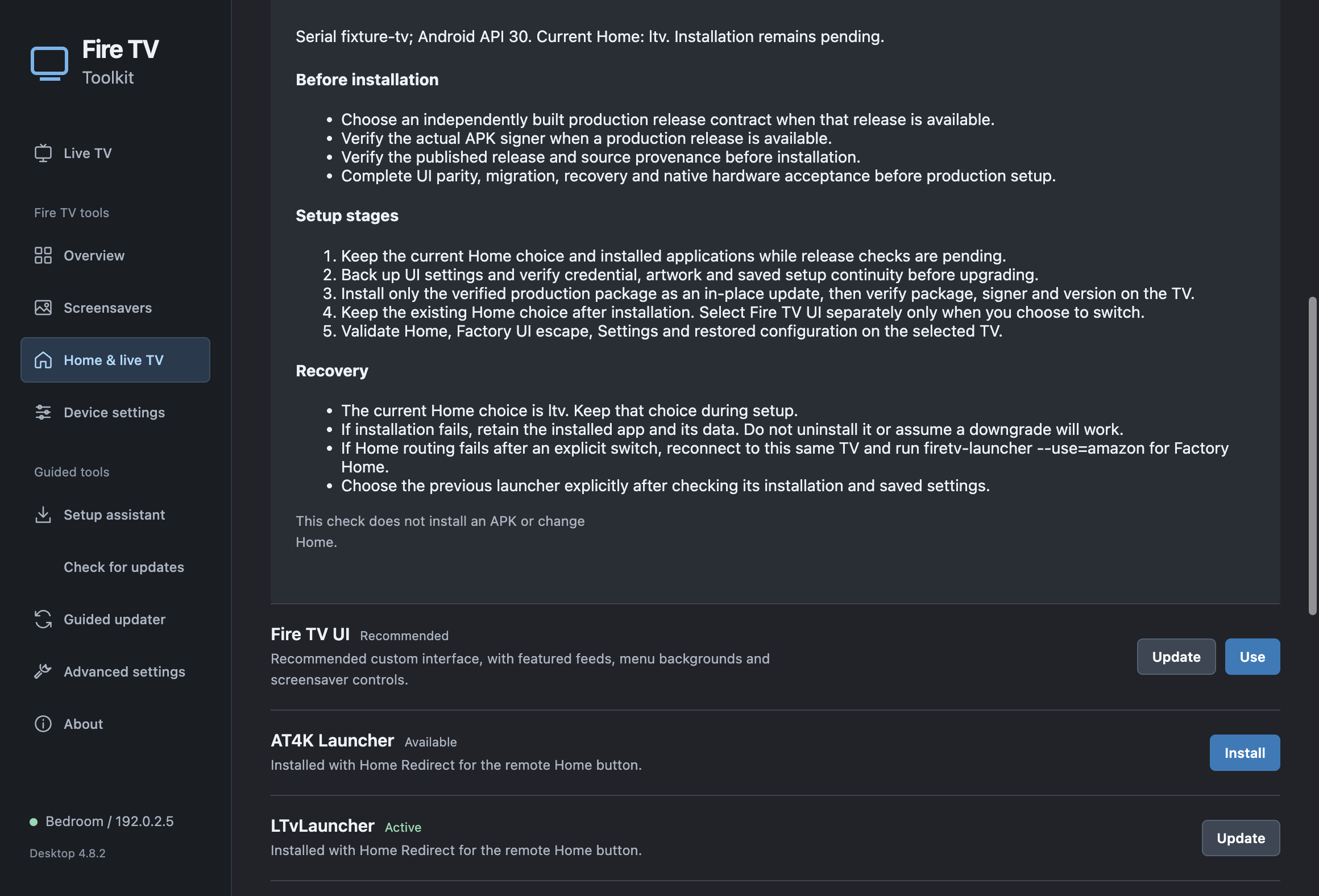 Recovery and release gates | 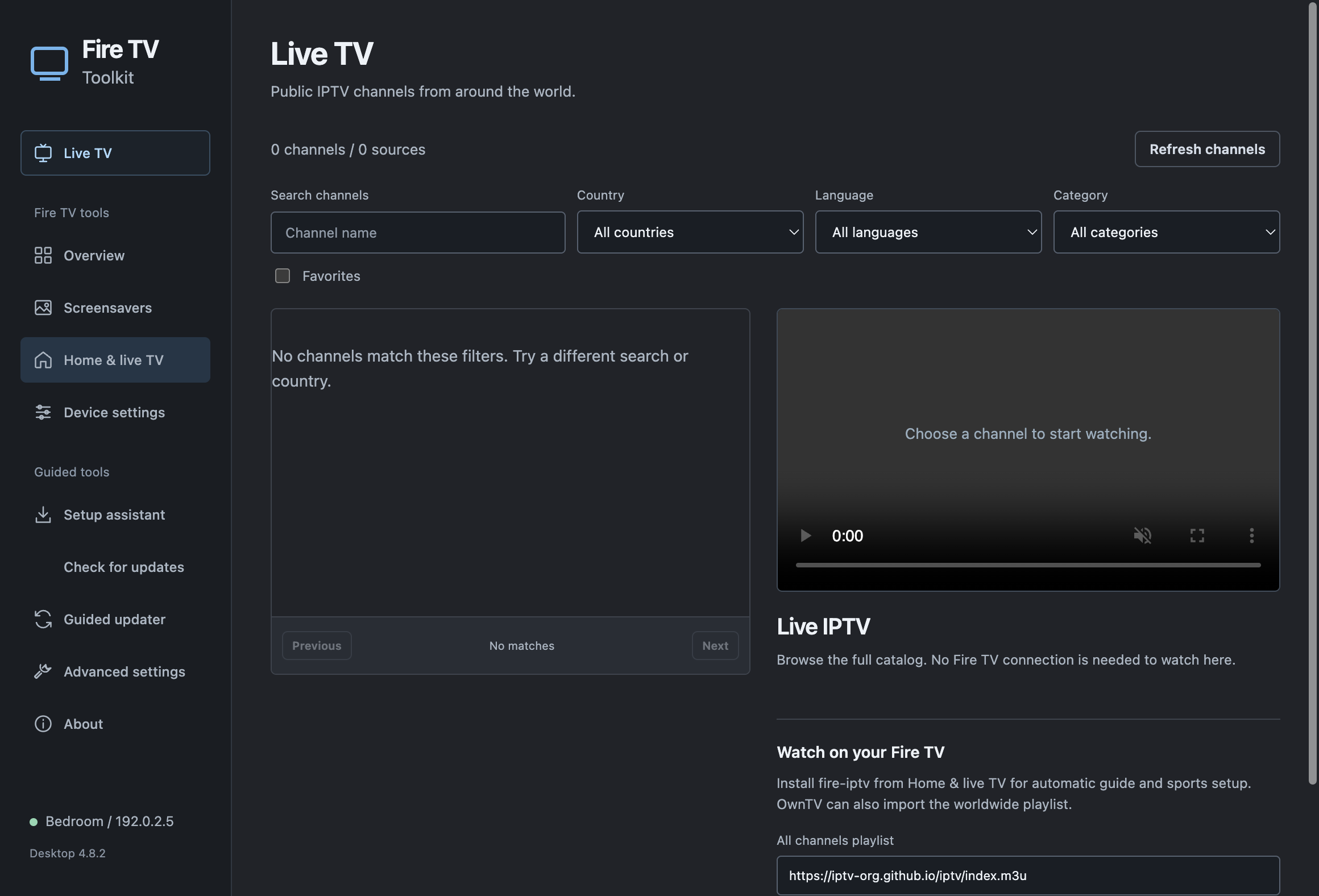 Live TV |
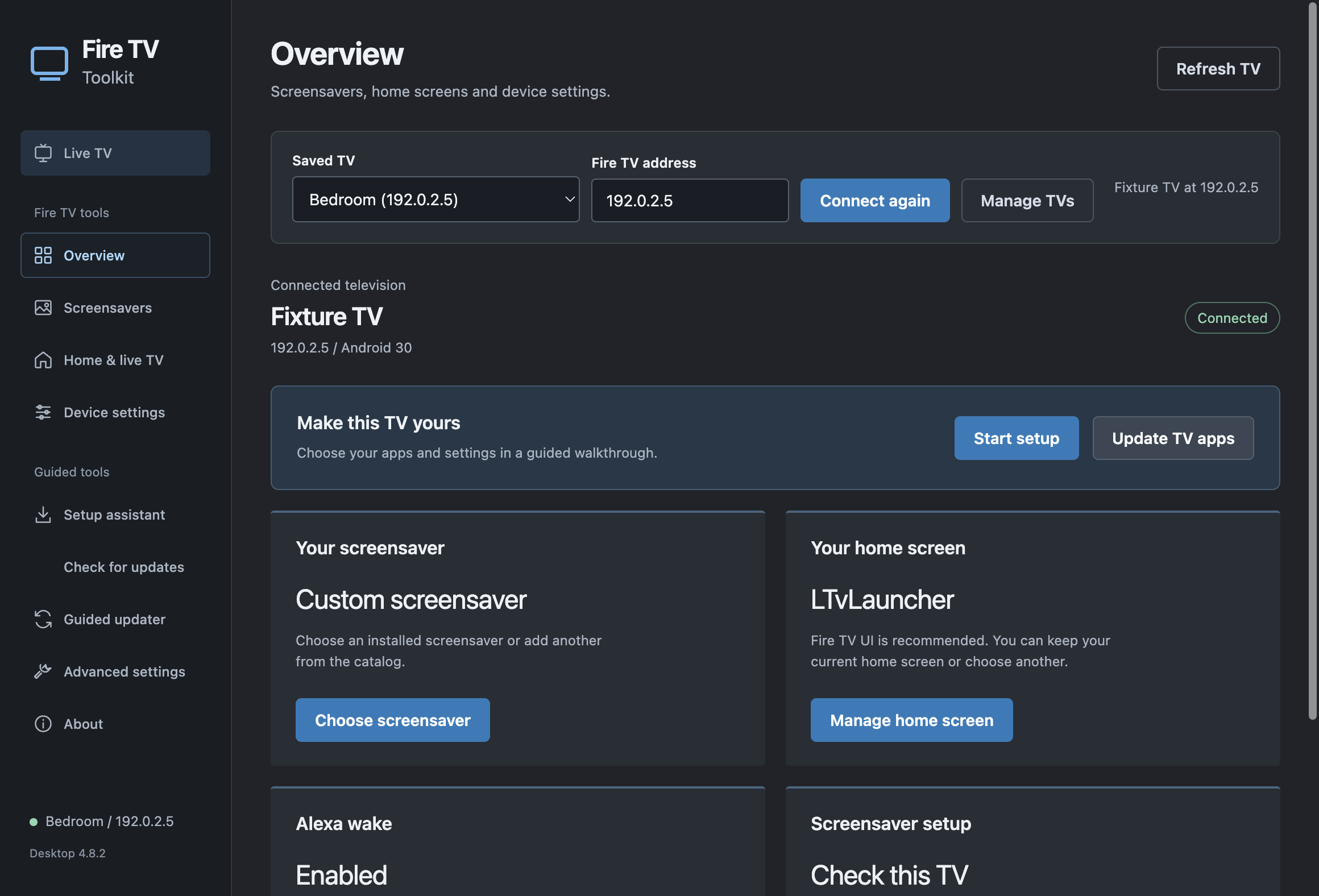 Overview | 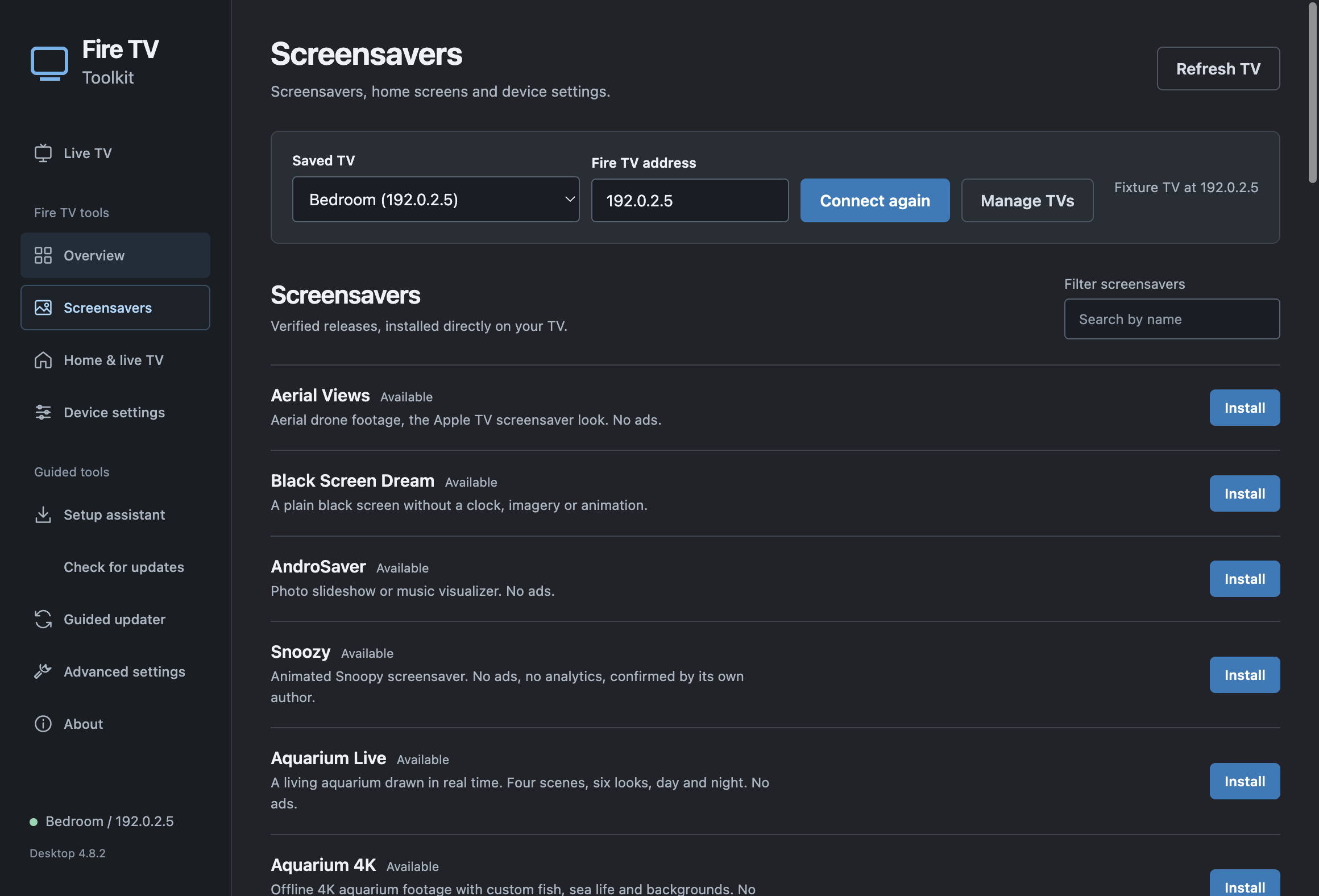 Screensavers | 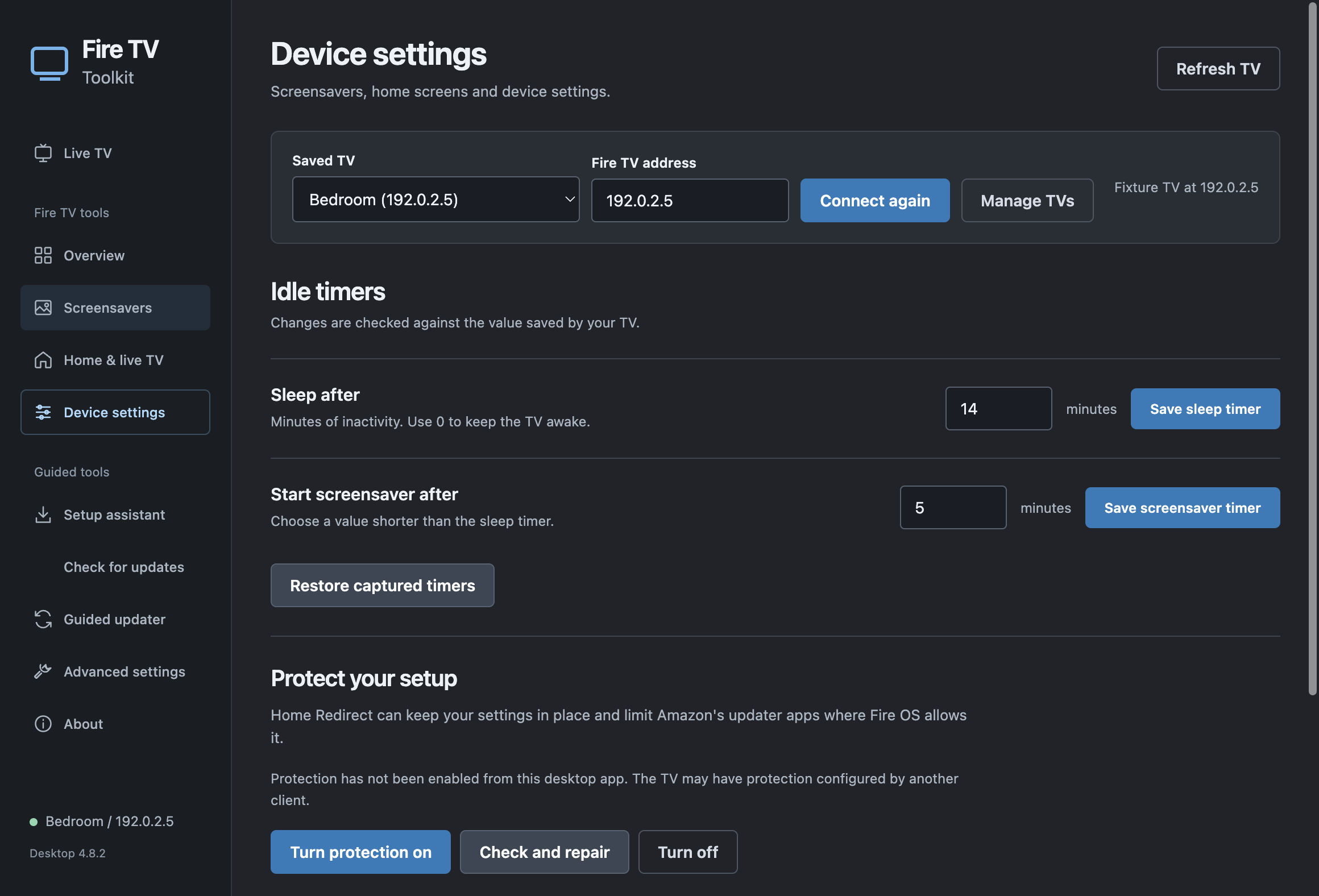 Device settings |
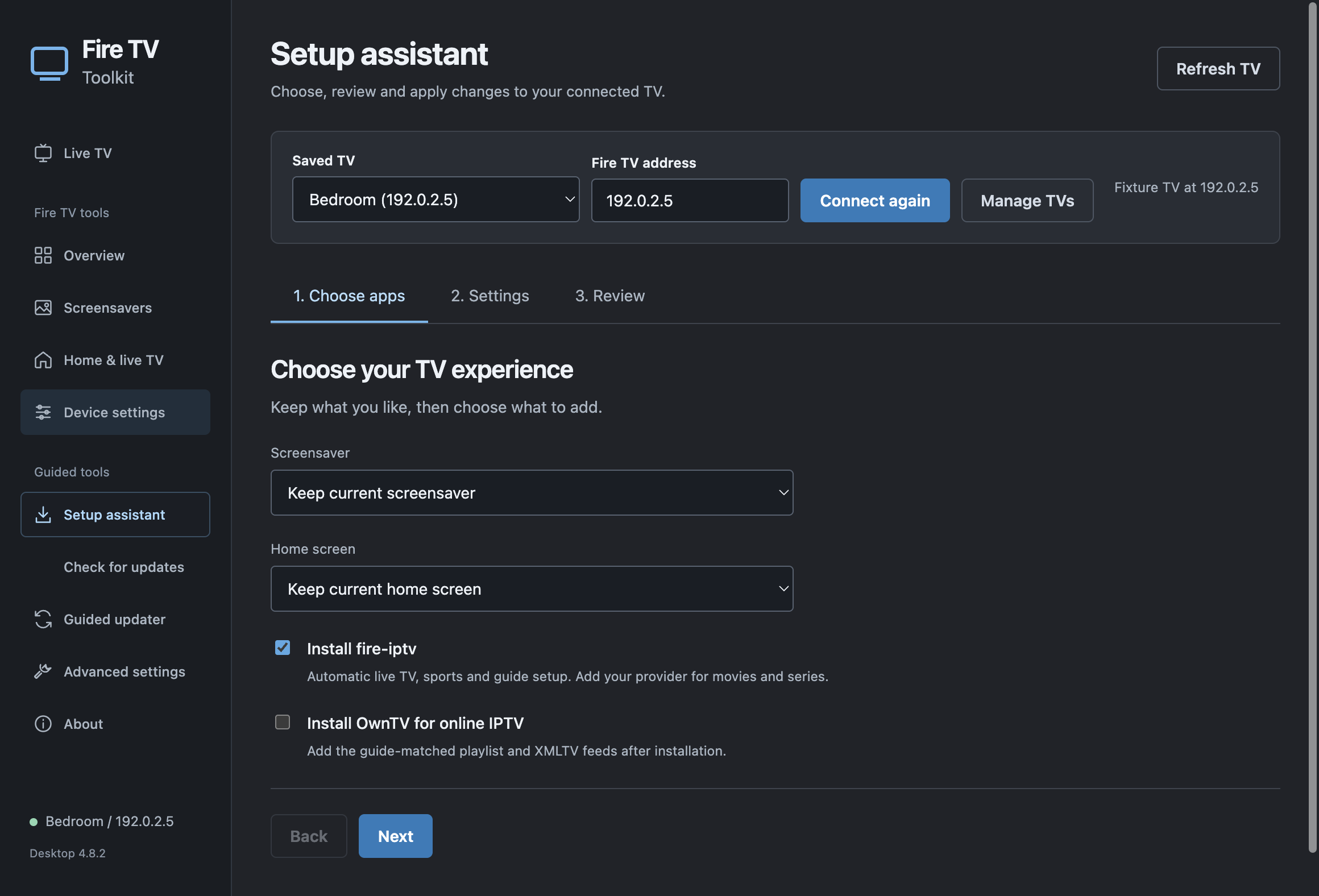 Setup assistant | 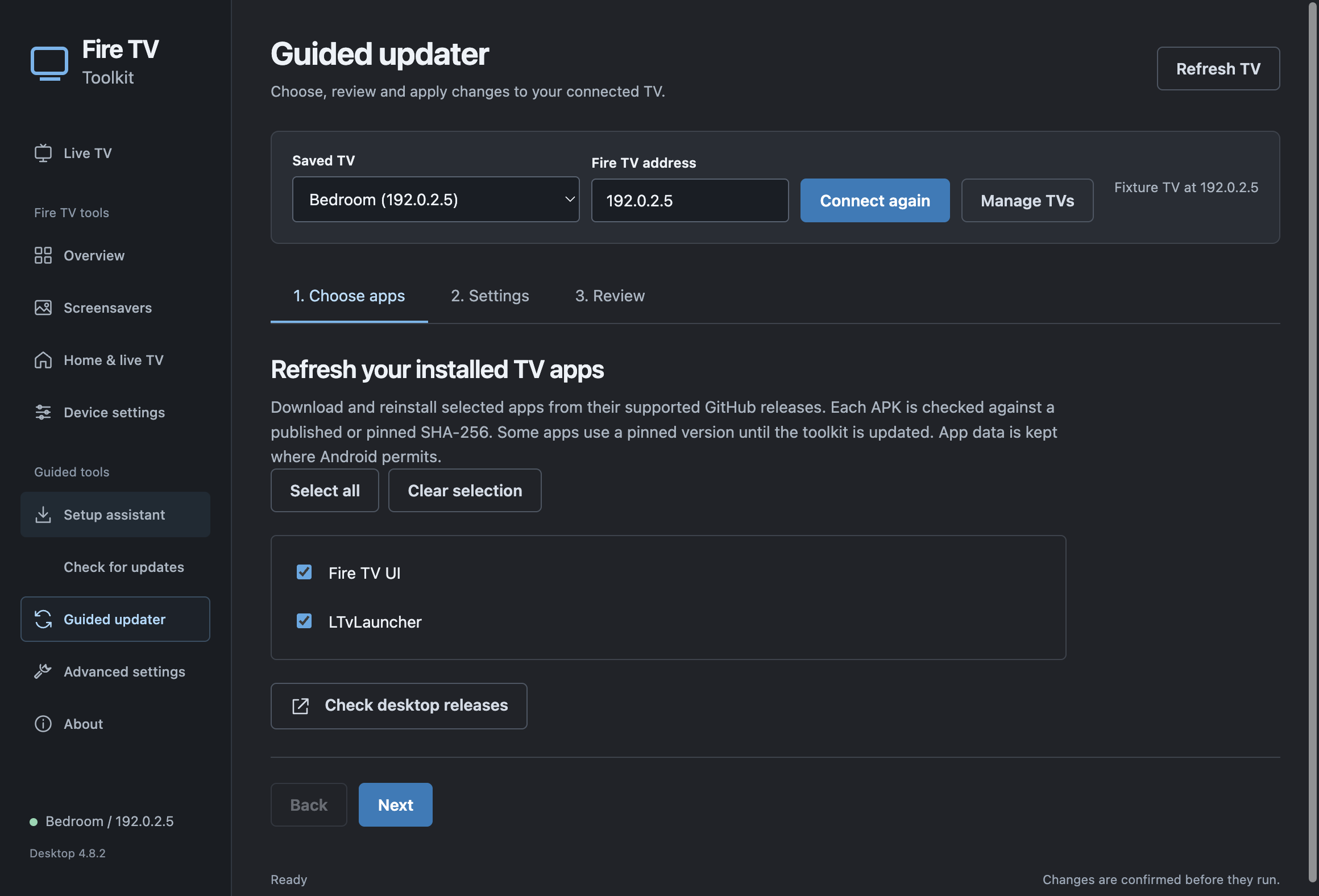 Guided updater | 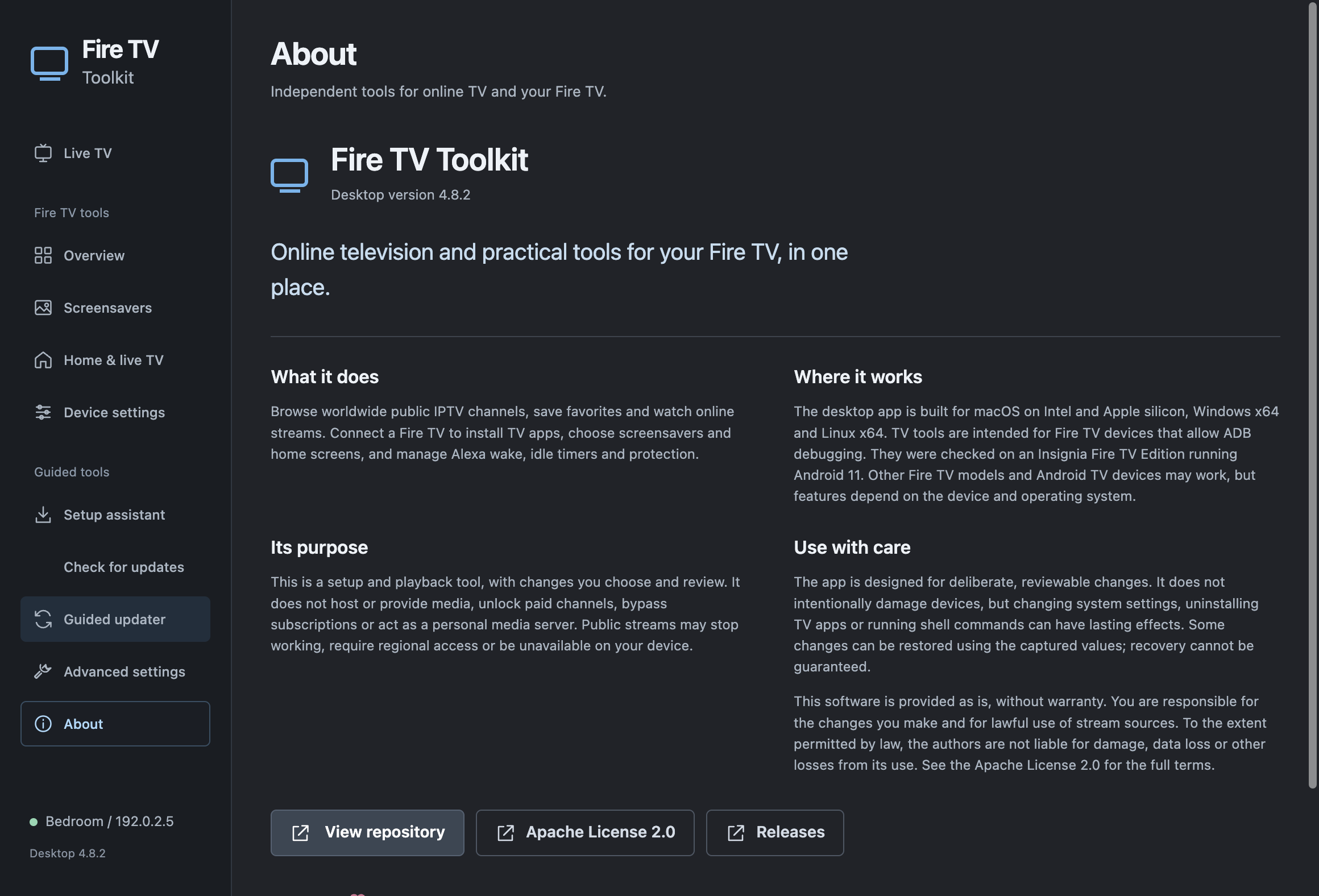 About 4.8.2 |
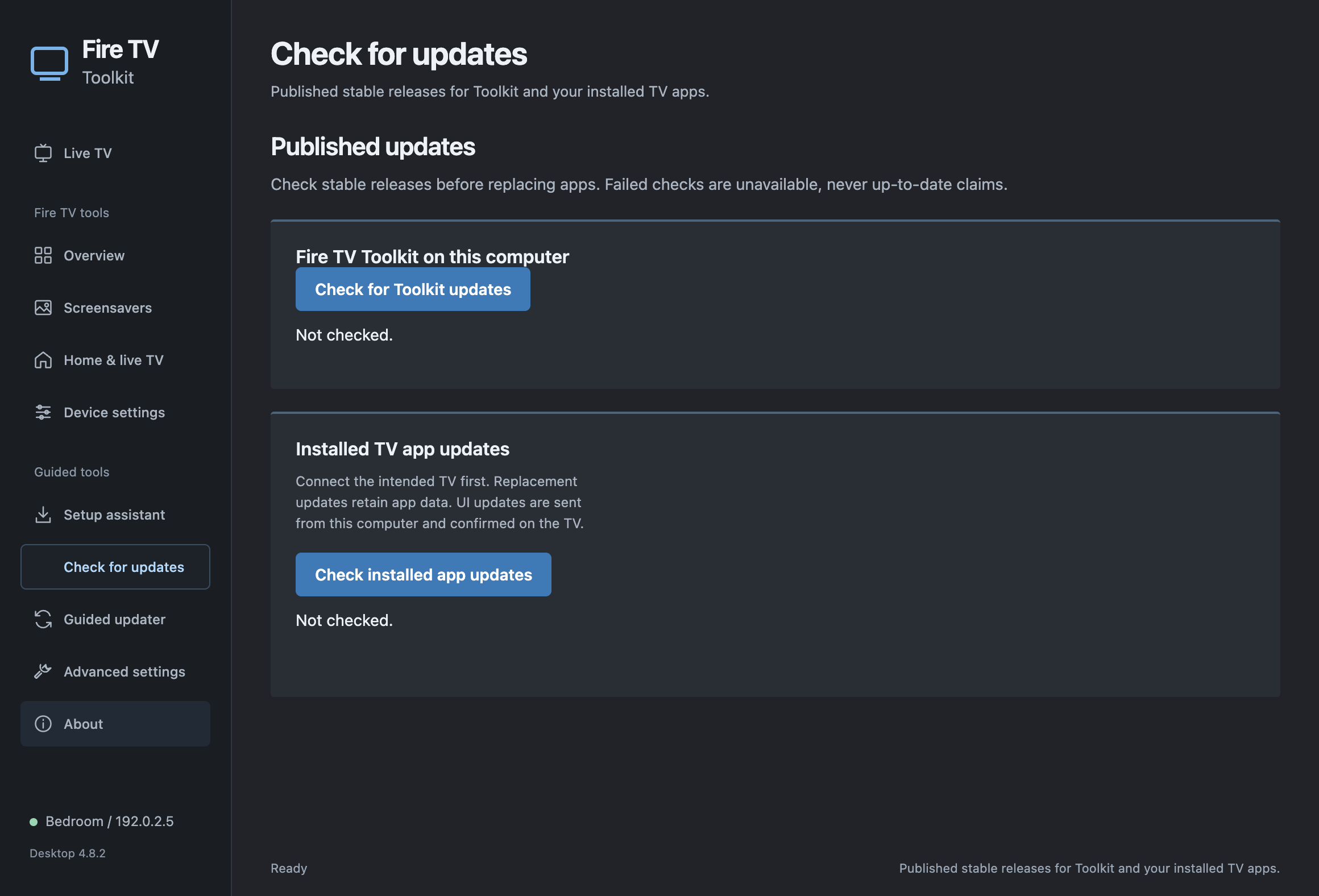 Published update controls | 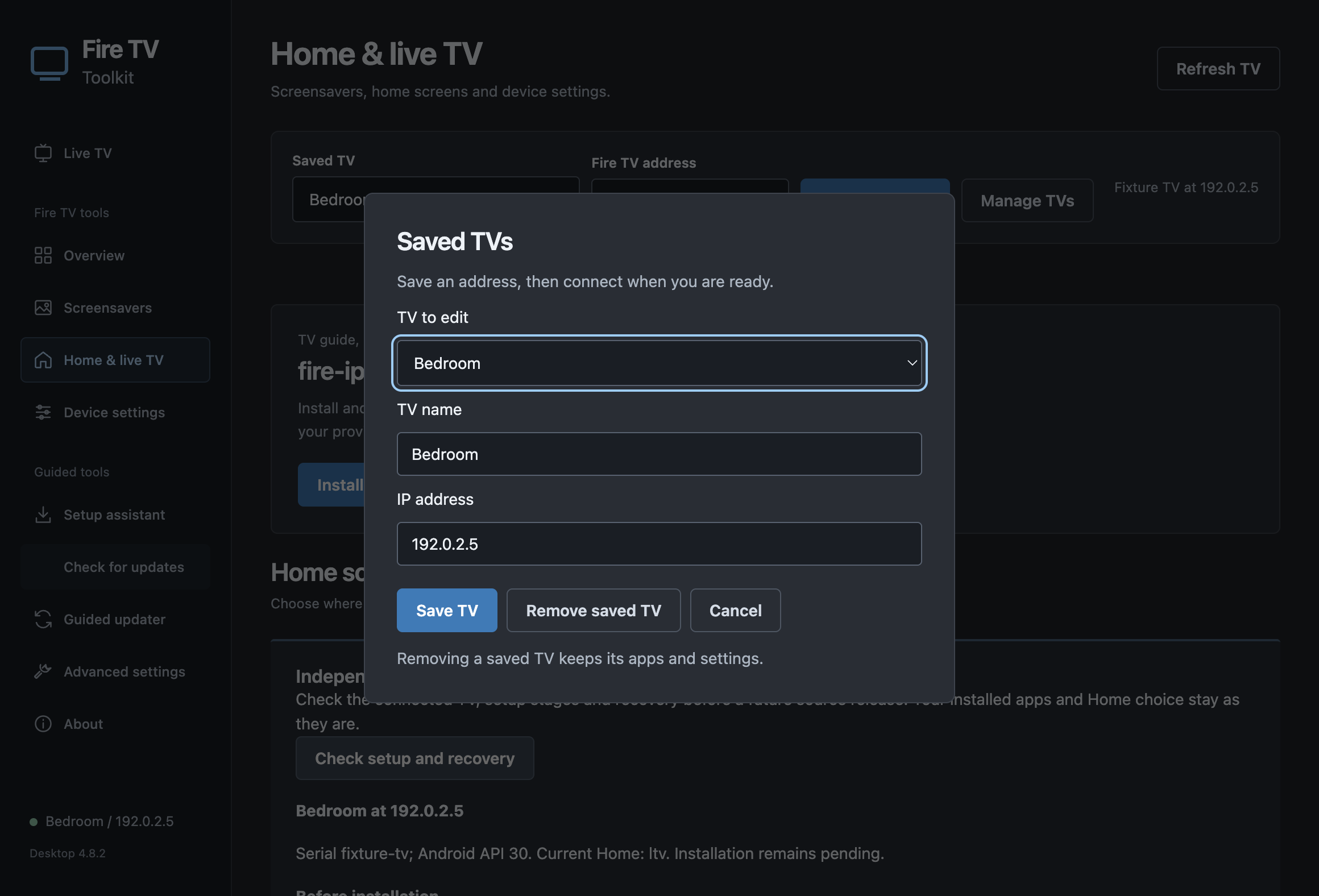 Saved TVs | 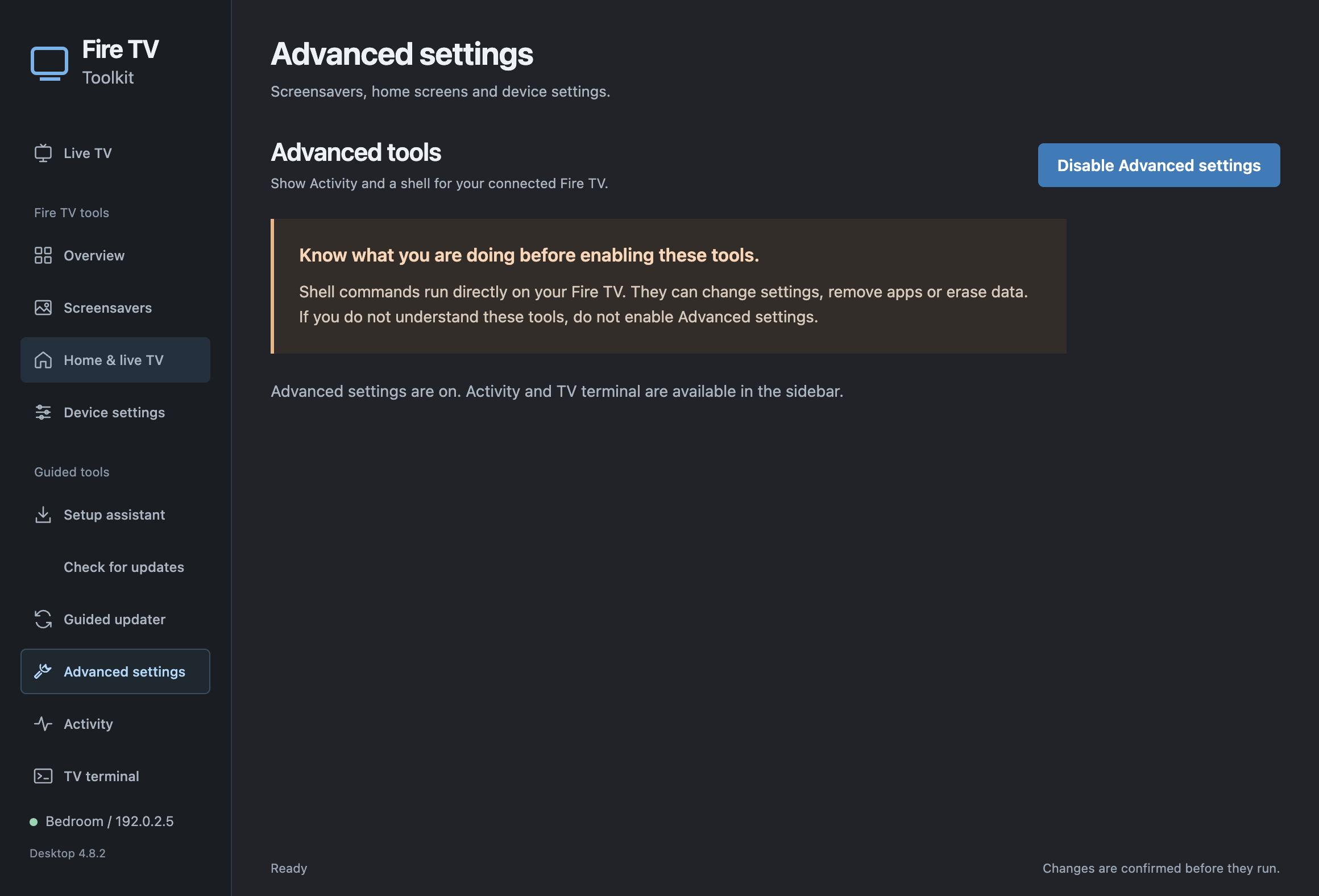 Advanced settings |
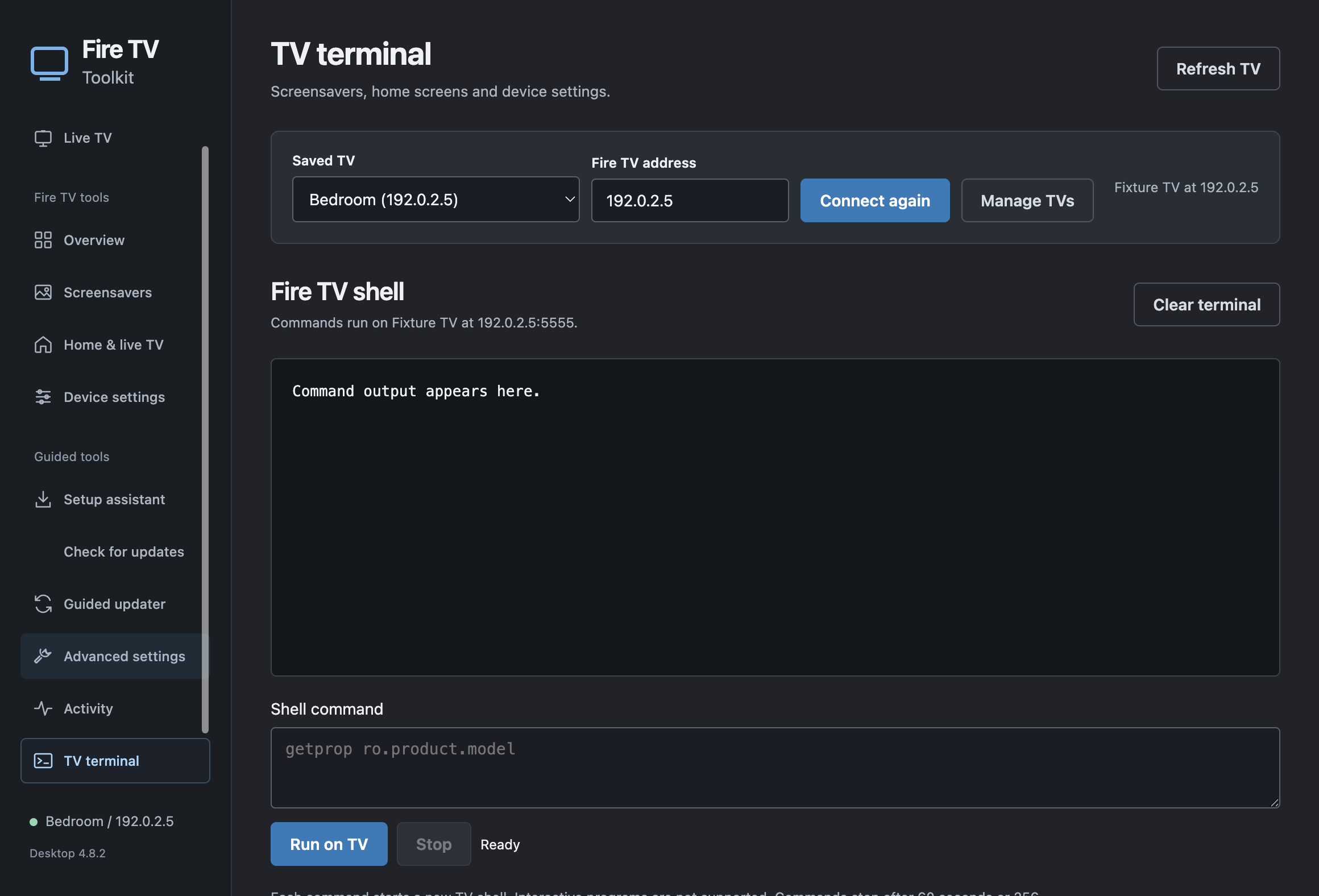 TV terminal |
Historical 4.7.4 captures
Historical 4.7.4 release-version captures come from the actual packaged macOS arm64 app on Electron 44.9.3. About and update controls show this patch; the remaining unchanged routes retain explicitly historical 4.7.0 captures below. Sample catalog data and isolated temporary app data were used, without connecting to a TV or running a sample release check. Capture provenance records exact source and image hashes.
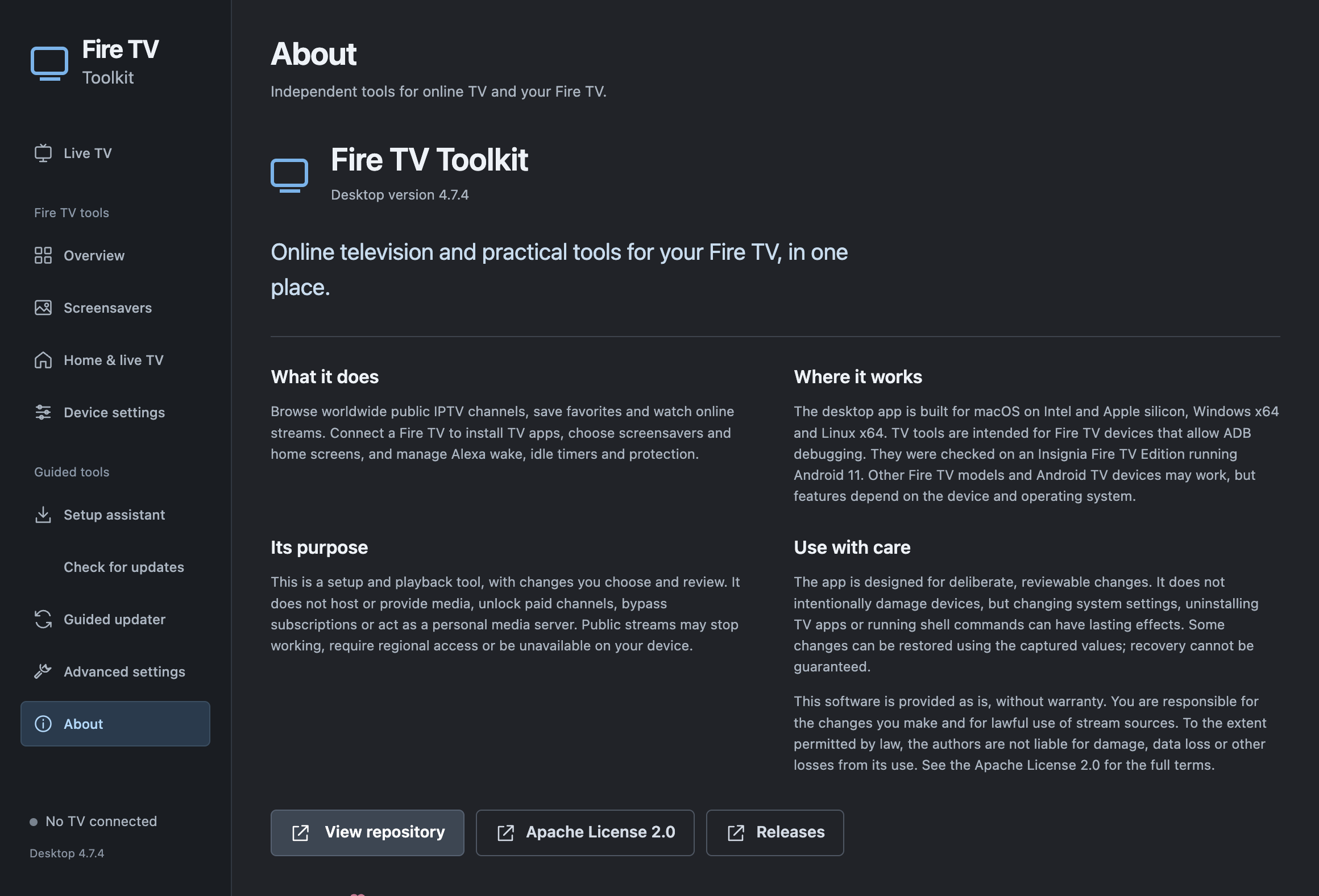 About 4.7.4 | 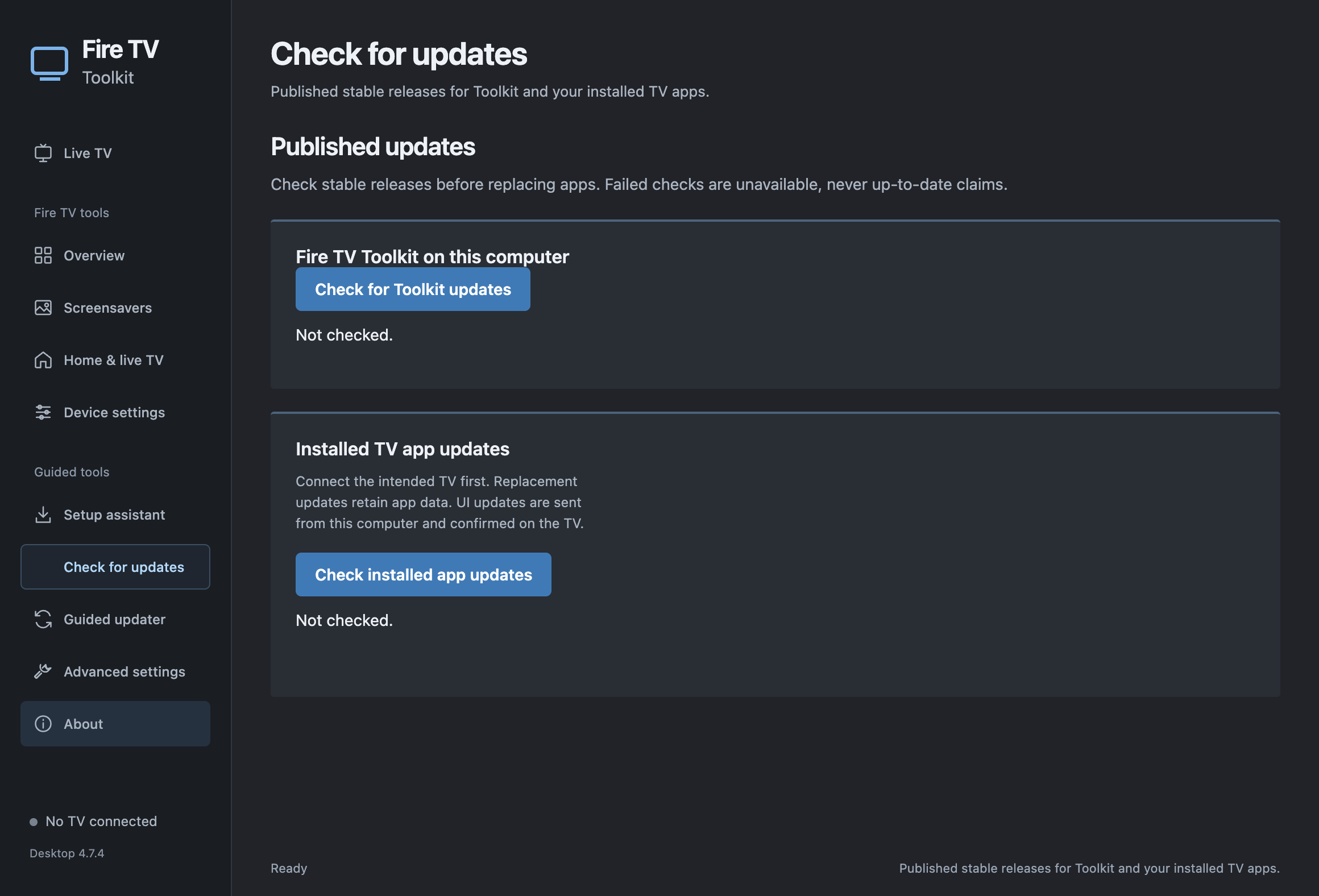 Update controls 4.7.4 |
Historical 4.7.0 route captures
Historical 4.7.0 captures come from the actual packaged macOS arm64, installed Windows x64 and installed Linux x64 apps running Electron 44.9.3. The package checks exercise profiles, catalog actions, Home compatibility, synthetic HLS playback, favorites and restart using isolated sample data. No physical TV is contacted. Images are unchanged native captures. Capture provenance records source and image hashes. The successful three-platform workflow and its exact source are recorded in the provenance file.
macOS 4.7.0
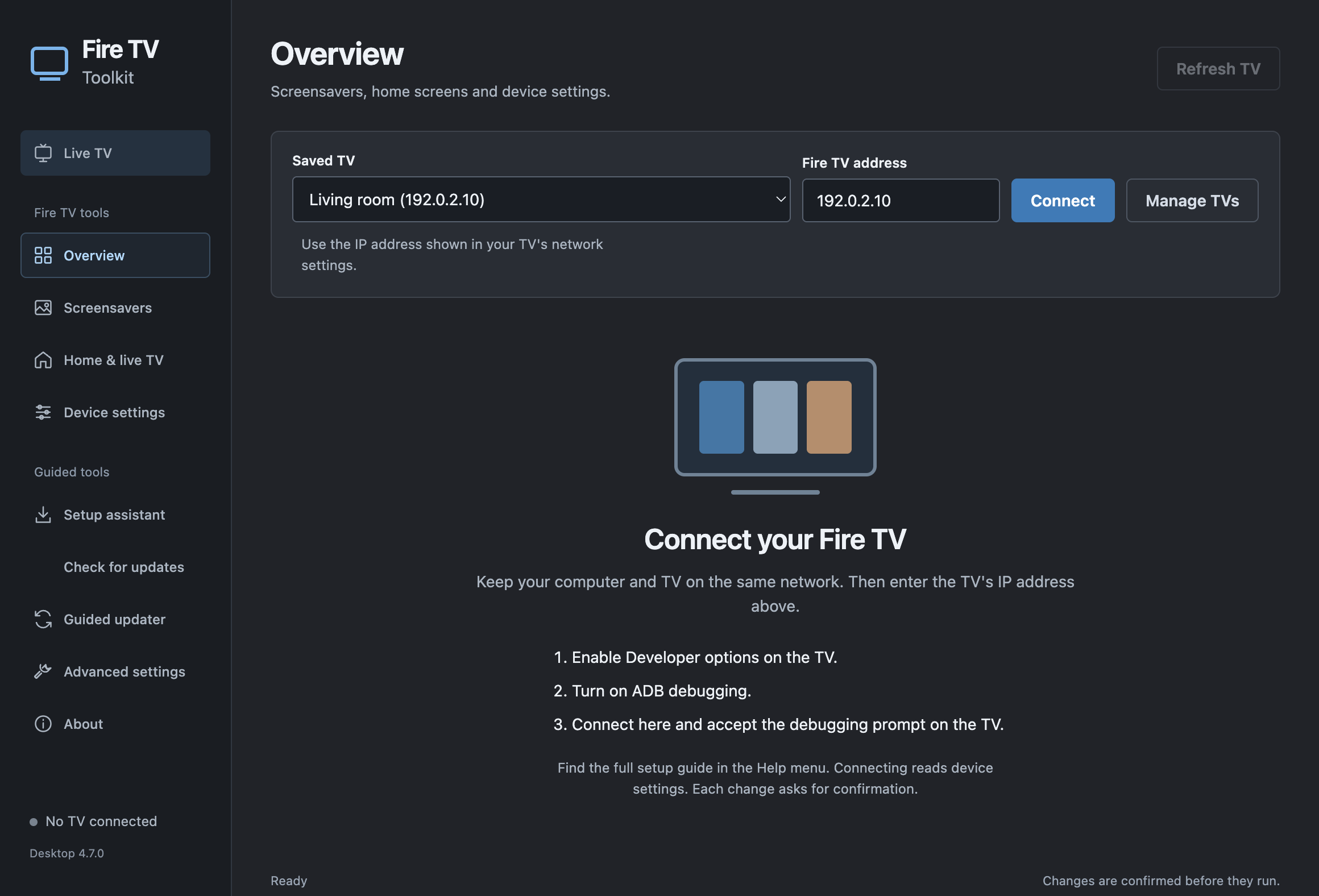 Device setup | 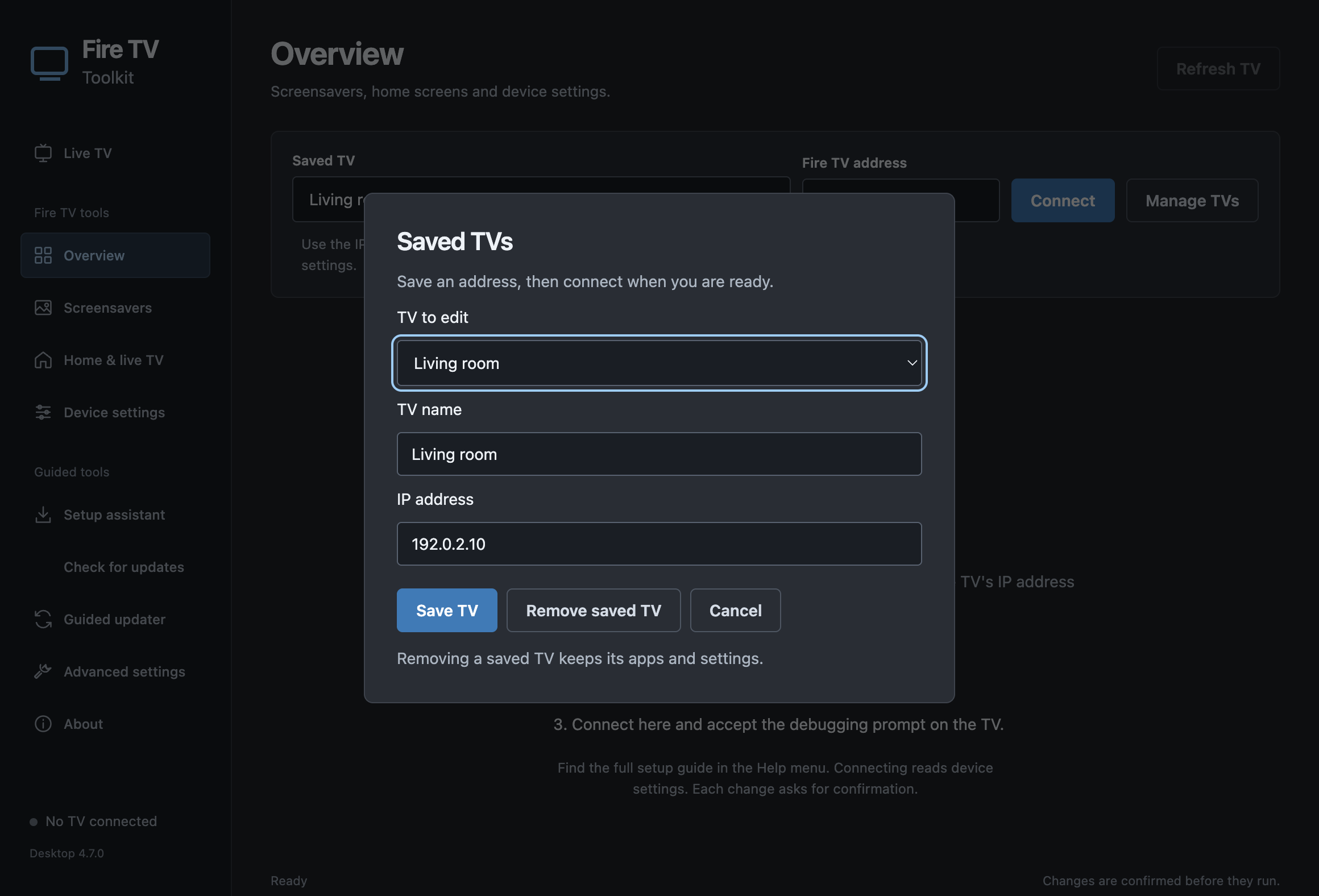 Saved TVs | 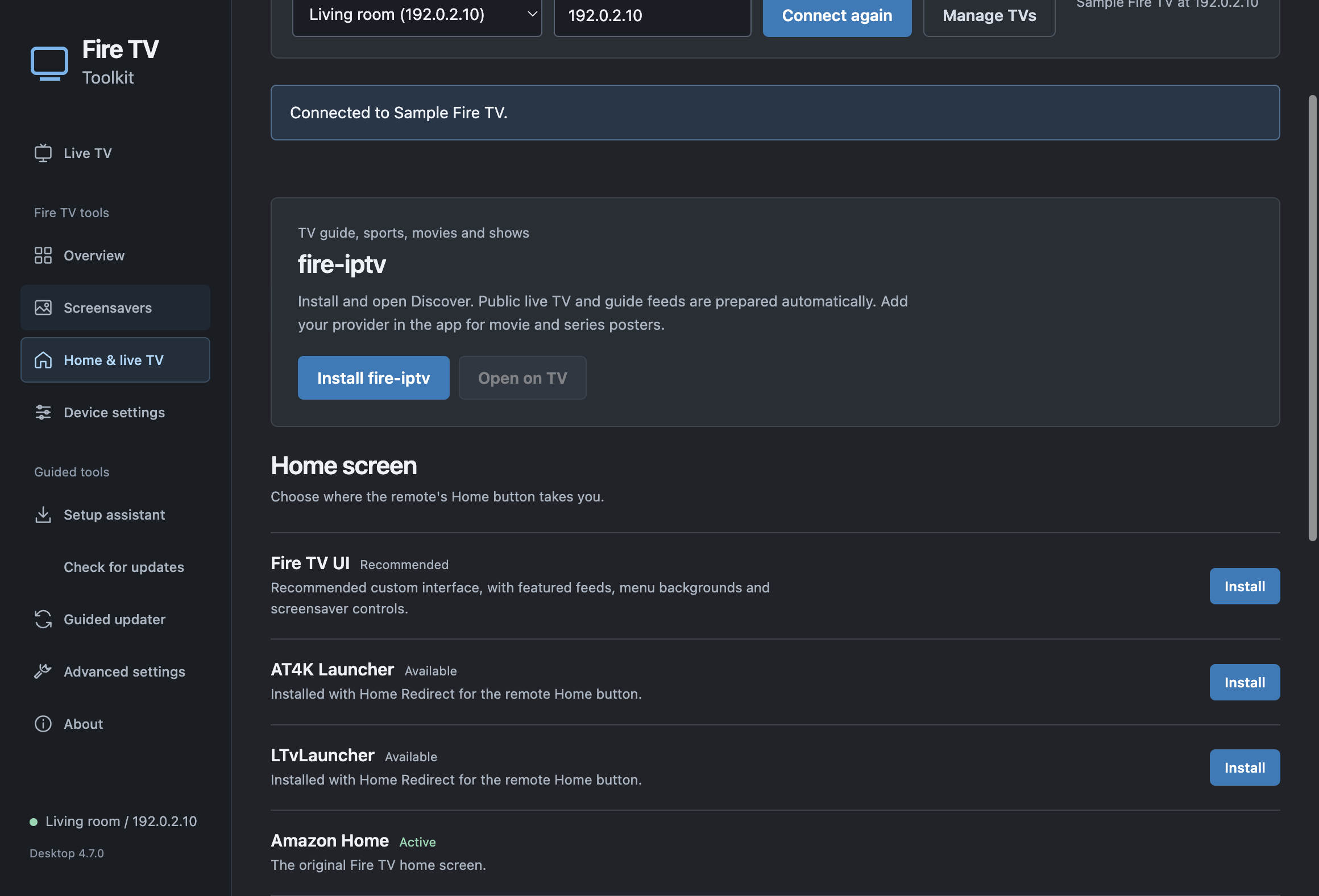 Recommended UI |
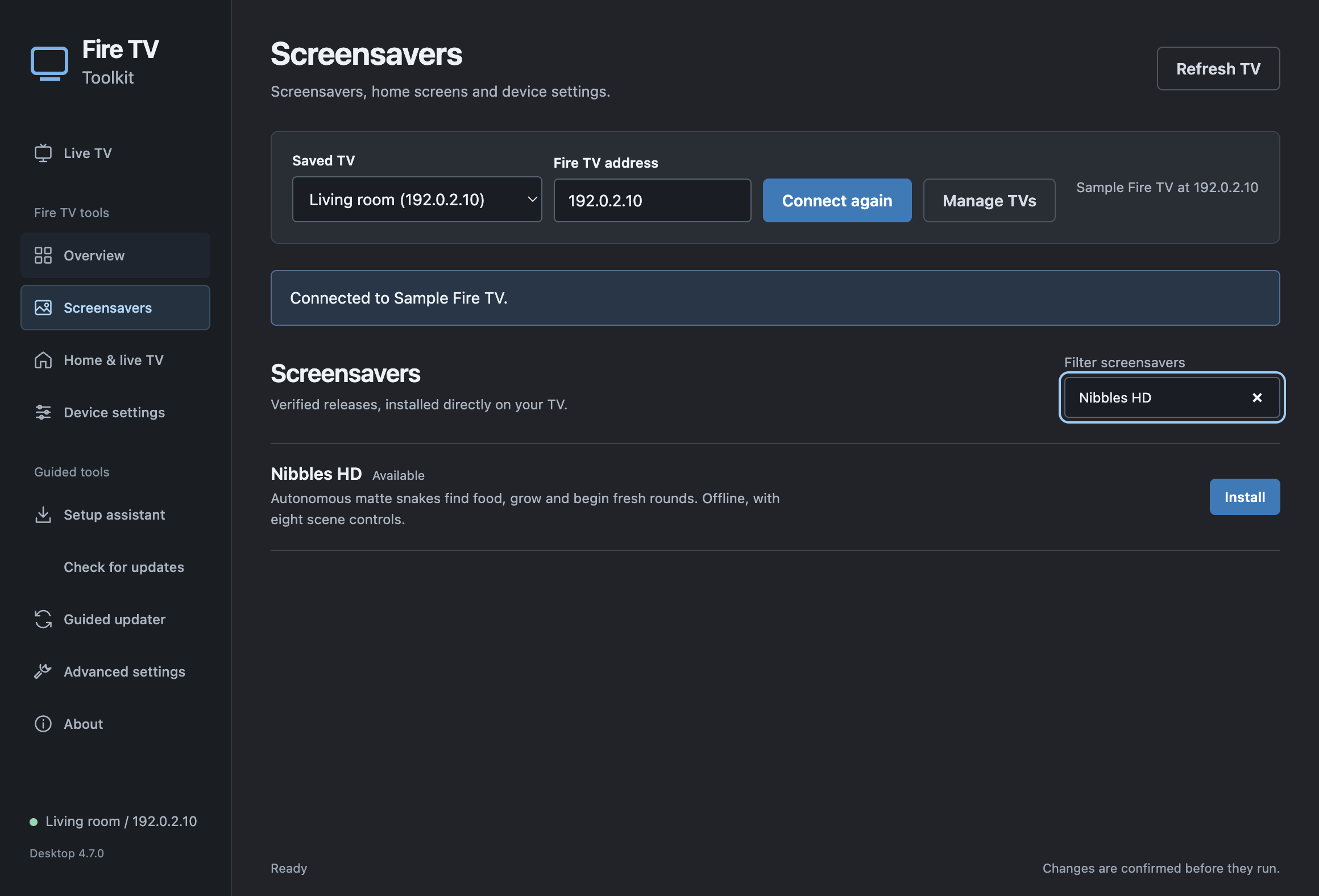 Nibbles HD | 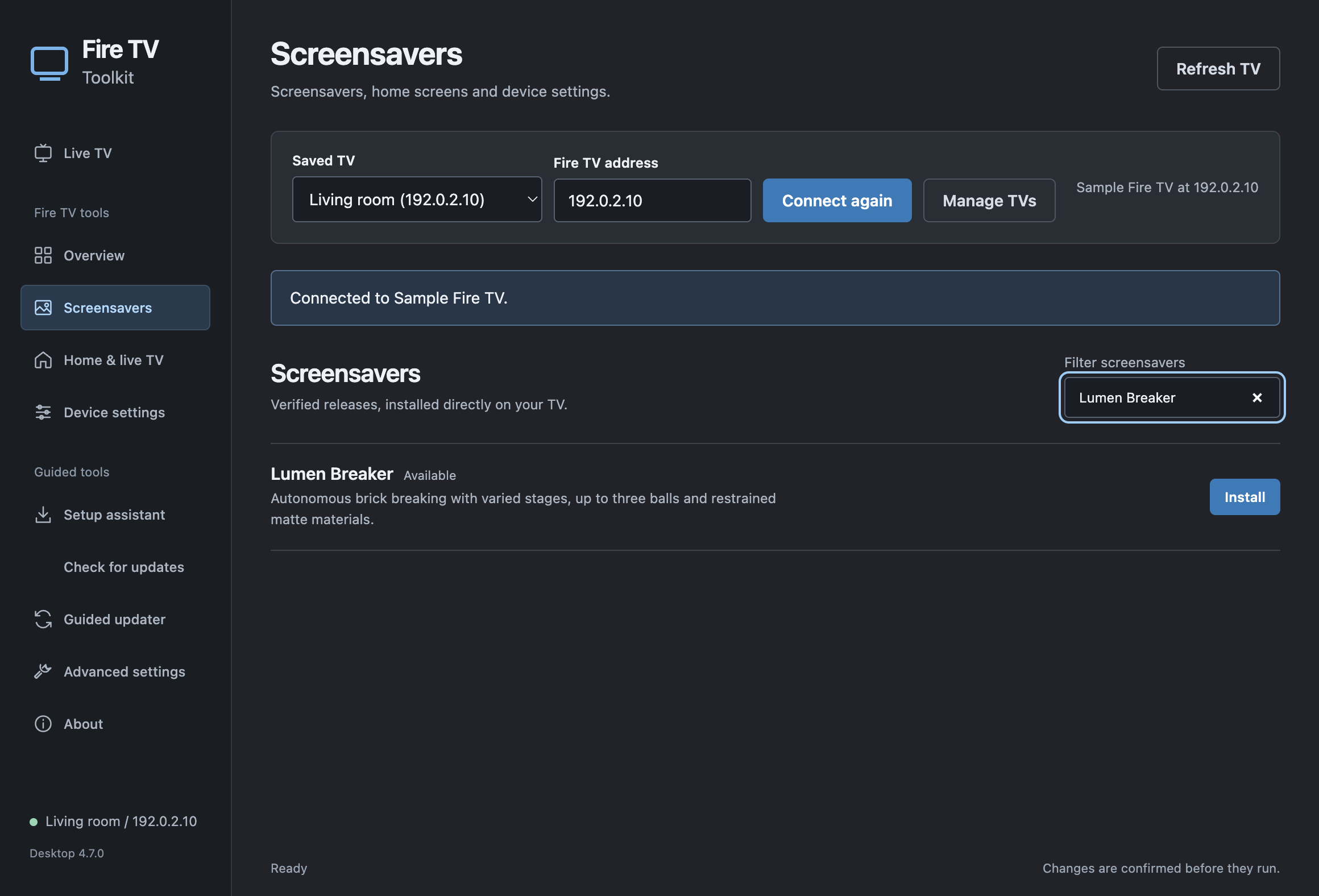 Lumen Breaker | 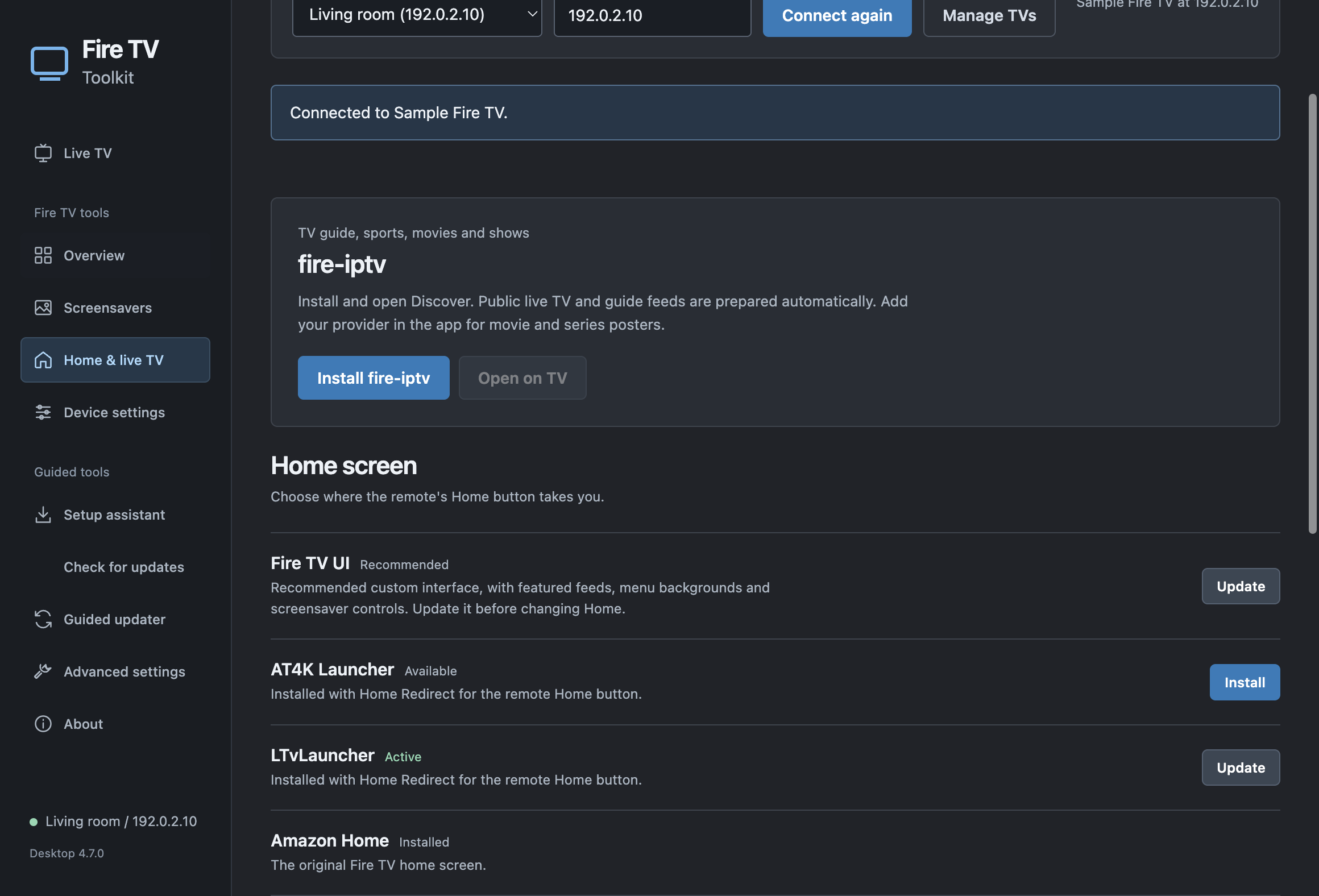 Home compatibility |
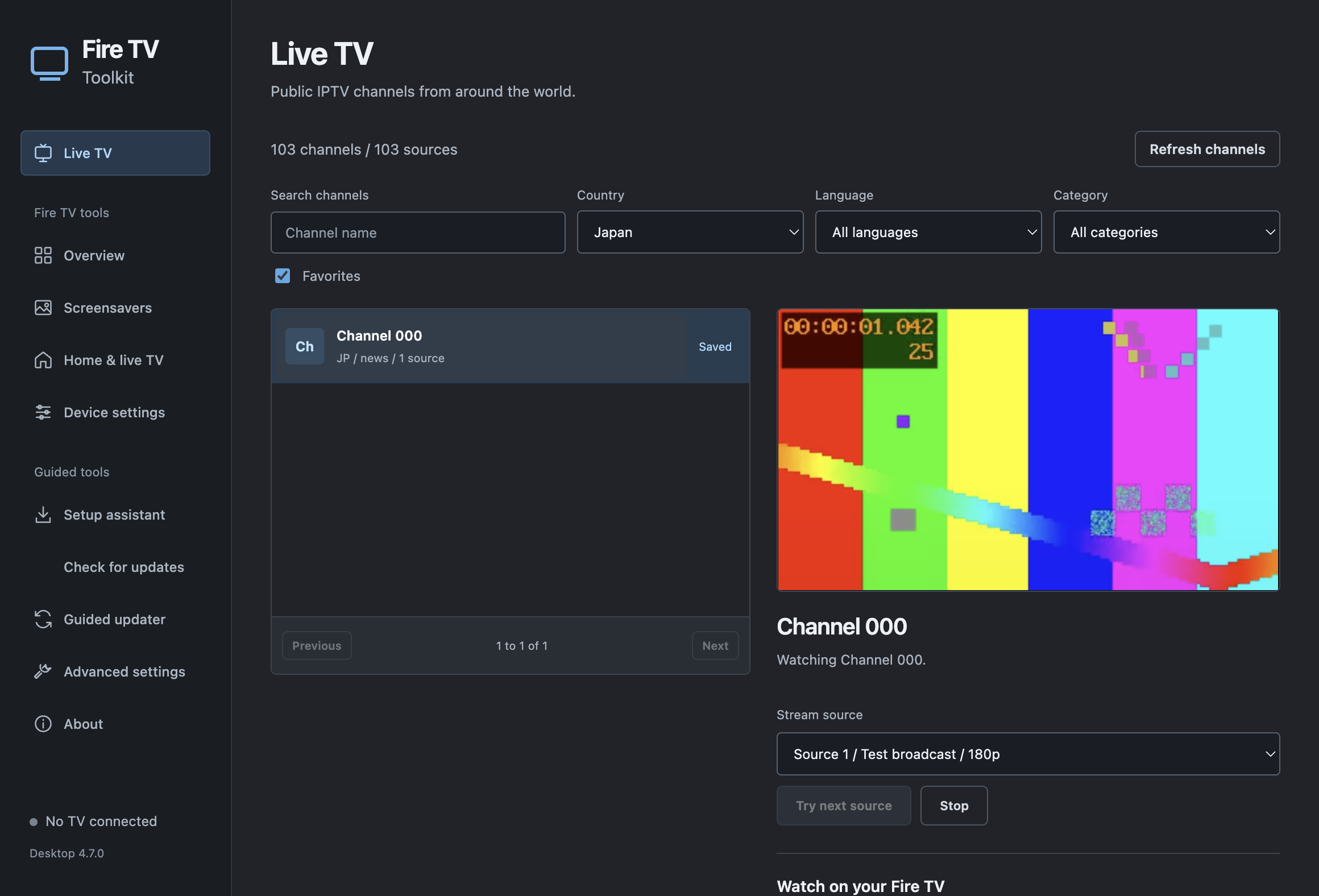 Synthetic HLS | 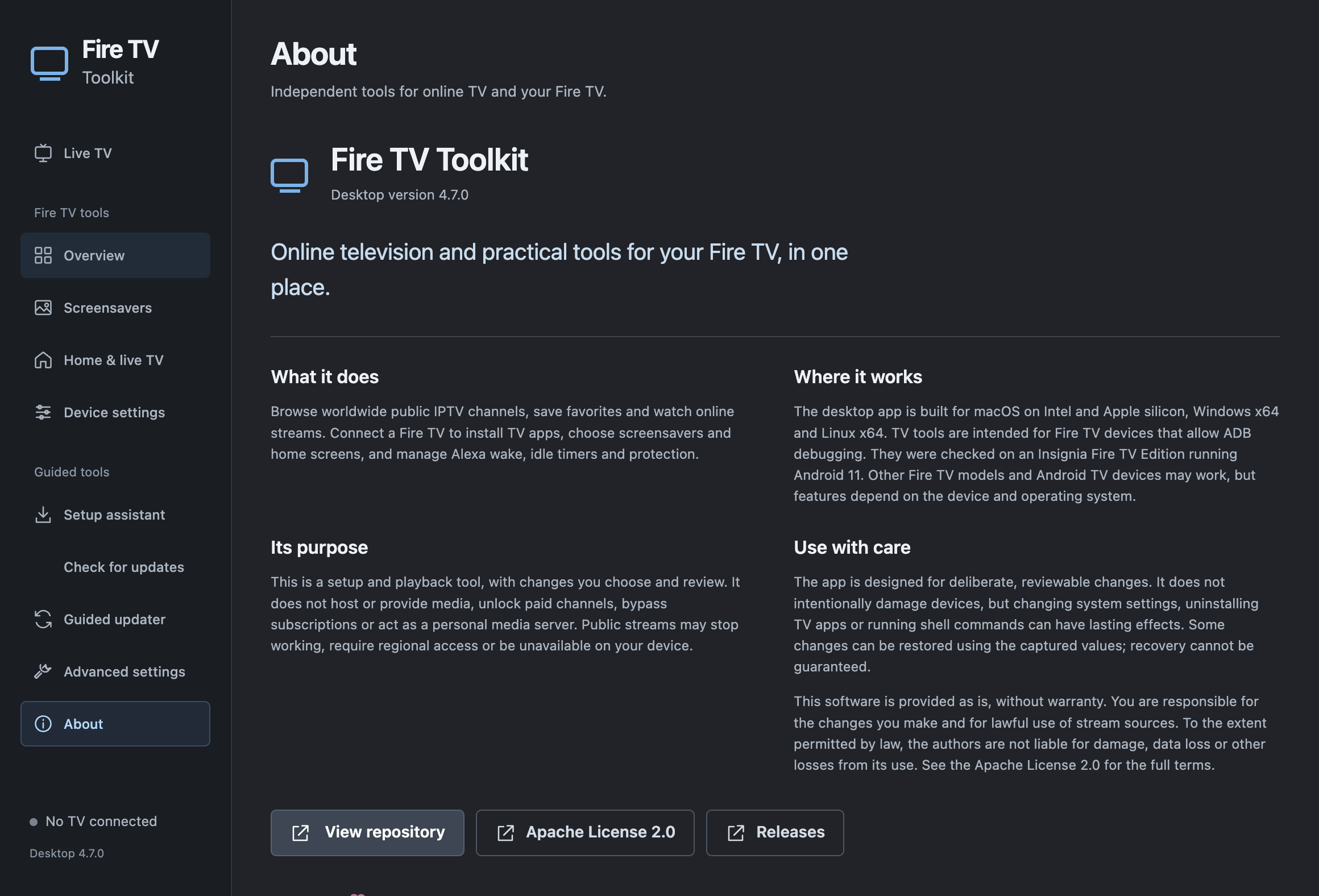 About | 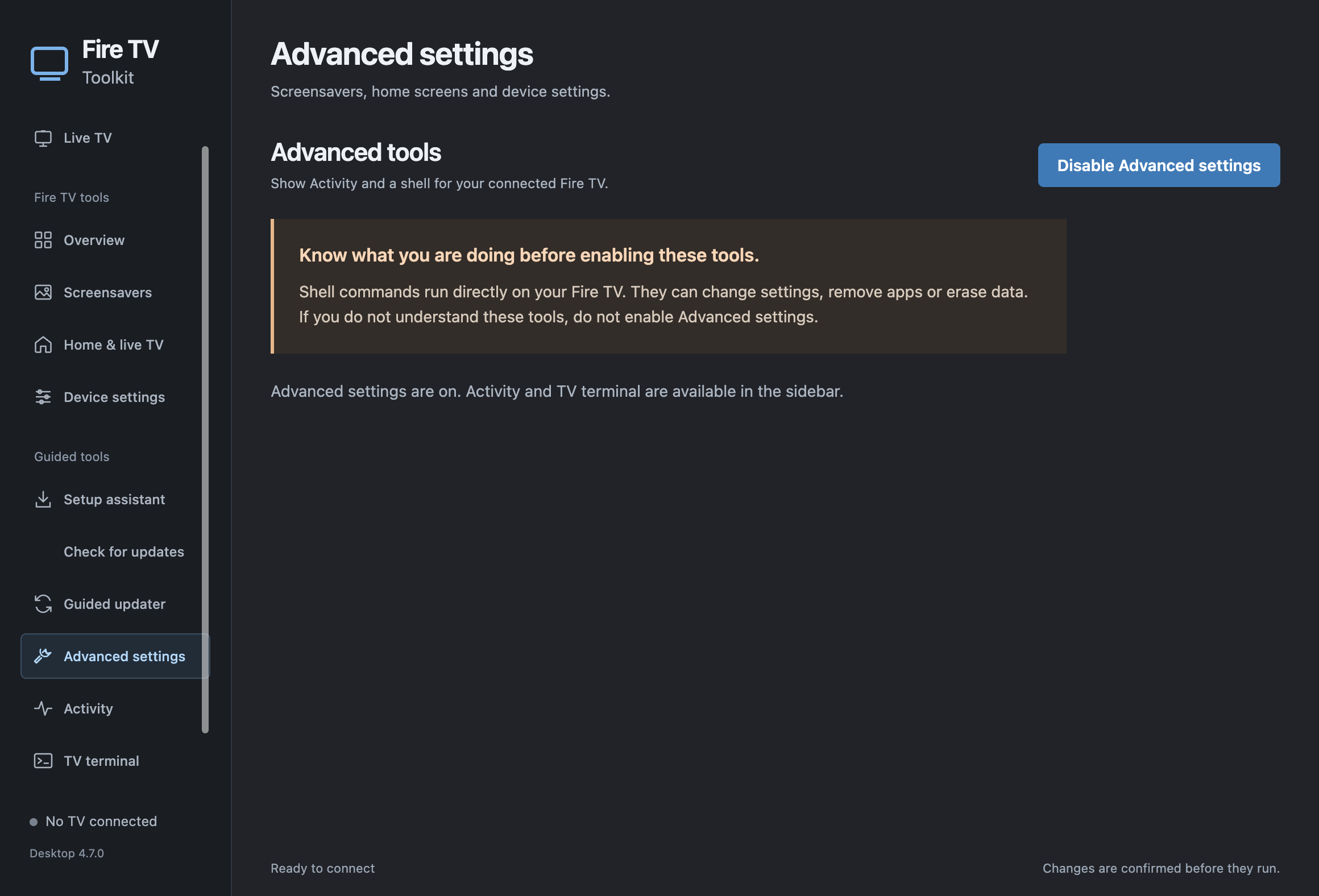 Advanced settings |
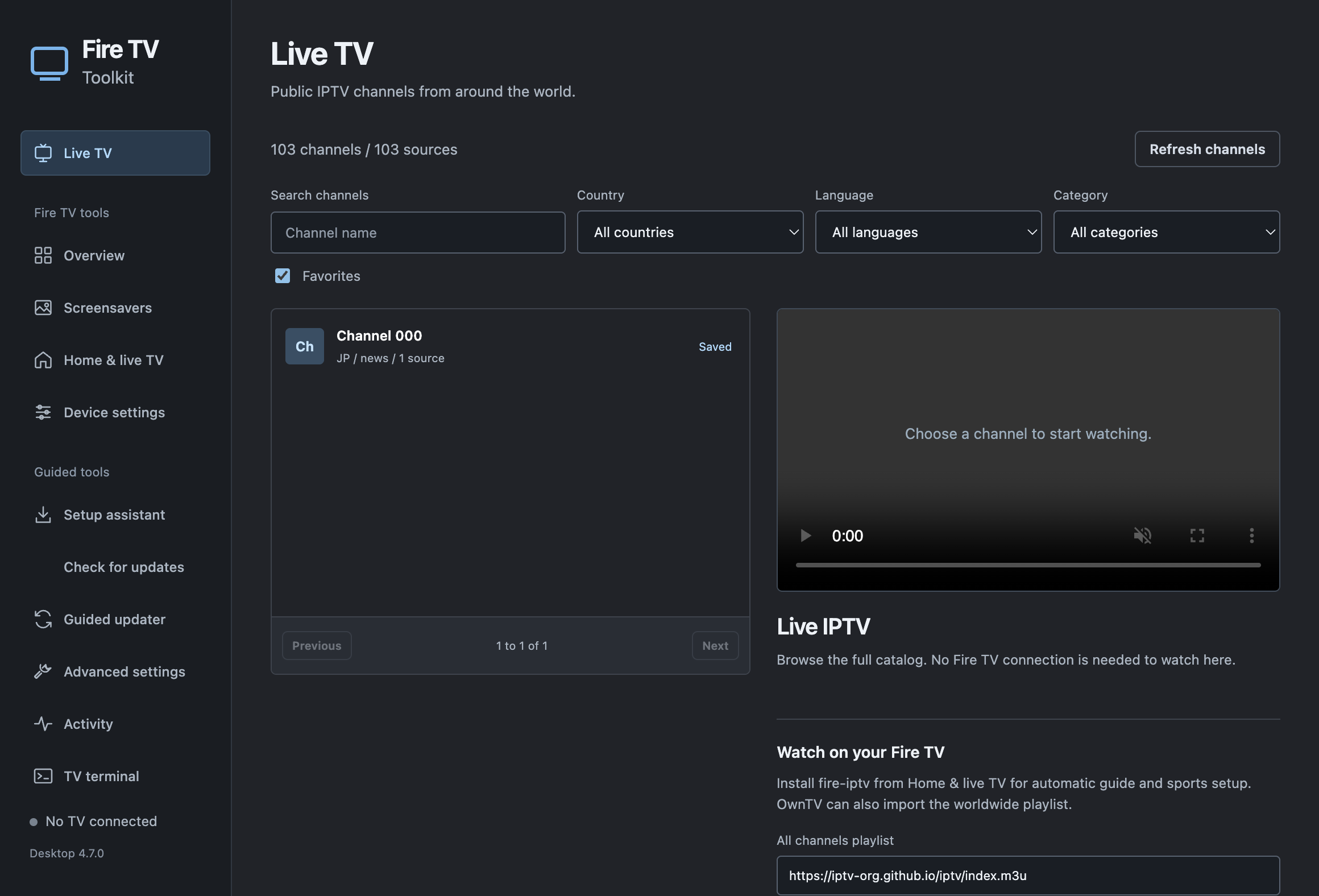 Retained favorites |
Windows 4.7.0
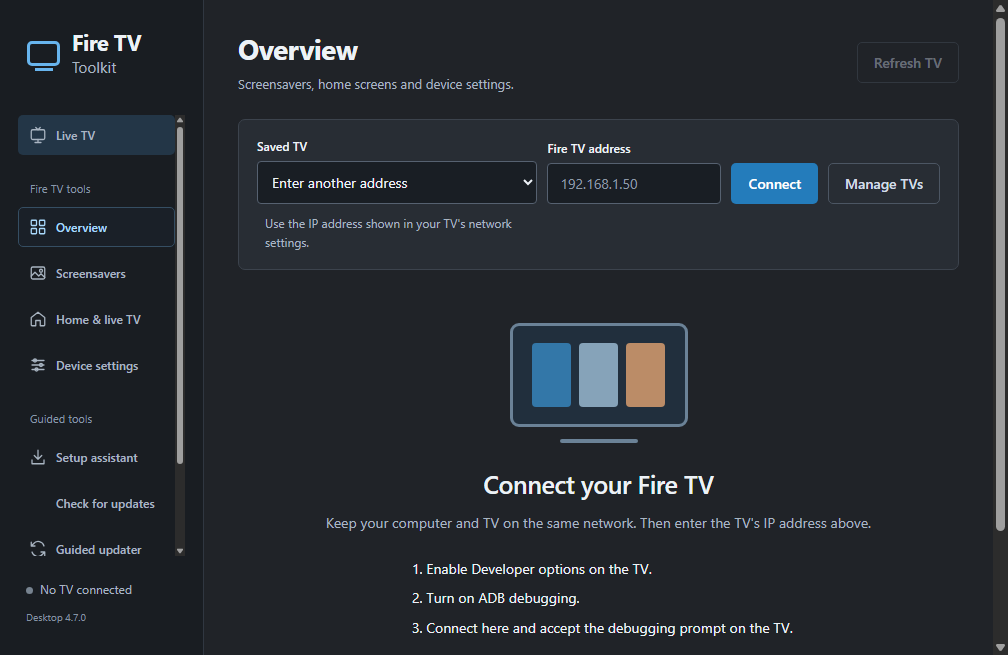 Device setup | 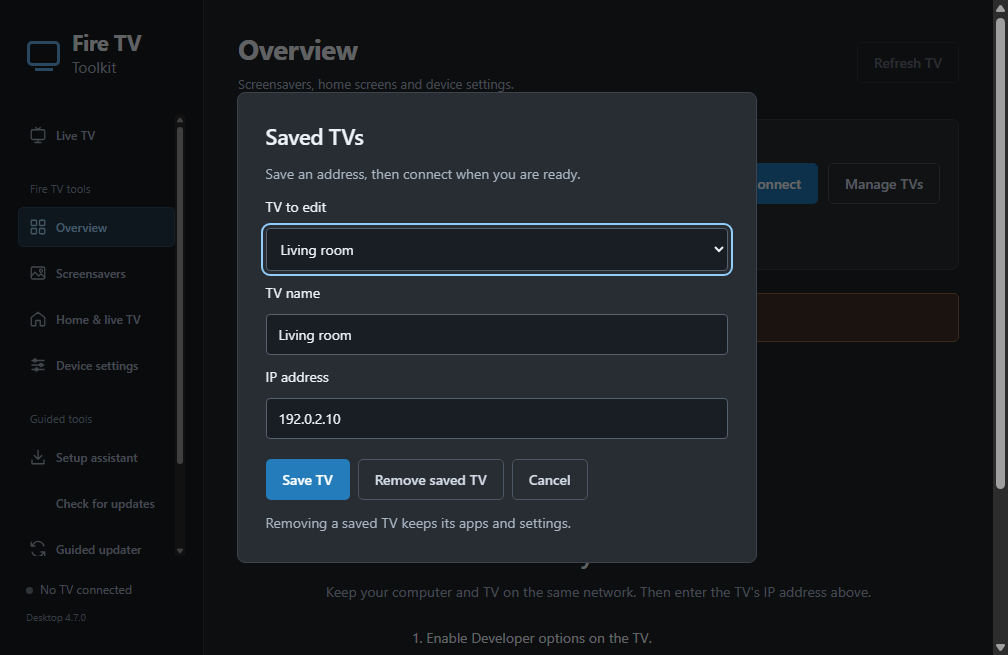 Saved TVs | 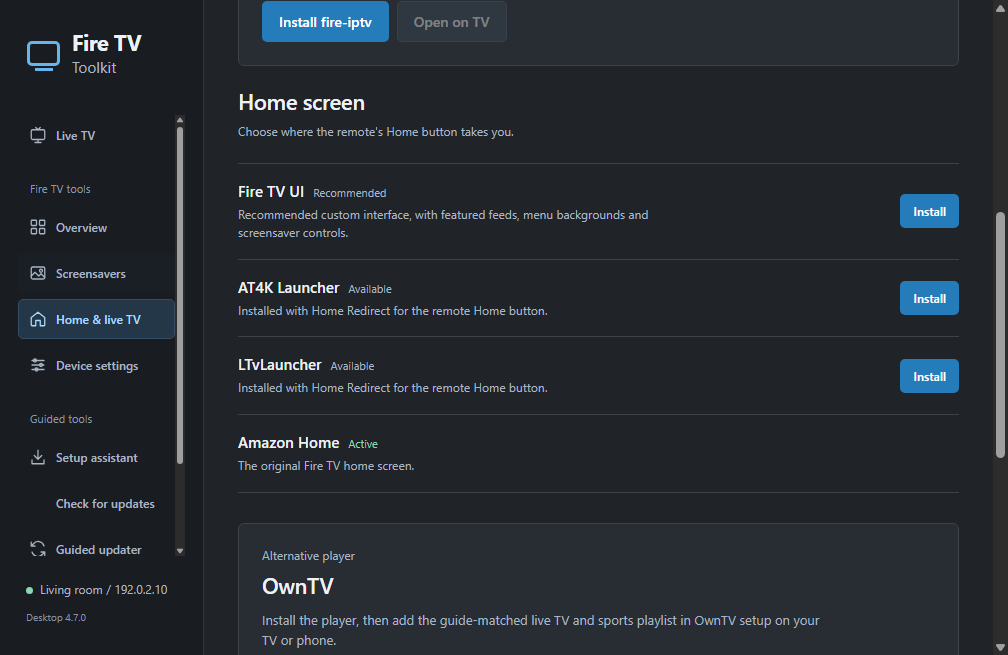 Recommended UI |
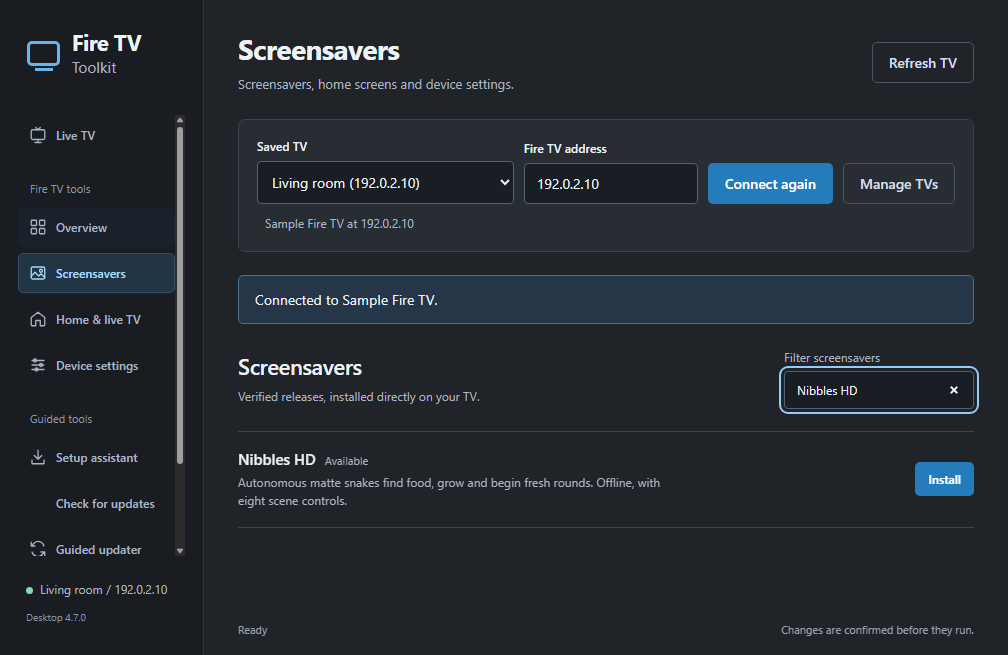 Nibbles HD | 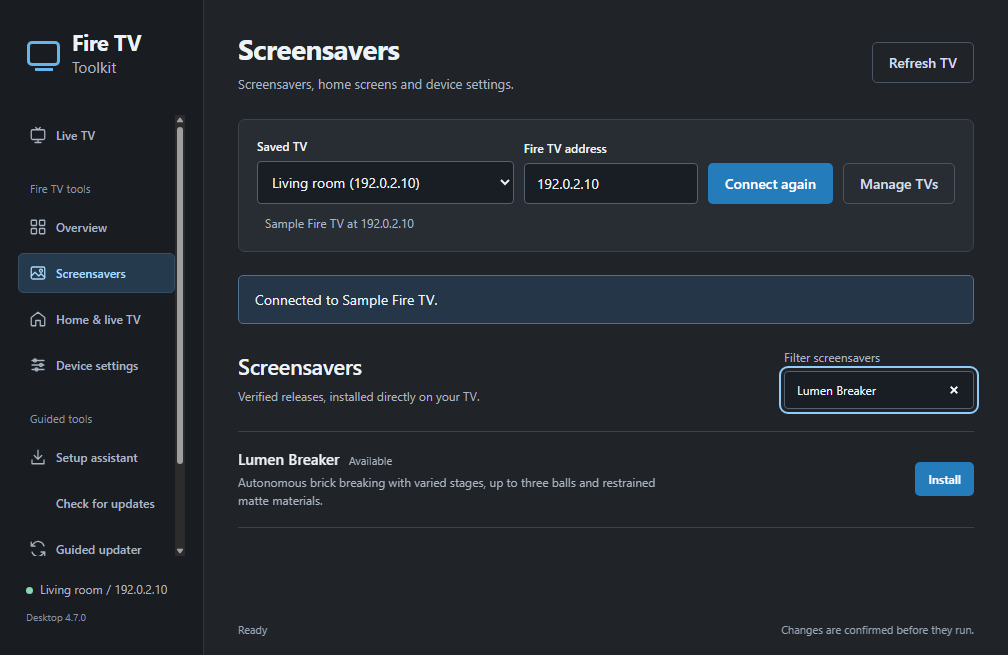 Lumen Breaker | 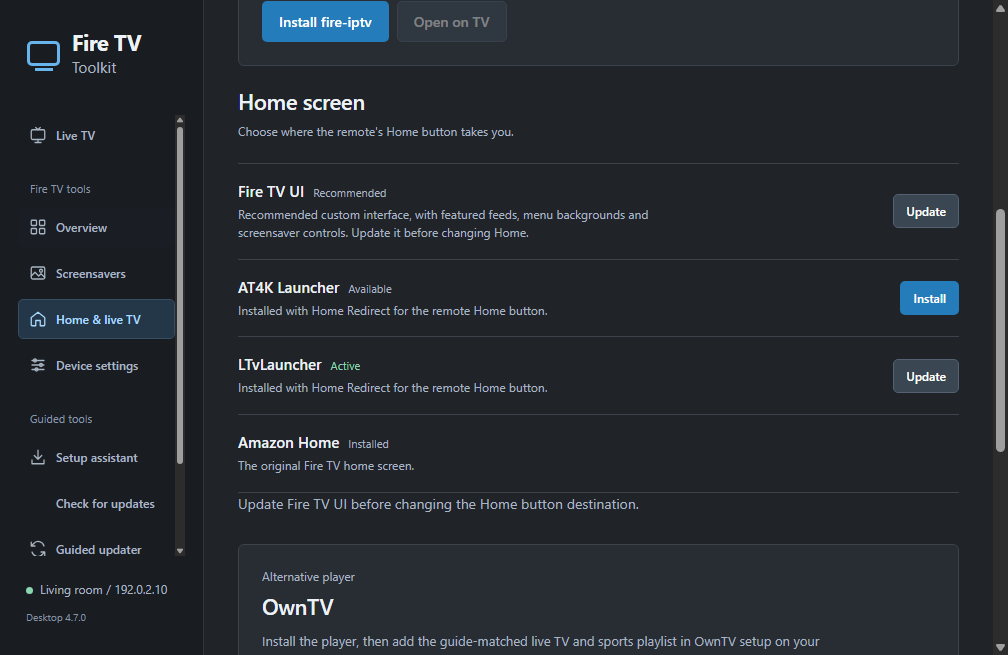 Home compatibility |
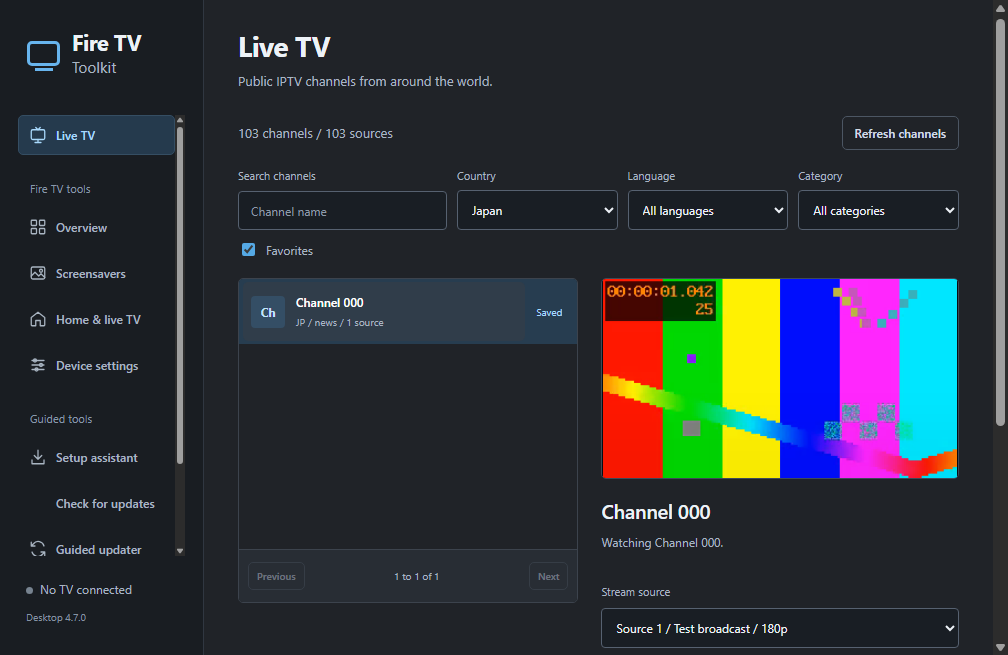 Synthetic HLS | 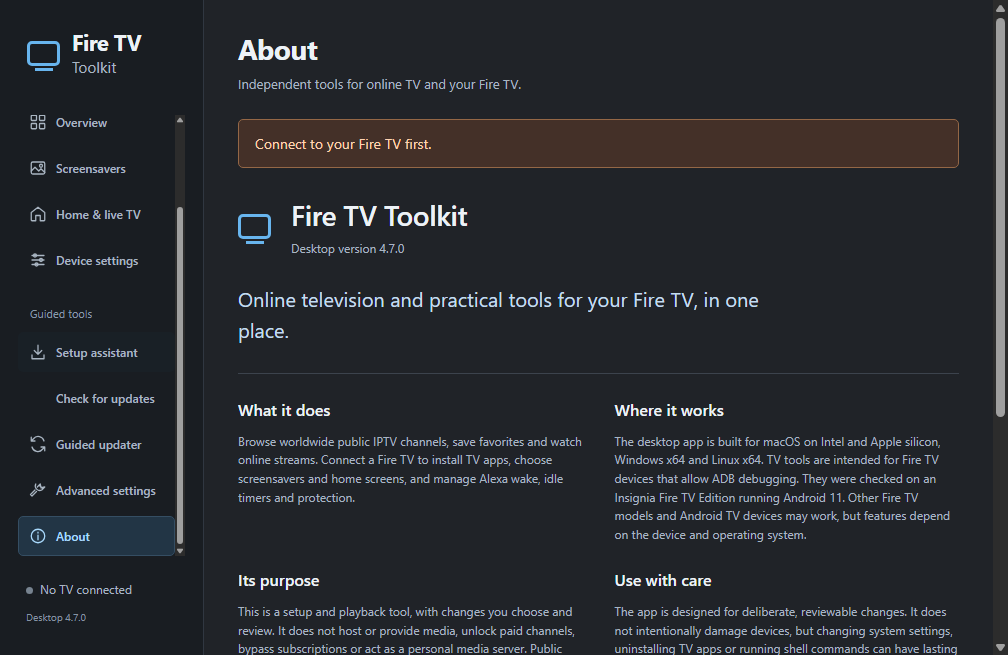 About | 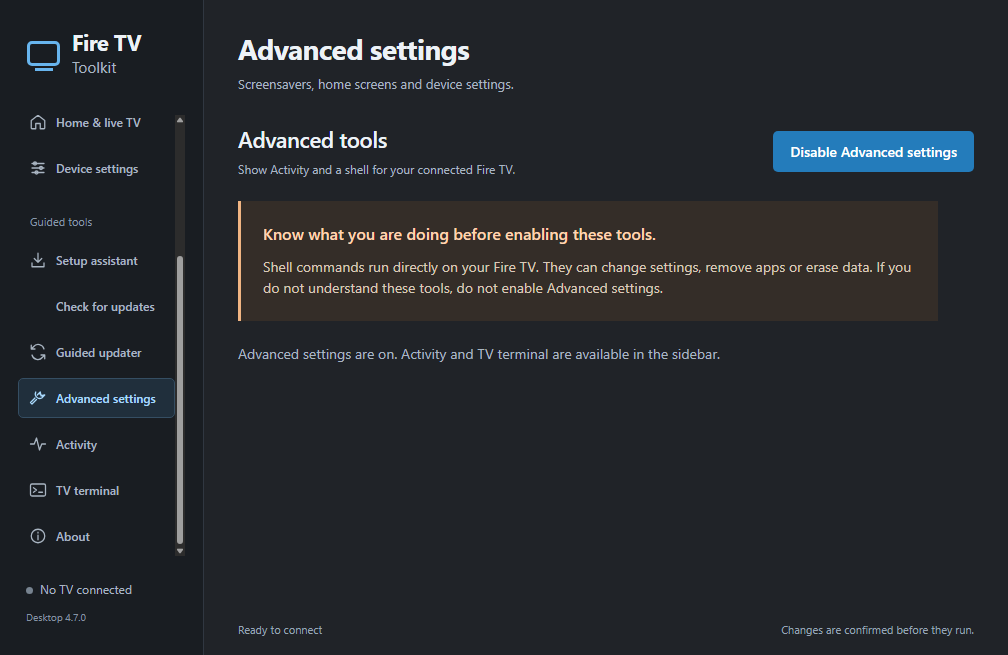 Advanced settings |
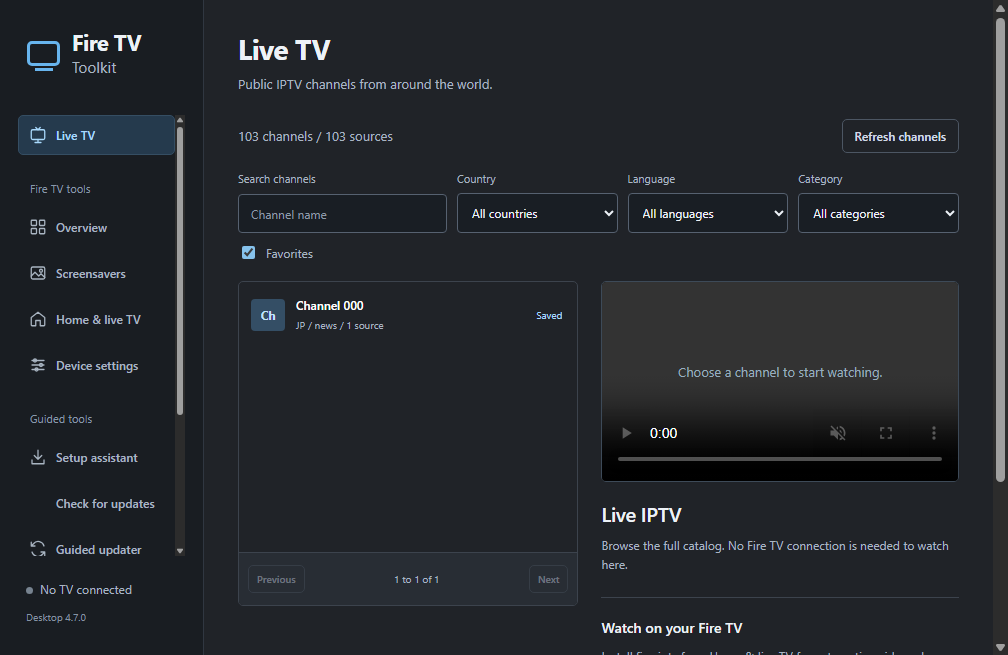 Retained favorites |
Linux 4.7.0
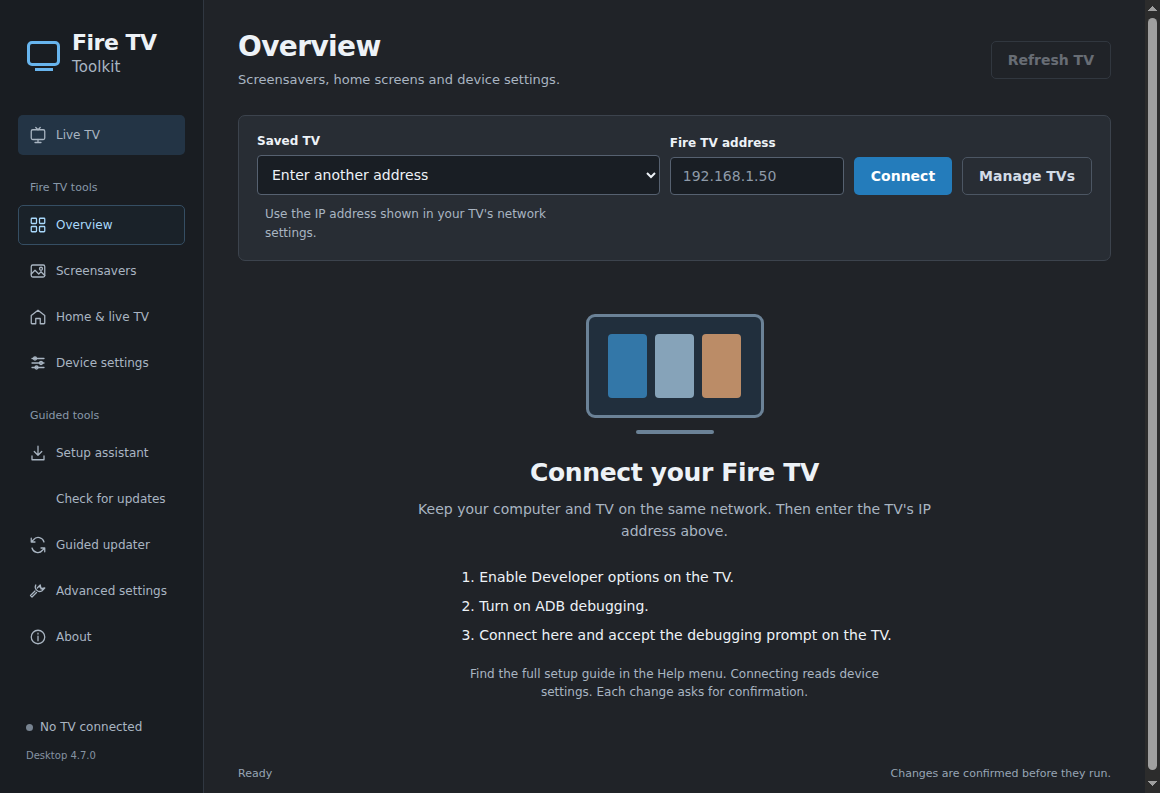 Device setup | 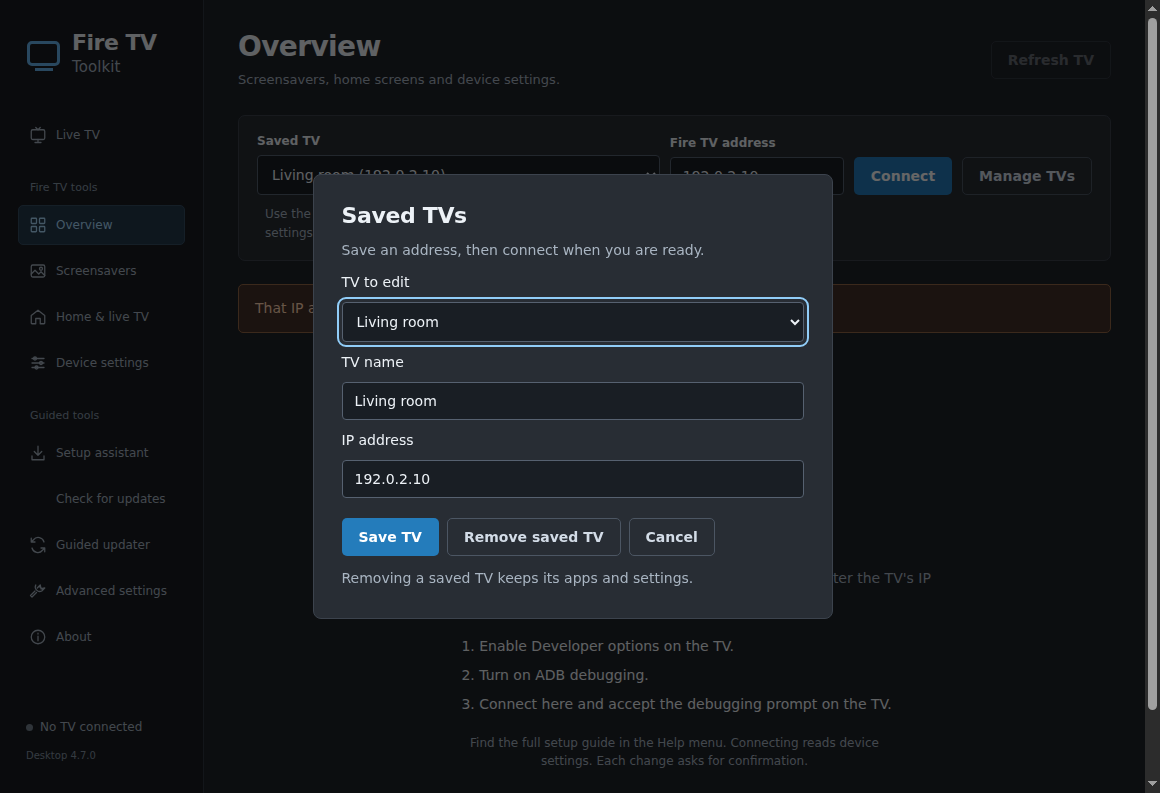 Saved TVs | 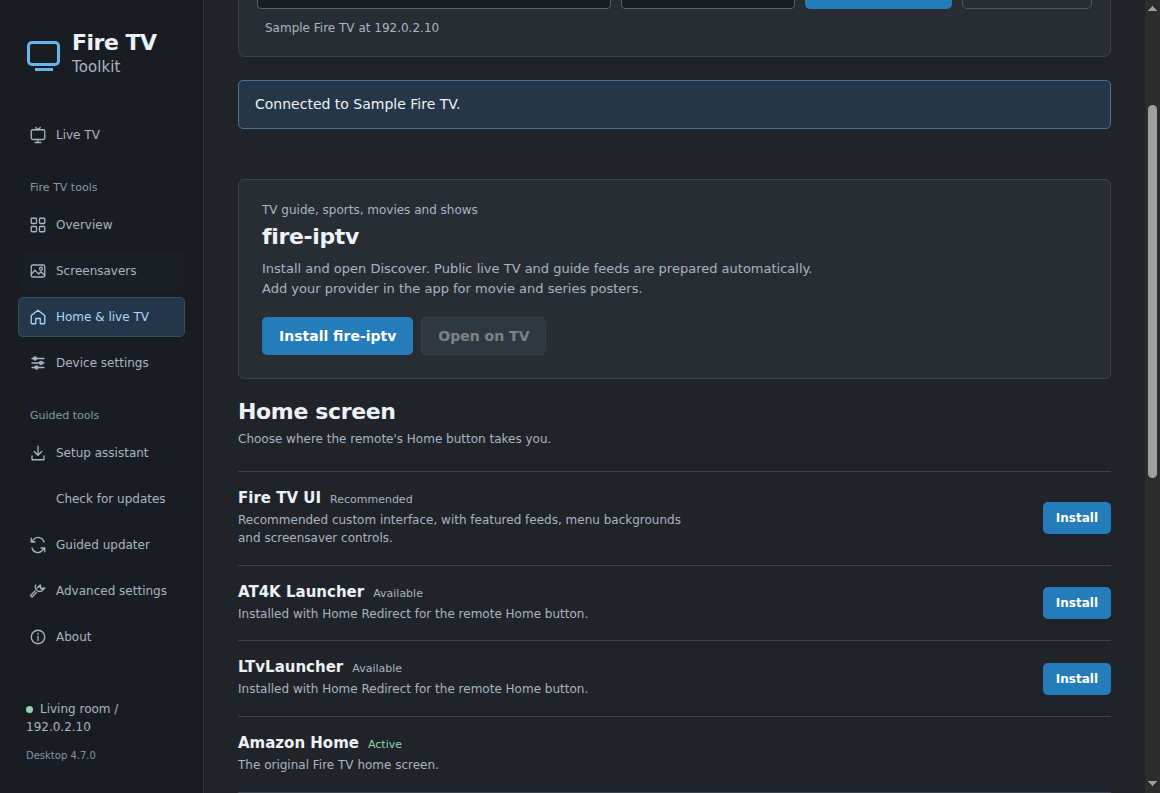 Recommended UI |
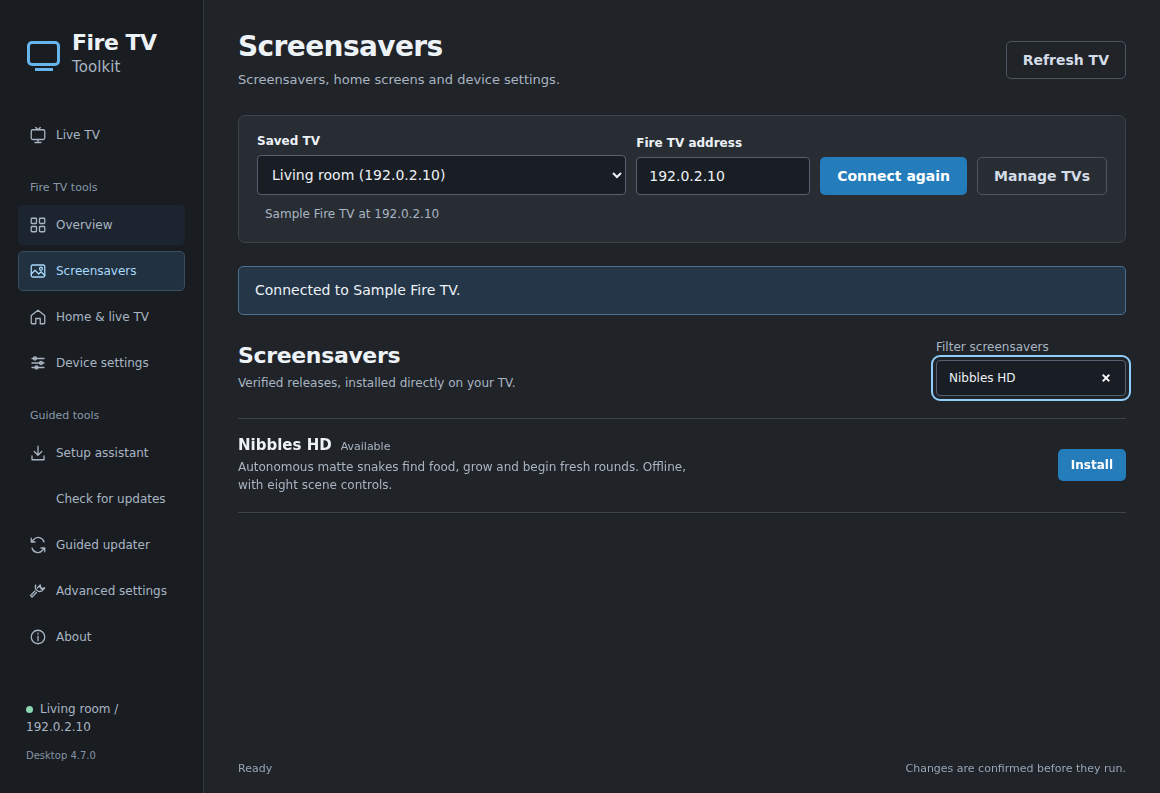 Nibbles HD | 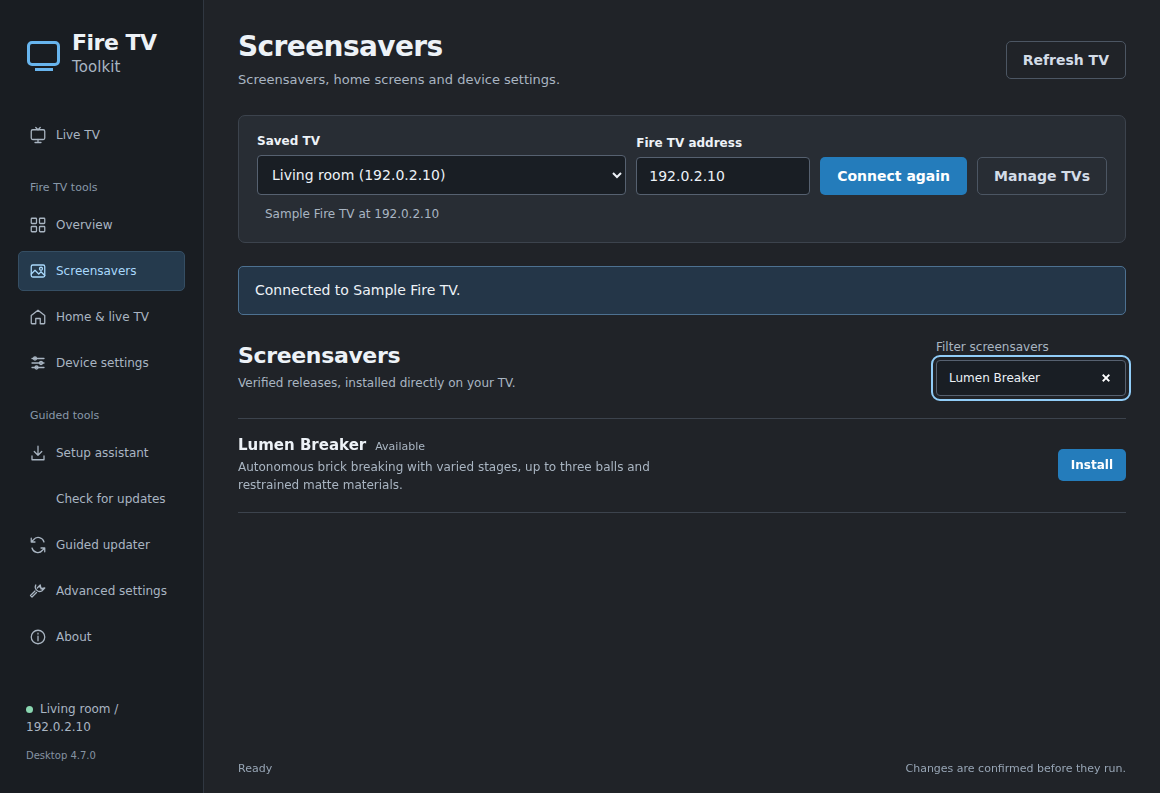 Lumen Breaker | 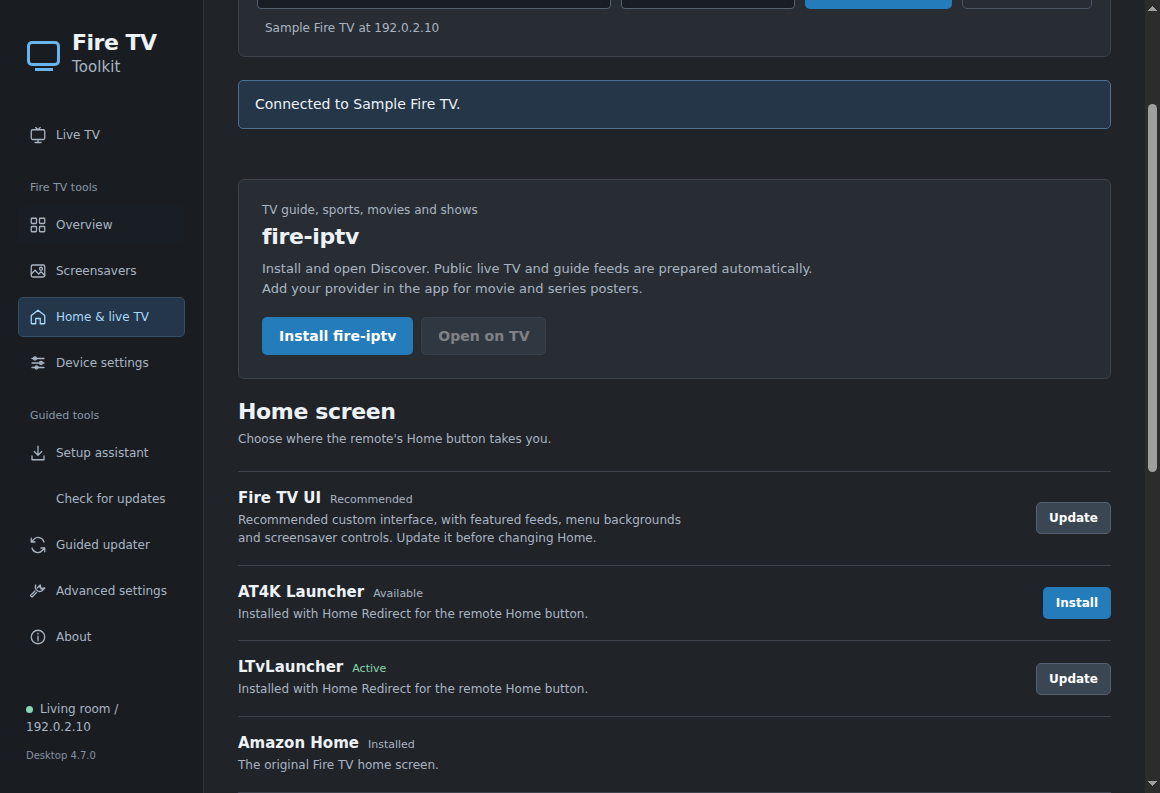 Home compatibility |
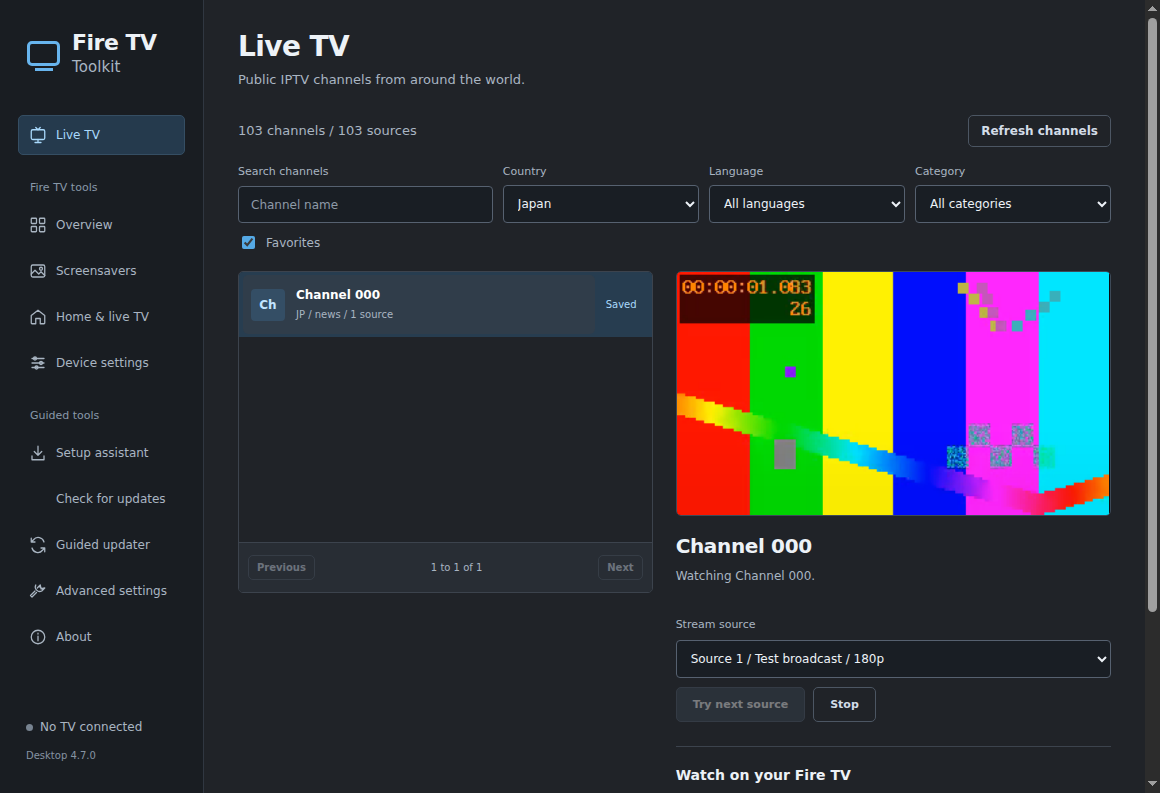 Synthetic HLS | 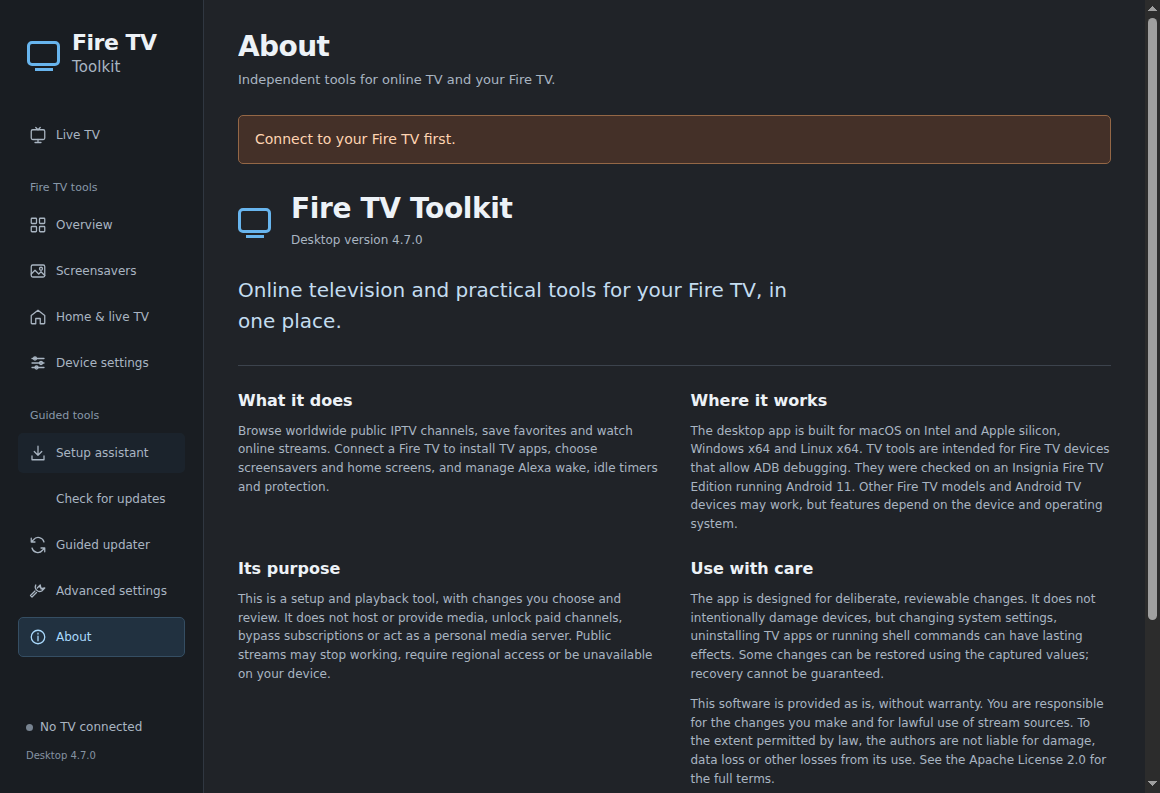 About | 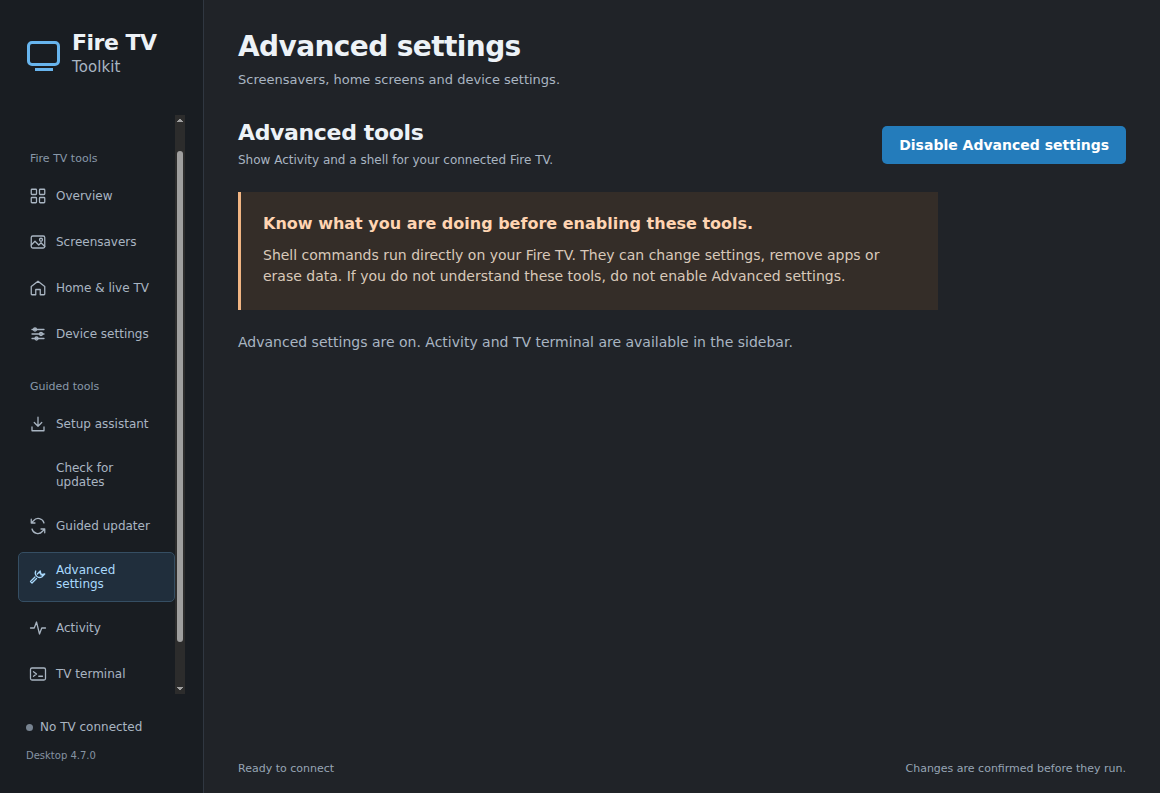 Advanced settings |
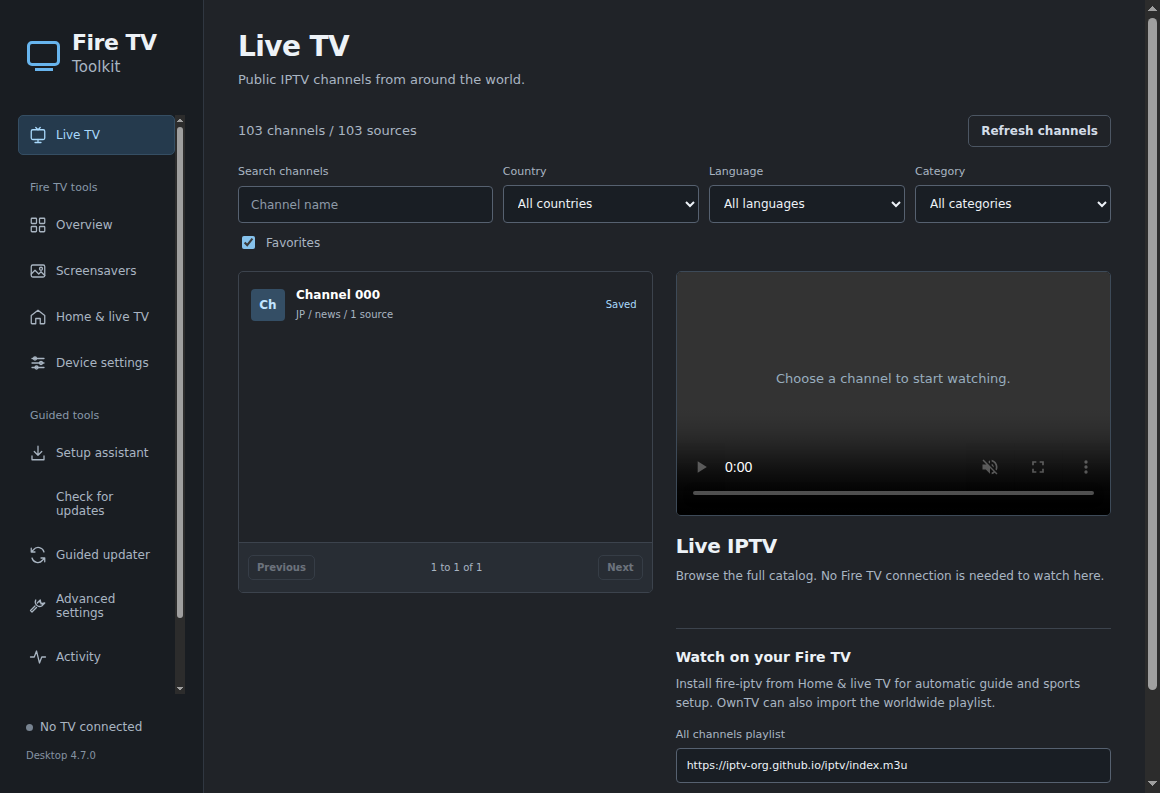 Retained favorites |
Historical 4.6.0 captures
Historical 4.6.0 captures come from the actual installed macOS, Windows and Linux apps. The tests load the shipped 36-entry catalog, verify Nibbles/Lumen Install actions and exercise named profiles, Home compatibility, restart, favorites and removal. TV addresses and connection responses are isolated sample data; no physical TV is contacted. The Live TV frames use a local synthetic HLS color-bar fixture, not a household playlist or broadcast. All raw images are unchanged. Capture provenance records exact source hashes and the successful three-platform workflow.
macOS 4.6.0
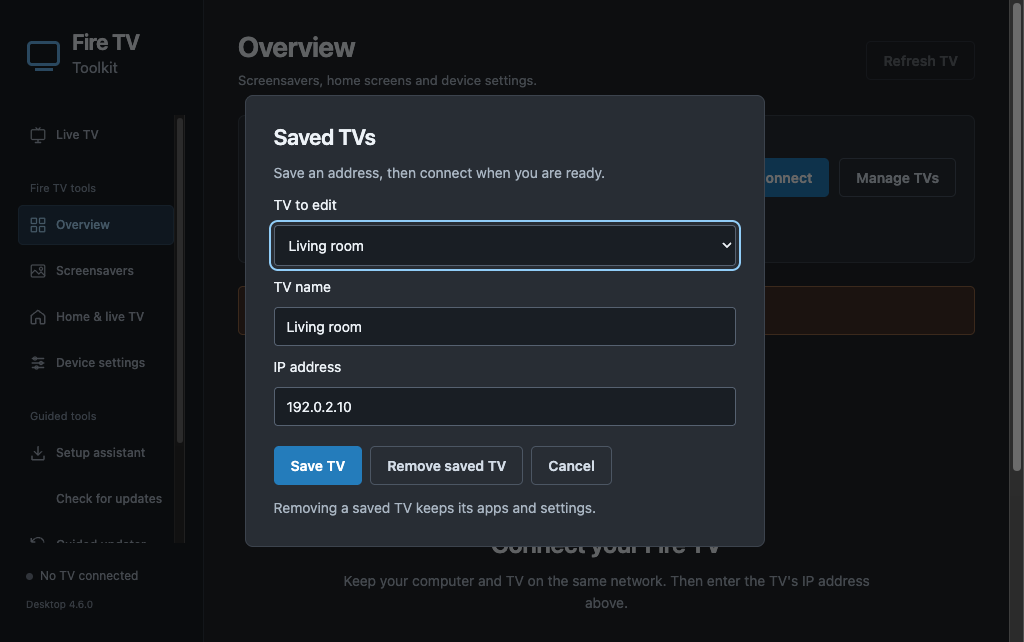 Saved TVs | 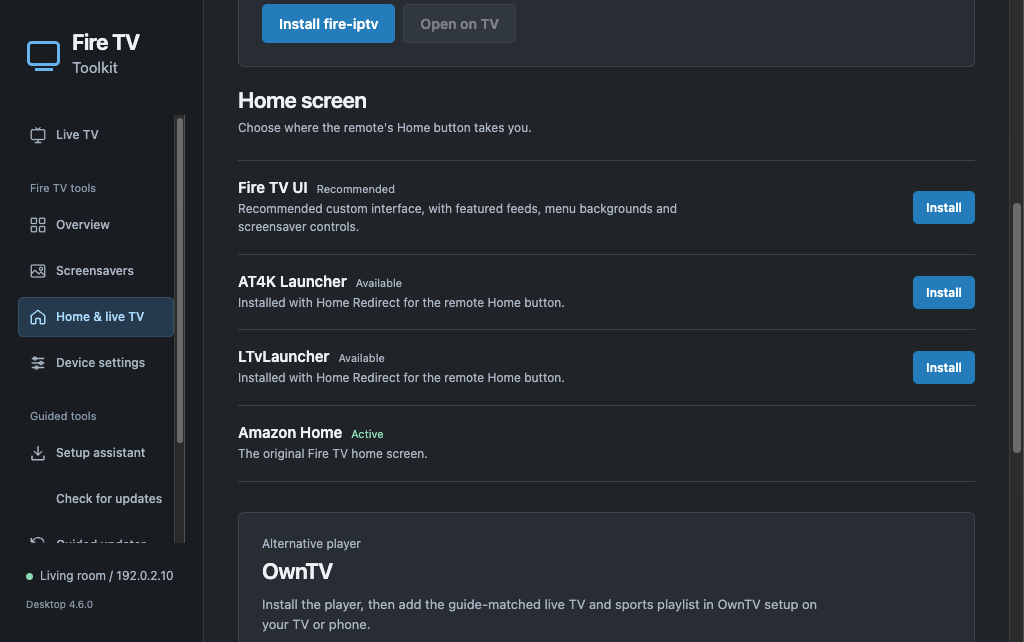 Recommended UI | 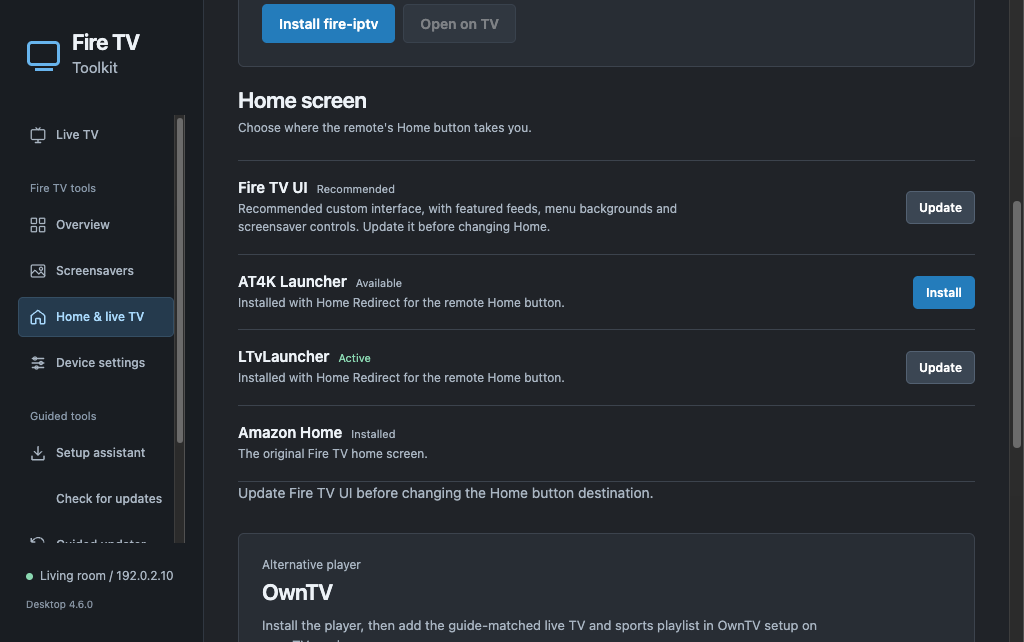 Update before Home |
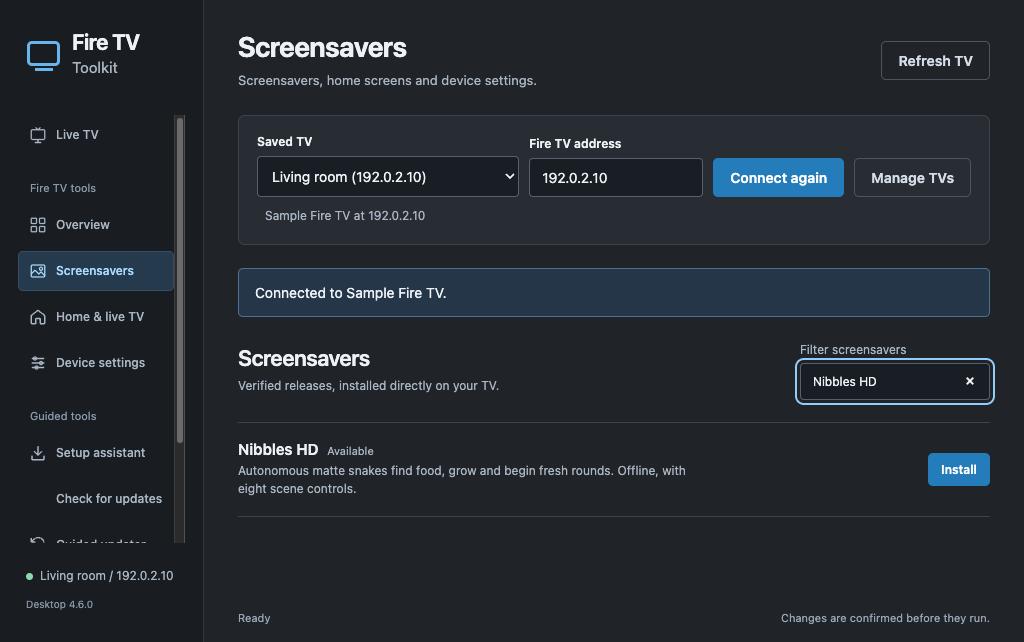 Nibbles HD | 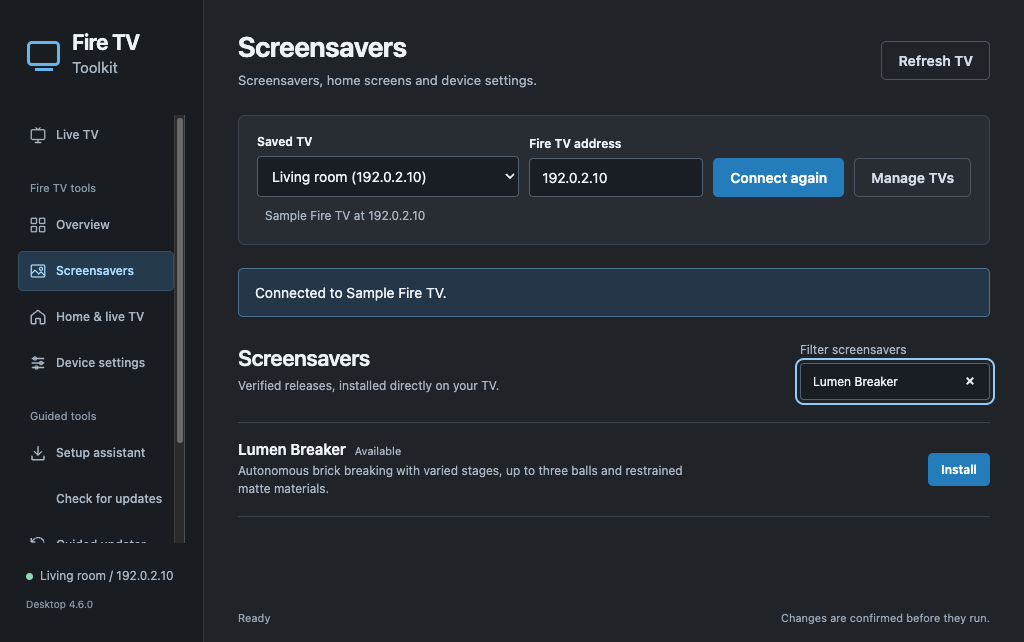 Lumen Breaker | 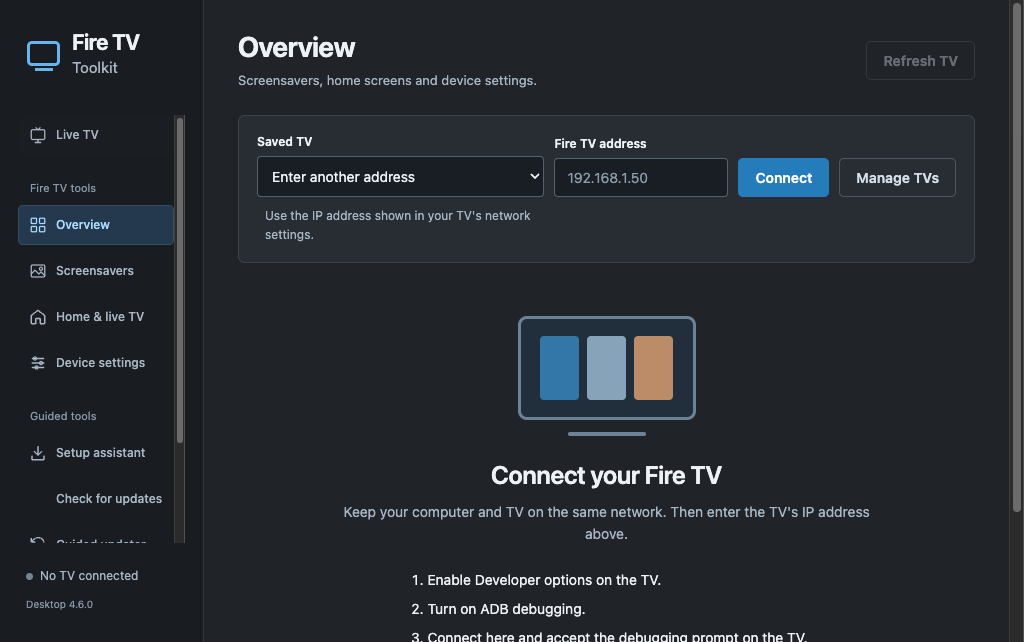 Device setup |
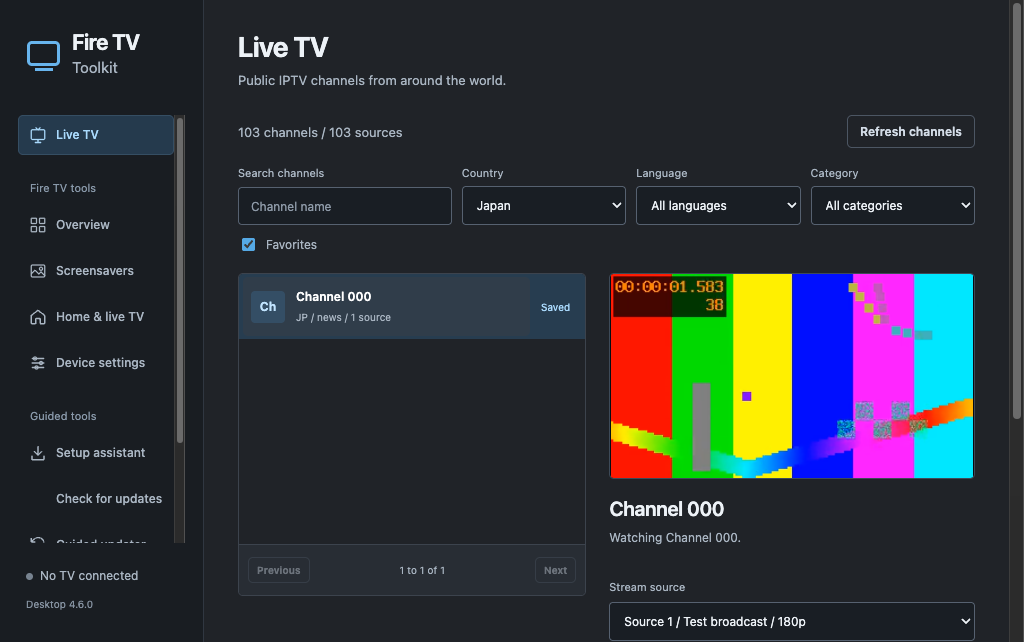 Synthetic HLS | 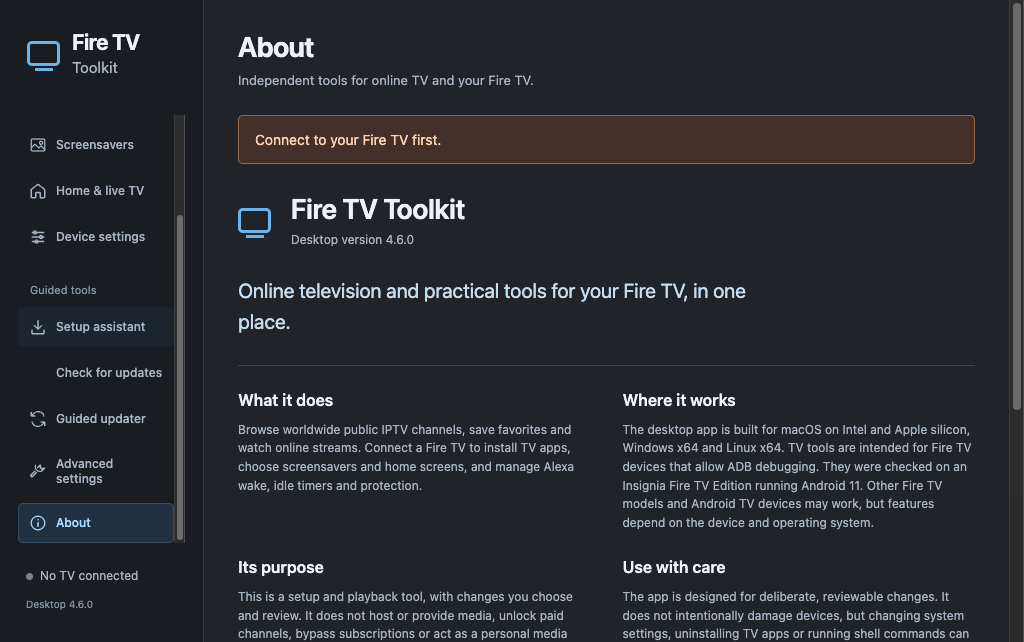 About | 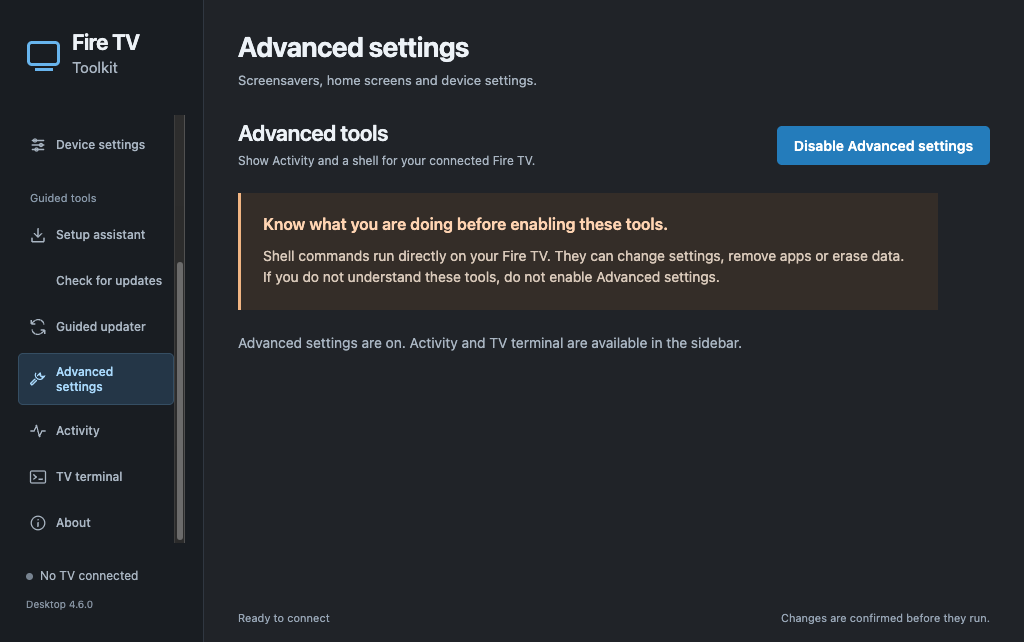 Advanced settings |
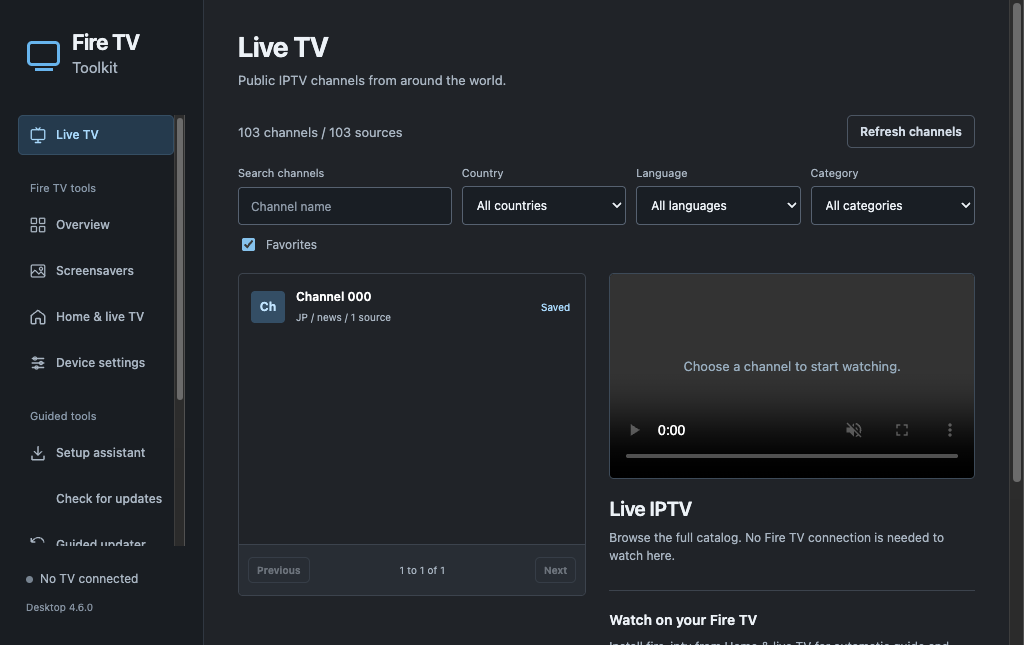 Restored favorites |
Windows 4.6.0
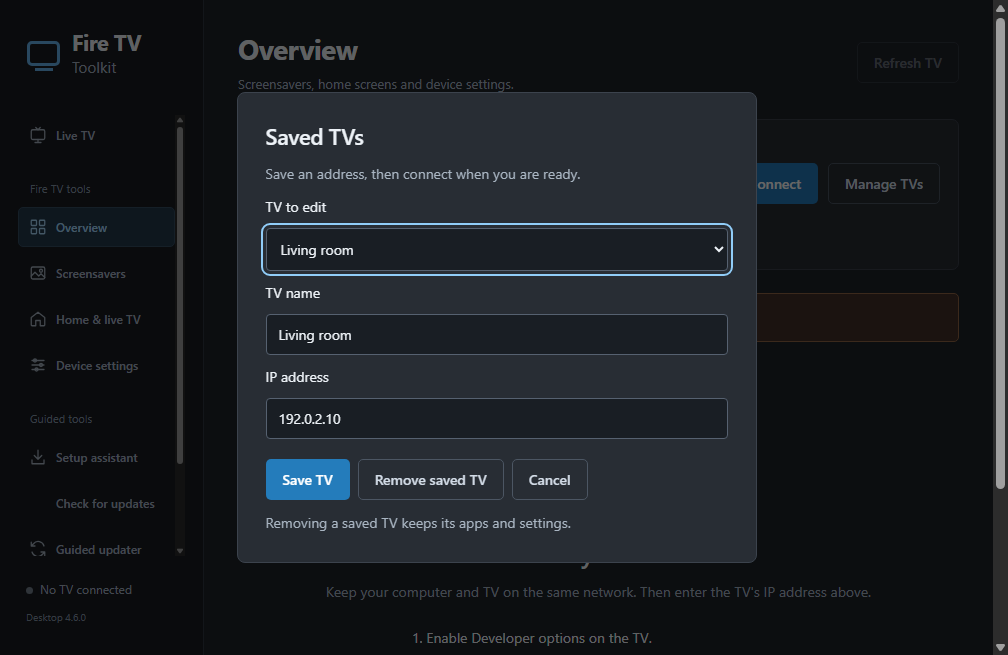 Saved TVs | 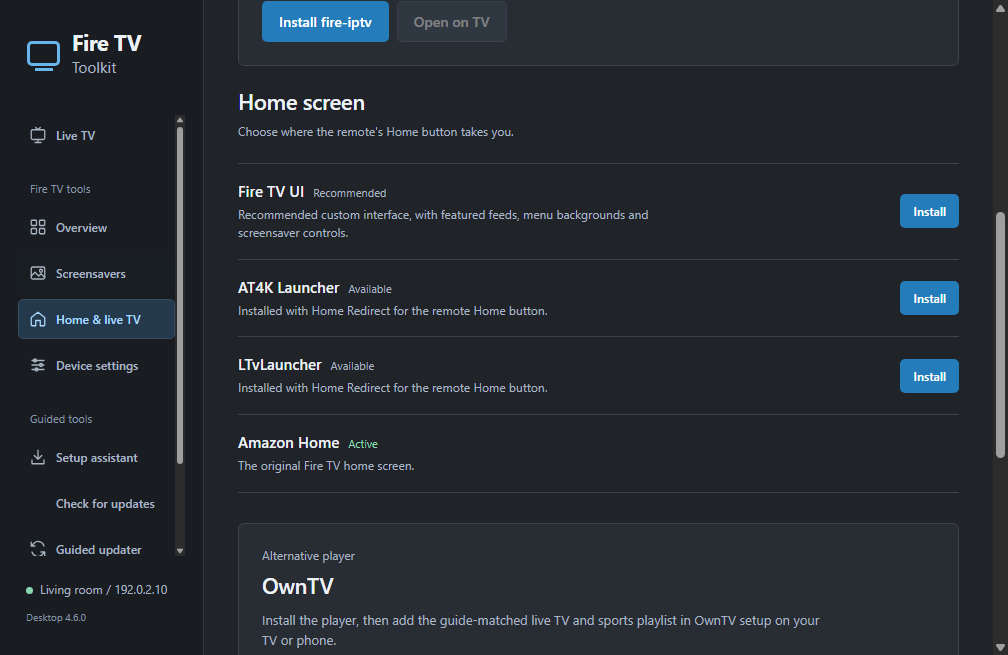 Recommended UI | 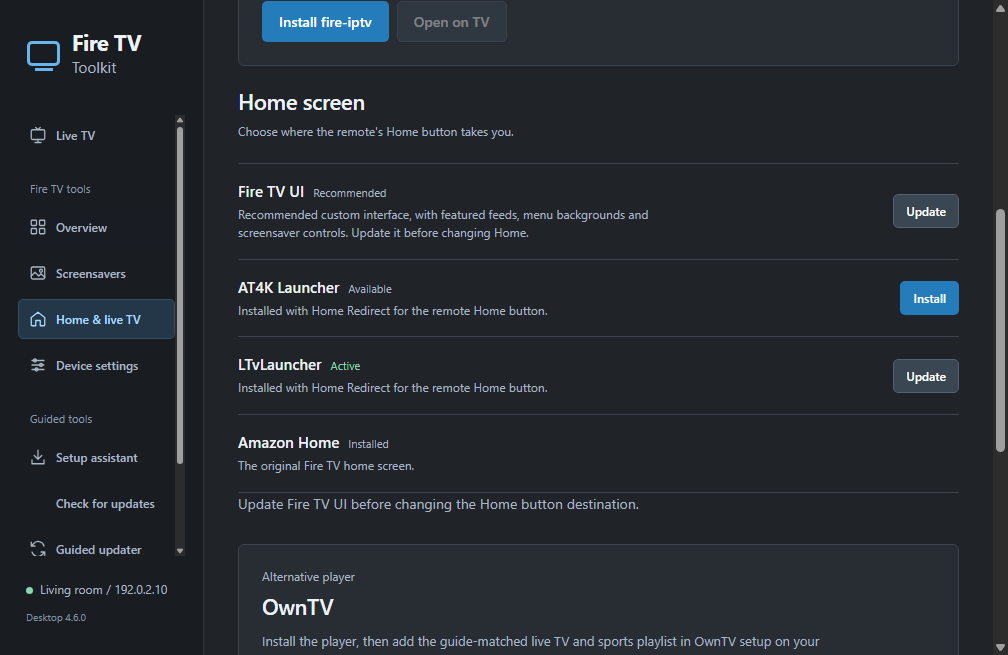 Update before Home |
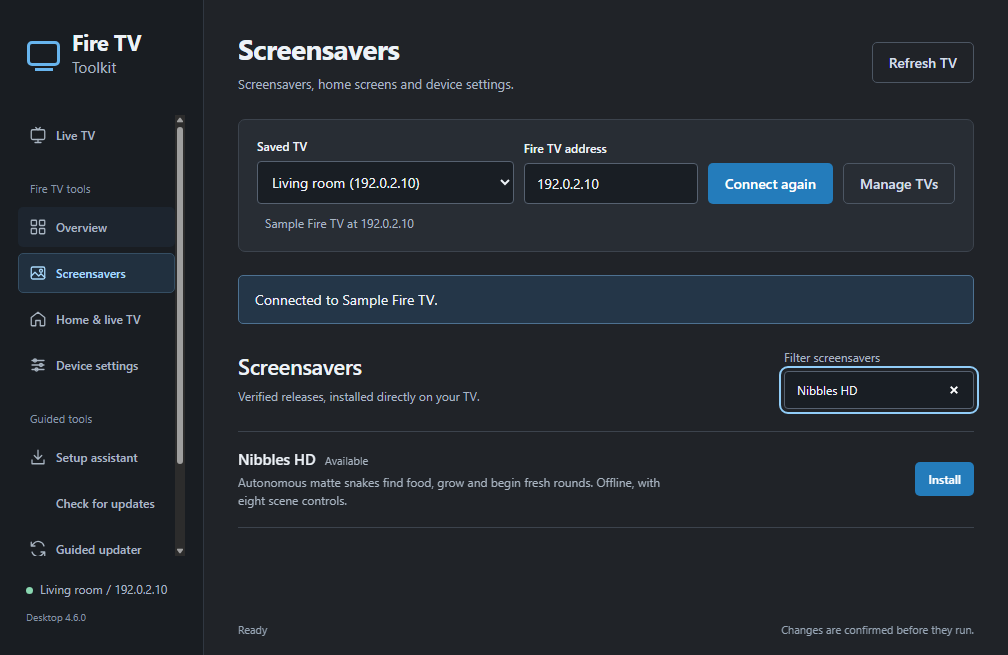 Nibbles HD | 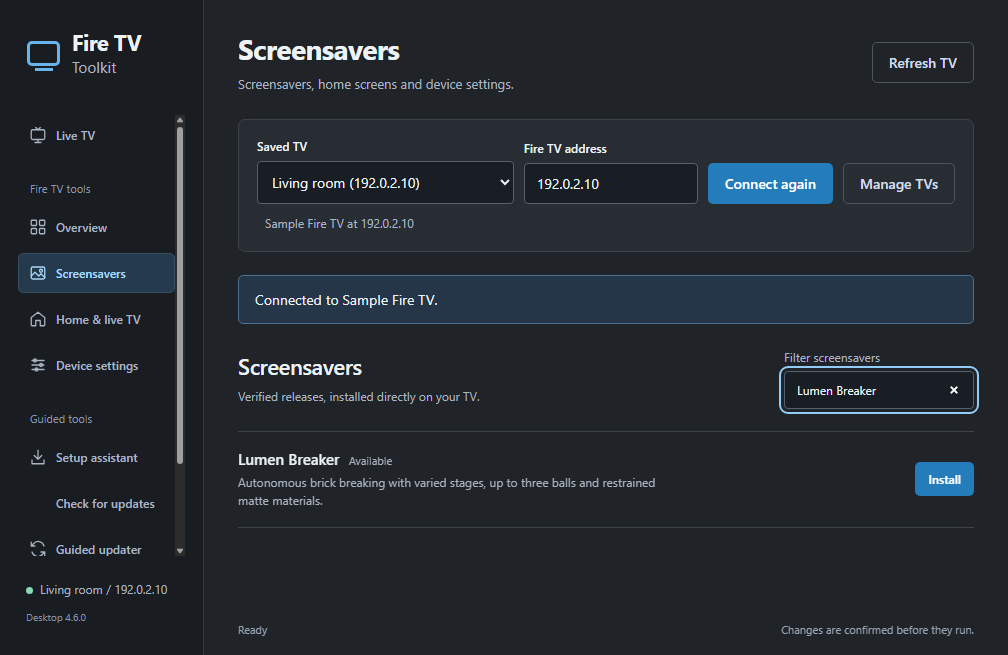 Lumen Breaker | 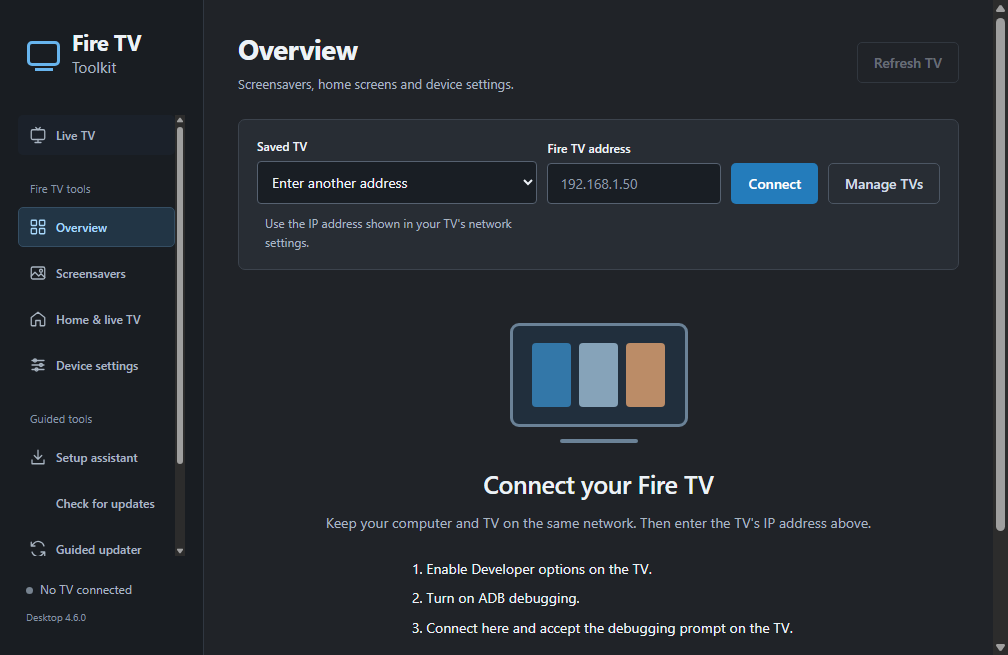 Device setup |
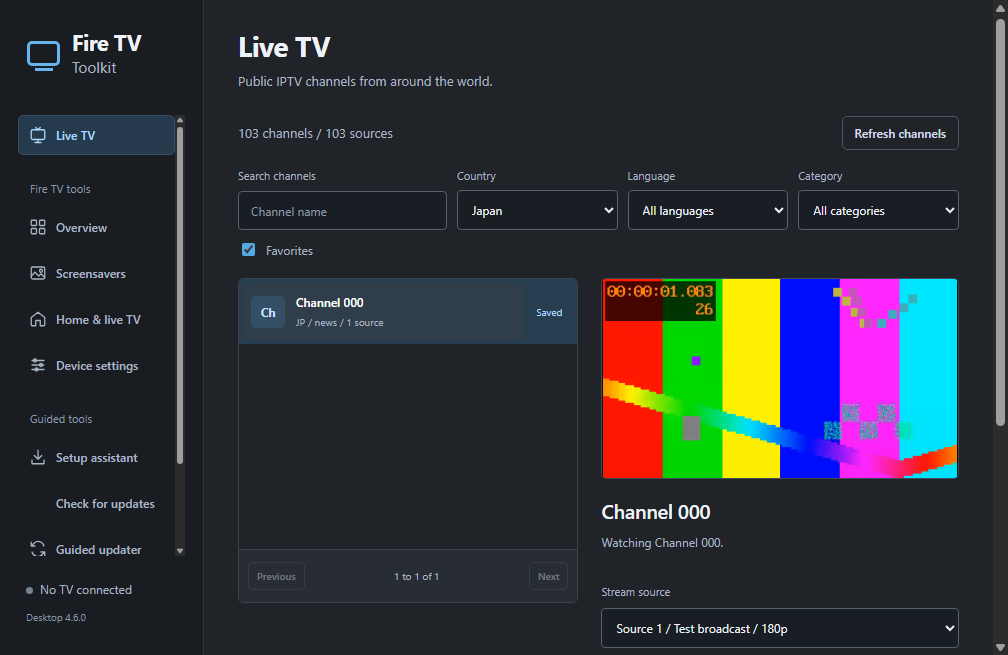 Synthetic HLS | 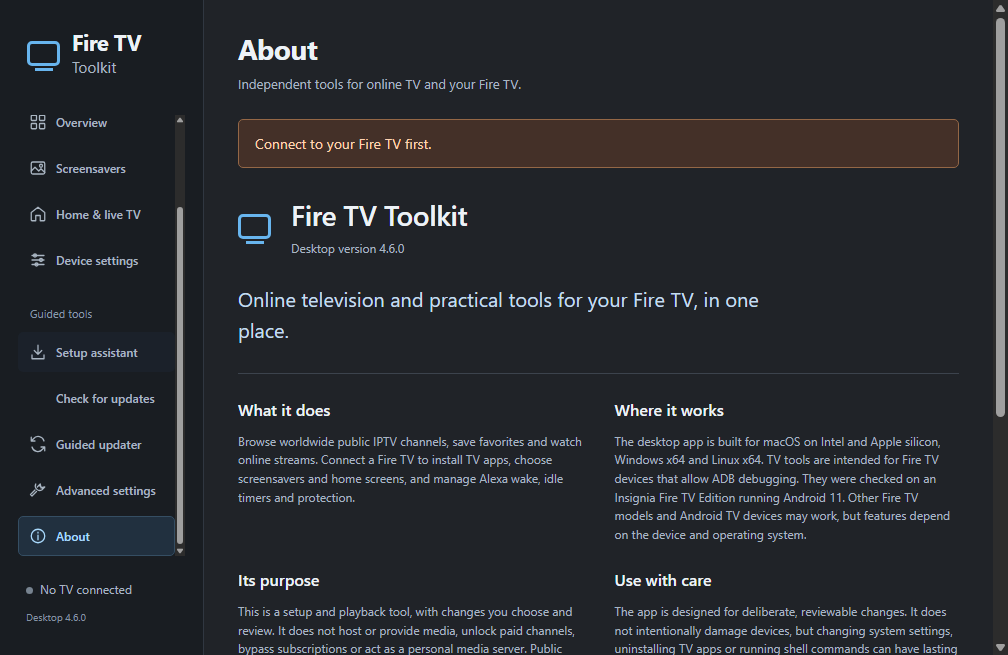 About | 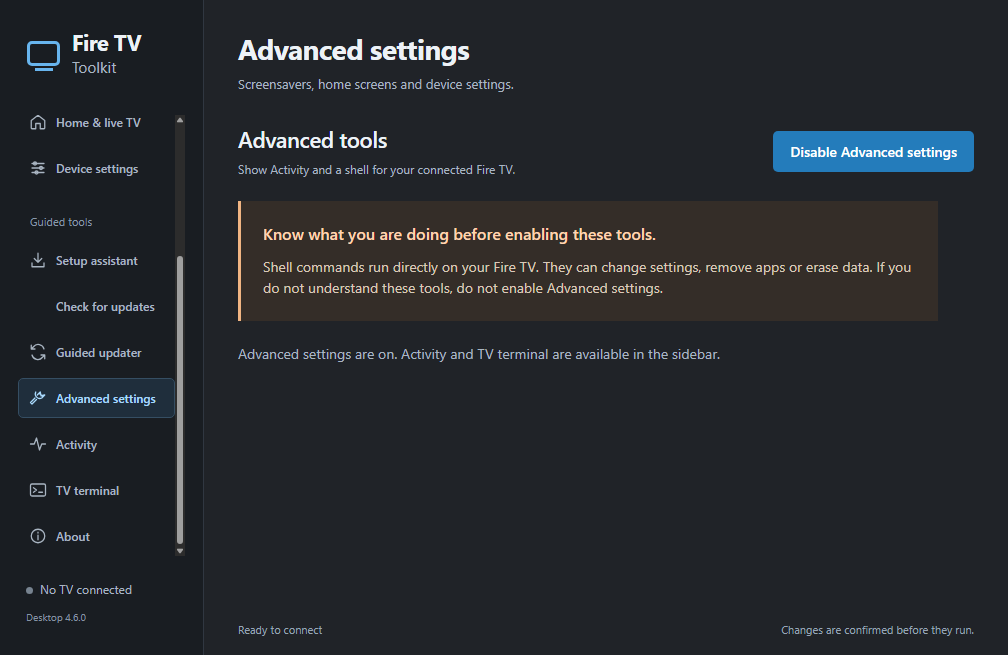 Advanced settings |
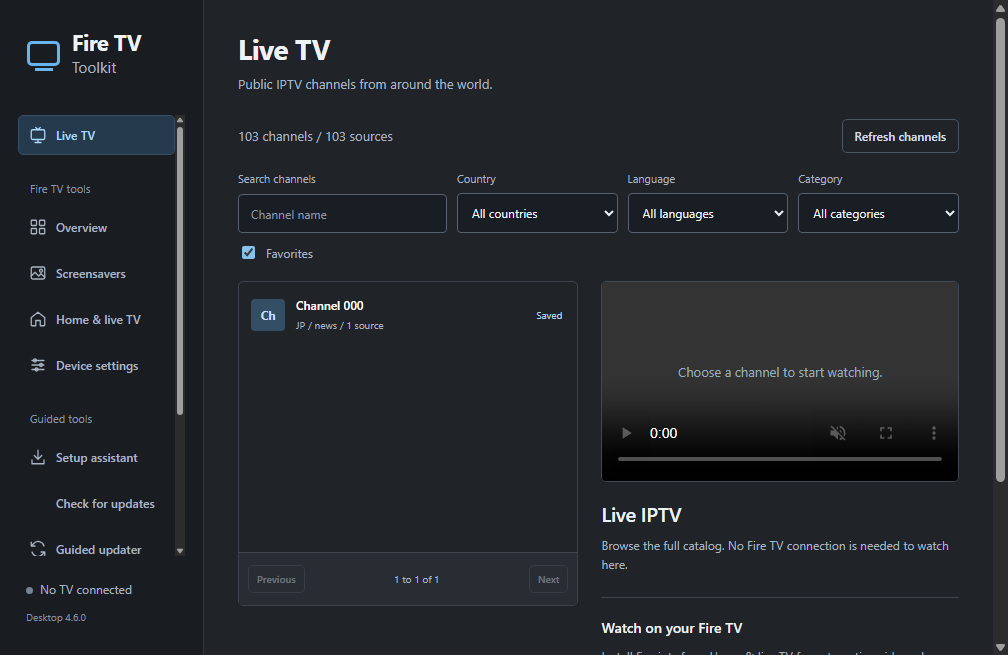 Restored favorites |
Linux 4.6.0
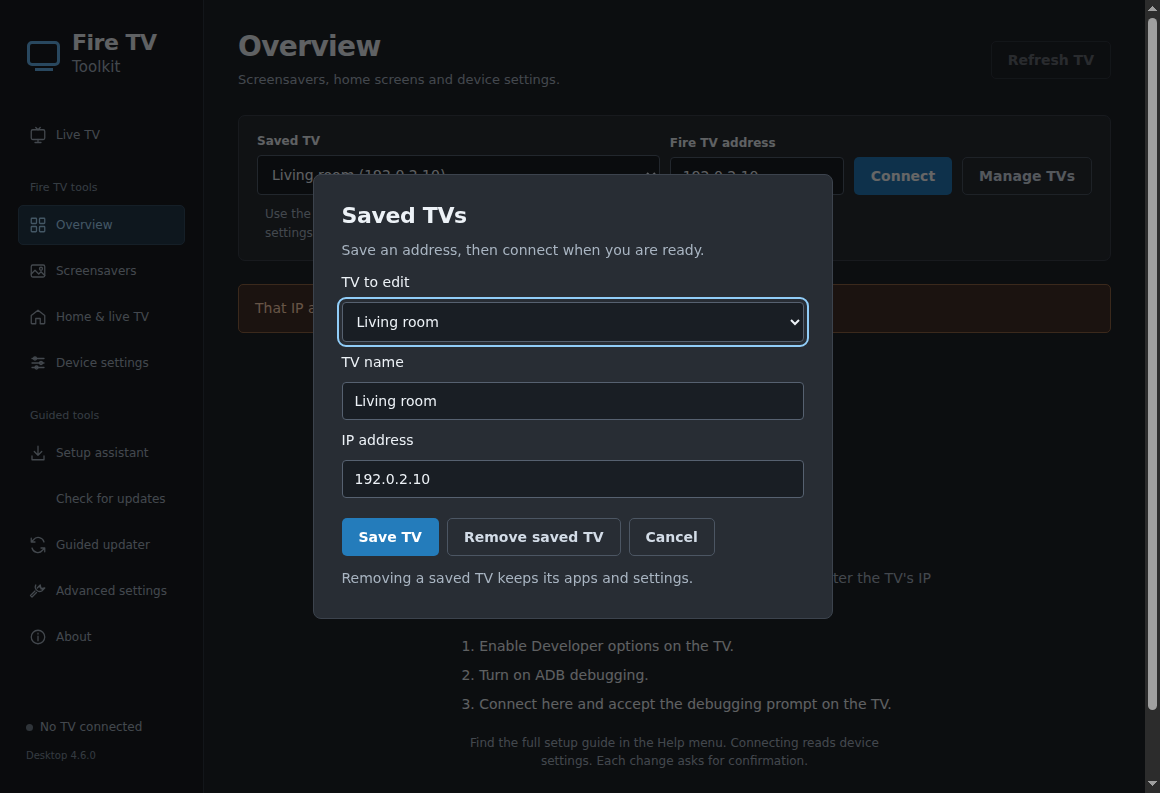 Saved TVs | 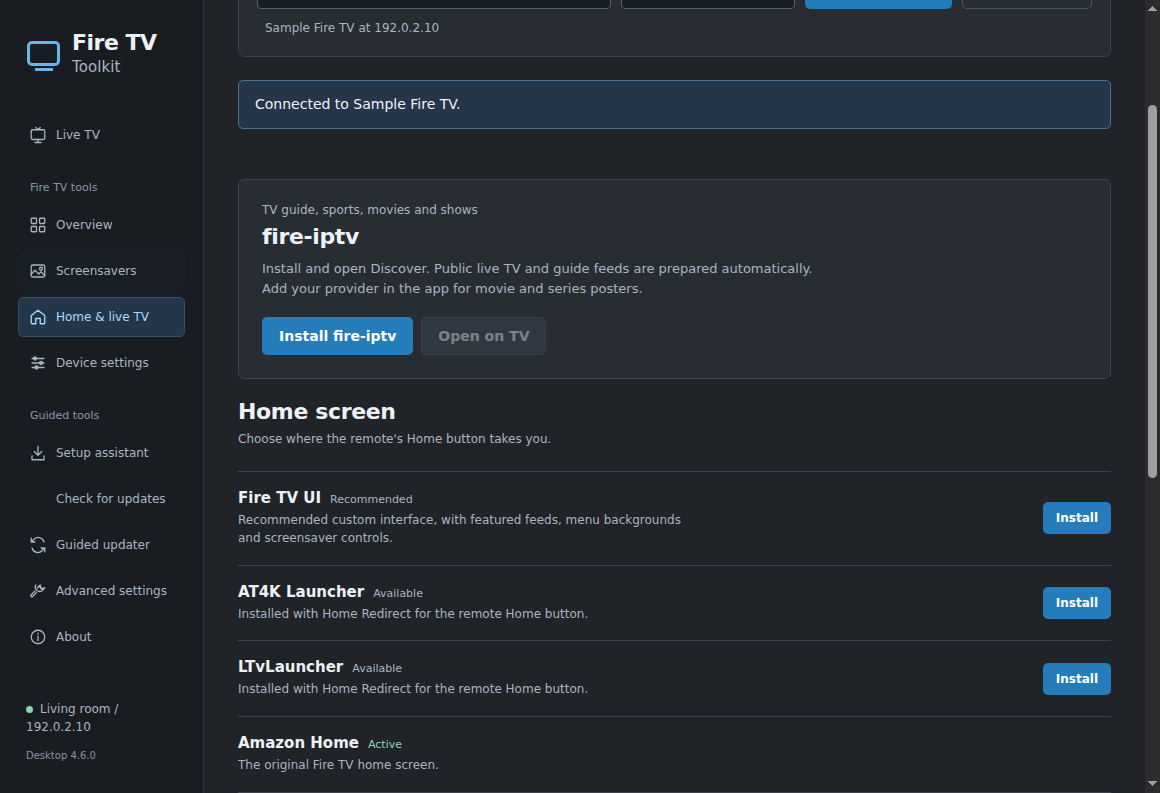 Recommended UI | 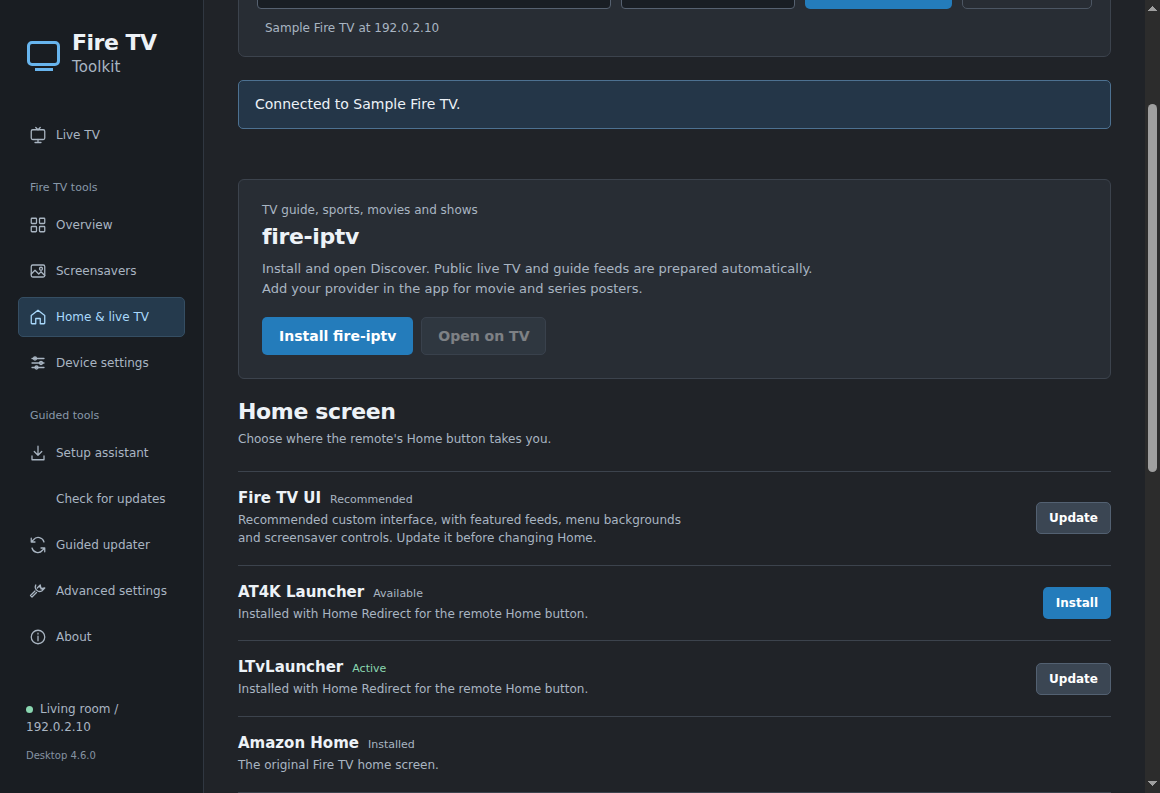 Update before Home |
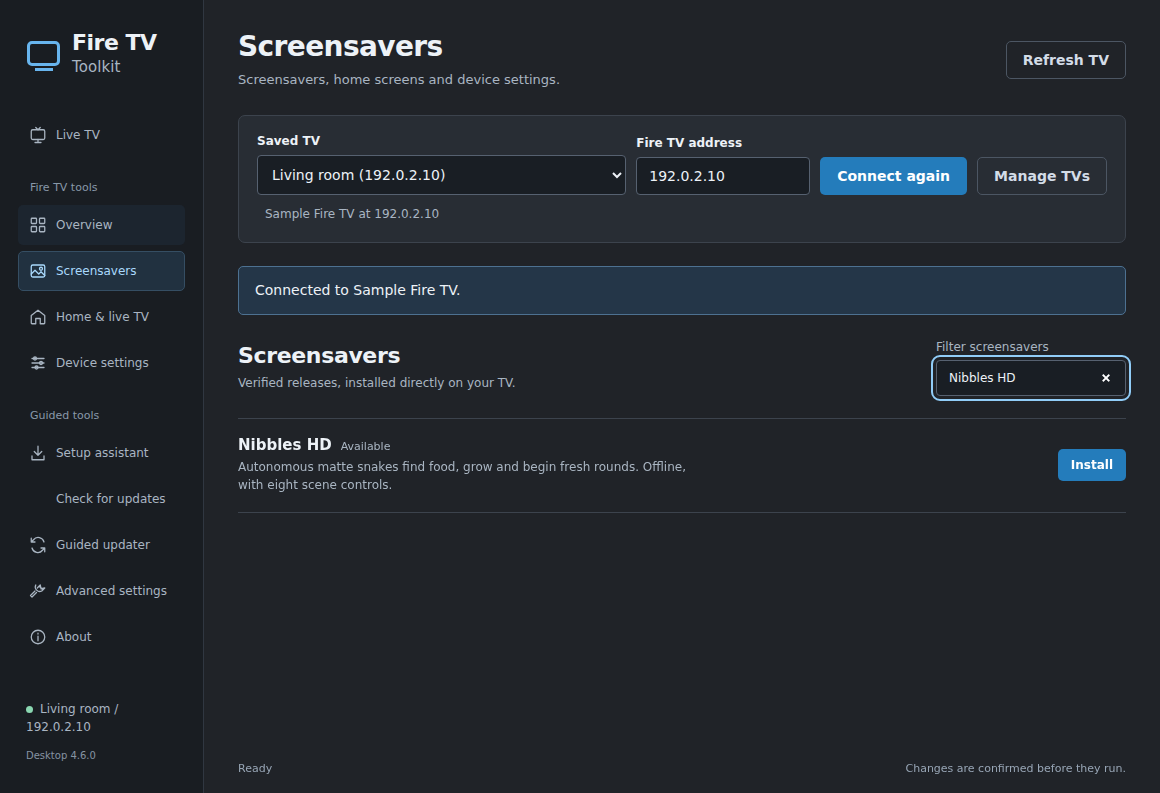 Nibbles HD | 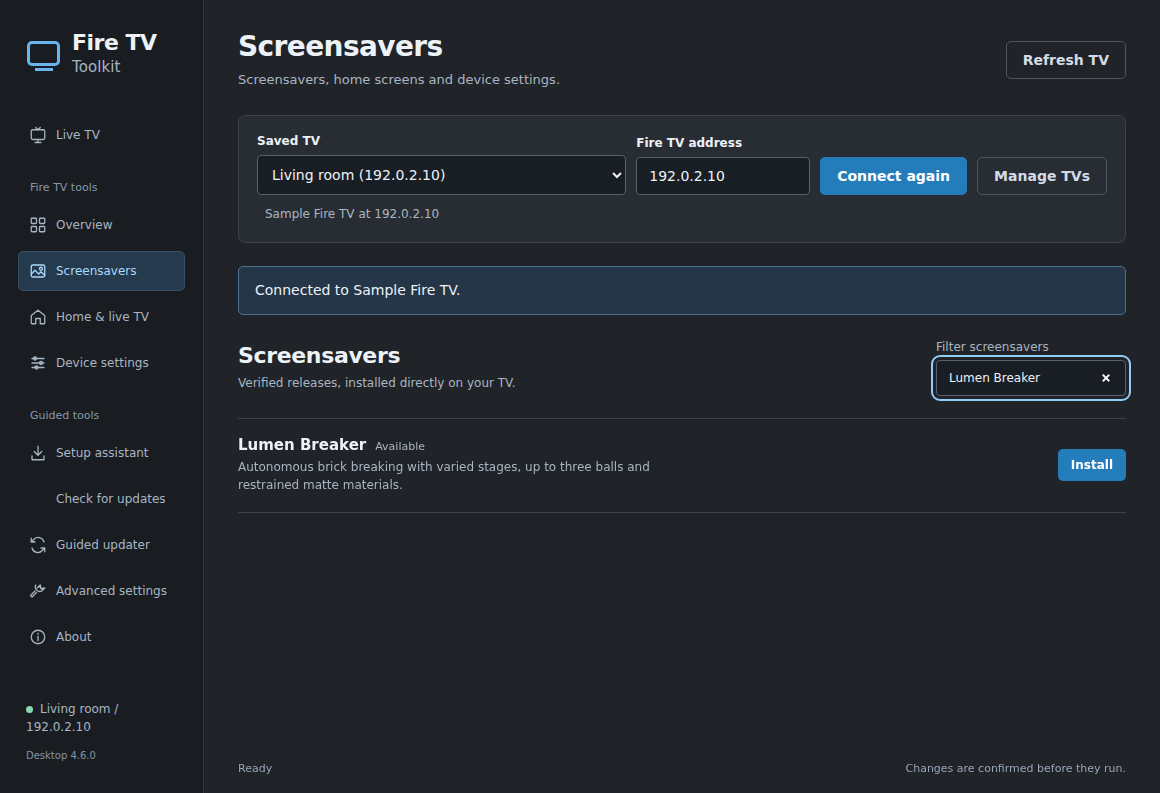 Lumen Breaker | 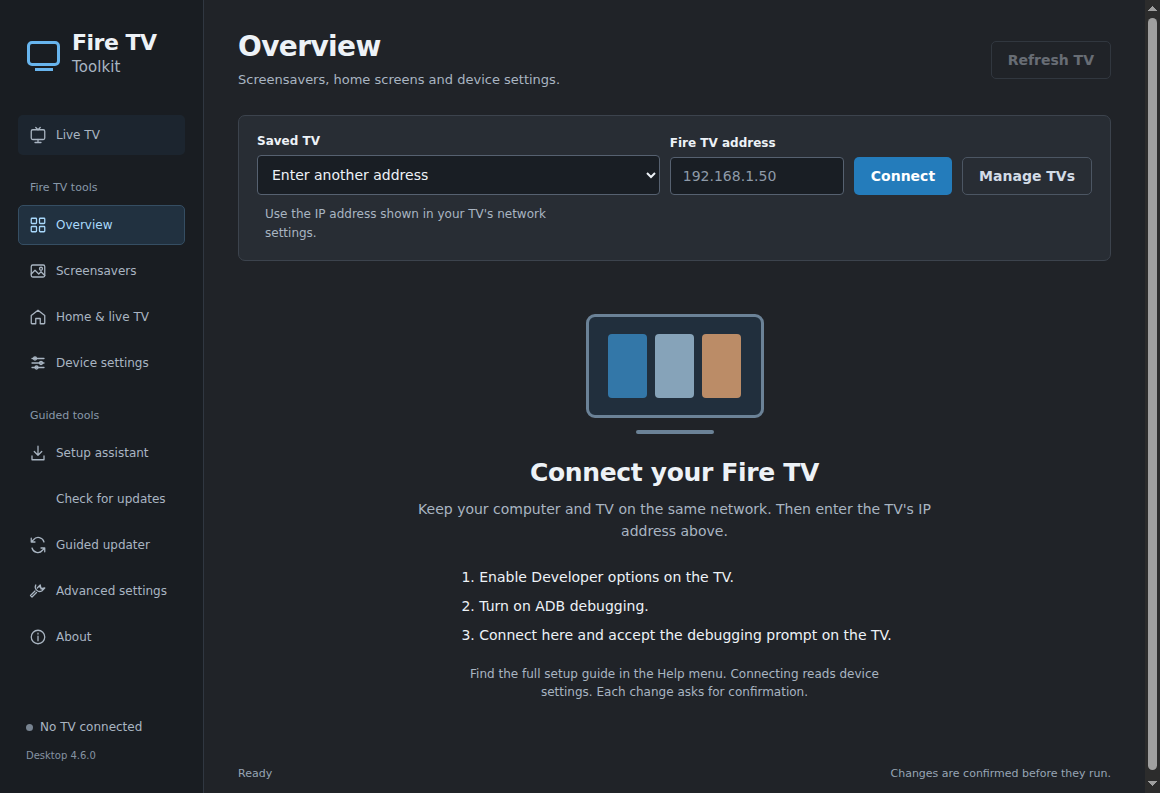 Device setup |
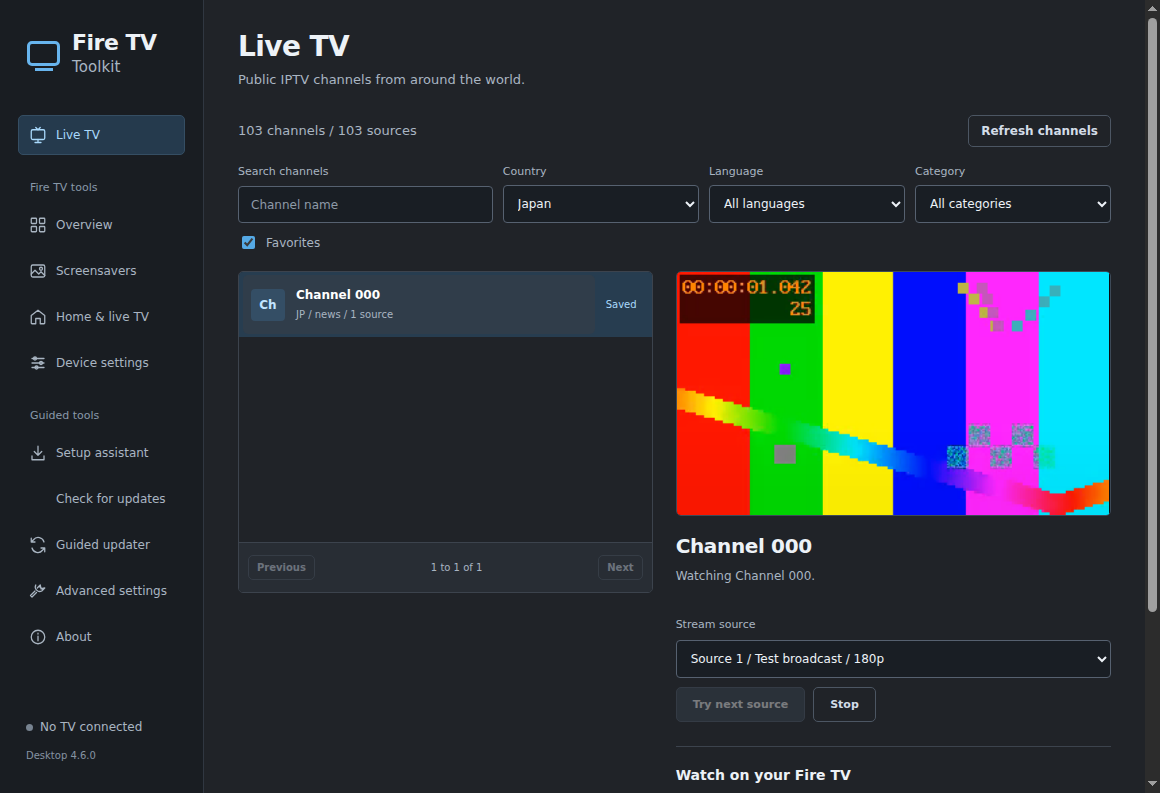 Synthetic HLS | 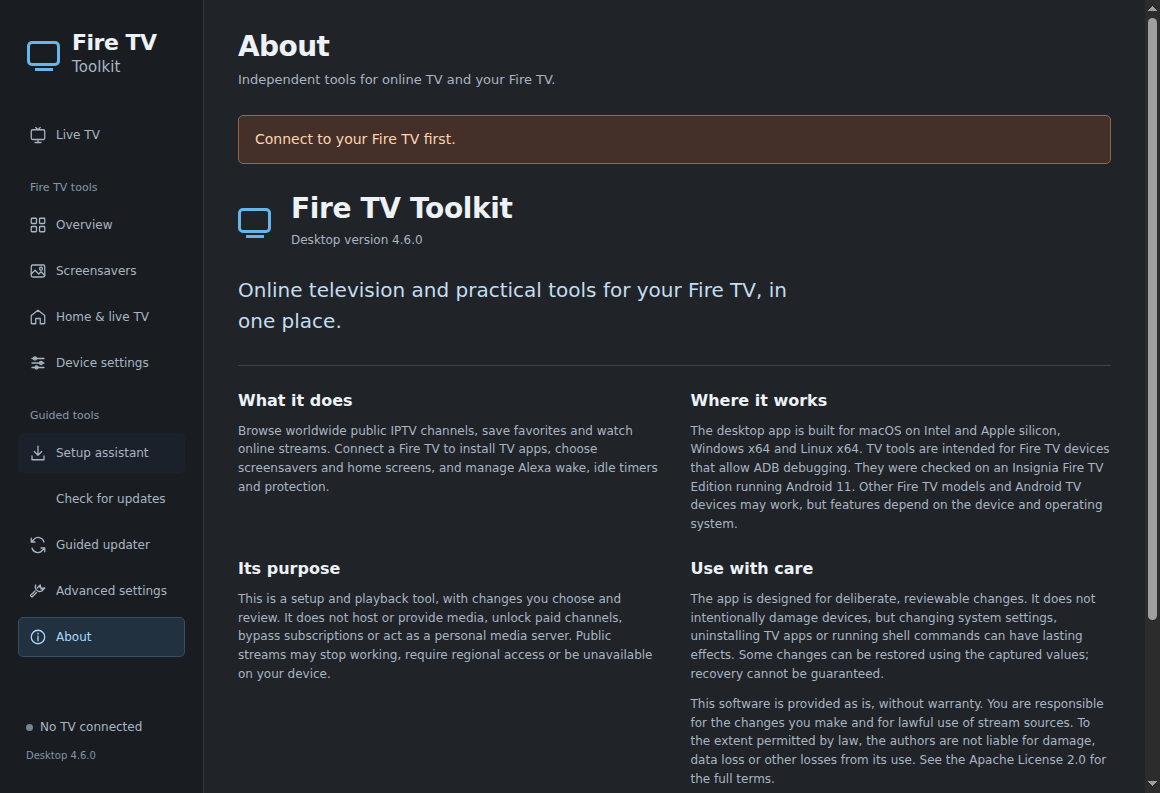 About | 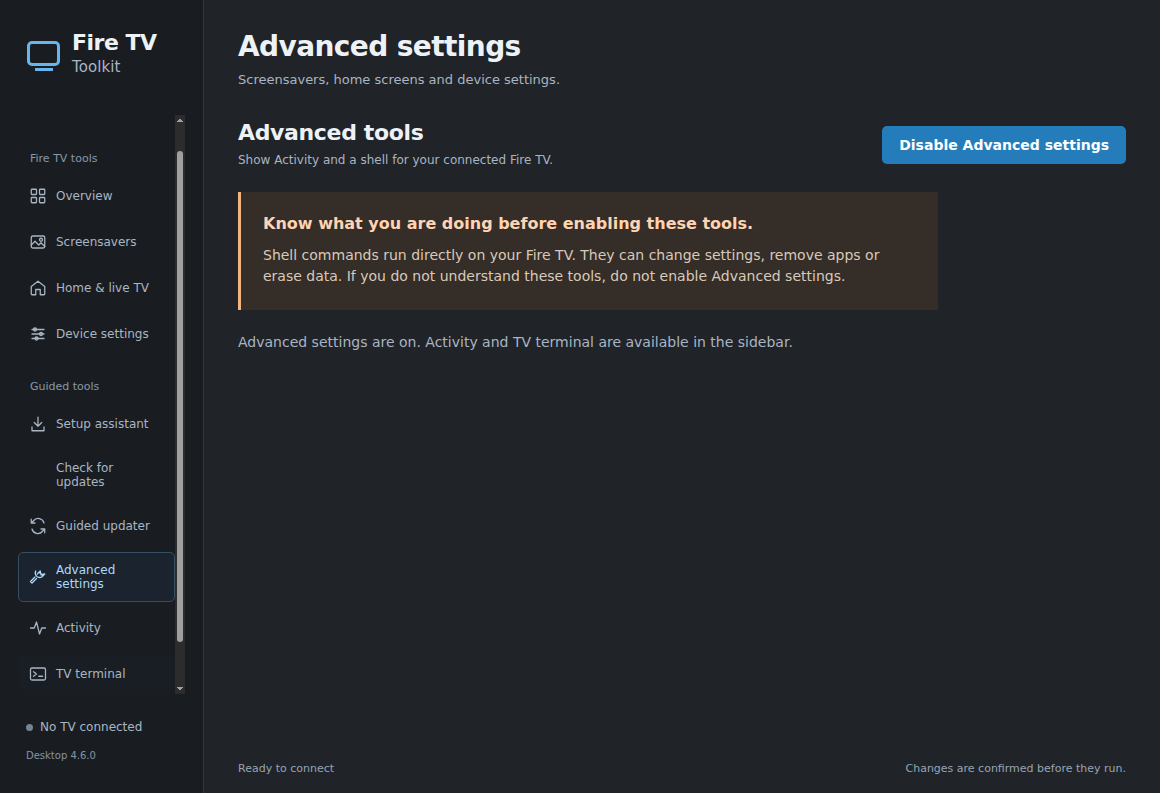 Advanced settings |
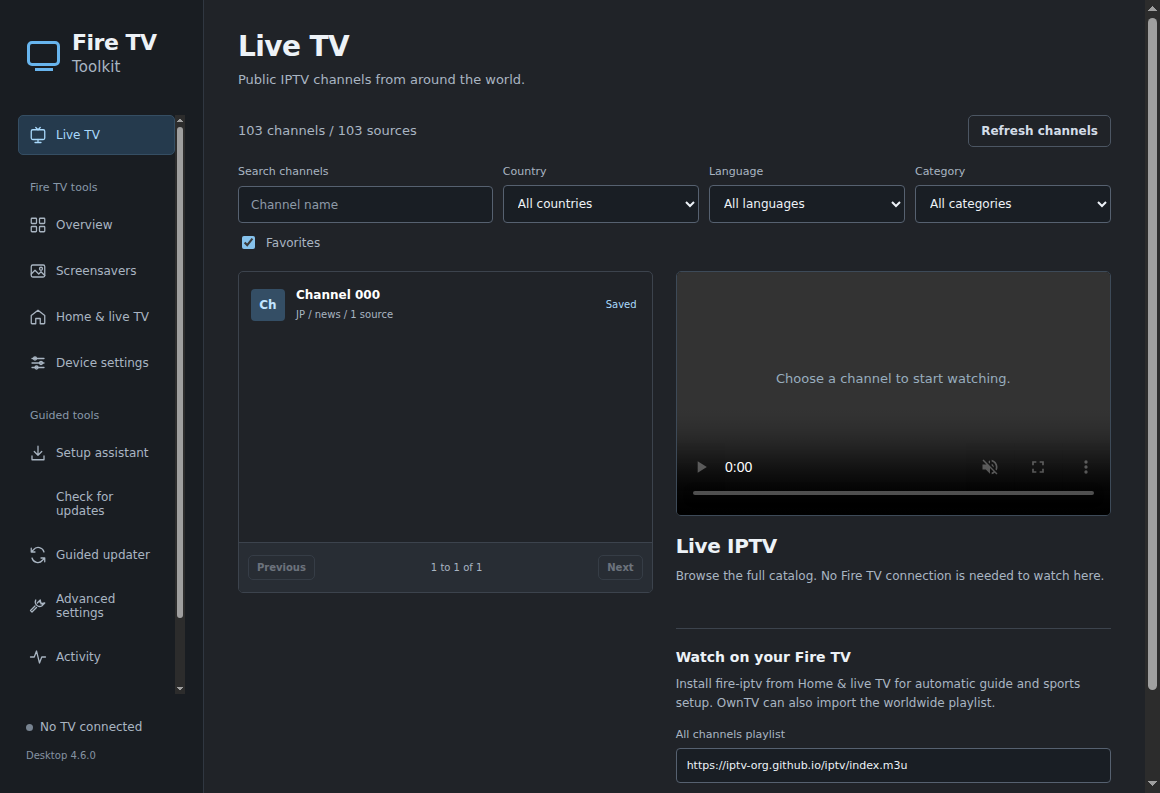 Restored favorites |
Historical 4.5.2 desktop captures
The 4.5.2 captures come from the actual installed Windows x64 app in the isolated native package test. Setup and About show the release version with no TV connected. The Live TV image deliberately shows synthetic test-channel content and a local HLS color-bar fixture, not a real broadcast or household playlist. No Connect action or physical-TV call was made. Capture provenance records exact source/image hashes.
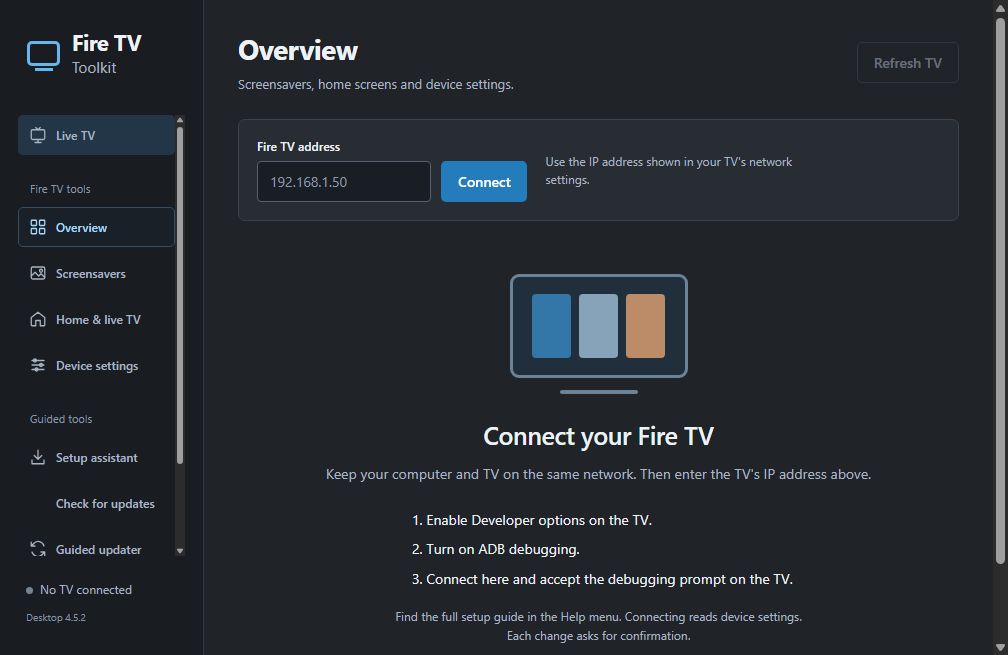 |
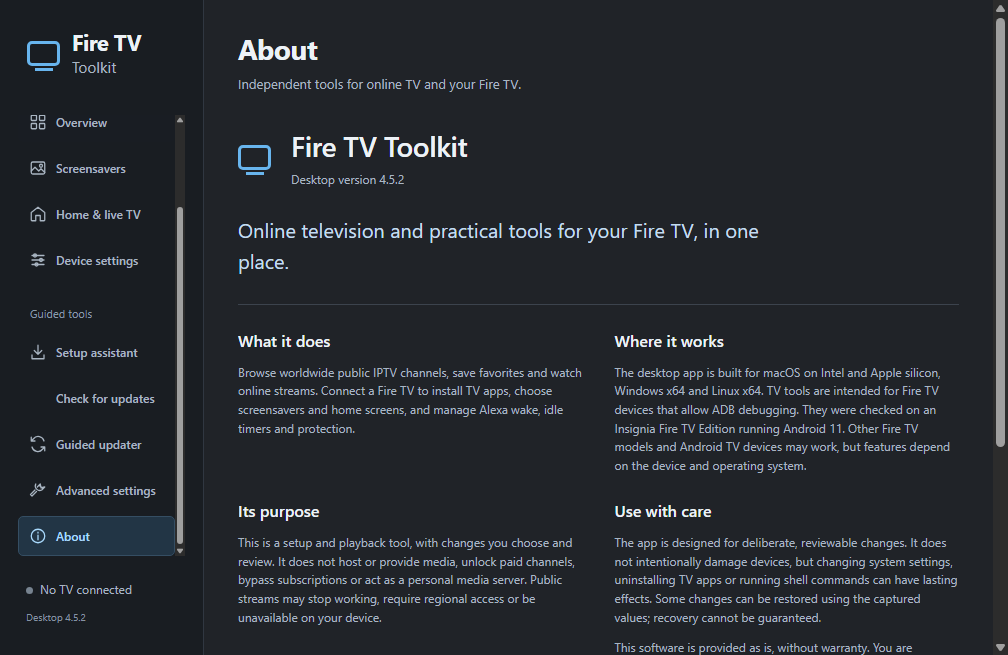 |
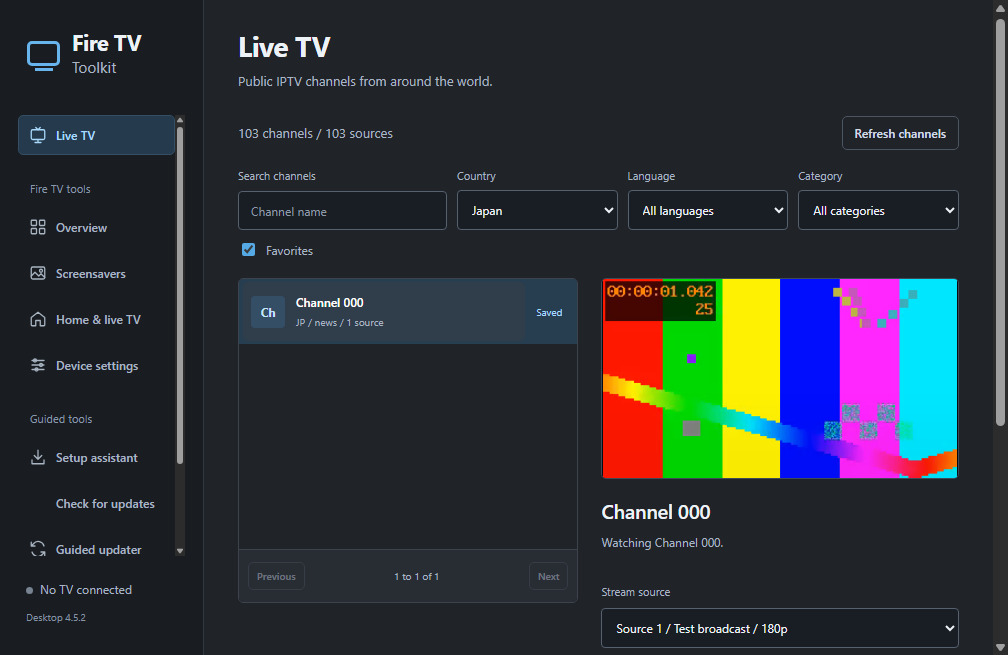 |
Historical desktop captures
The following packaged macOS 4.4.4 images retain their original capture provenance. They are historical interface evidence, not new 4.6.0 captures.
The previous Live TV, update and About captures come from the actual packaged macOS 4.4.4 app. Its release check contacted GitHub and correctly reported the installed 4.4.4 candidate as newer than the published 4.4.3 release at capture time. No TV was connected and no installer was opened. Capture provenance records the native build and image hashes.
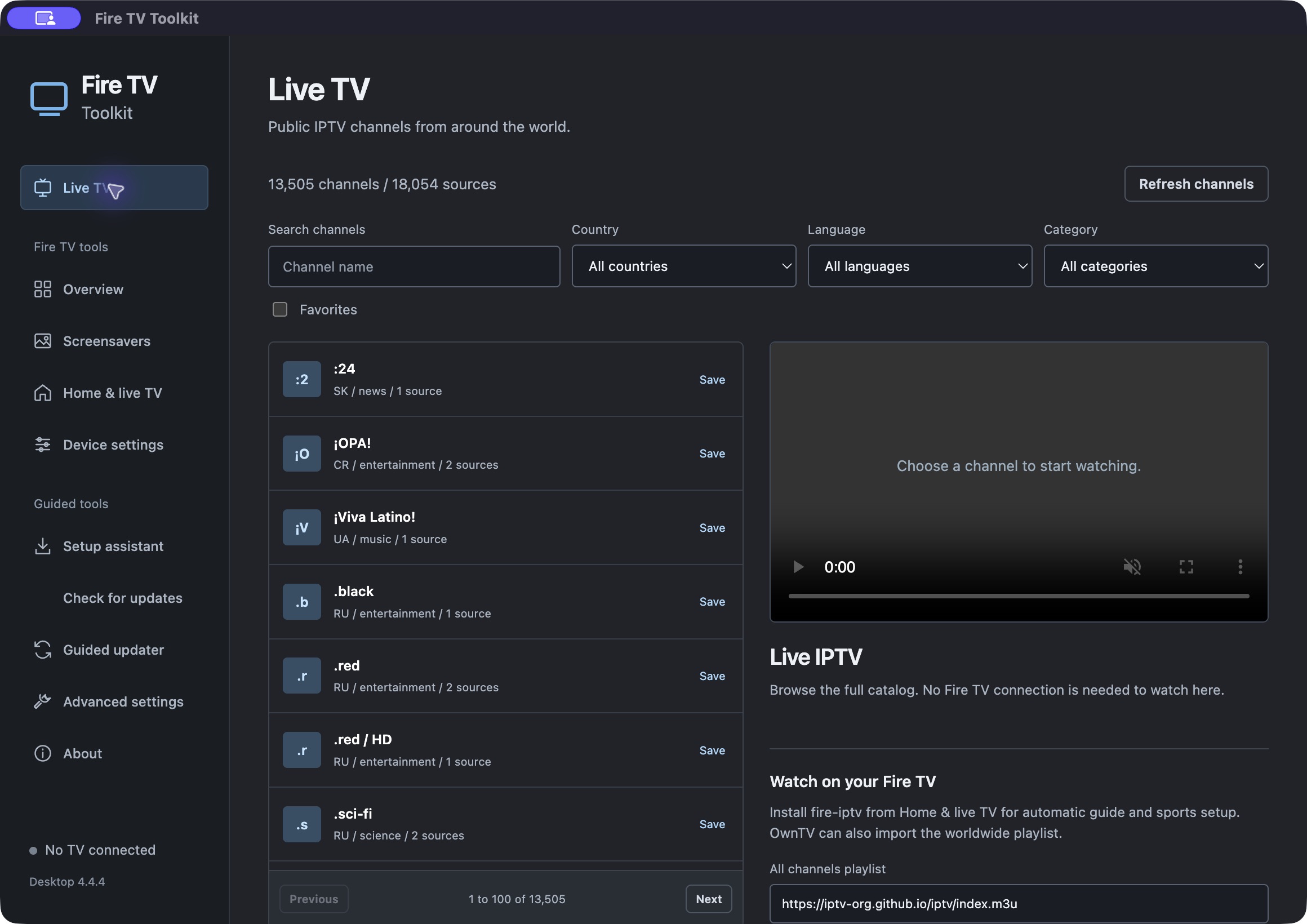 |
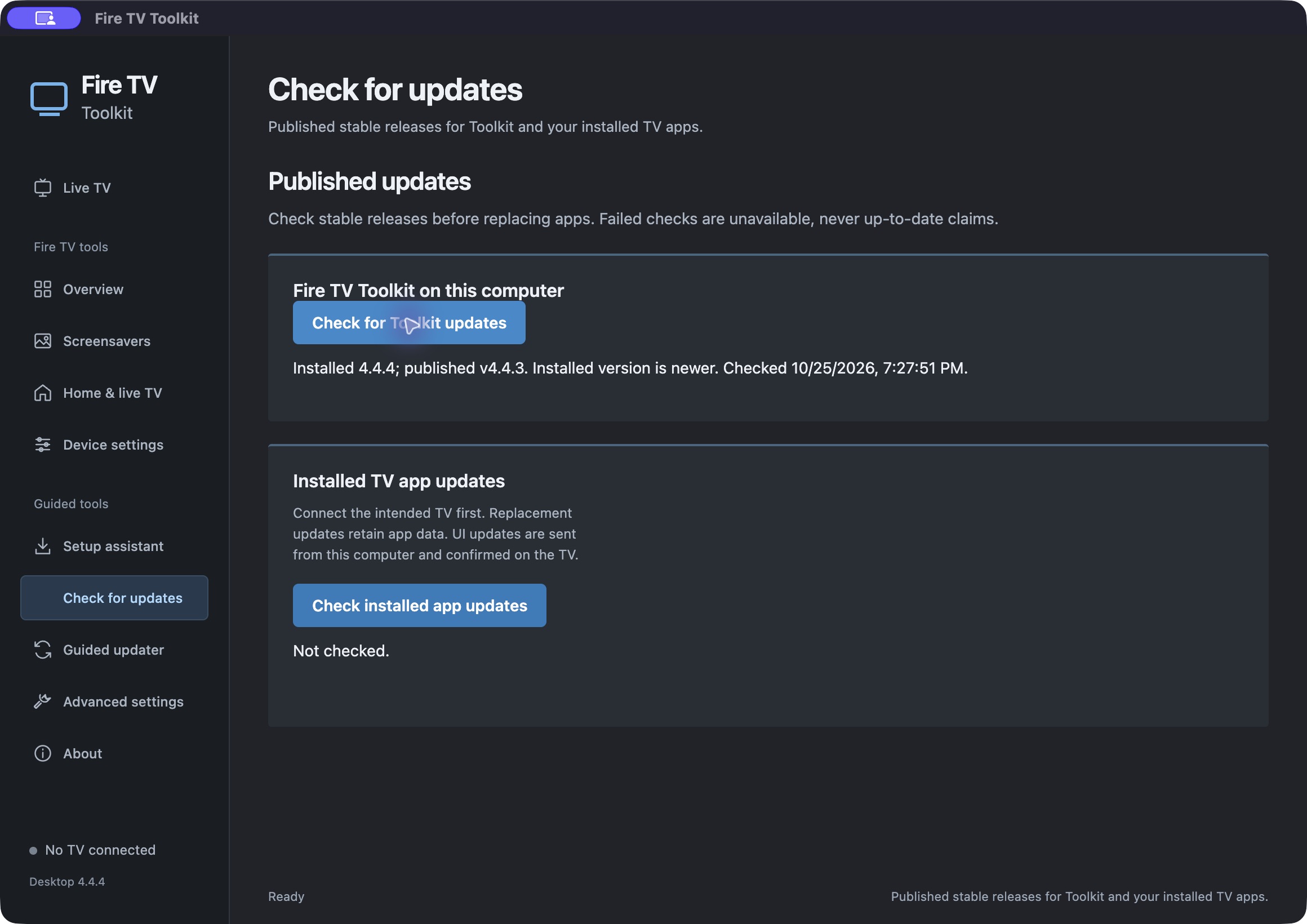 |
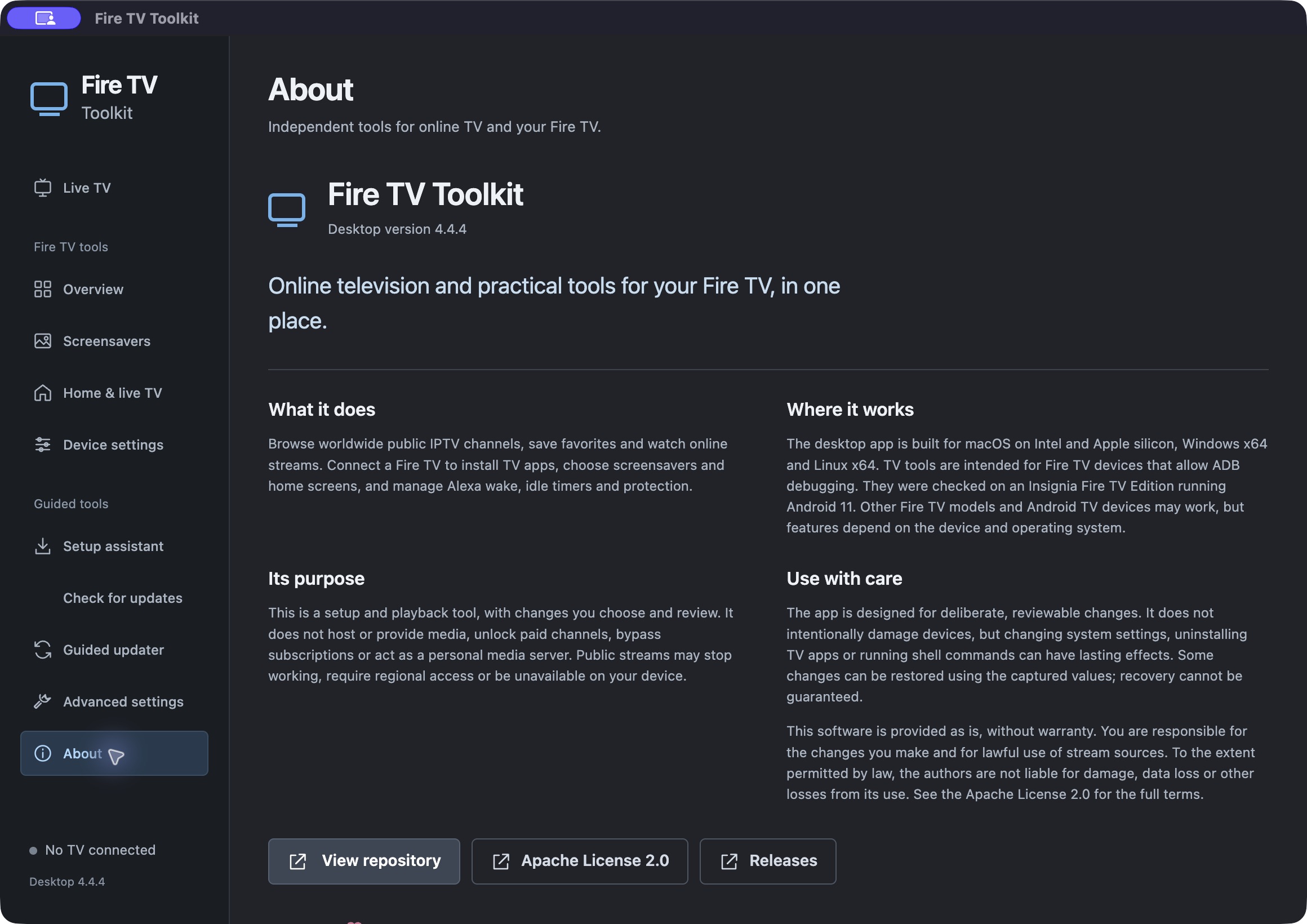 |
The following 4.4.1 capture records its check of 37 installed catalog apps and the correct distinction between Home Redirect’s Android version and the Toolkit repository tag. It is historical evidence, not a new catalog-wide update audit.
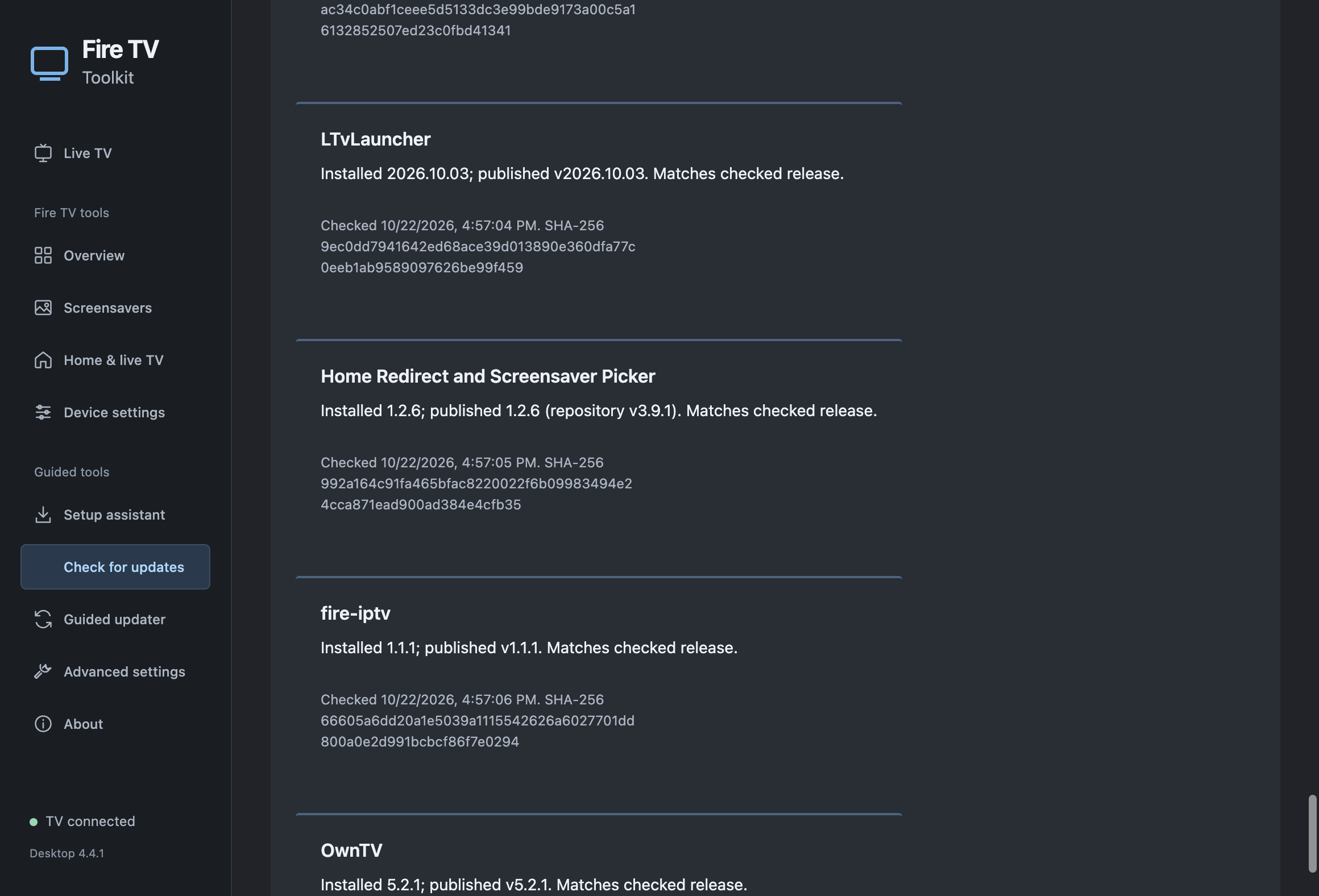 |
These unchanged routes retain their historical packaged macOS 4.3.1 captures connected to a physical Fire TV.
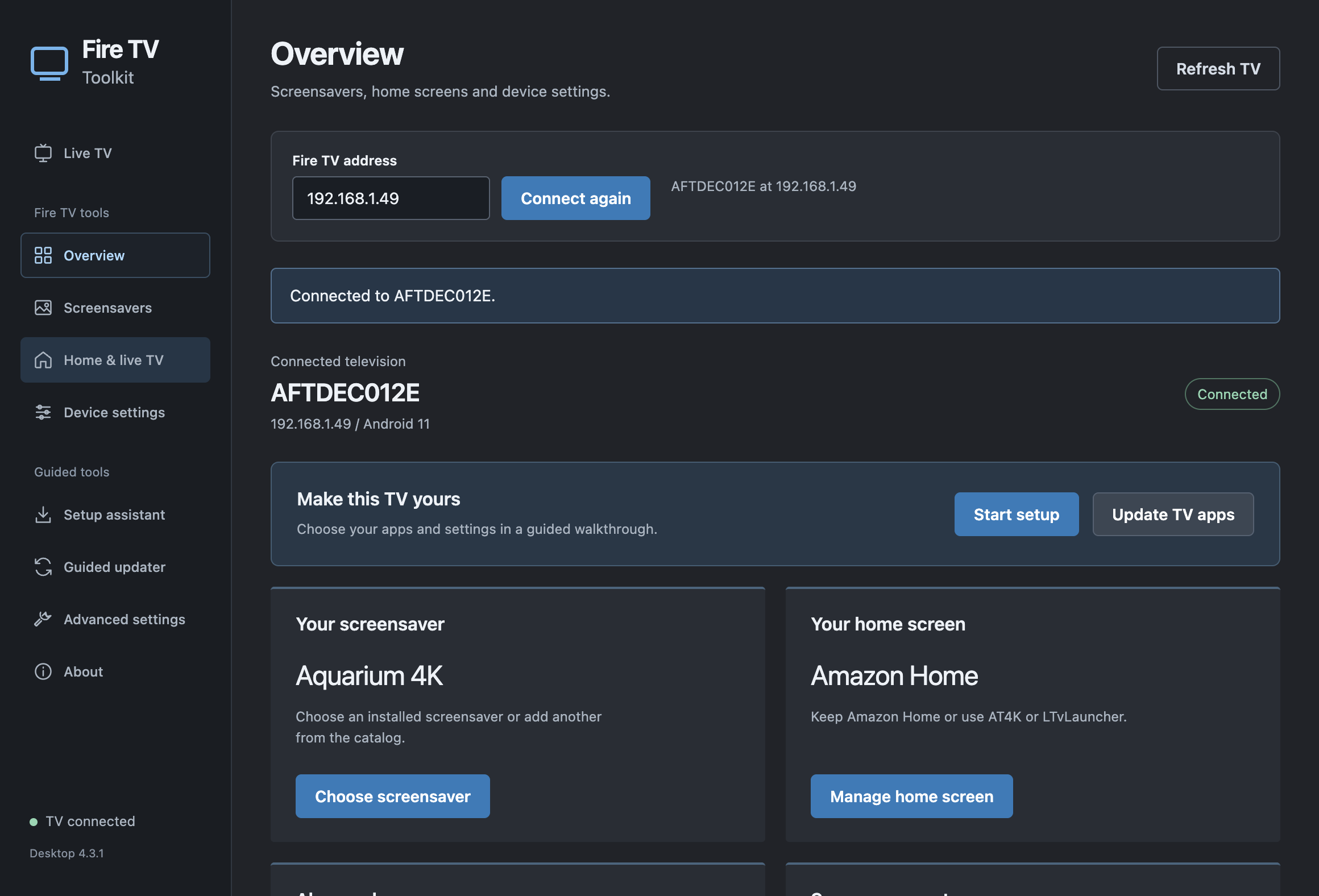 | 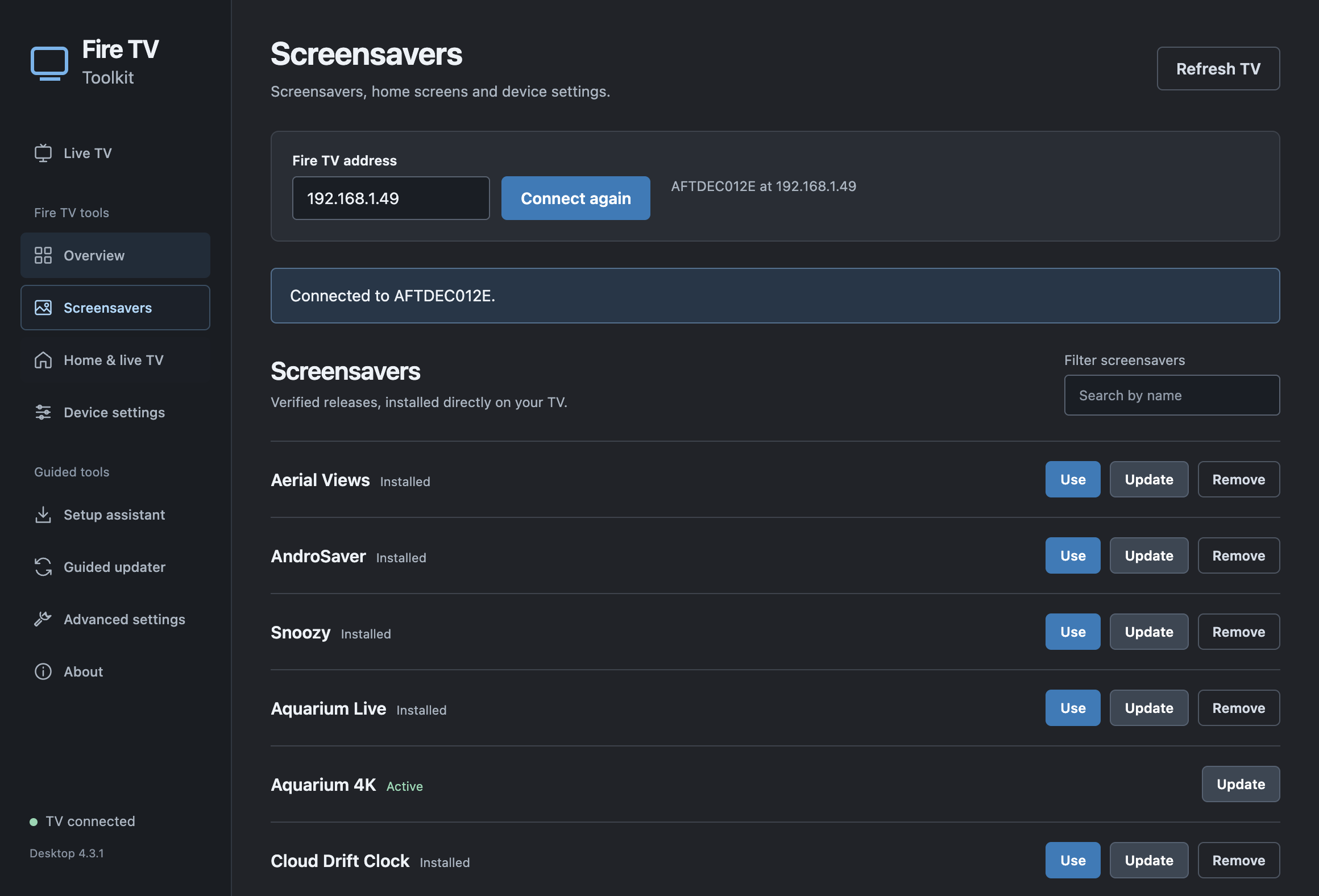 | 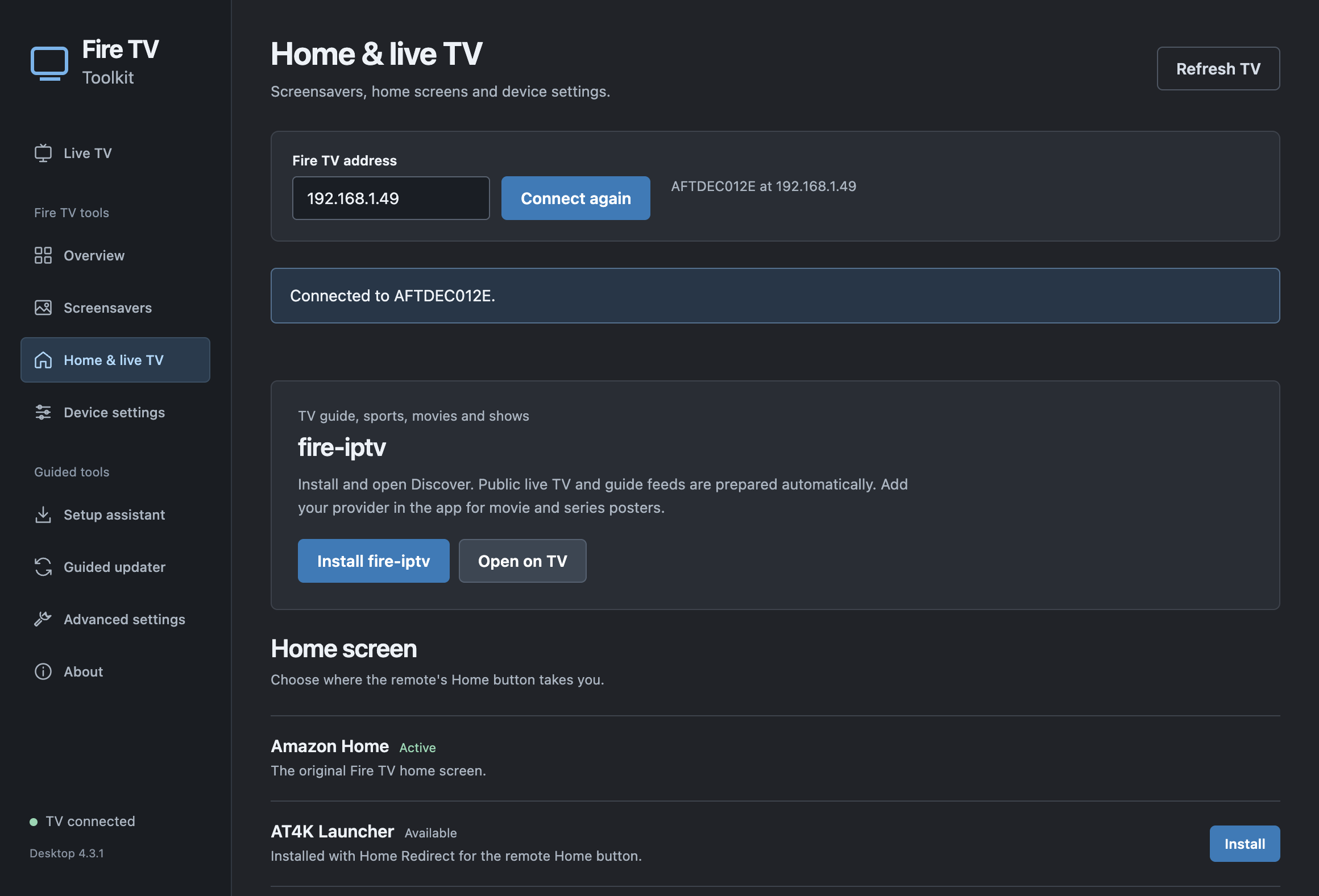 |
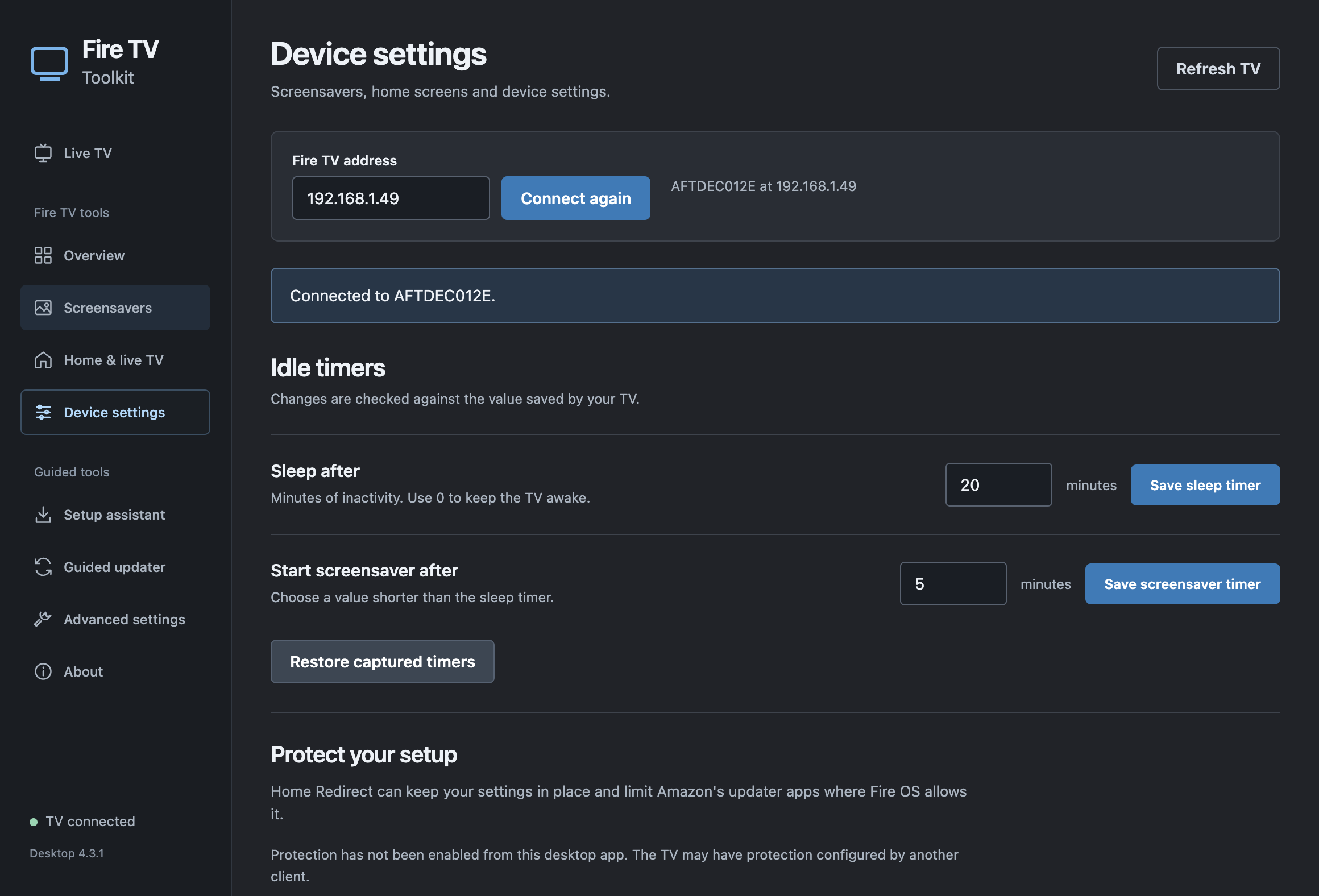 | 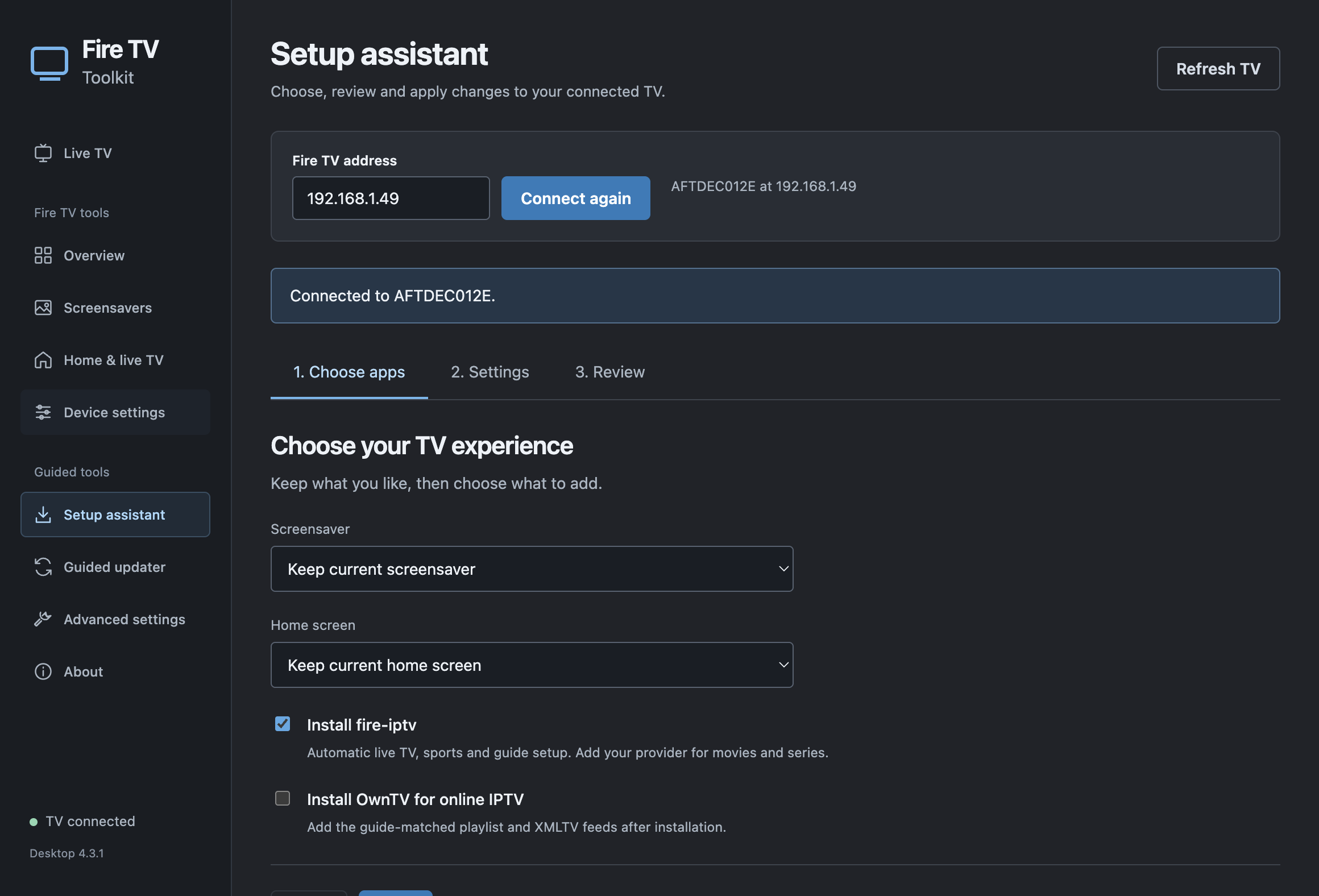 | 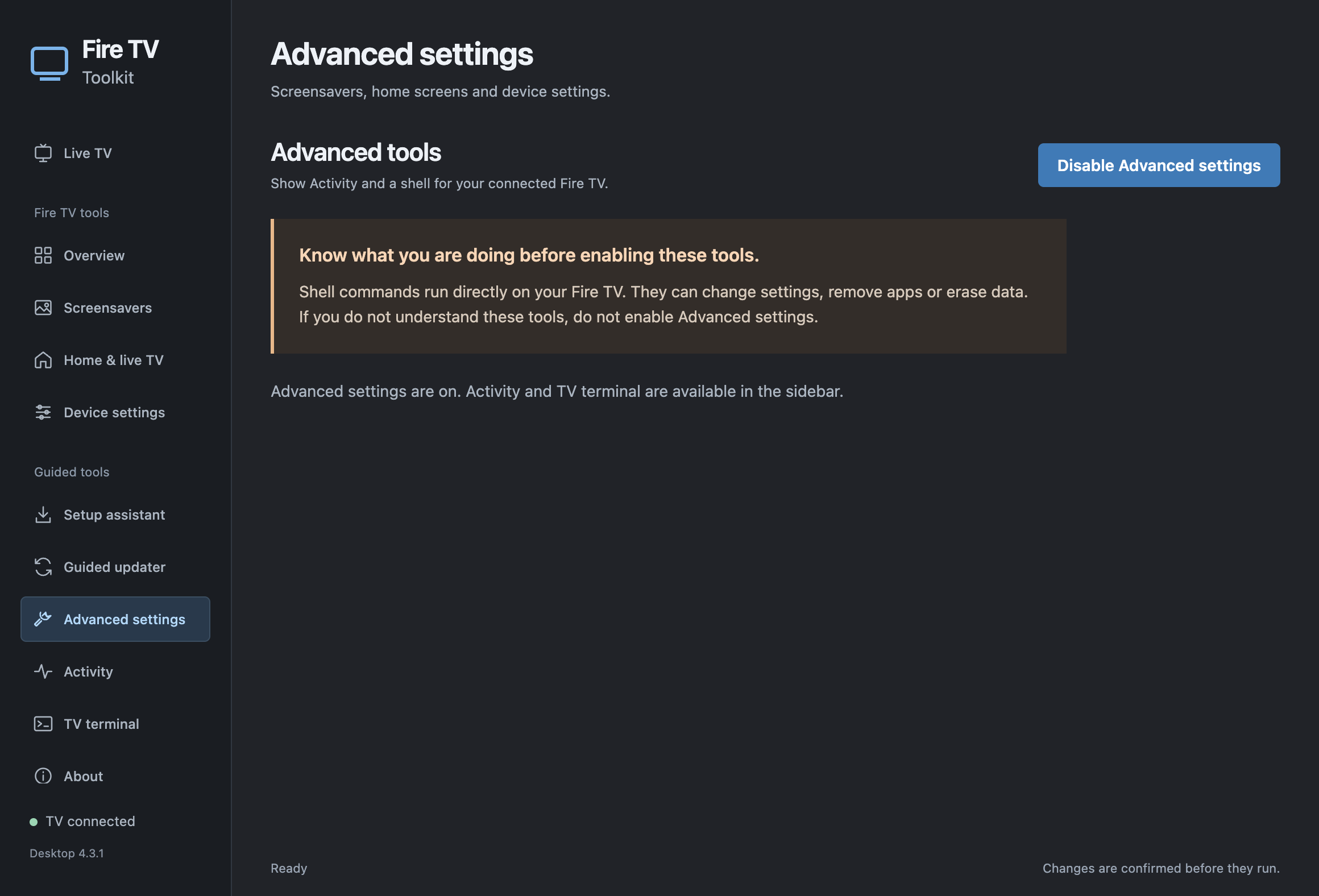 |
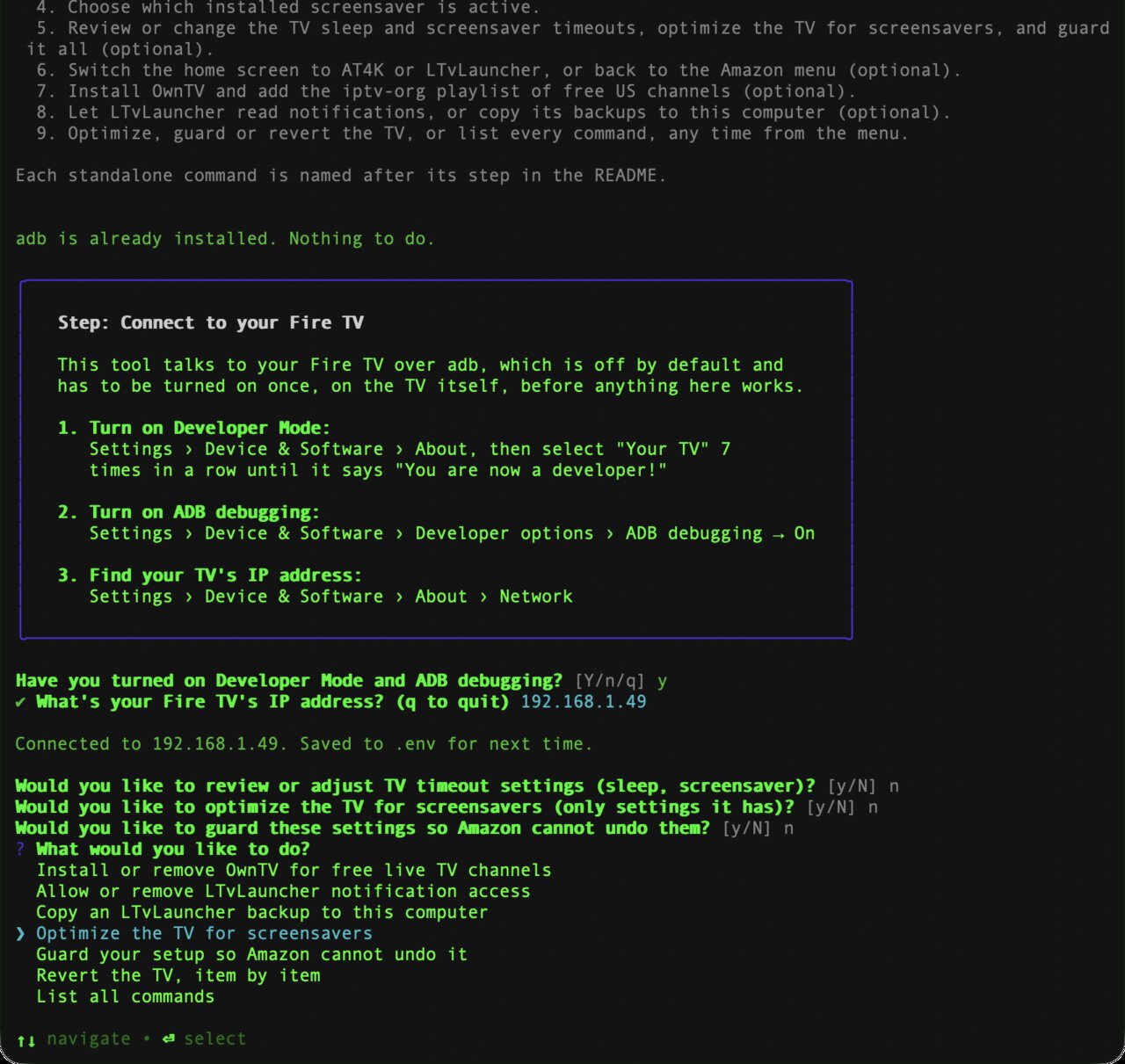
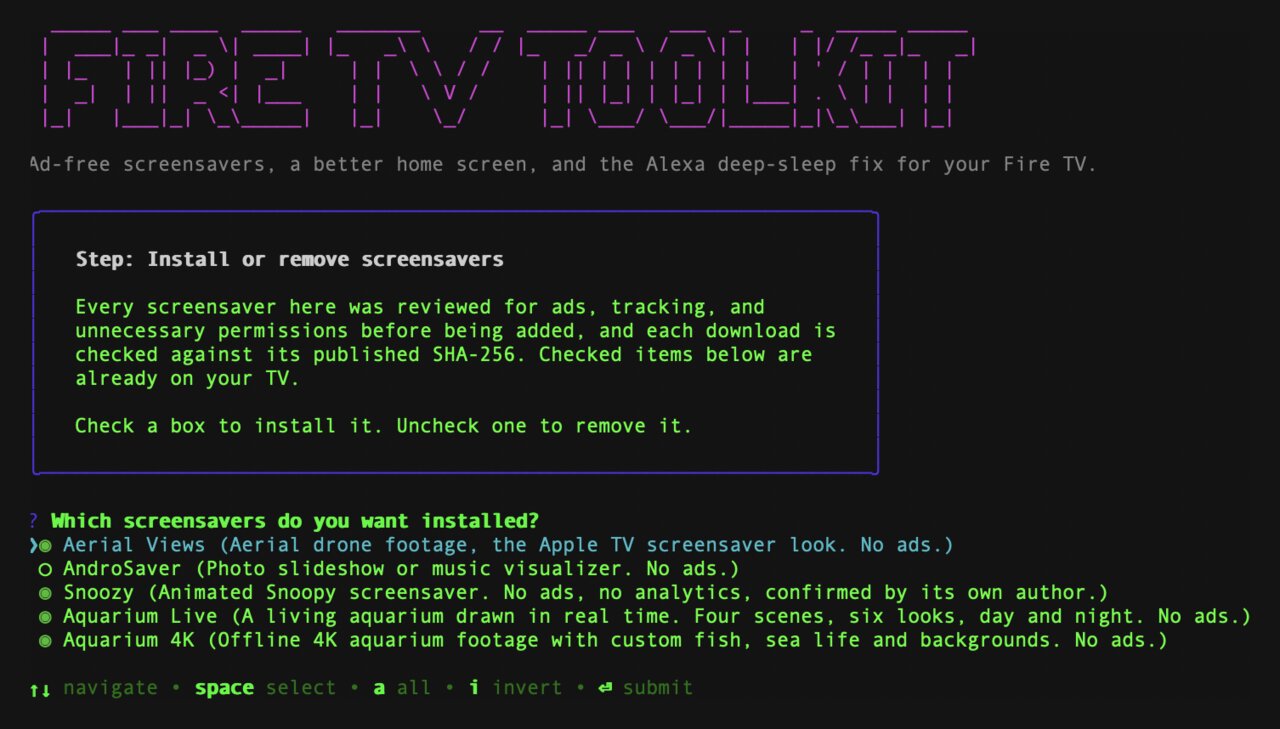
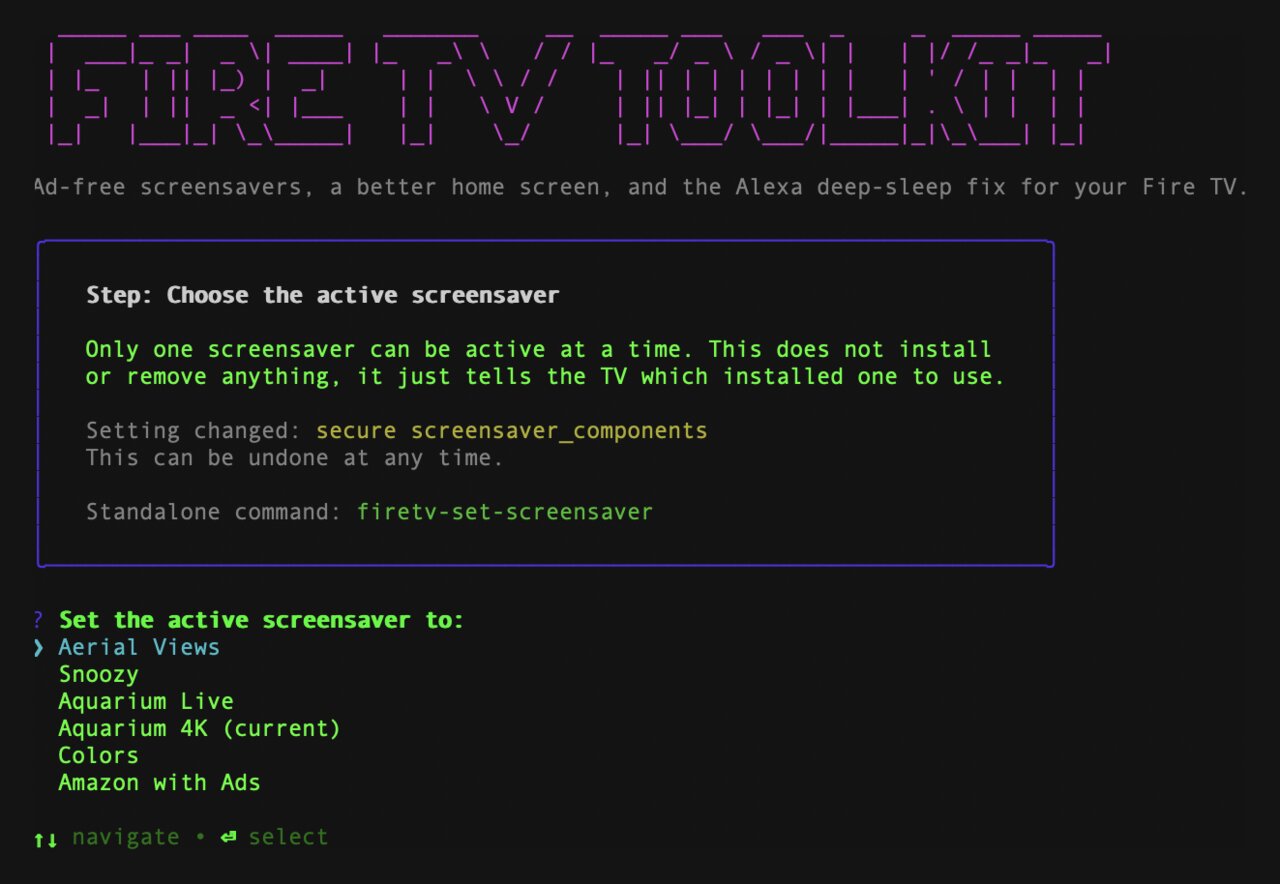
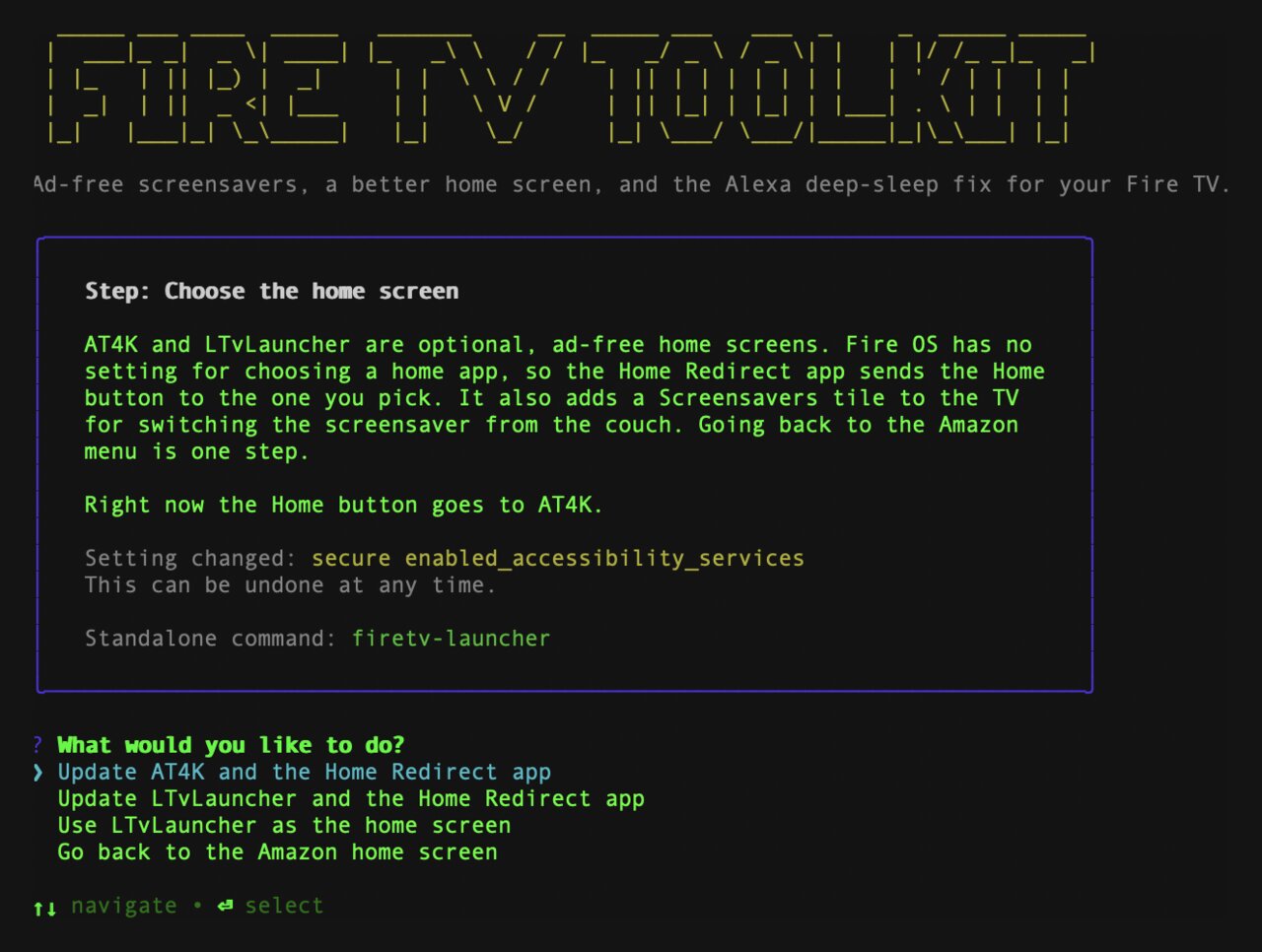
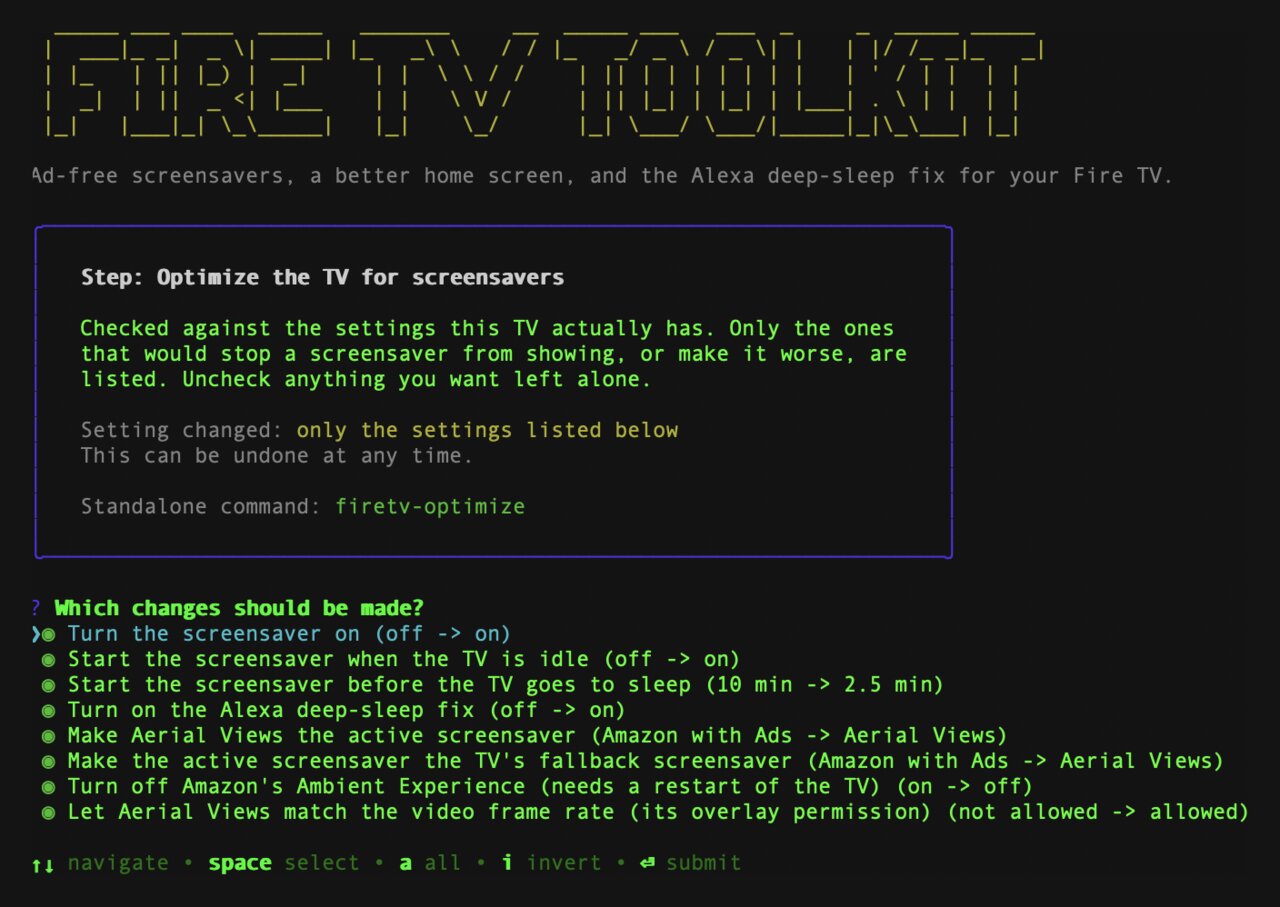
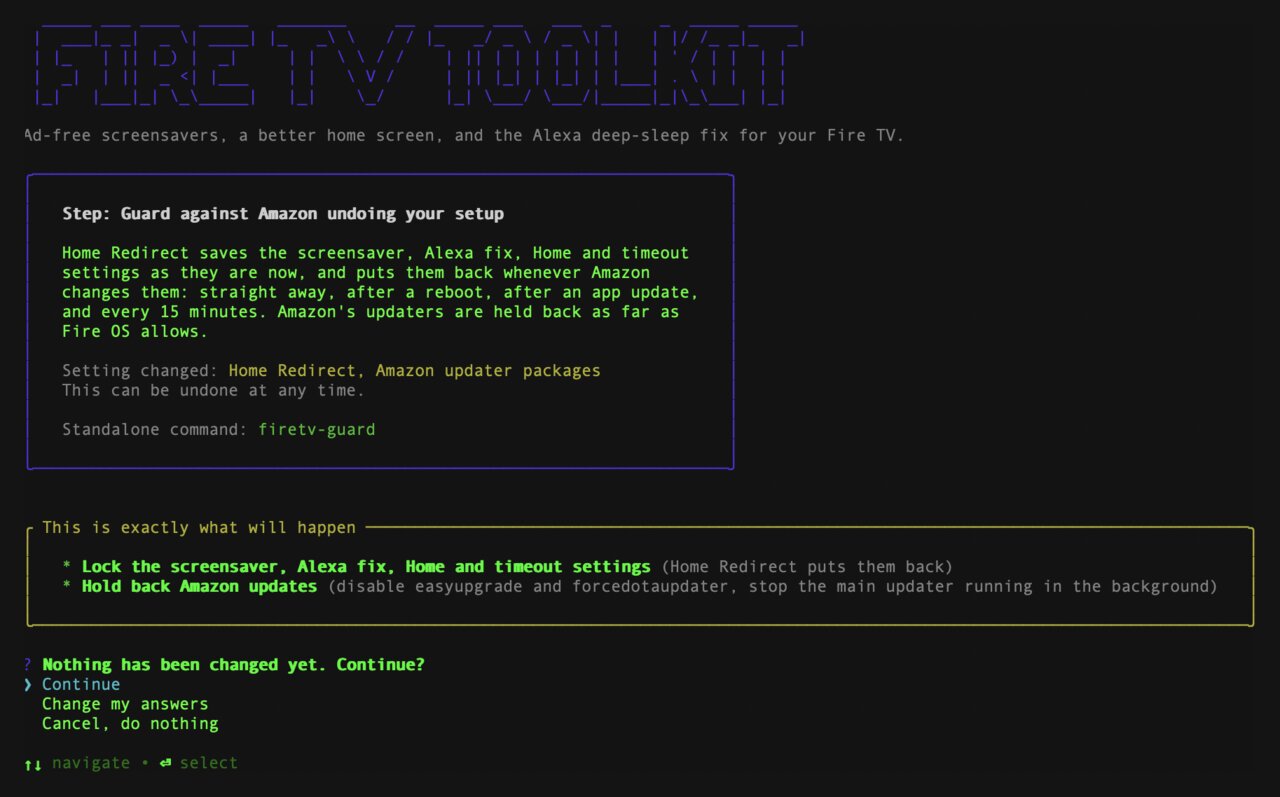
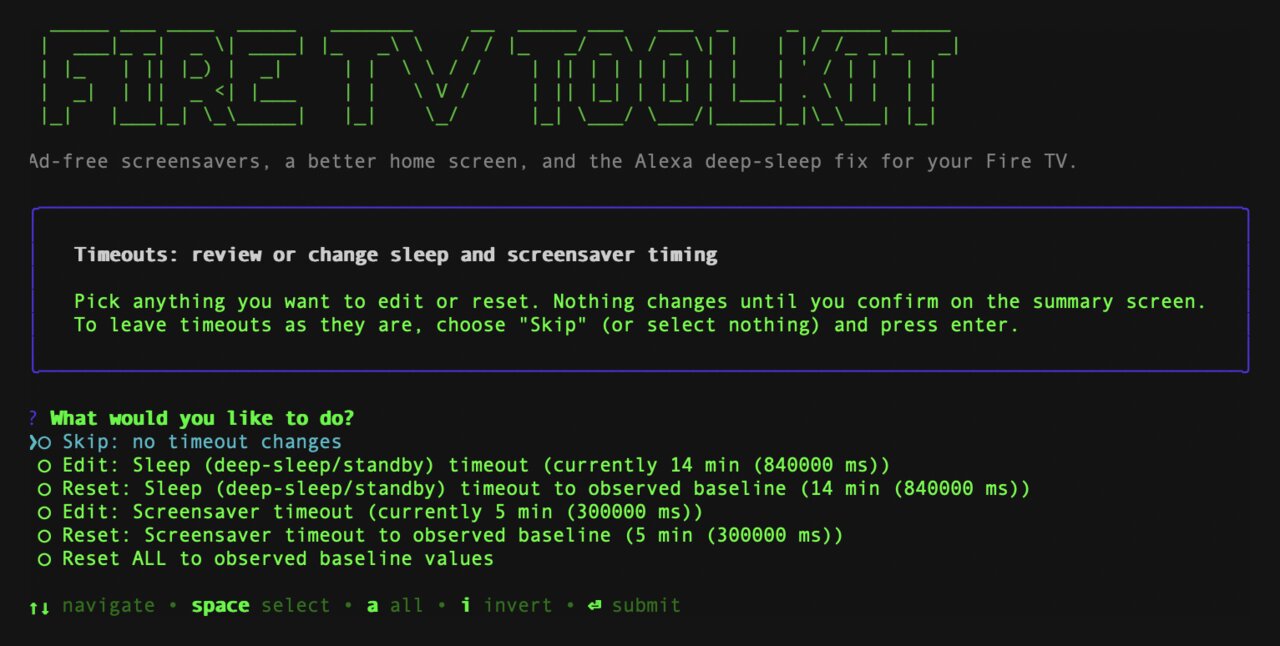
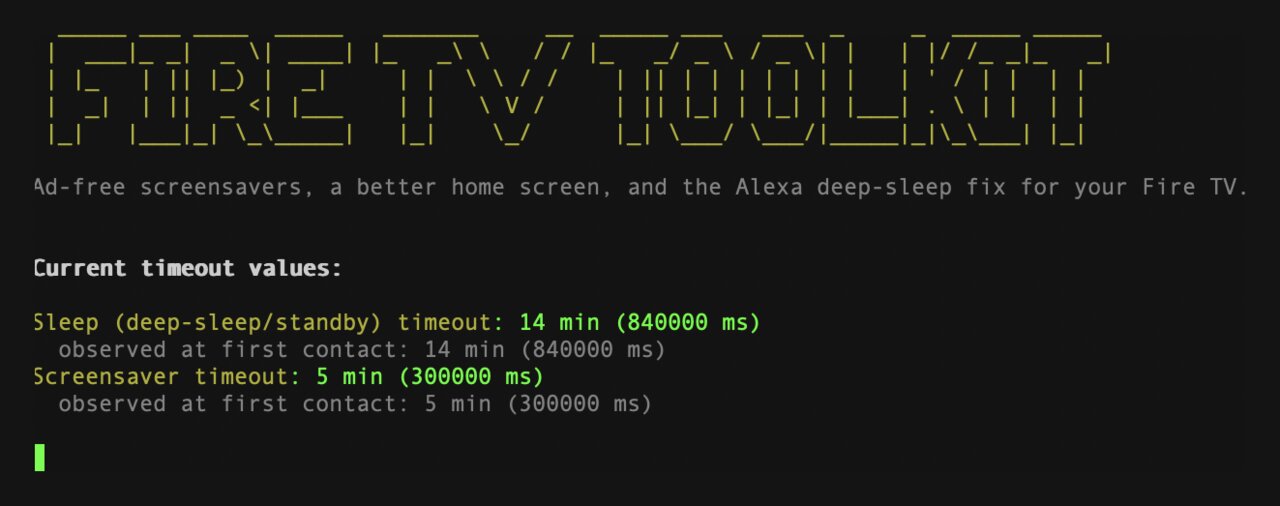
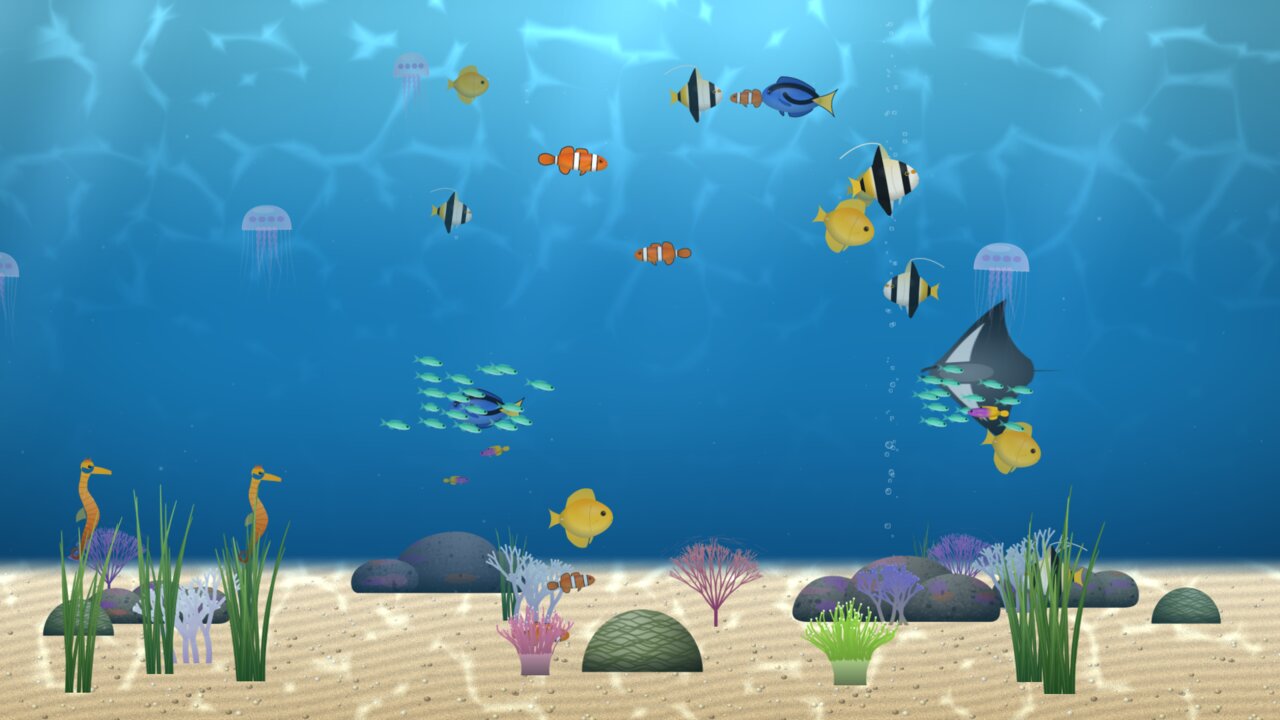
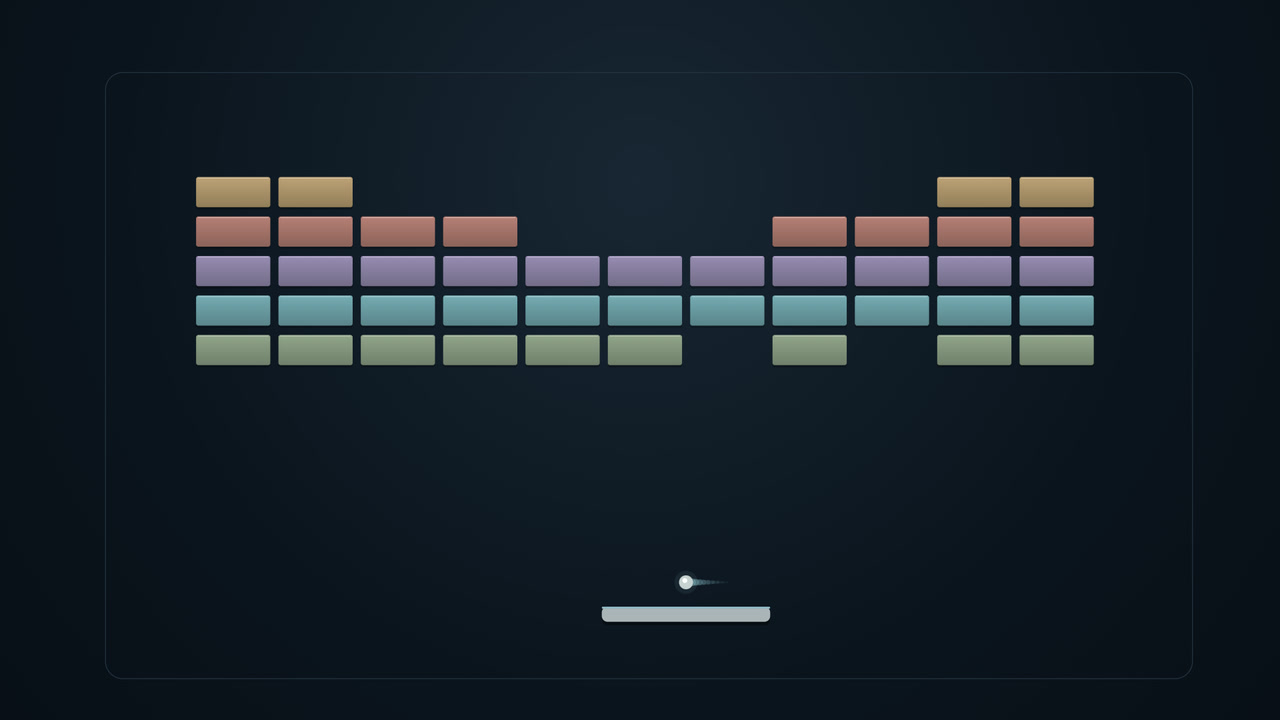
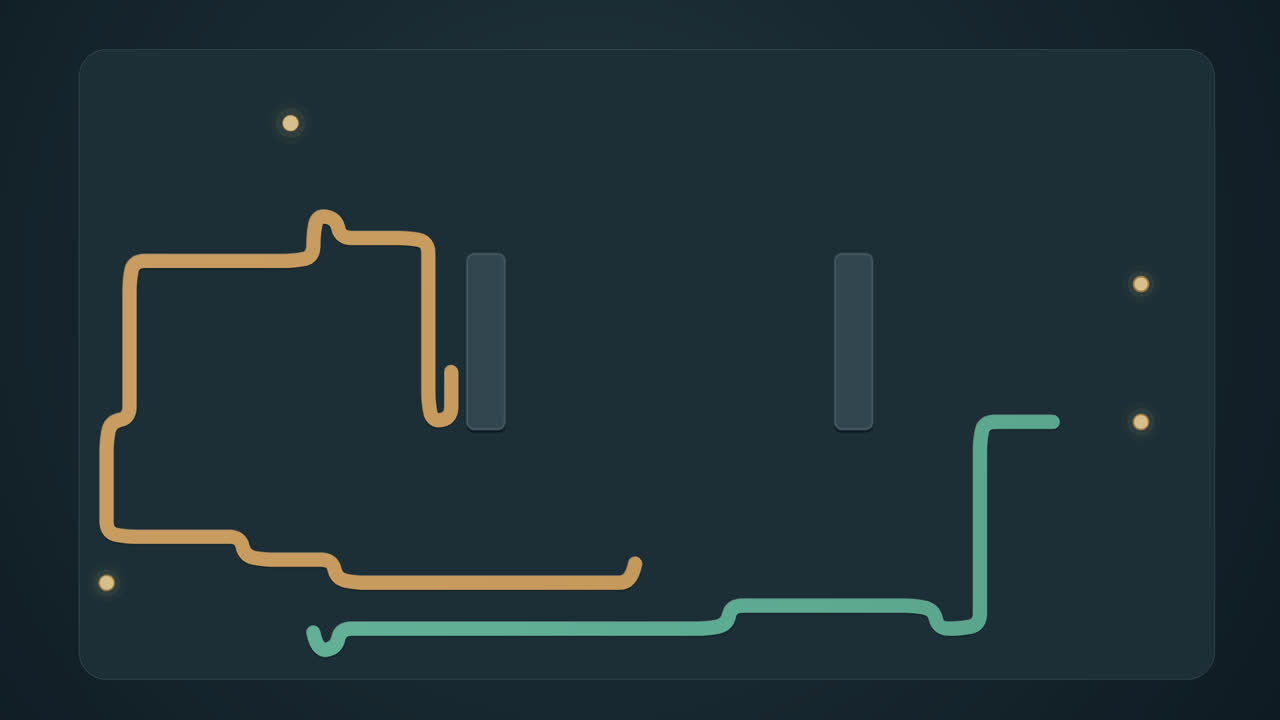
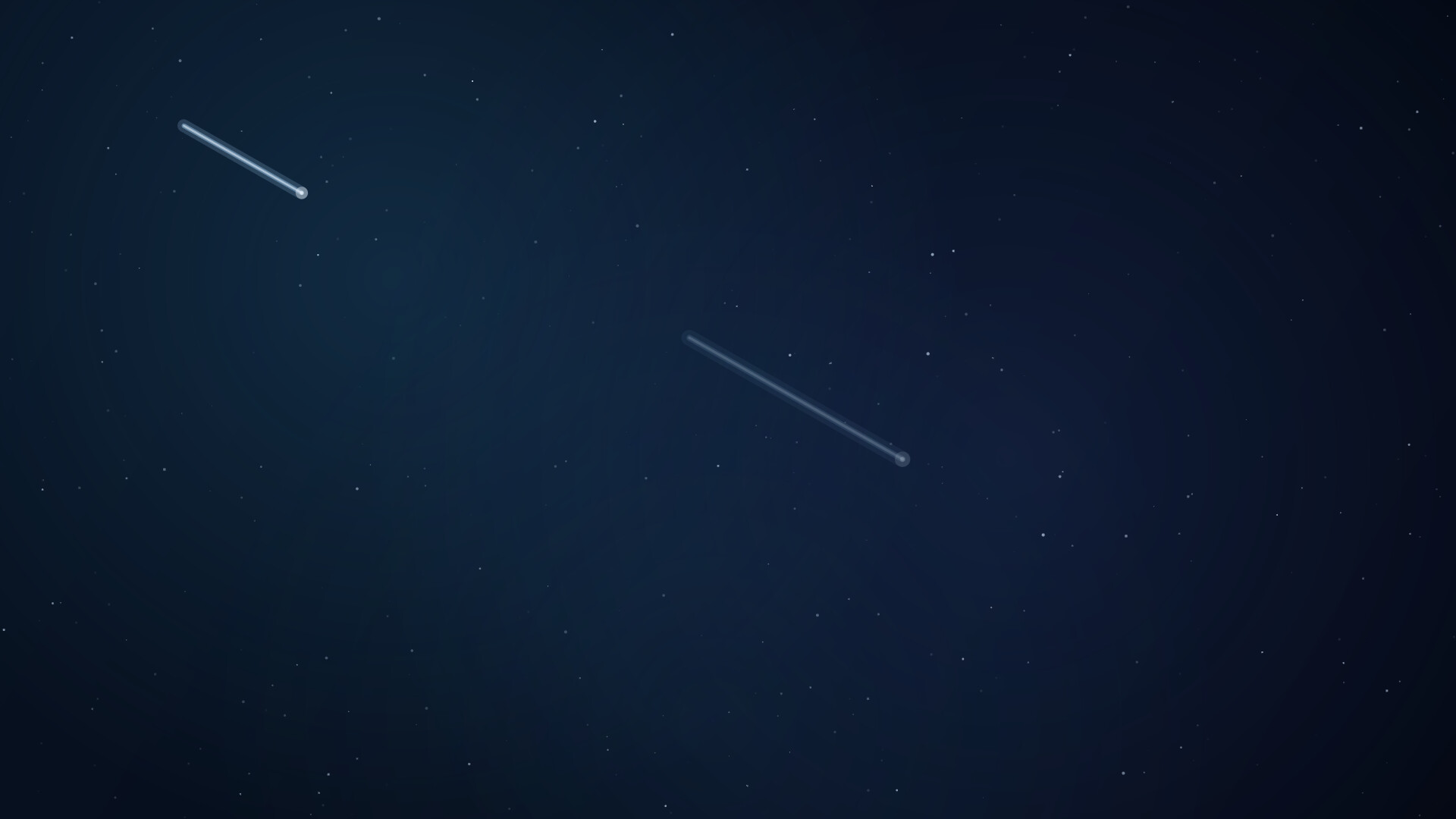
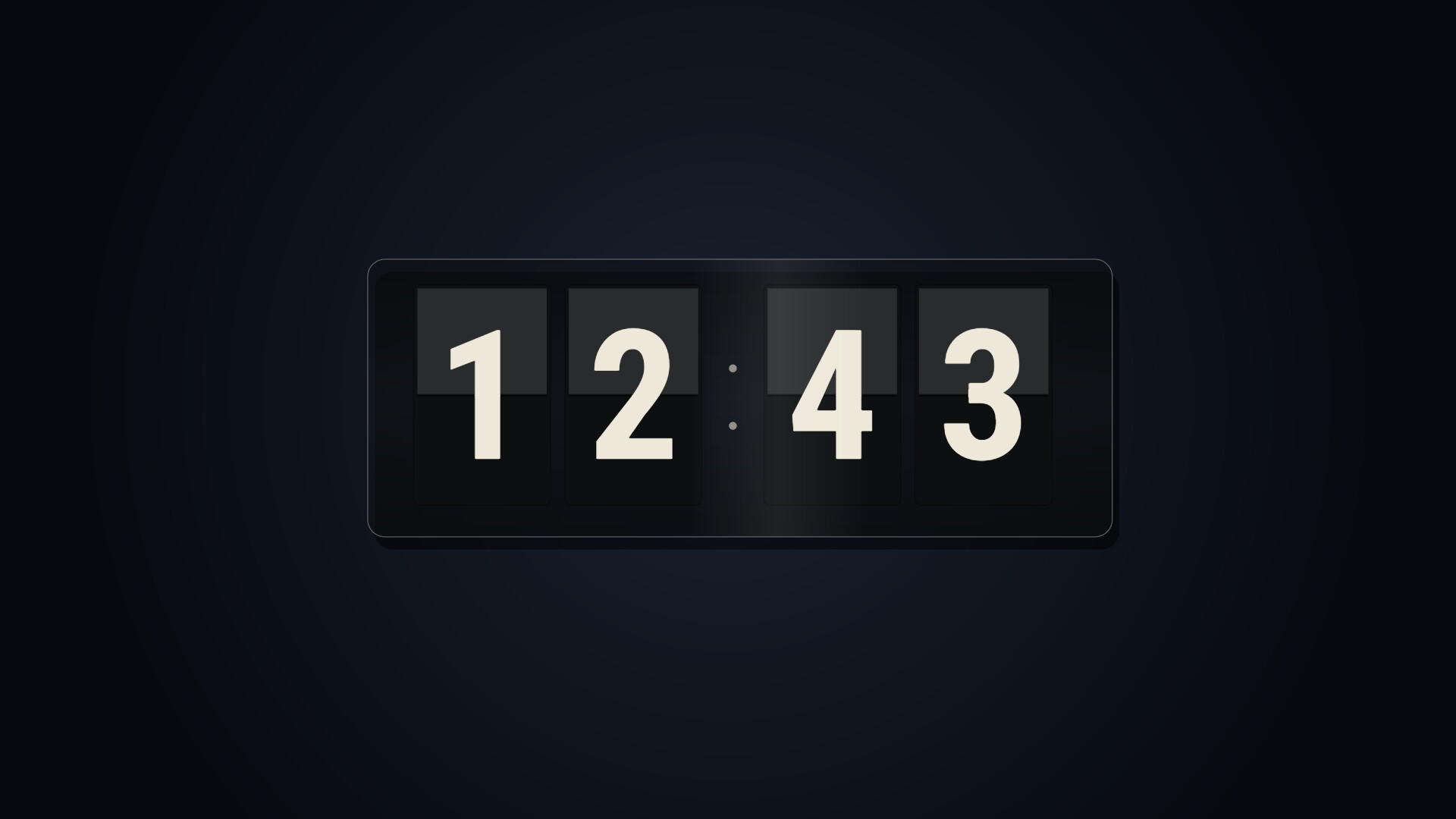
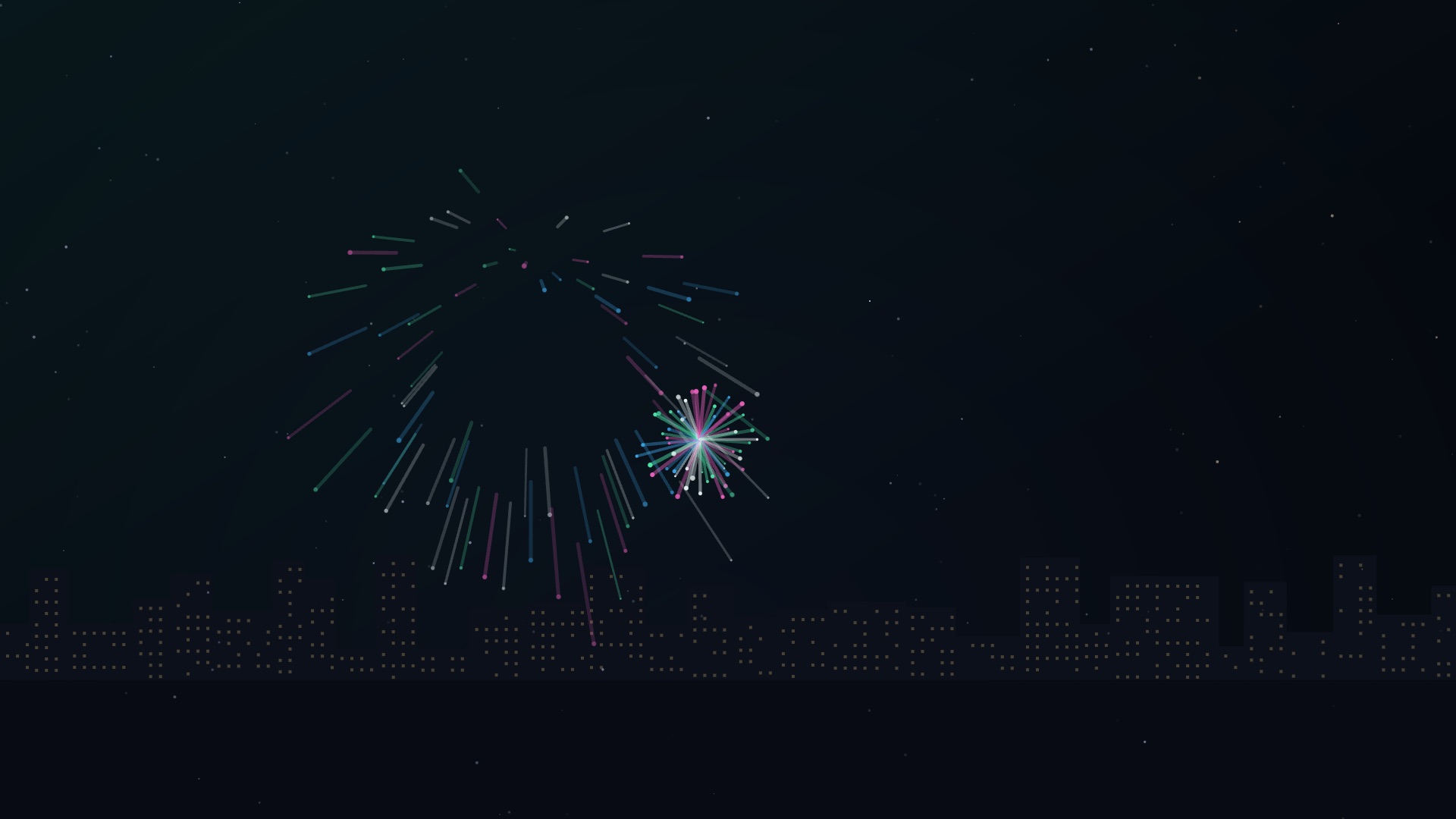
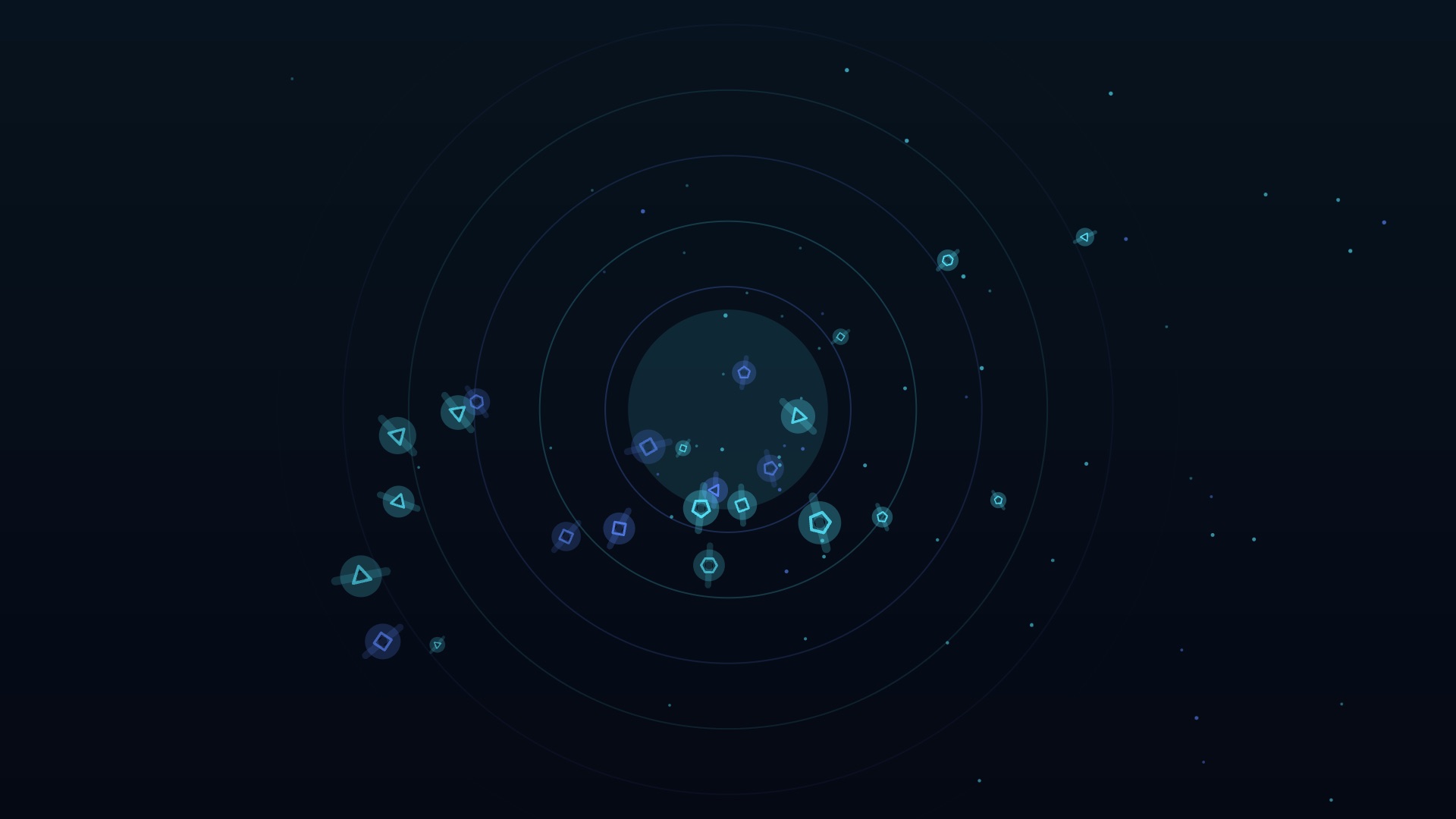
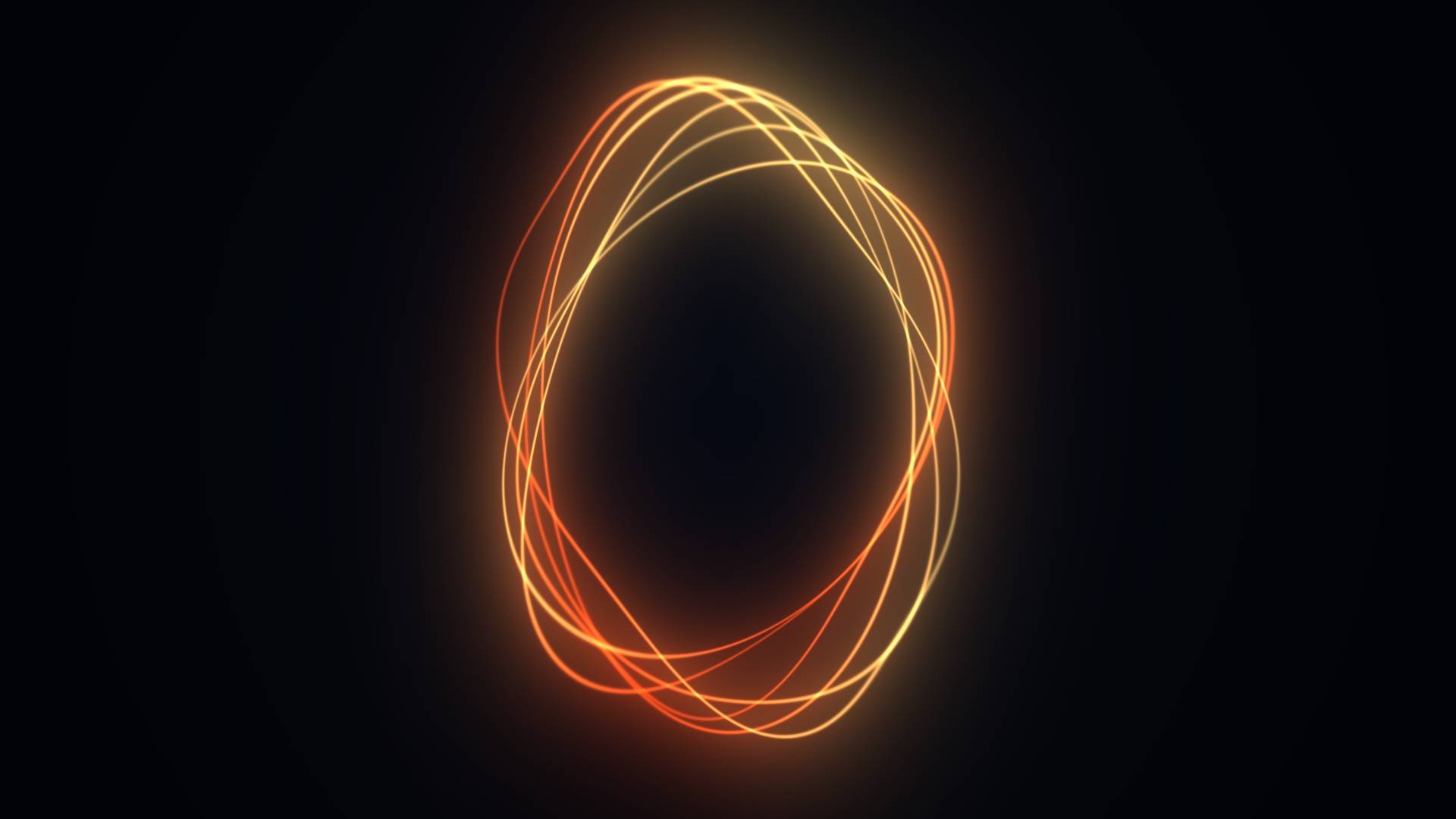
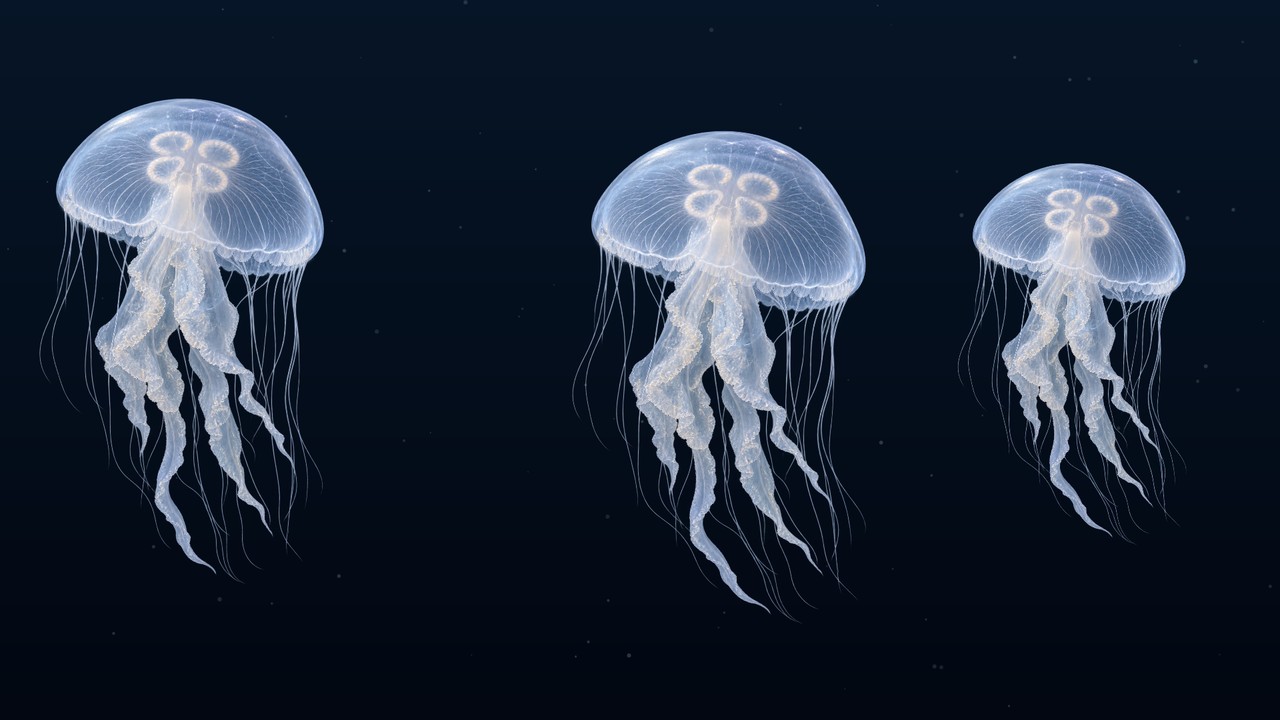
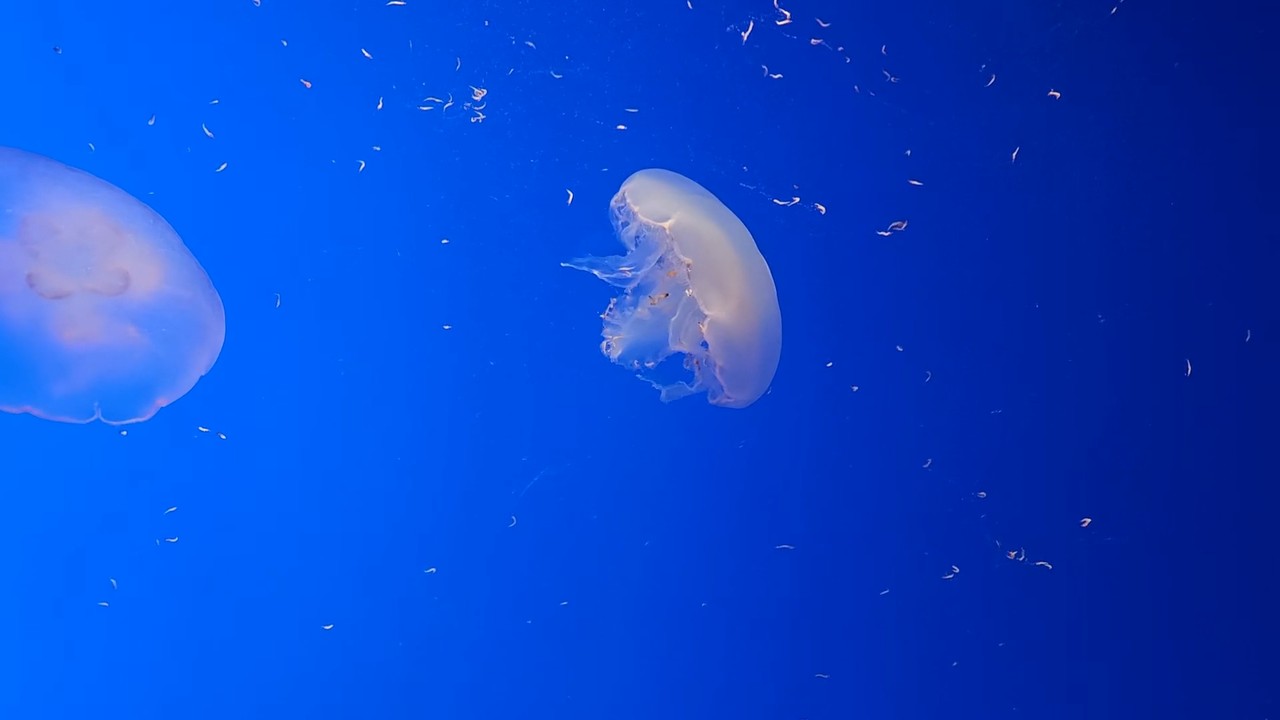
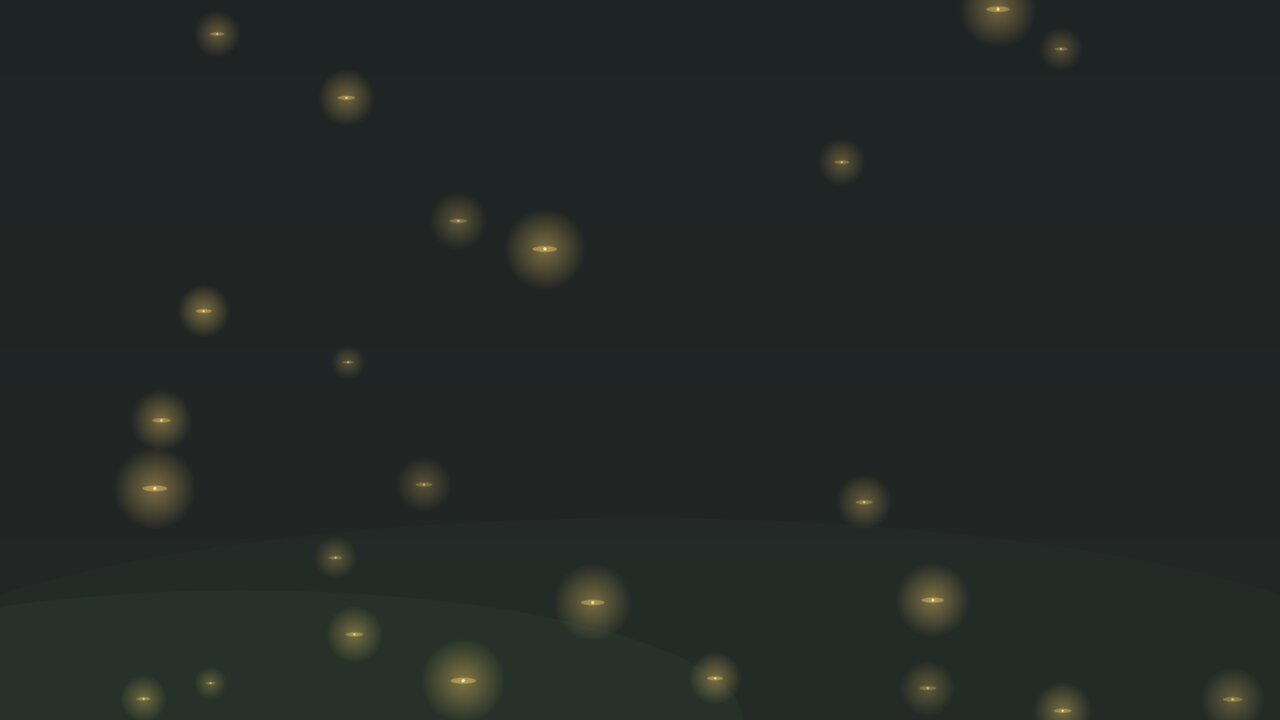
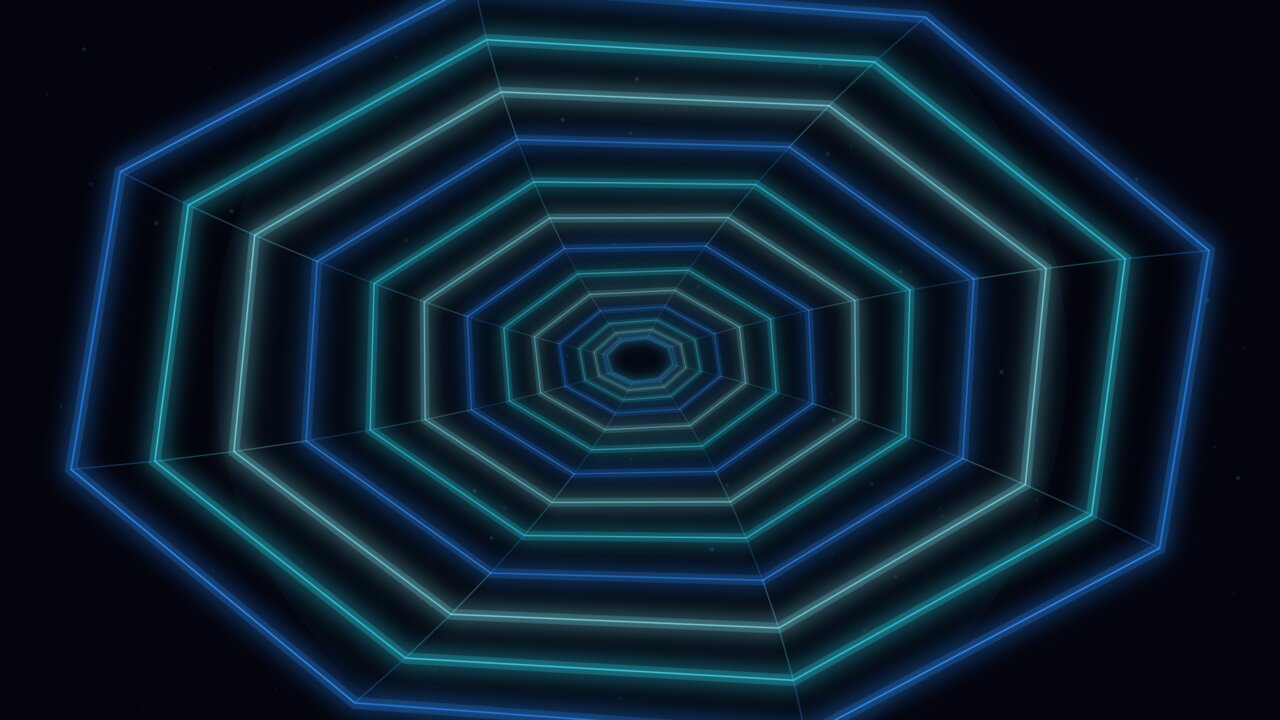
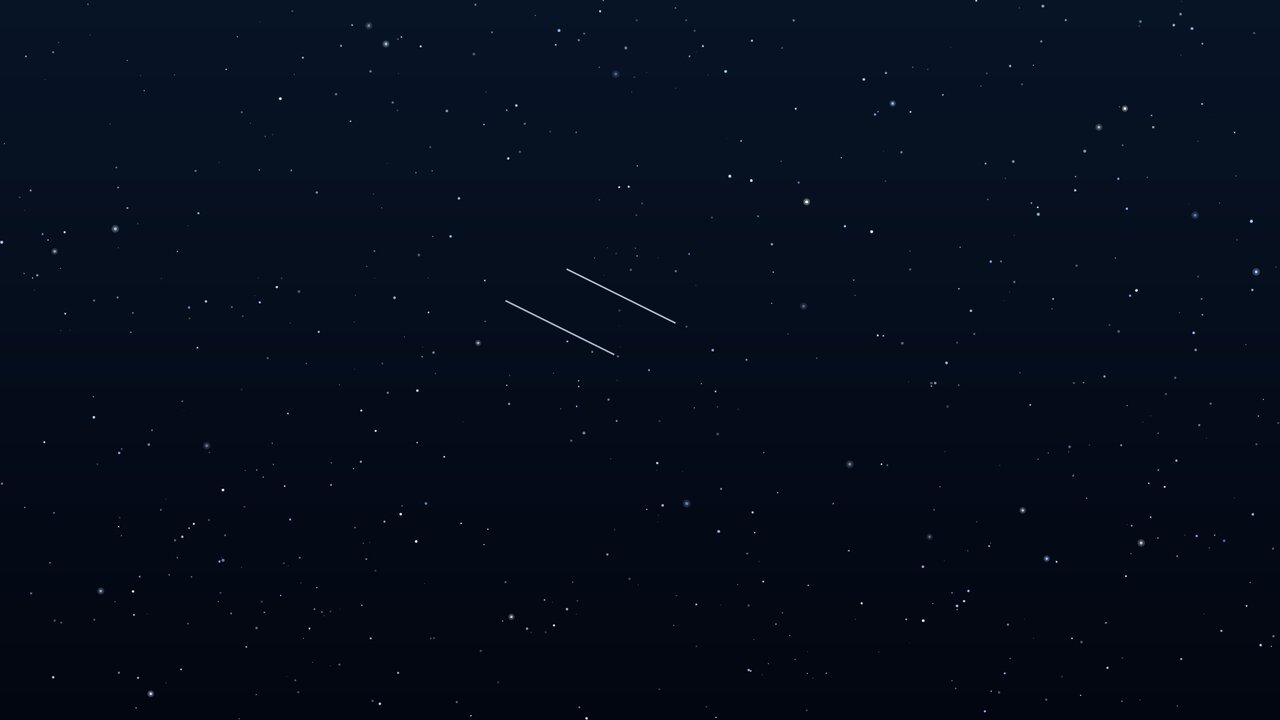
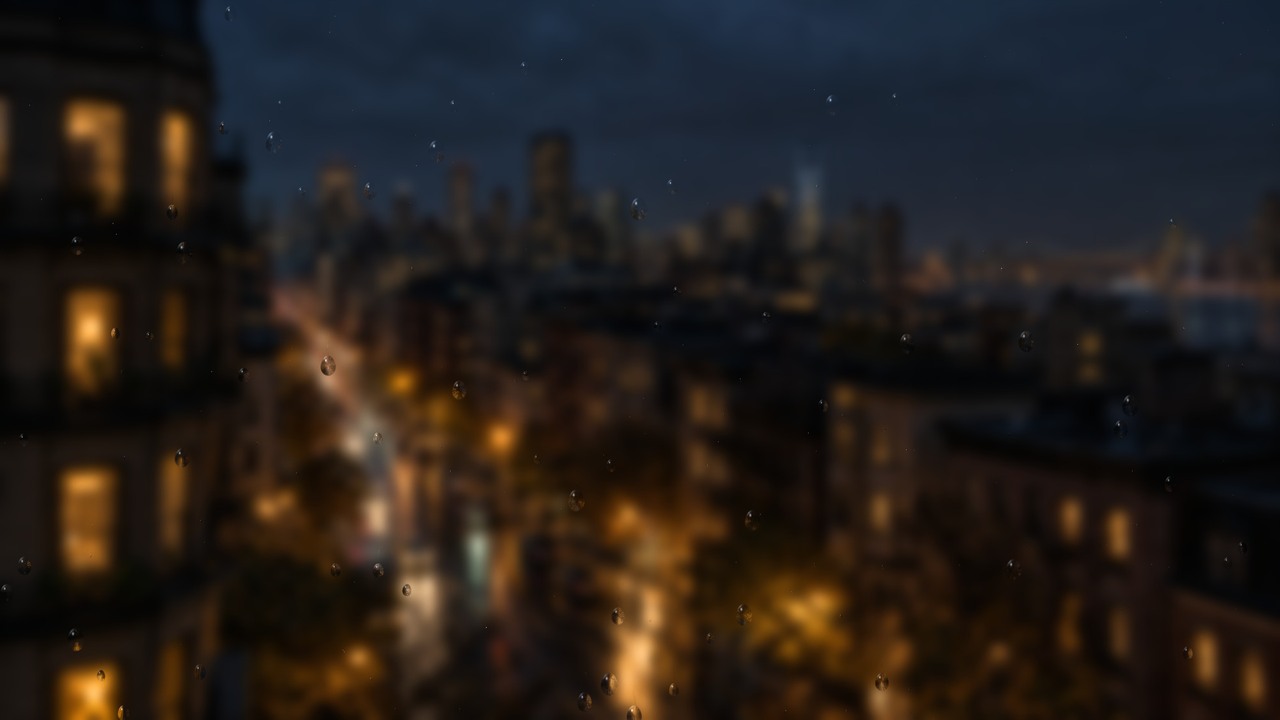
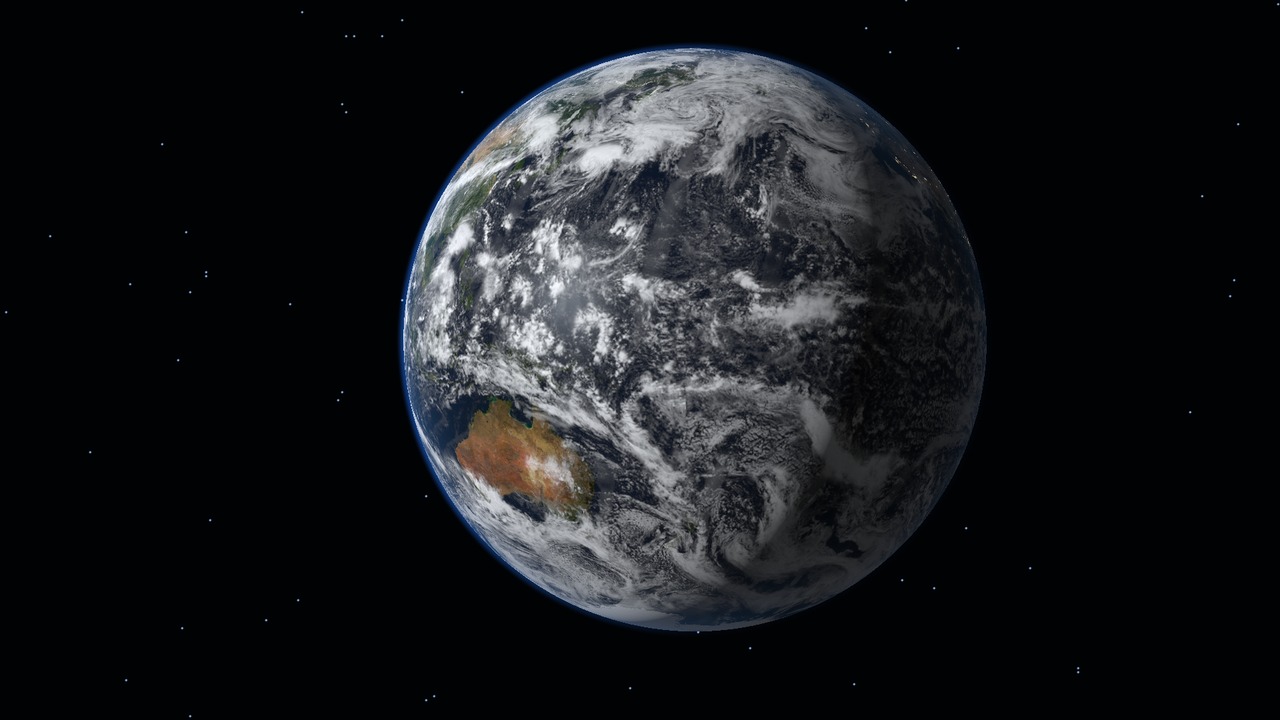
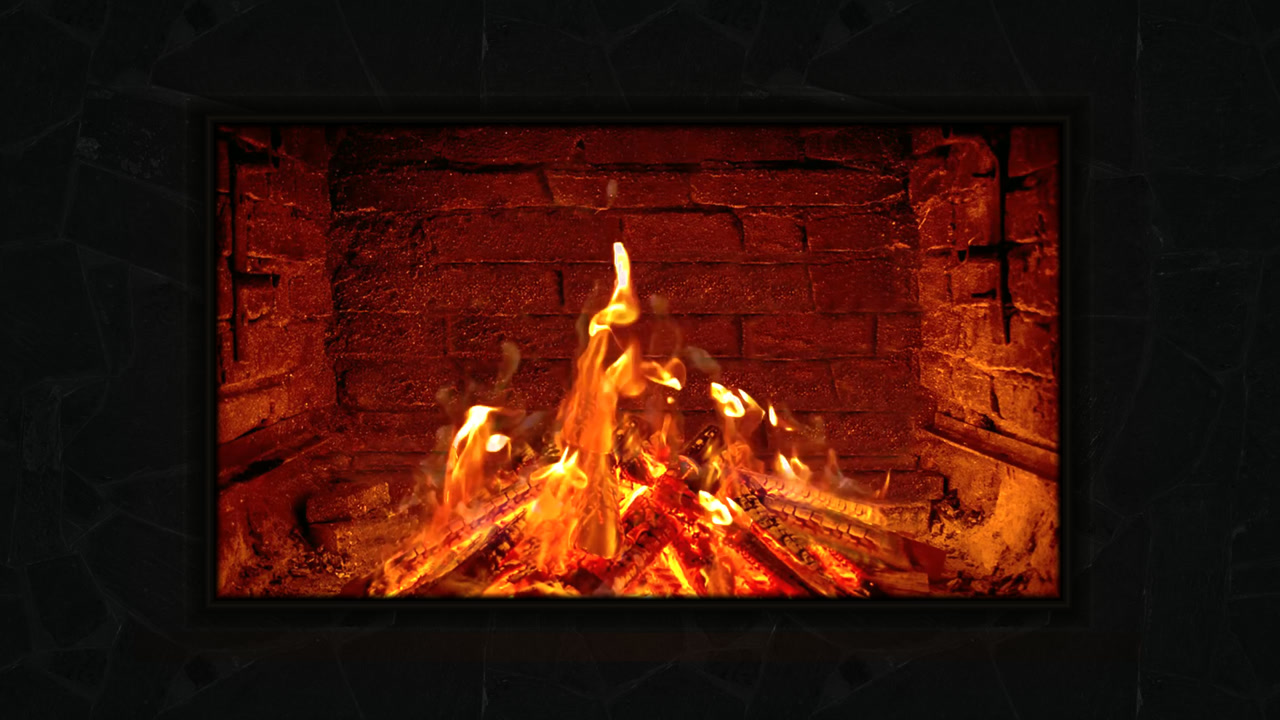
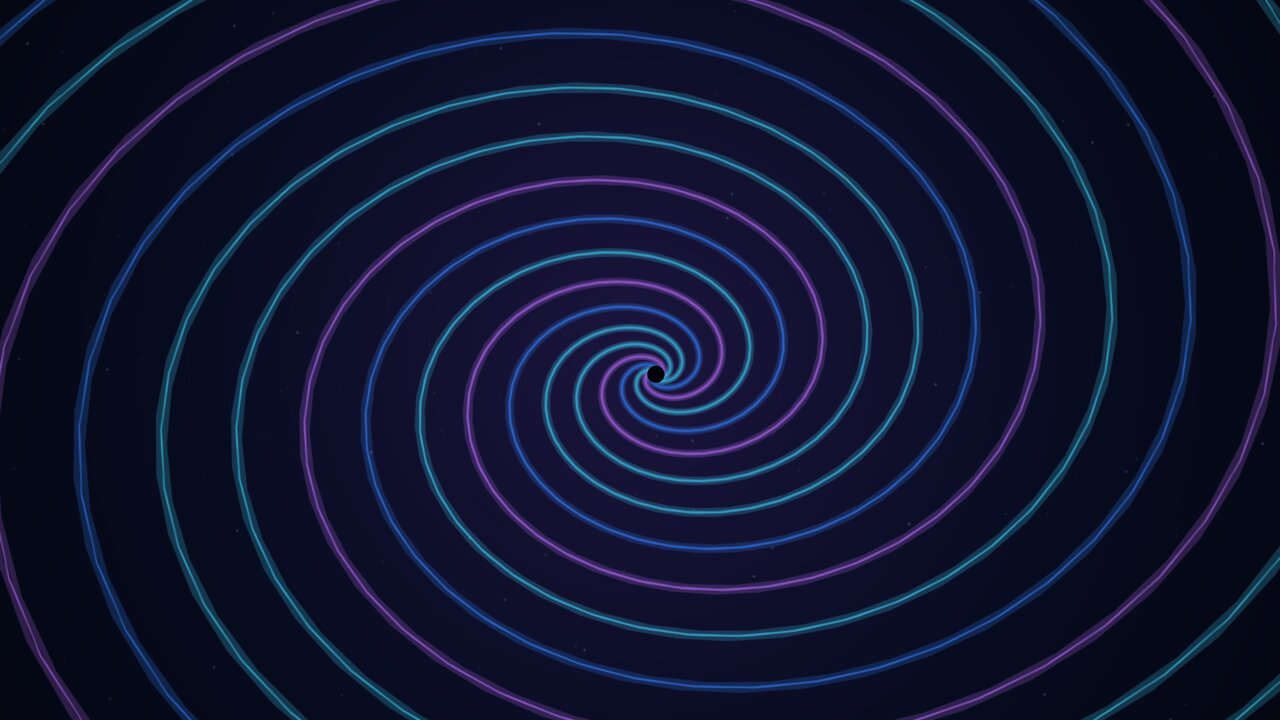
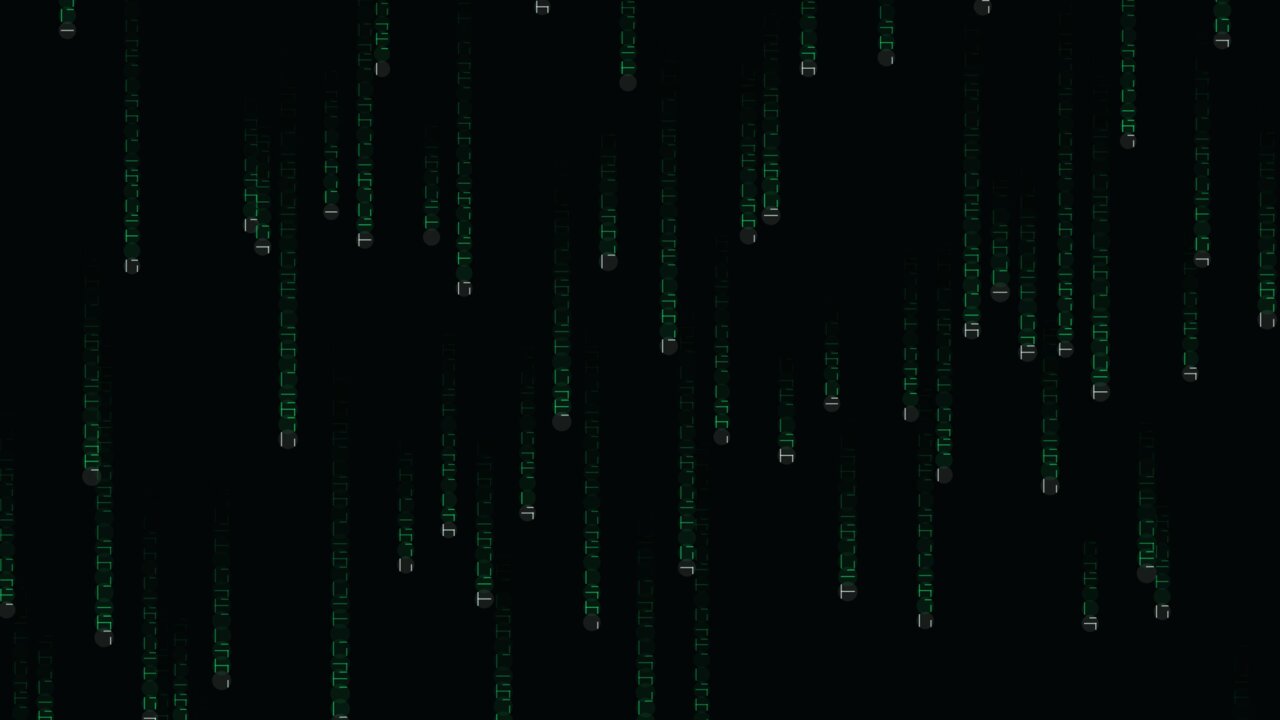
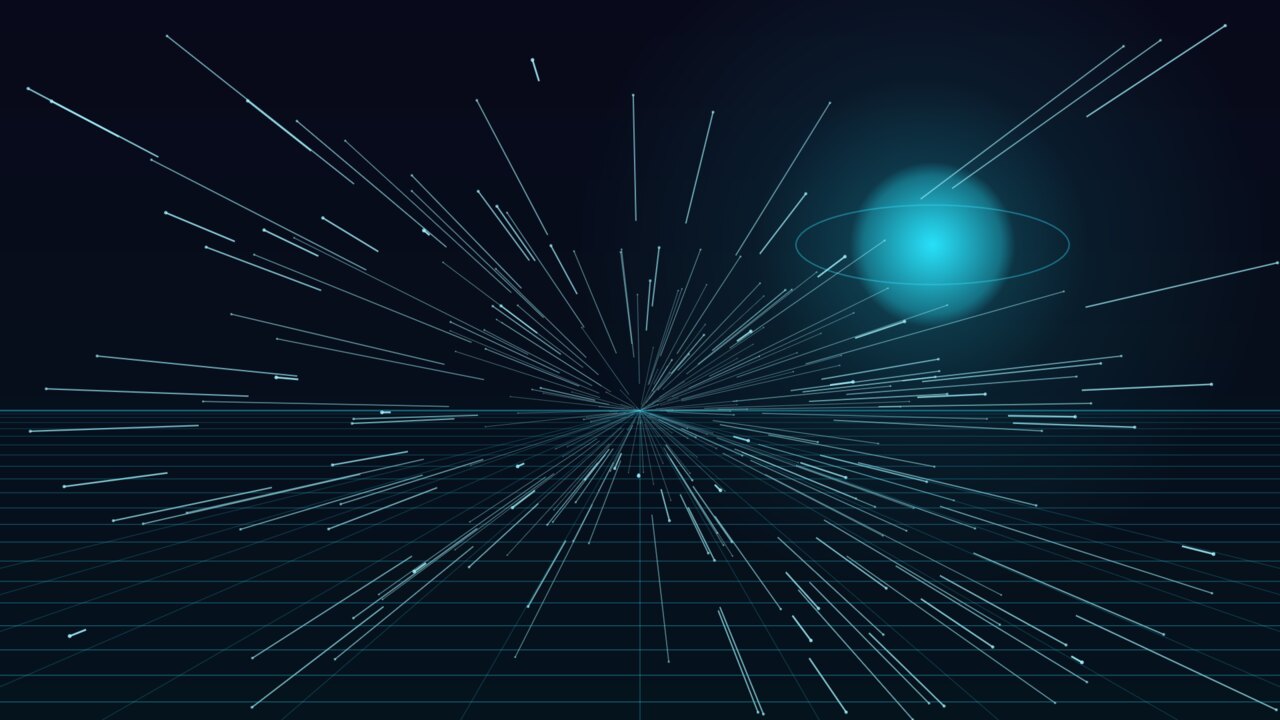
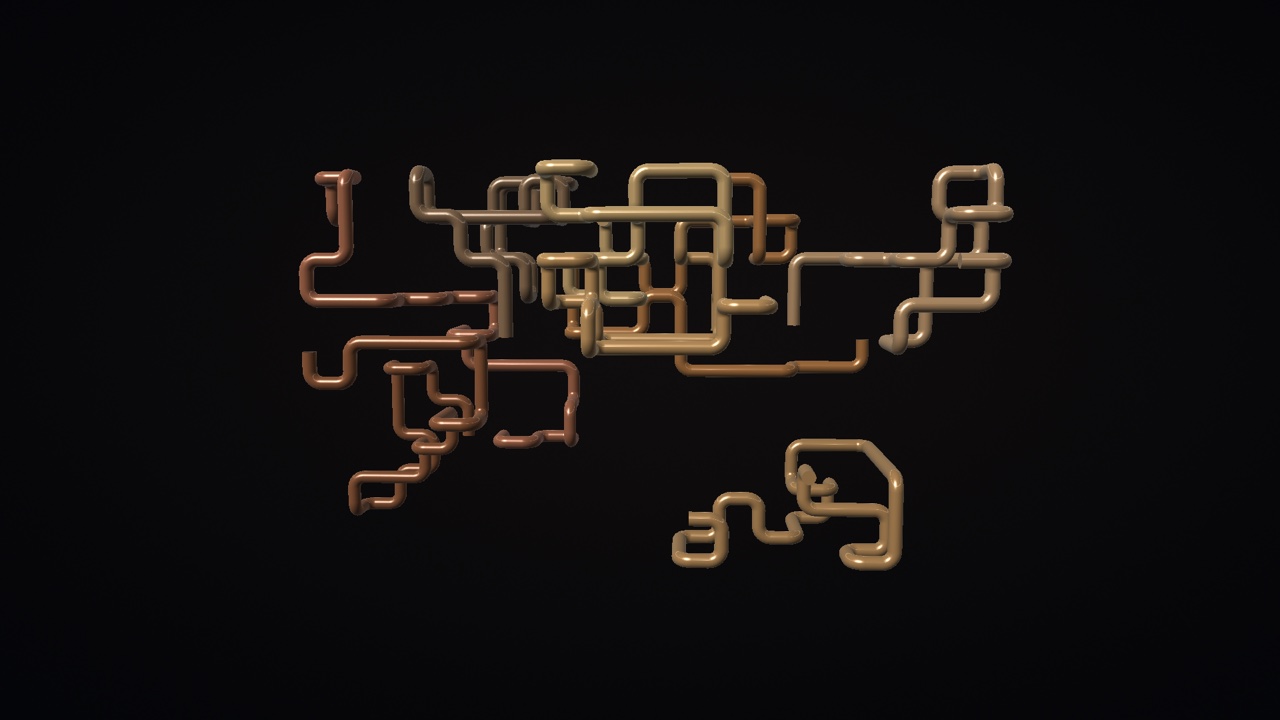
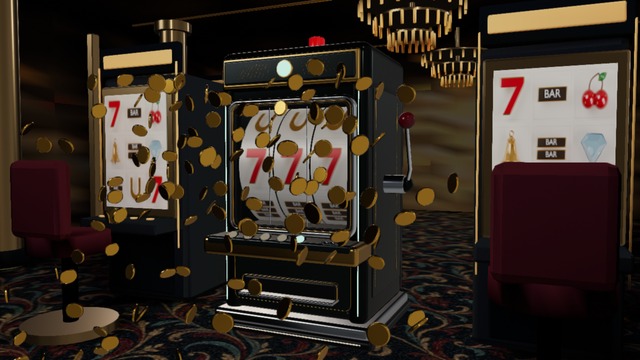
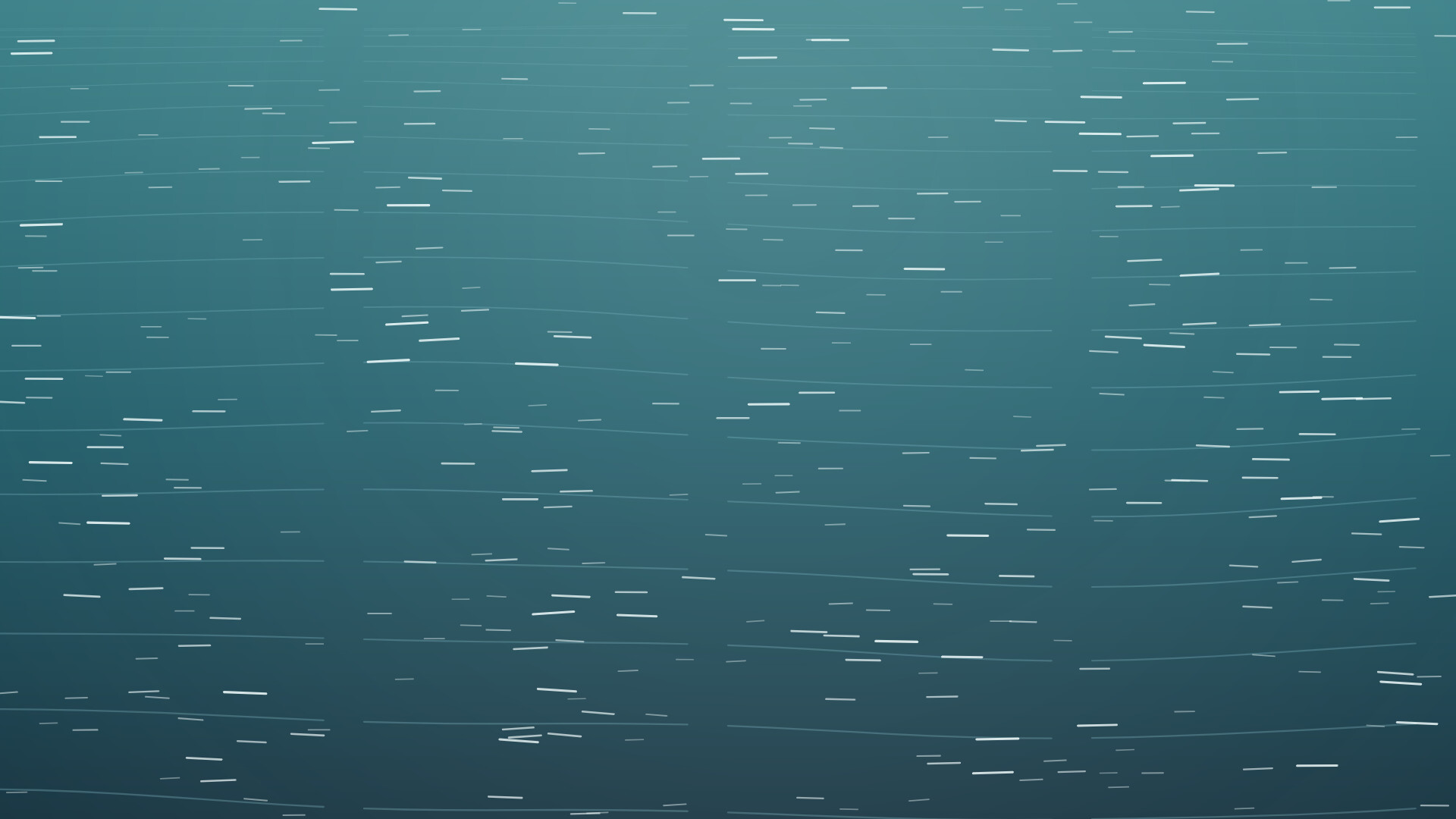
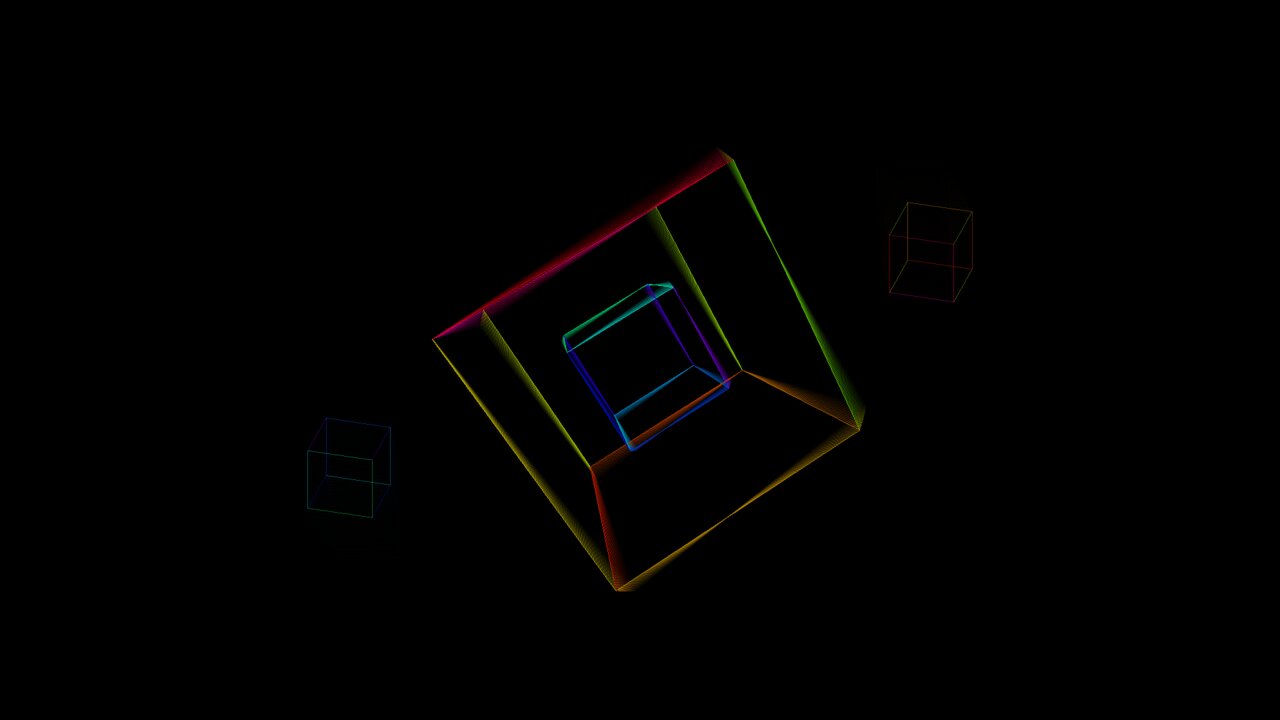
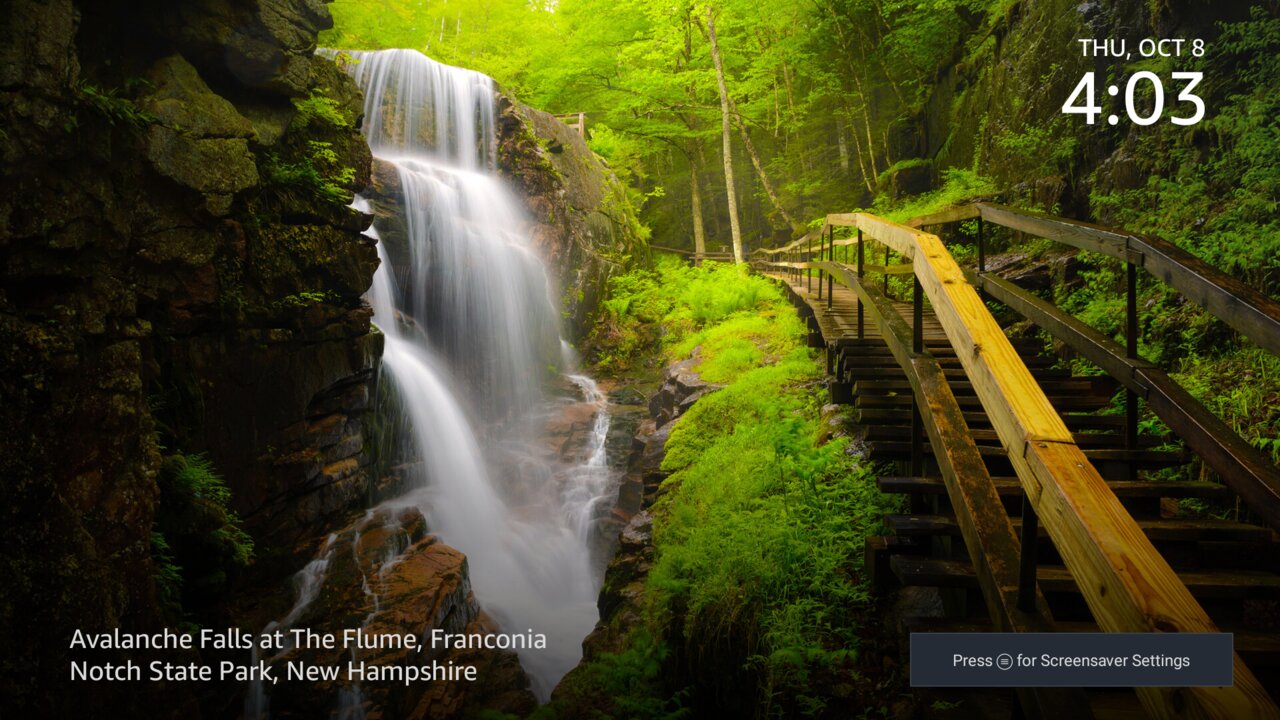
Captured on an Insignia Fire TV Edition TV, Android TV emulators, and in macOS Terminal. Cloud Drift Clock, Jellyfish Drift, Firefly Grove, Neon Corridor, Starfield Drift, Rain on Glass, Rainforest Cascade, Blue Meridian, Twilight Hearth, Nebula Drift, Vortex Spiral, Signal Rain, Retro Flight, Pipeworks Dream, Aqua Surface Drift, Earthbound Orbit, Perseid Passage, Split-Flap Drift, Canopy Drift, Contour Flow, Skyburst Nocturne, Pulse Circuit and Helios Lightfield use screenshots from their own repositories. Select any screenshot to see it full size.
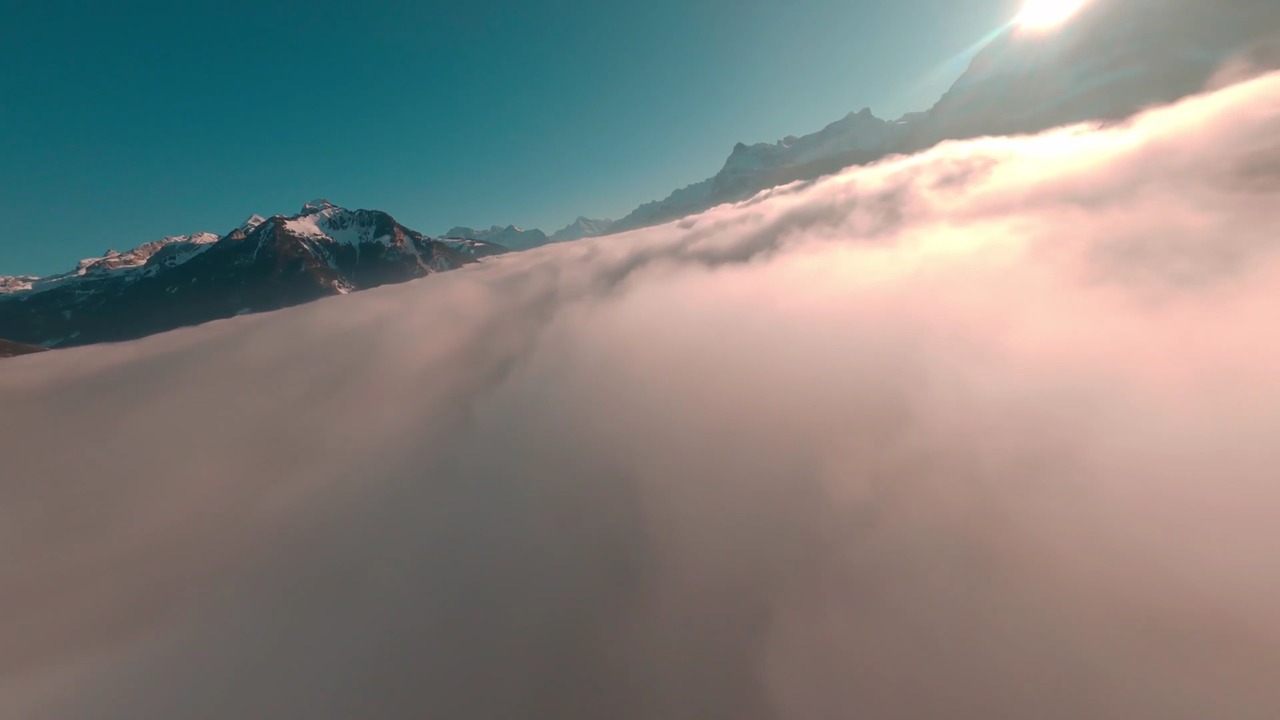
Cloud Drift Clock 2.0 uses the current unretouched physical Fire TV API 28 capture, resized for the gallery. Its filmed scene is by anotherview, licensed under CC BY 3.0. The source audio was omitted, the footage edited into a 34-second loop and the clock disabled for this capture. Capture and release provenance records the exact source and APK hashes.
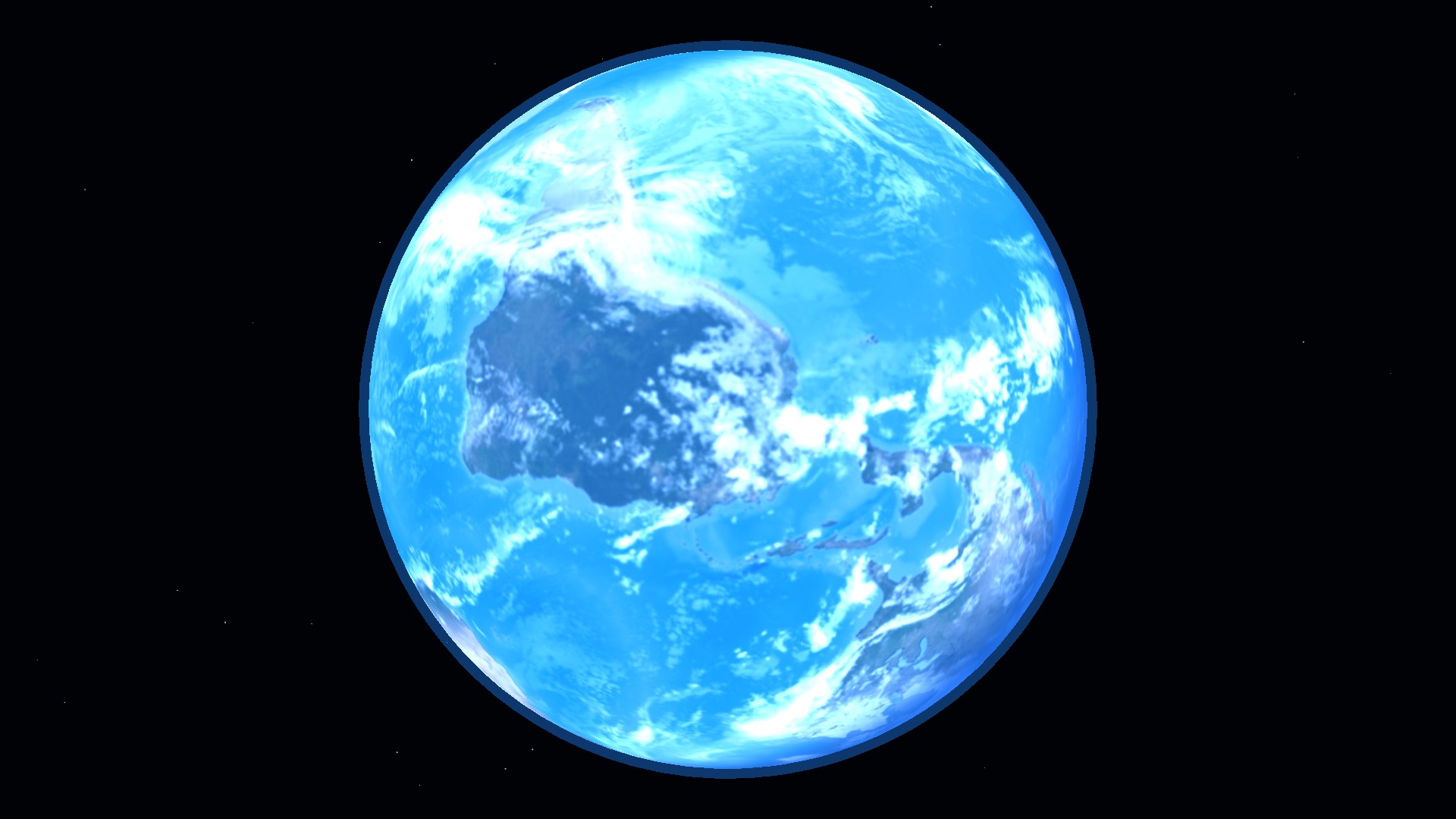
Blue Meridian 1.0.1 uses the current physical Fire TV API 30 capture at 1920x1080. Its archival satellite imagery and modifications are documented in the tagged upstream media guide.
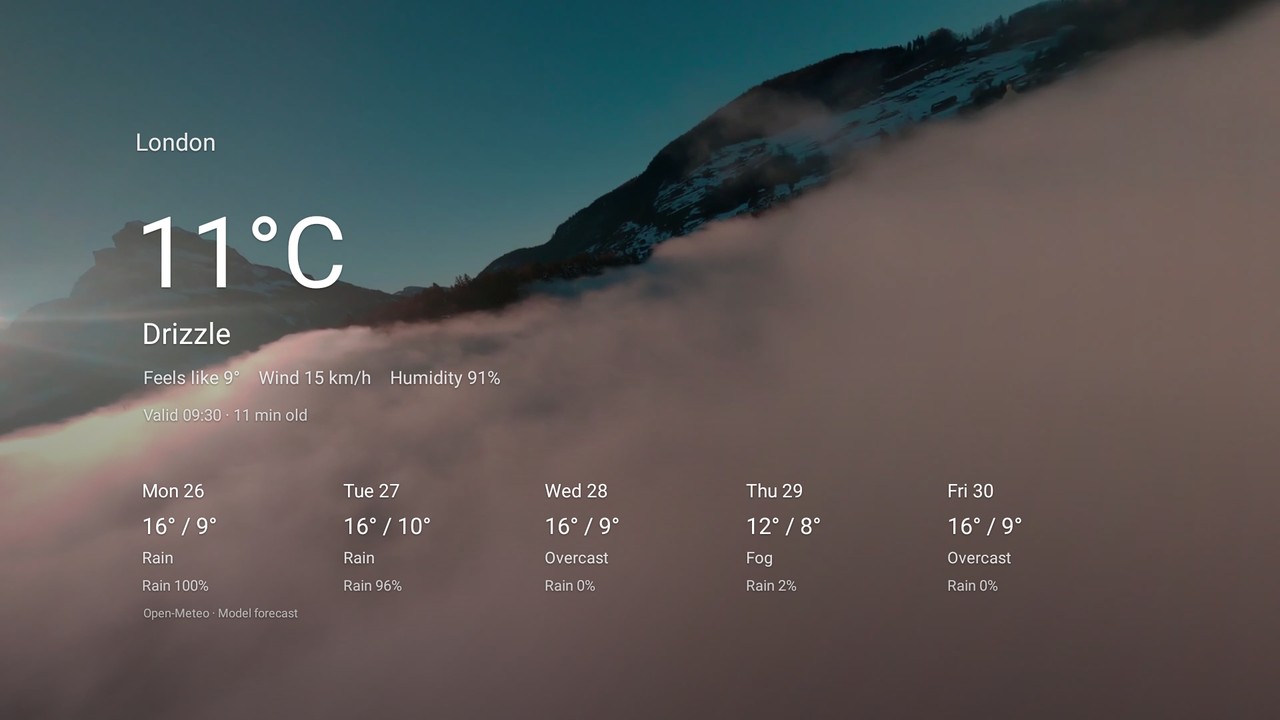
Skycast Weather 1.0 uses an untouched physical Fire TV API28 code4 London five-day Preview, resized for this gallery. The cloud film is independent of the selected city. Release and capture provenance records the exact APK and image hashes. Film credit: anotherview, CC BY 3.0; weather presentation: Open-Meteo, CC BY4.0 under separate service terms.
The home screen and the on-TV picker
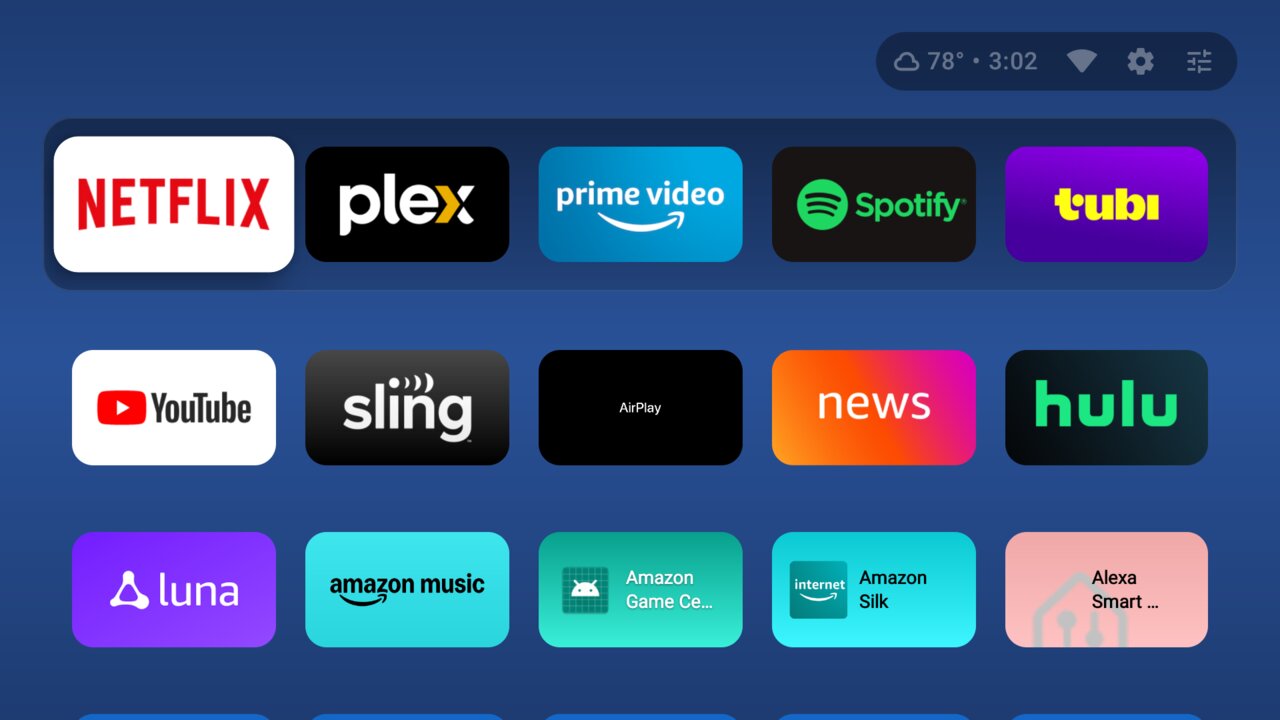
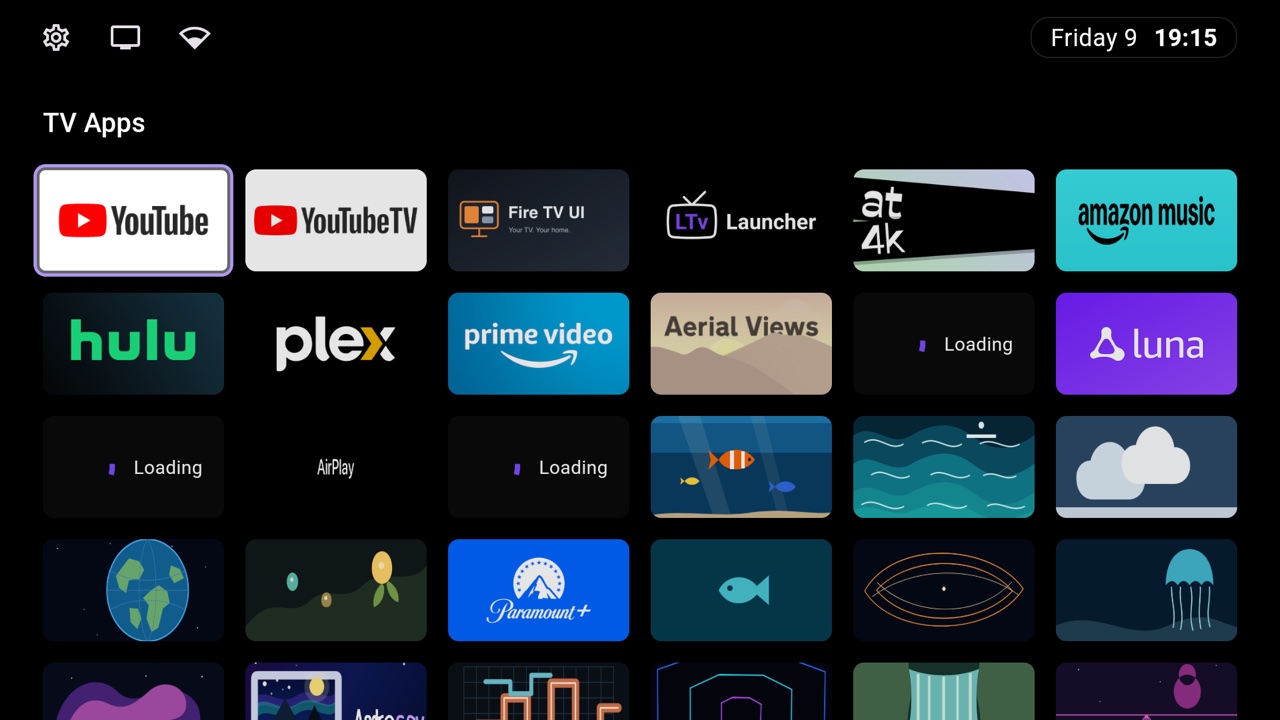
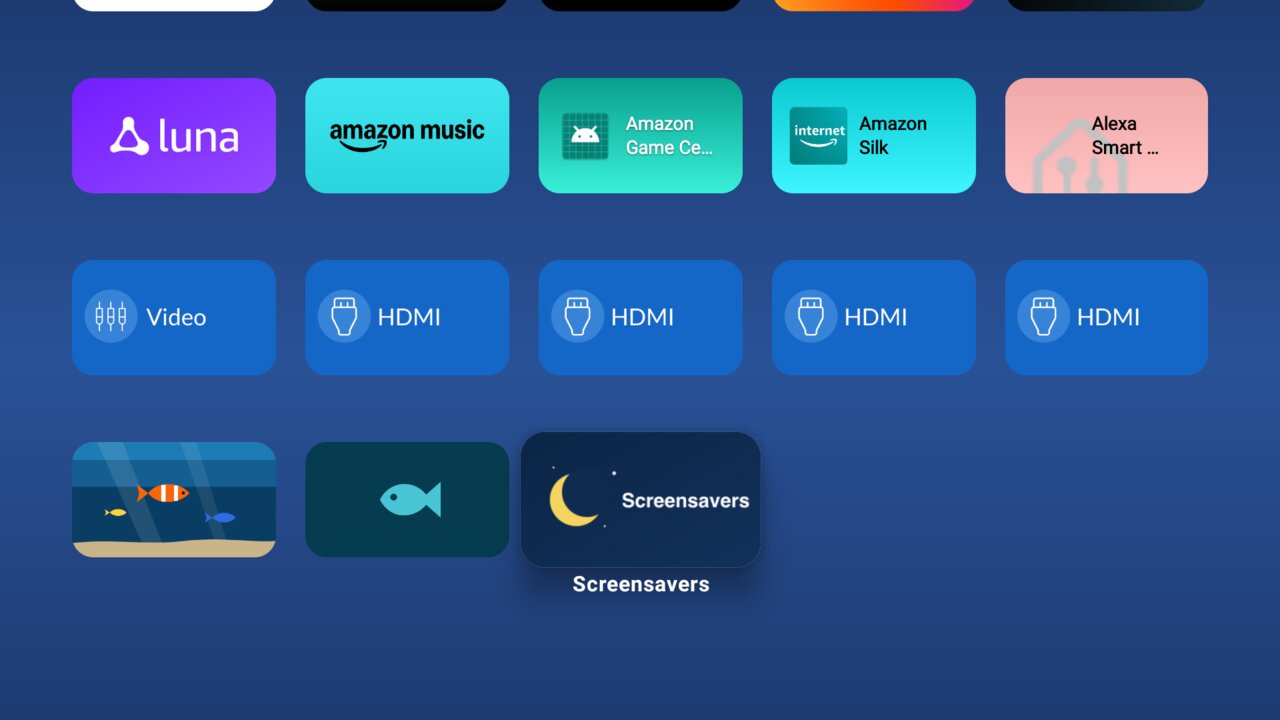
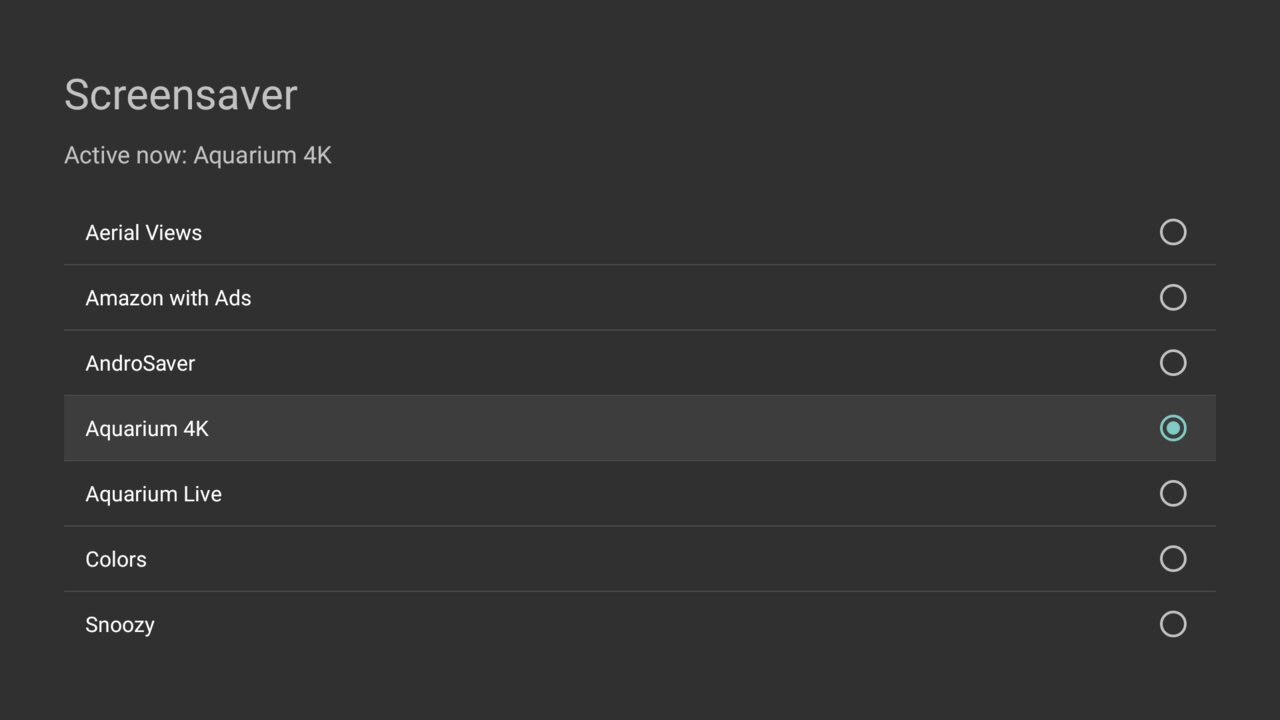
Screensavers
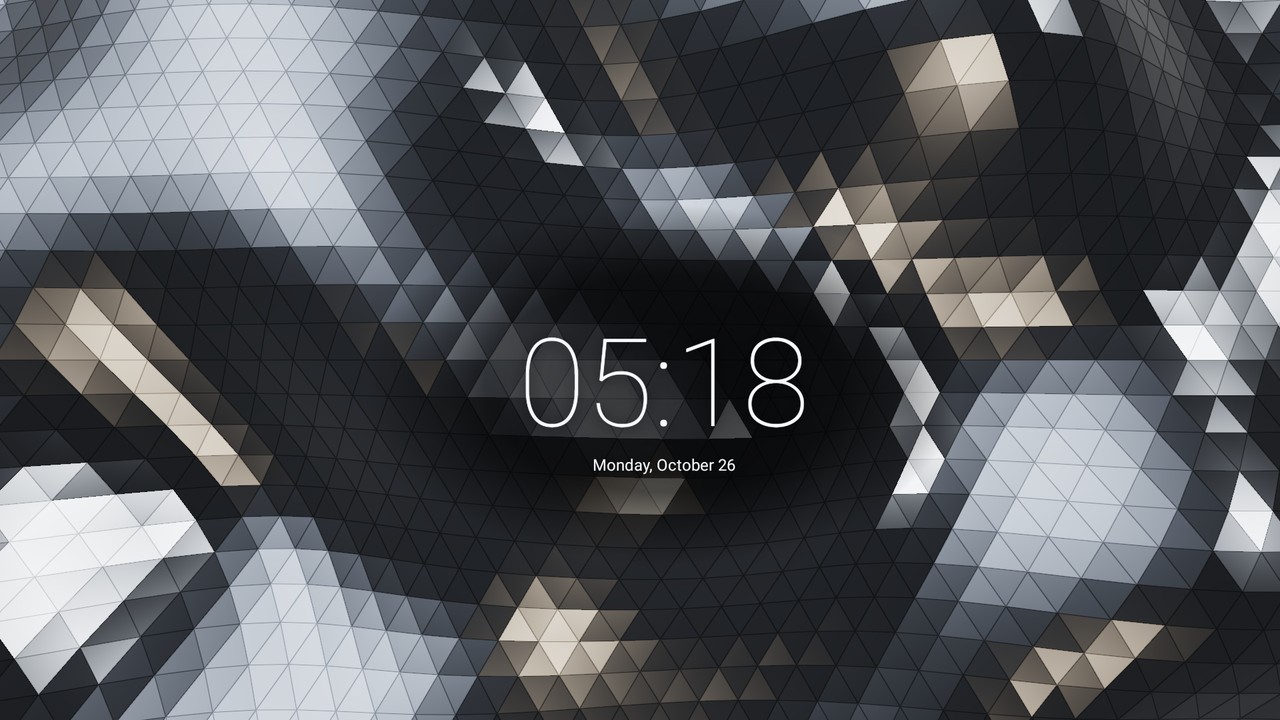
Prism Clock uses the final 1.1.0/code 4 physical clock-On capture. Its original renderer is unchanged; the image does not imply improved GPU performance.
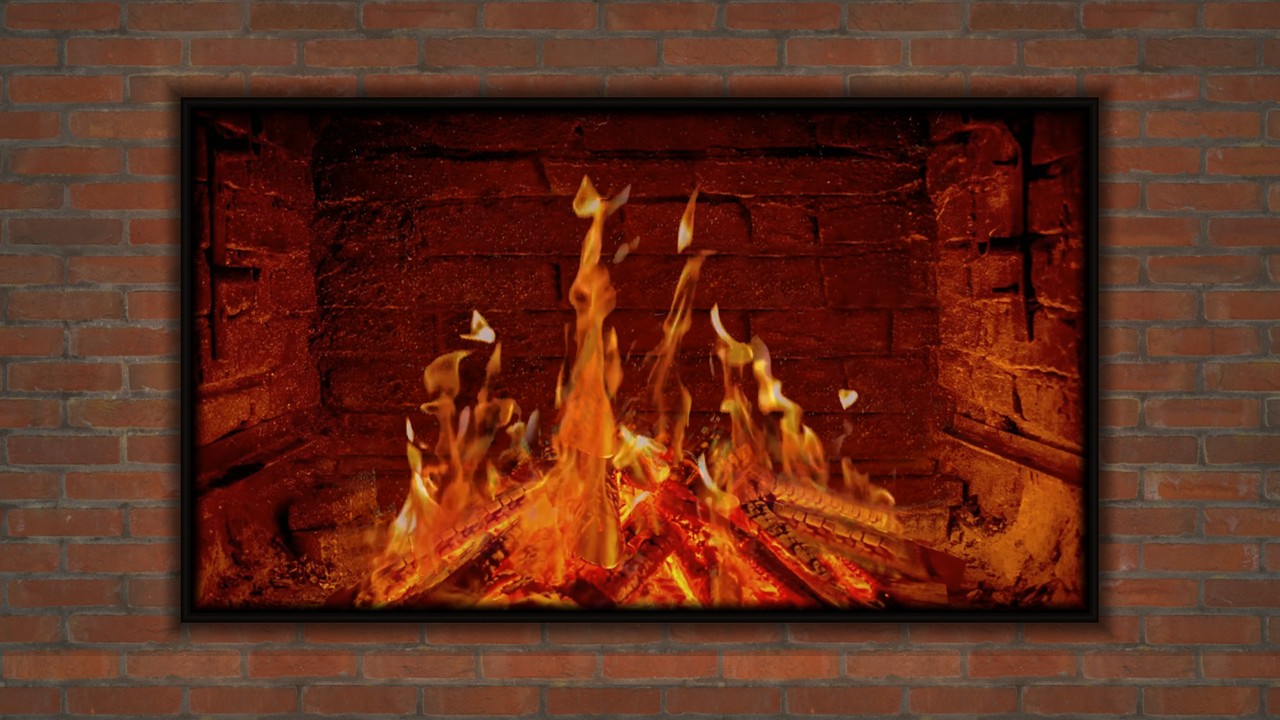
Hearth Presence uses the exact 1.1.0/code 7 physical Large-wood capture. The recorded wood source is CC BY 3.0; the current image and release provenance are recorded in candidate sources. It does not depict newly filmed modern gas.
Black Screen Dream 1.0.0 intentionally renders a completely black frame. This native capture is from its published build, also installed on Calvin’s TV with the released APK hash verified.
 |
Twilight Hearth shows actual physical Fire TV modern/bright output from its verified 1.1.0 release. See capture provenance and the screensaver guide. The unchanged desktop screenshots above remain from the 4.3.1 packaged source build.
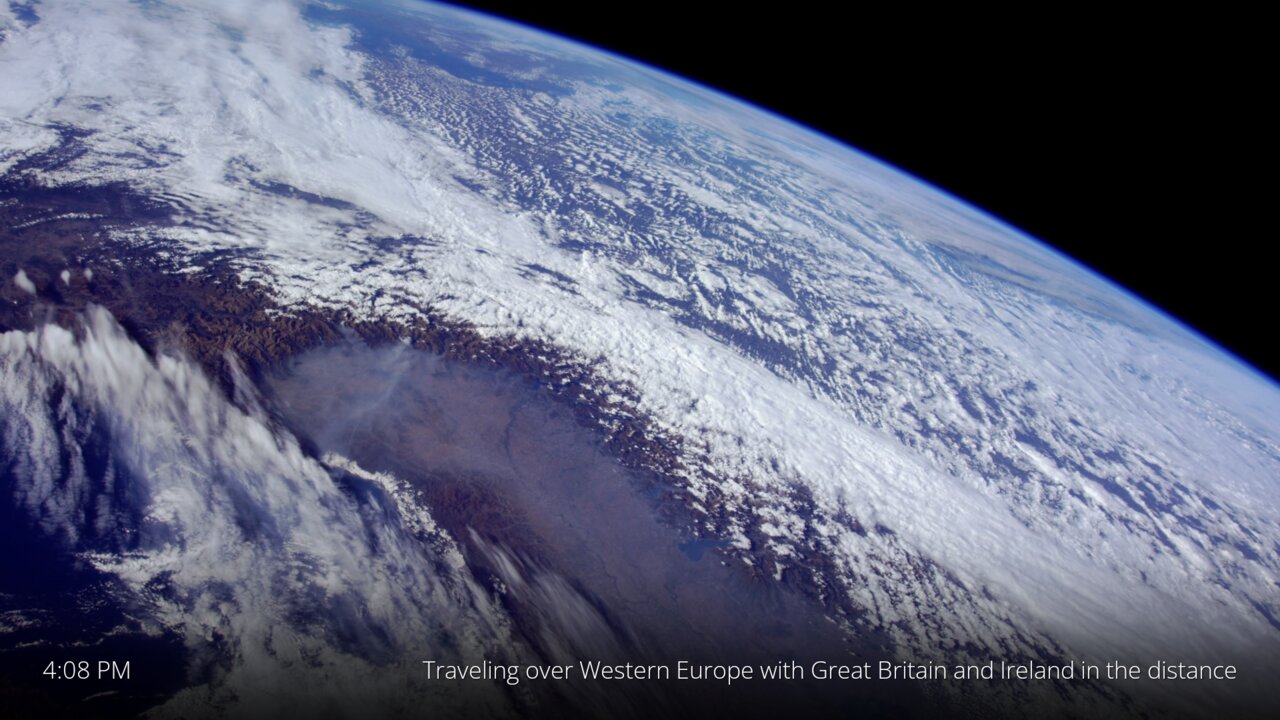
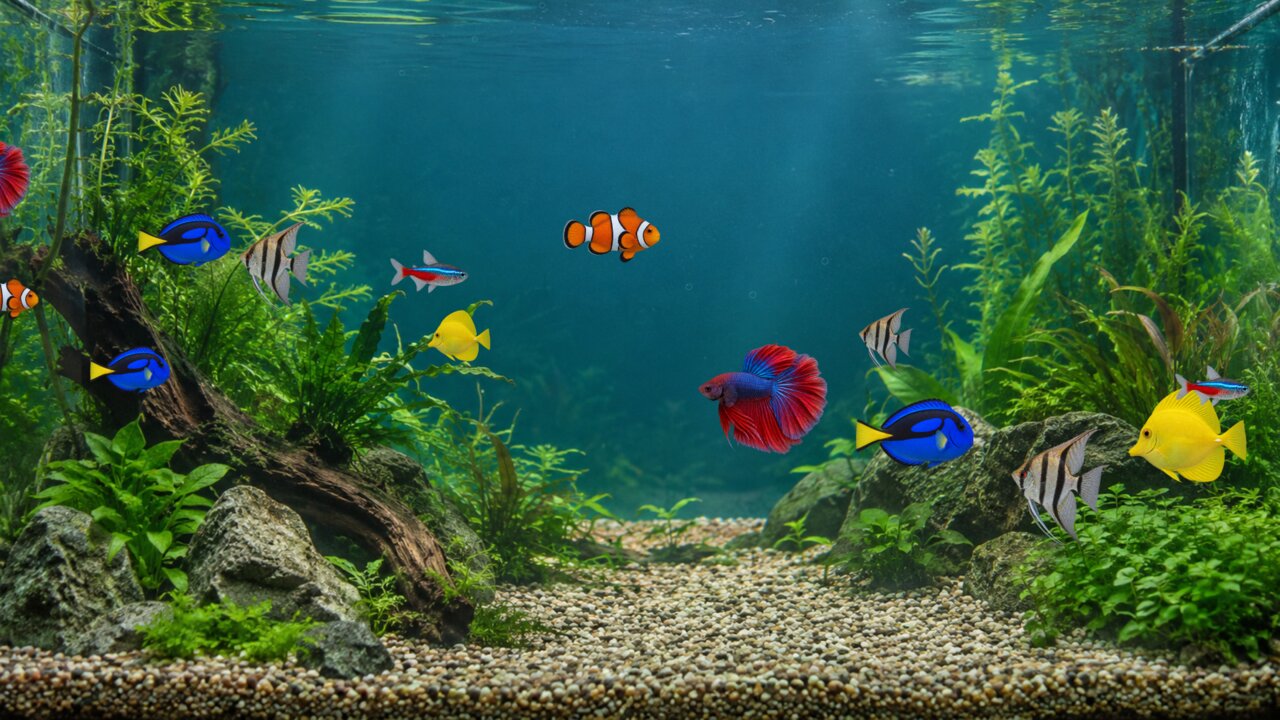




The command line