

Watch live TV and manage your Fire TV with a desktop app or CLI.






| Desktop App | CLI App |
|---|---|
| Watch live TV and manage your Fire TV through a graphical interface. | Manage your Fire TV through guided terminal menus or command flags. |
| Download for your computer | Install the CLI |
Table of Contents
Desktop App
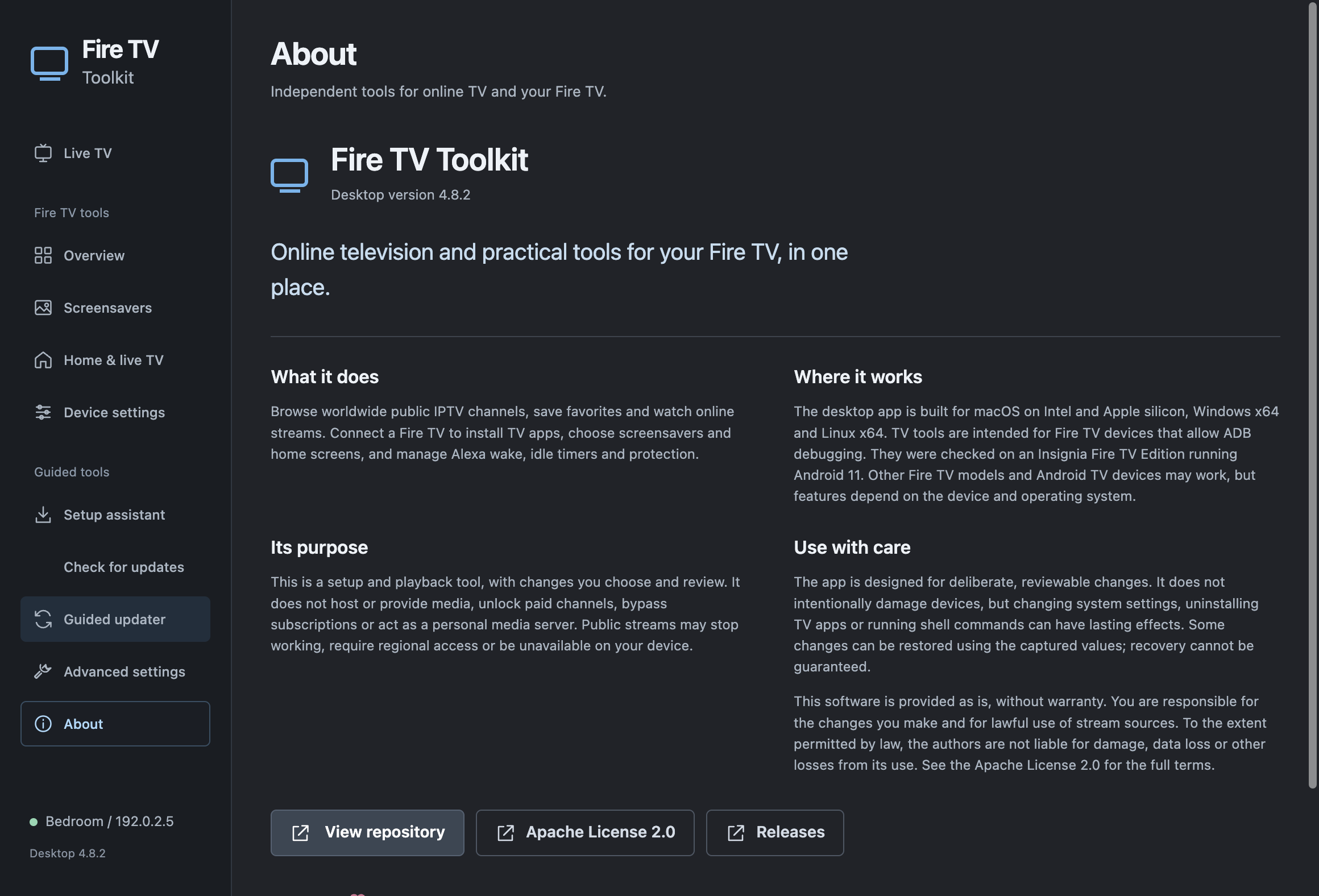
Browse live channels, save favorites and named TVs, and manage screensavers, Home screens and TV settings.
| macOS | Windows | Linux |
|---|---|---|
| Apple silicon DMG | Windows x64 installer | AppImage |
| Intel DMG | Debian package |
The graphic downloads the Apple silicon Mac app. Choose your platform above for another installer. Desktop installers include ADB and the app runtime; they are currently unsigned. See the desktop guide for installation and use.
CLI App
Use guided menus or individual commands from your terminal. Requires Node.js 18 or later on macOS or Linux.
git clone https://github.com/jeremykenedy/fire-tv-toolkit.git
cd fire-tv-toolkit
node setup.js
Setup installs dependencies and links the commands after you confirm. Run start to open the guided menu.
start
firetv-screensavers
fire-iptv --install
See TV setup for ADB debugging and upgrades, or the command reference for every command and flag.
Features
| Feature | What it does |
|---|---|
| Desktop live TV | Browse worldwide IPTV channels, filter sources and save favorites. |
| TV guide and sports | Install fire-iptv or OwnTV on your TV. |
| Screensavers | Install ad-free screensavers and choose one from your computer or TV. |
| Saved TVs | Name, edit and switch TV addresses before connecting. |
| Home screens | Choose Fire TV UI, AT4K, LTvLauncher or Amazon Home. |
| Shared HD icons | Send matching input icons with UI installs and updates. |
| Alexa wake | Keep Alexa able to reach the TV during sleep. |
| Idle timers | Change sleep and screensaver delays. |
| Setup protection | Restore selected settings when Fire OS changes them. |
| Published app updates | Check and install Toolkit and installed TV app updates. |
| Guided setup | Review app and setting changes before applying them. |
| Diagnostics | Inspect device and screensaver state or use the optional TV terminal. |
| Restore settings | Restore captured settings and remove selected apps. |
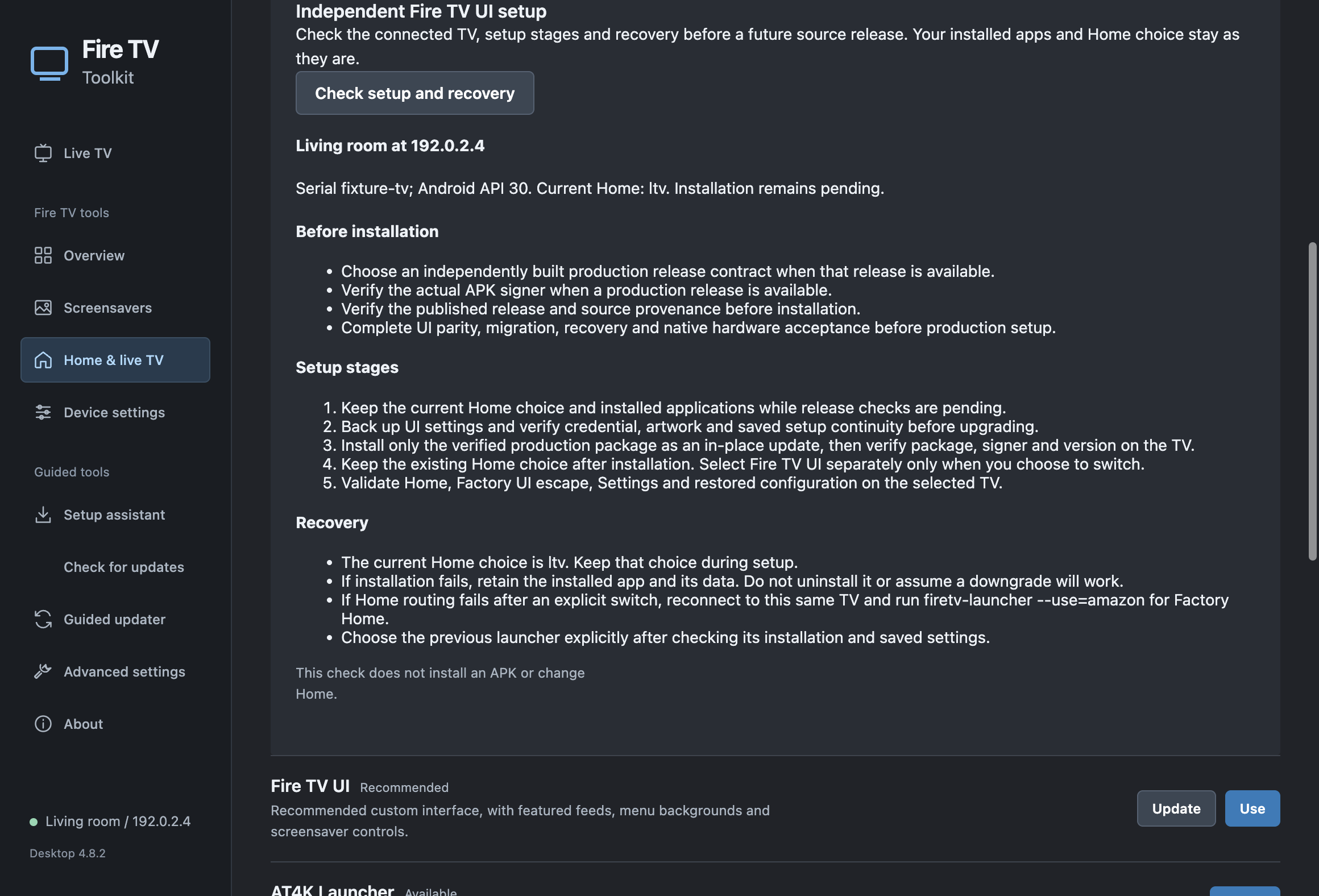
See the feature guide for behavior and limits, or browse the screenshot gallery.
Platform support
| Platform | Status |
|---|---|
| macOS desktop | Intel and Apple silicon packages; native app checks in CI. |
| Windows and Linux desktop | Native installation, playback and removal checked in CI. |
| Terminal CLI | macOS tested; Linux tests pass in CI. Windows CLI is unsupported. |
| Fire TV Edition | Tested on Insignia AFTDEC012E, Fire OS 8.1.8.5. |
| Fire TV Stick and Cube | Not yet tested. |
Requirements
- Desktop IPTV playback works without a TV connection.
- Fire TV tools need a TV on the same network with ADB debugging enabled.
- The CLI needs Node.js 18 or later and ADB; setup can install ADB for you.
Documentation
| Guide | Contents |
|---|---|
| All documentation | Complete guide and release index. |
| Desktop app | Downloads, playback, setup and removal. |
| TV setup | Developer mode, ADB debugging and CLI upgrades. |
| Features | Feature details, defaults and limitations. |
| Screensavers | Available apps, install IDs and verified downloads. |
| Commands | CLI commands and flags. |
| Published updates | Check versions, replace TV apps and update Toolkit. |
| Integrations | Connected apps, services and upstream sources. |
| Screenshots | Desktop, TV, screensaver and terminal galleries. |
| Troubleshooting | Connection and settings problems. |
| Development | Source builds, tests and release preparation. |
| Changelog | Changes and upgrade notes. |
License
This project is licensed under the Apache License 2.0.